
This page is not an official page of the app or its developer, but an independent editorial publication created for informational and commentary purposes. Unless expressly stated otherwise, neither the app nor its developer is affiliated with, endorsed by, sponsored by, authorized by, or otherwise officially connected with MWM, Apple, Google Play, the app publisher, or the app's developer, and nothing on this page implies that the app was developed using MWM's services. Any trademarks, logos, screenshots, and other content remain the property of their respective owners.
Mono Lab
No color. No distraction. Explore the unexpected with 80+ experimental tools designed to push light, bend topology, and transform images into monochromatic art.
Downloads
0User Rating
Total Ratings
0Publisher
Category
Photo & VideoLocales
1Latest Version
1.6Size
45.4 MBFirst Released
Feb 18, 2026The Engine of Pure Form
Step into a monochromatic laboratory where light is sculpted, not just captured. From topology drift to vector exports, every tool is built for the experimental creator.
Topology & Structural Drift
Bend, warp, and fracture your images. Push light to its limits to create sculptural relief and high-concept brutalist distortions.
Professional Vector Exports
Designed for the design studio. Generate high-fidelity vector assets from your experiments, perfect for large-scale print, posters, and apparel.
The following screenshots and description are sourced directly from the app's official store listing and are the property of the app developer.
App Store
Screenshots
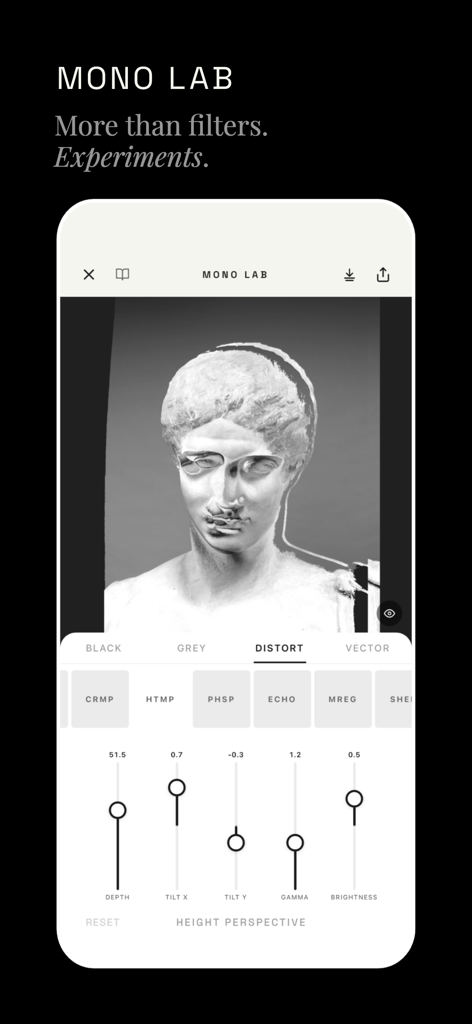
A black and white photo of a classical bust being edited with distortion sliders in the Mono Lab app.
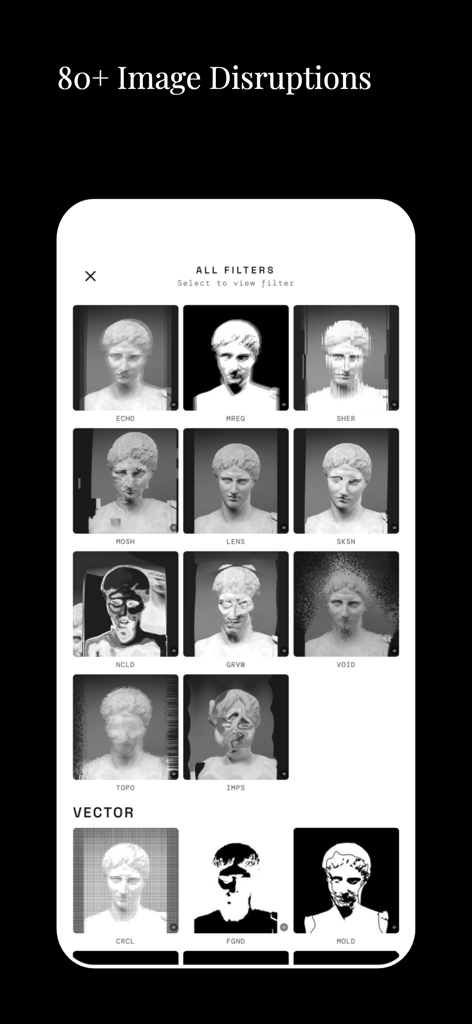
Interface of the Mono Lab app showing a selection of black and white image disruption filters and vector effects applied to a sculpture bust.
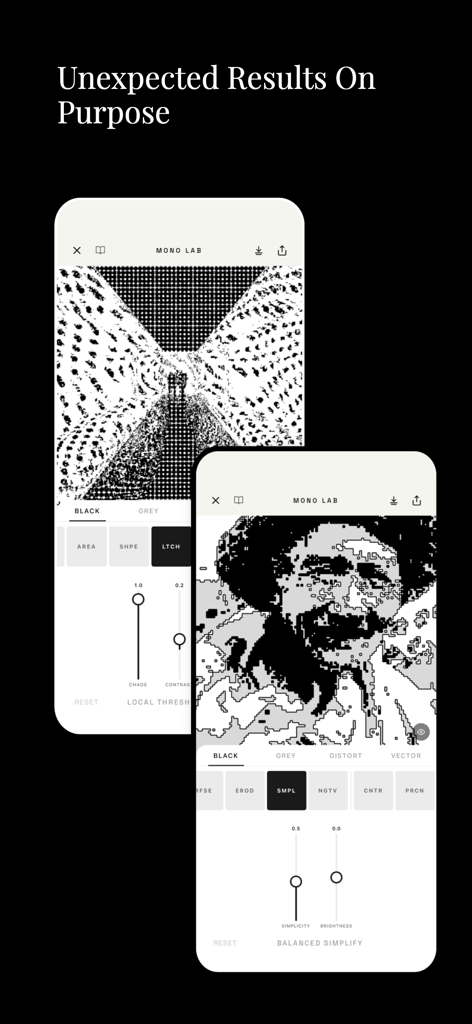
Two iPhones displaying the Mono Lab interface with high contrast black and white image processing and distortion tools
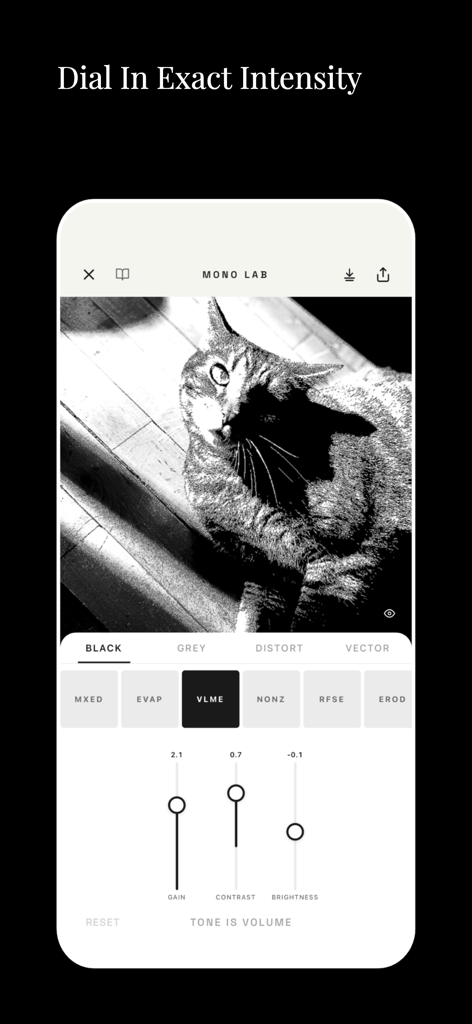
Mono Lab app interface editing a black and white cat photo with intensity sliders for gain contrast and brightness
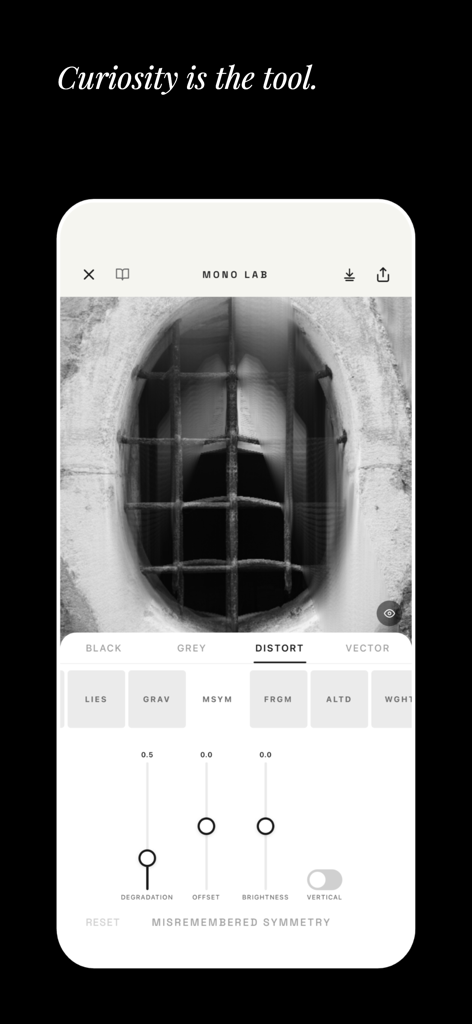
Mono Lab app user interface showing experimental black and white photo distortion filters and adjustment sliders
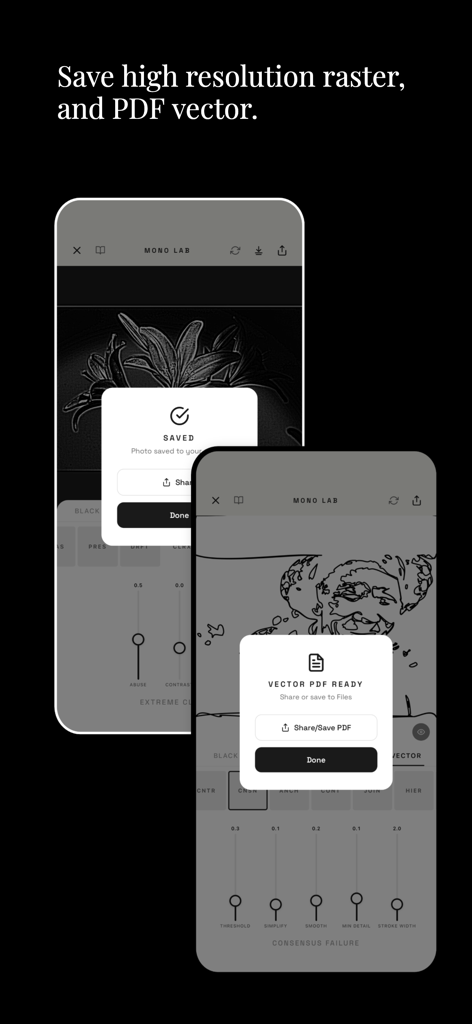
Interface of Mono Lab app showing high resolution raster and PDF vector save options
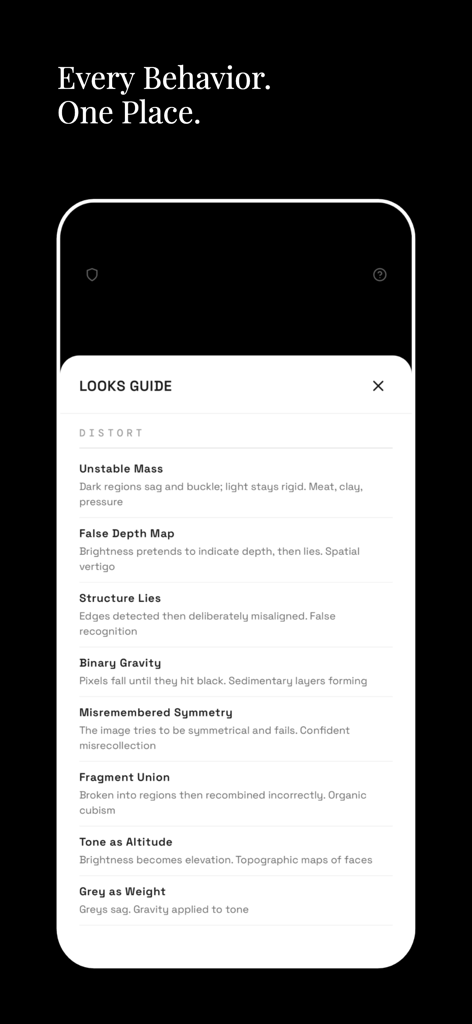
Mono Lab app screen displaying a list of monochromatic distortion filters in the Looks Guide
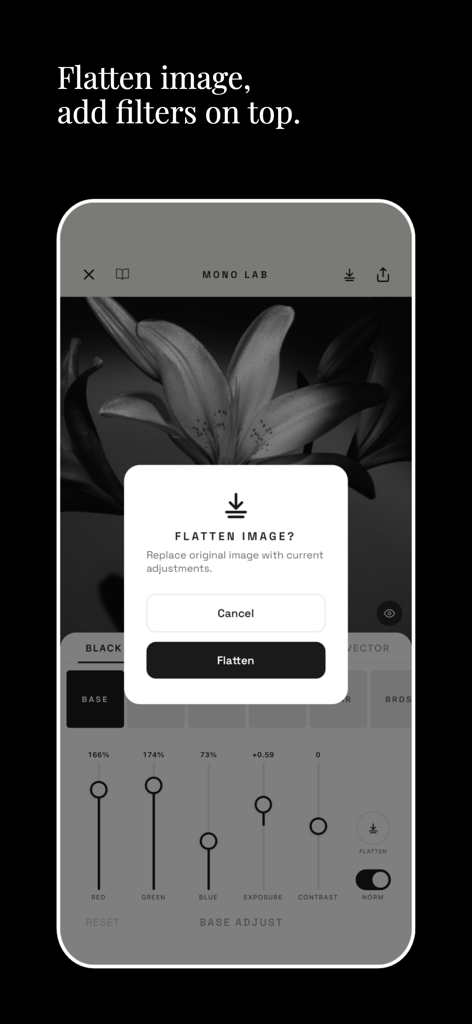
Mono Lab app interface showing the flatten image feature to stack monochromatic filters on a floral photo.
Description
Download
More Like This
Top-ranked apps in the same category

CapCut: Photo & Video Editor
BYTEDANCE PTE. LTD.

Instagram, Inc.

YouTube
Google LLC
Canva: AI Photo & Video Editor
Canva Pty Ltd

快手
Beijing Kwai Technology Co., Ltd.

Snapchat
Snap, Inc.

Meta AI - Vibes & AI Glasses
Meta Platforms, Inc.

Edits: Video Editor
Instagram, Inc.

Meitu- AI Photo & Video Editor
Xiamen Meitu Technology Co., Ltd.
This page is not an official page of the app or its developer, but an independent editorial publication created for informational and commentary purposes. Unless expressly stated otherwise, neither the app nor its developer is affiliated with, endorsed by, sponsored by, authorized by, or otherwise officially connected with MWM, Apple, Google Play, the app publisher, or the app's developer, and nothing on this page implies that the app was developed using MWM's services. Any trademarks, logos, screenshots, and other content remain the property of their respective owners.