
This page is not an official page of the app or its developer, but an independent editorial publication created for informational and commentary purposes. Unless expressly stated otherwise, neither the app nor its developer is affiliated with, endorsed by, sponsored by, authorized by, or otherwise officially connected with MWM, Apple, Google Play, the app publisher, or the app's developer, and nothing on this page implies that the app was developed using MWM's services. Any trademarks, logos, screenshots, and other content remain the property of their respective owners.


Monoprice Whole Home Audio
The prosumer's choice for controlling Monoprice and Dayton Audio hardware. Take total control over 18 zones and 6 sources with granular volume, EQ, and power management directly from your iPhone or iPad.
Downloads
5K+User Rating
Total Ratings
100Publisher
Category
LifestyleLocales
1Latest Version
1.11Size
11.1 MBFirst Released
Oct 28, 2016Total Command of Your Multi-Zone Audio
Transform your iPhone or iPad into a powerful command center for your Monoprice and Dayton Audio controllers, bringing professional-grade control to your DIY smart home.
18-Zone Precision Management
Seamlessly control up to 18 zones and 6 audio sources from a single interface, ensuring complete mastery over your entire home's acoustic environment.
Granular Audio Customization
Fine-tune the vibe in every room with independent volume, bass, and treble controls per zone, delivering a tailored listening experience for every space.
The following screenshots and description are sourced directly from the app's official store listing and are the property of the app developer.
App Store
Screenshots
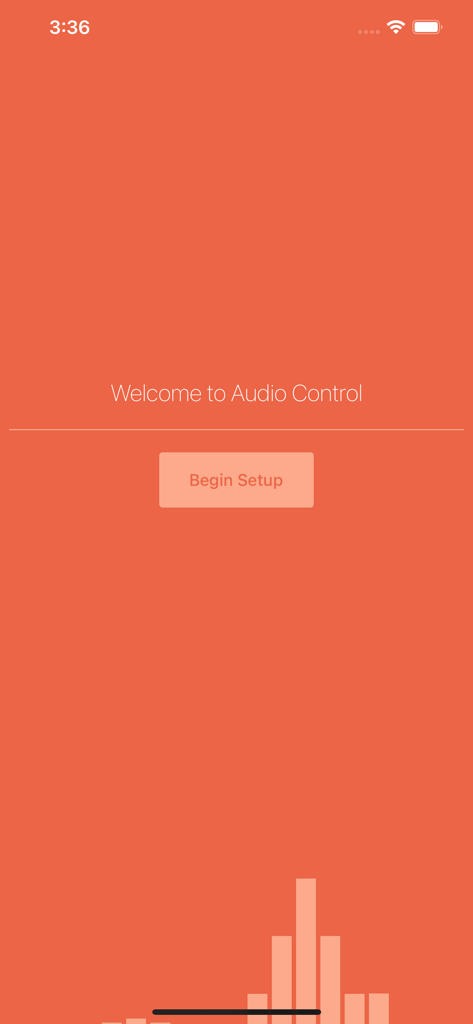
Welcome screen for the Monoprice Whole Home Audio app with an orange background and a begin setup button.
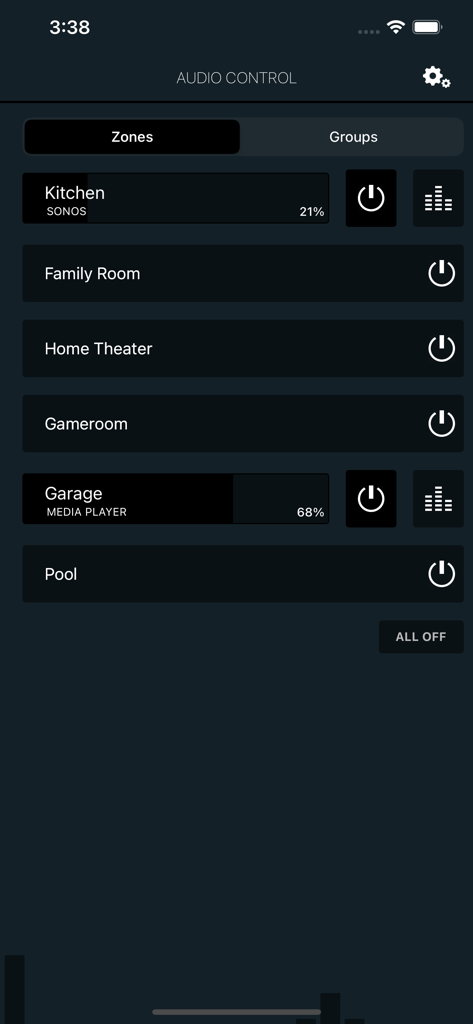
Dashboard of the Monoprice Whole Home Audio app displaying a list of house zones with volume and power controls
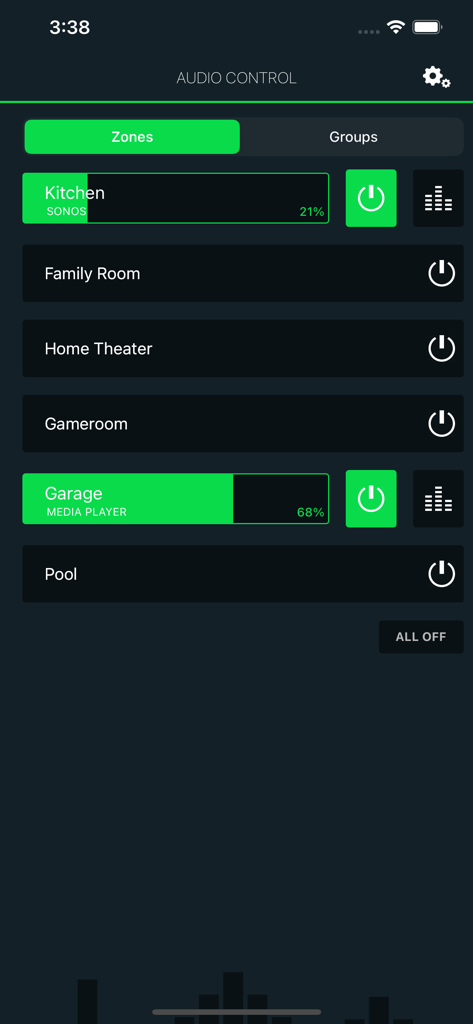
Monoprice Whole Home Audio app interface showing multi zone volume and power controls for various rooms
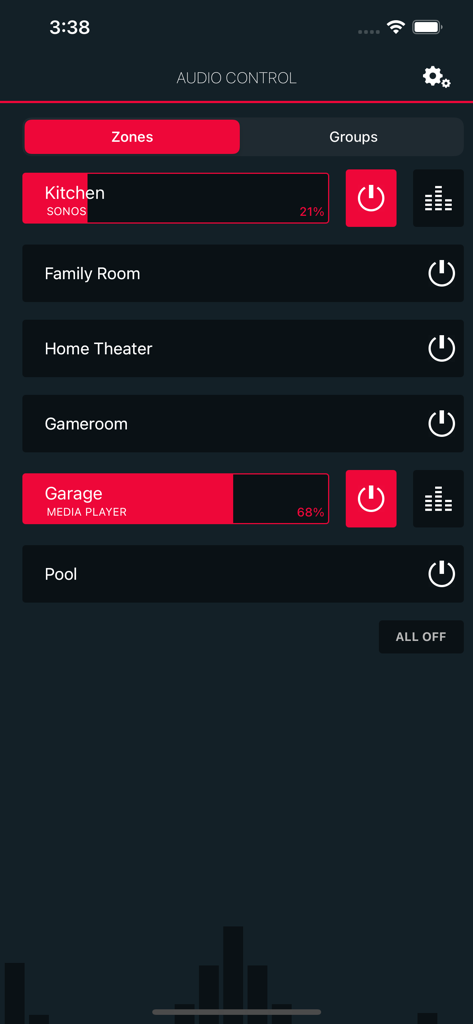
Multi-zone audio control interface for home automation showing volume and power buttons for different rooms.
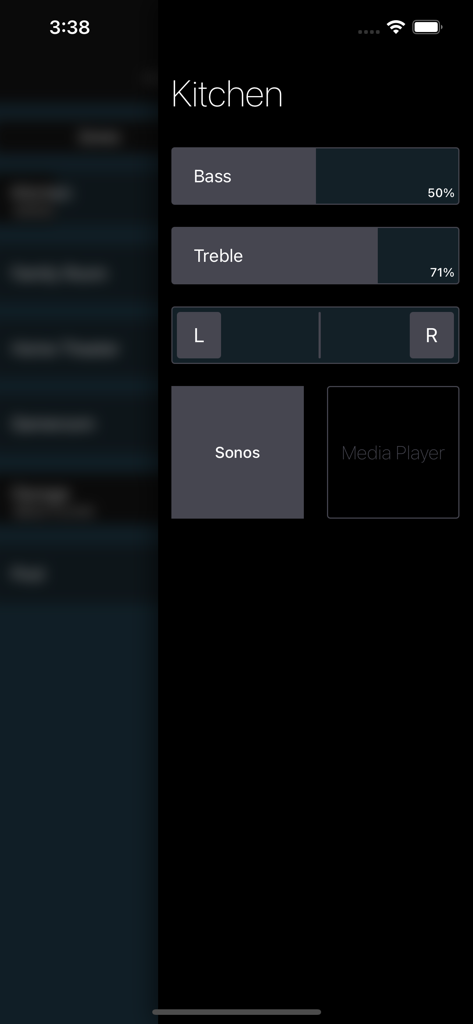
Kitchen zone audio control screen showing bass and treble adjustments
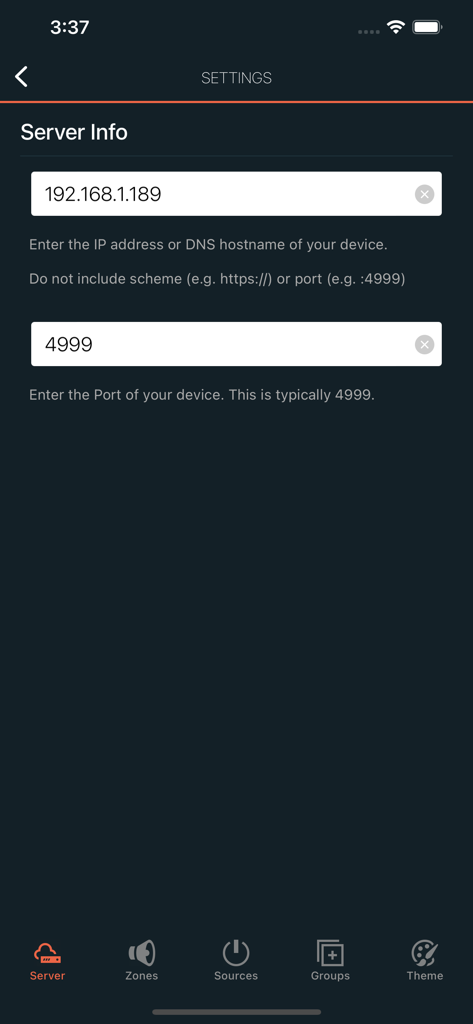
Server info settings screen for Monoprice Whole Home Audio showing IP address and port configuration fields
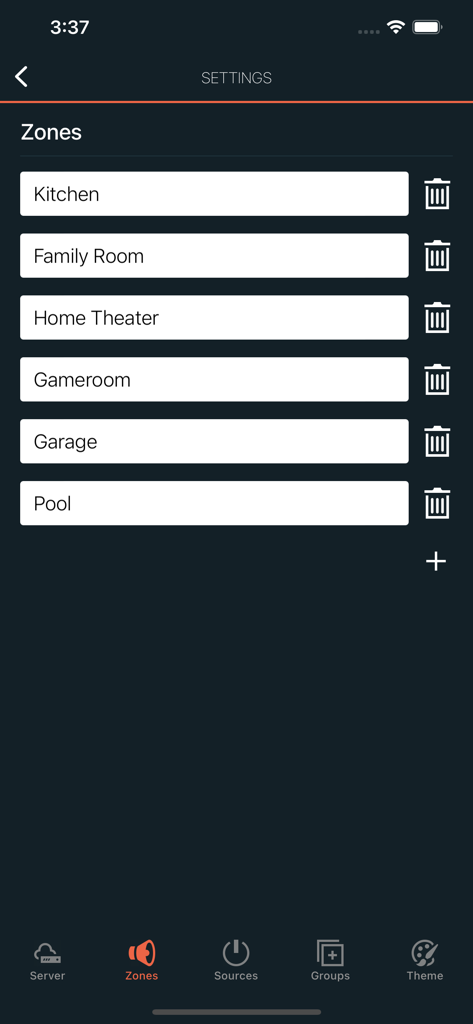
Settings screen in the Monoprice Whole Home Audio app showing a list of configured audio zones like Kitchen Family Room and Home Theater
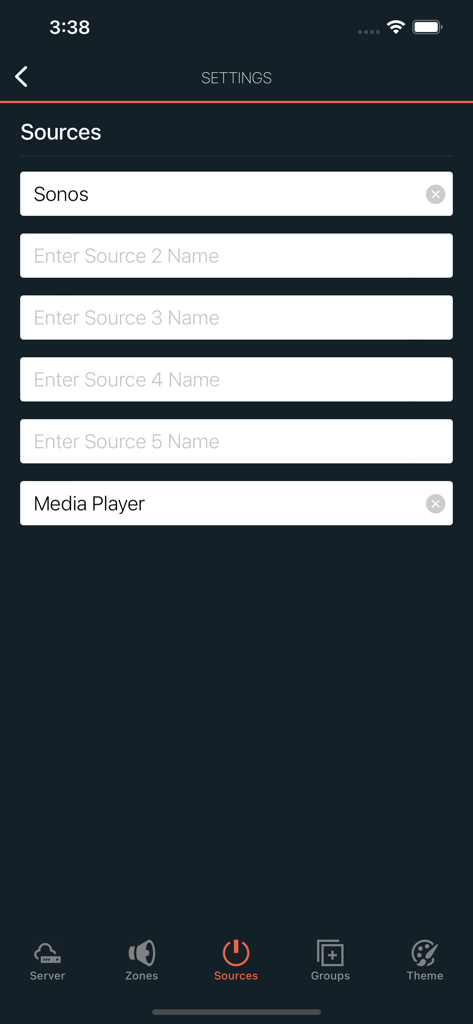
Audio sources configuration screen in the Monoprice app showing Sonos and Media Player options
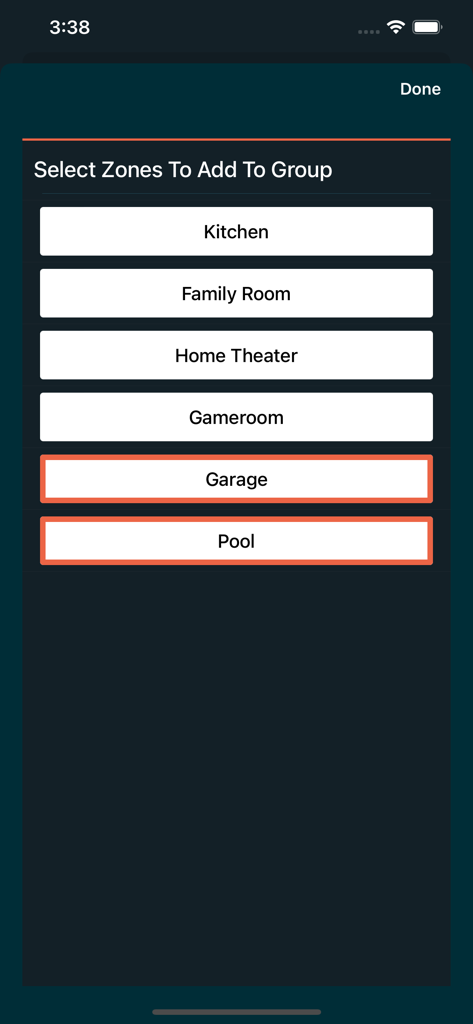
Interface for selecting and grouping audio zones like Garage and Pool in the Monoprice app.
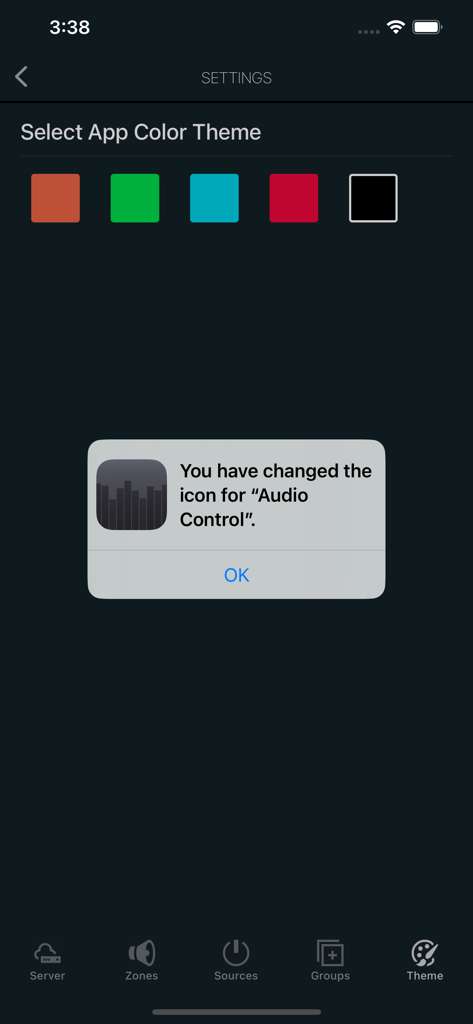
App settings screen showing color theme selection options and a popup confirmation for changing the app icon.
Description
Download
More Like This
Top-ranked apps in the same category

Pinterest, Inc.

Alipay - Simplify Your Life
Alipay (Hangzhou) Technology Co., Ltd.

美团-美好生活小帮手
Sankuai Technology Co., Ltd.

Dianping: Discover Good Places
Hanhai Information Technology (Shanghai) Co.Ltd

Lemon8 - Lifestyle Community
TIKTOK PTE. LTD.

Xiaomi Home
Beijing Xiaomi Co., Ltd

Tinder Dating App: Date & Chat
Tinder LLC

VNeTraffic
GLOBAL TECHNOLOGY - TELECOMMUNICATIONS CORPORATION

SmartThings
Samsung Electronics Co., Ltd.
This page is not an official page of the app or its developer, but an independent editorial publication created for informational and commentary purposes. Unless expressly stated otherwise, neither the app nor its developer is affiliated with, endorsed by, sponsored by, authorized by, or otherwise officially connected with MWM, Apple, Google Play, the app publisher, or the app's developer, and nothing on this page implies that the app was developed using MWM's services. Any trademarks, logos, screenshots, and other content remain the property of their respective owners.