Motion Blur: Photo, Background
Download on App Store

This page is not an official page of the app or its developer, but an independent editorial publication created for informational and commentary purposes. Unless expressly stated otherwise, neither the app nor its developer is affiliated with, endorsed by, sponsored by, authorized by, or otherwise officially connected with MWM, Apple, Google Play, the app publisher, or the app's developer, and nothing on this page implies that the app was developed using MWM's services. Any trademarks, logos, screenshots, and other content remain the property of their respective owners.


Logo of Motion Blur: Photo, Background
Download on App Store

Motion Blur: Photo, Background

Elevate your aesthetic with AI-powered background blur and cinematic motion. Transform your mobile photos into high-end DSLR masterpieces in just one tap.

Key Figures

Downloads

0

User Rating

4.5/5

Total Ratings

0

Publisher

PRODEKS UA, TOV

Category

Photo & Video

Locales

1

Latest Version

1.0.5

Size

280.4 MB

First Released

Jun 18, 2024
Features

Elevate Your Social Aesthetic

Transform ordinary iPhone shots into high-end DSLR masterpieces with AI-powered blur effects and artistic motion.

Instant DSLR Depth

Achieve the professional bokeh look and make your subjects pop with precision background blurring.

Dynamic Motion Effects

Add energy and speed to your photos with artistic streaks—perfect for cars, sports, and street style.

The following screenshots and description are sourced directly from the app's official store listing and are the property of the app developer.

App Store

Screenshots
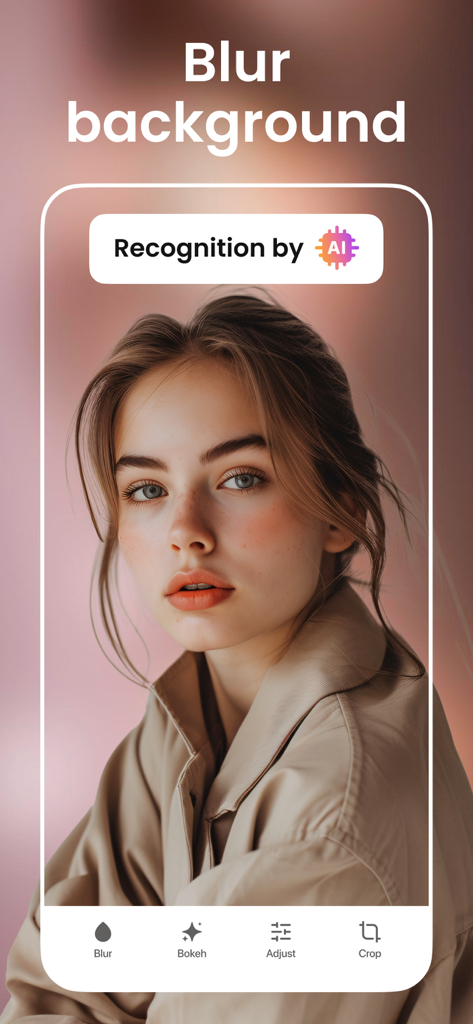
Motion Blur: Photo, Background - App interface showing a professional AI-powered background blur on a portrait photo
App interface showing a professional AI-powered background blur on a portrait photo

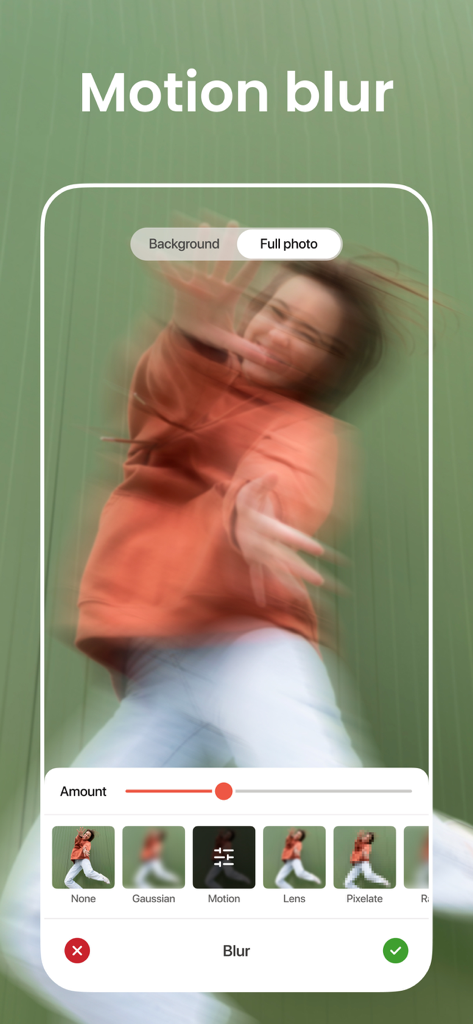
Motion Blur: Photo, Background - Interface of the Motion Blur app showing a full photo motion effect applied to a person with editing sliders and filter options
Interface of the Motion Blur app showing a full photo motion effect applied to a person with editing sliders and filter options

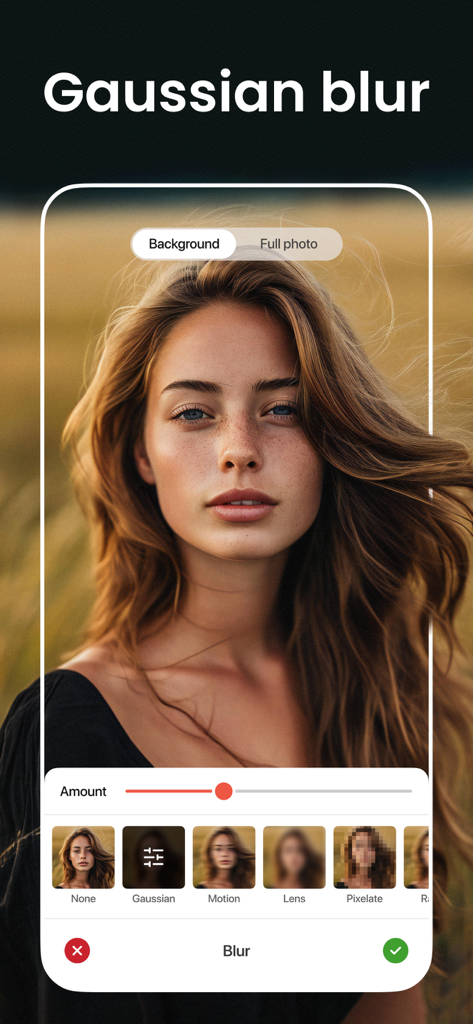
Motion Blur: Photo, Background - Interface of Motion Blur app showing a woman's portrait with a Gaussian blurred background and an adjustment slider
Interface of Motion Blur app showing a woman's portrait with a Gaussian blurred background and an adjustment slider

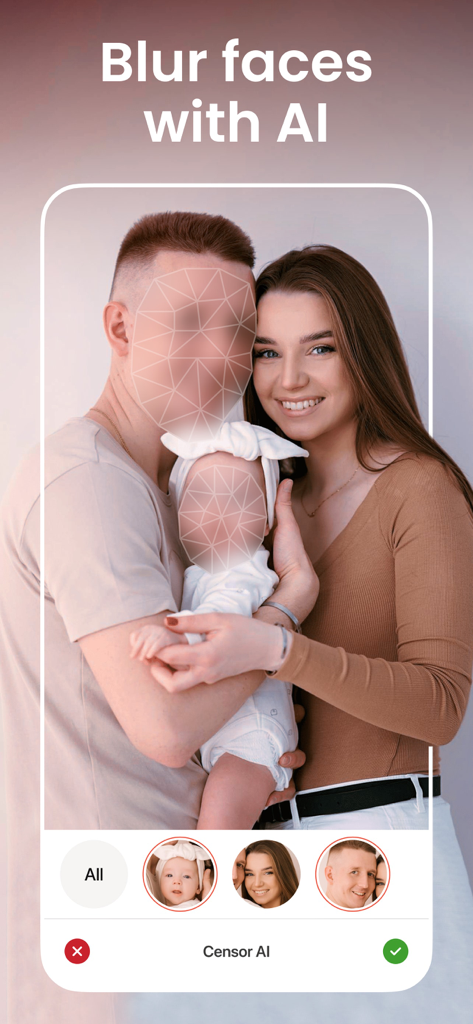
Motion Blur: Photo, Background - A family photo in the Motion Blur app showing the AI face blurring feature being used to censor faces.
A family photo in the Motion Blur app showing the AI face blurring feature being used to censor faces.

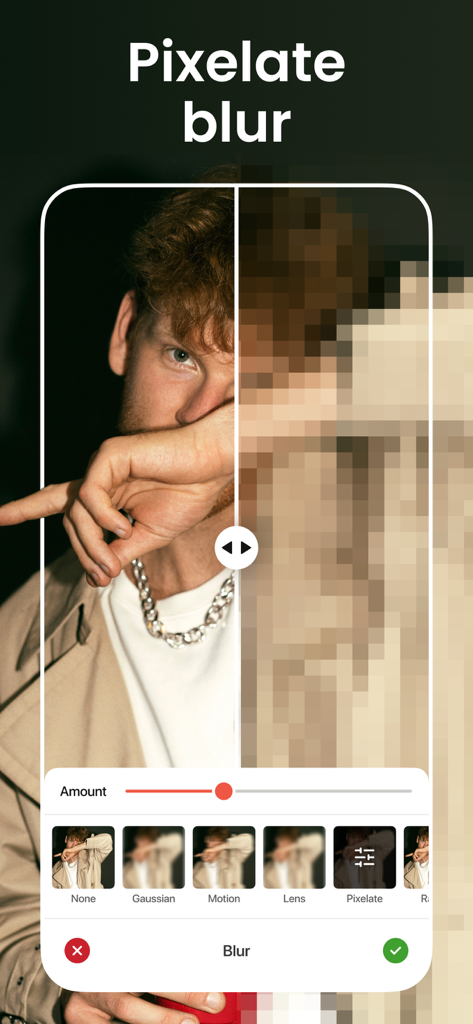
Motion Blur: Photo, Background - A mobile interface showing a portrait photo with a pixelated blur effect and an intensity slider
A mobile interface showing a portrait photo with a pixelated blur effect and an intensity slider

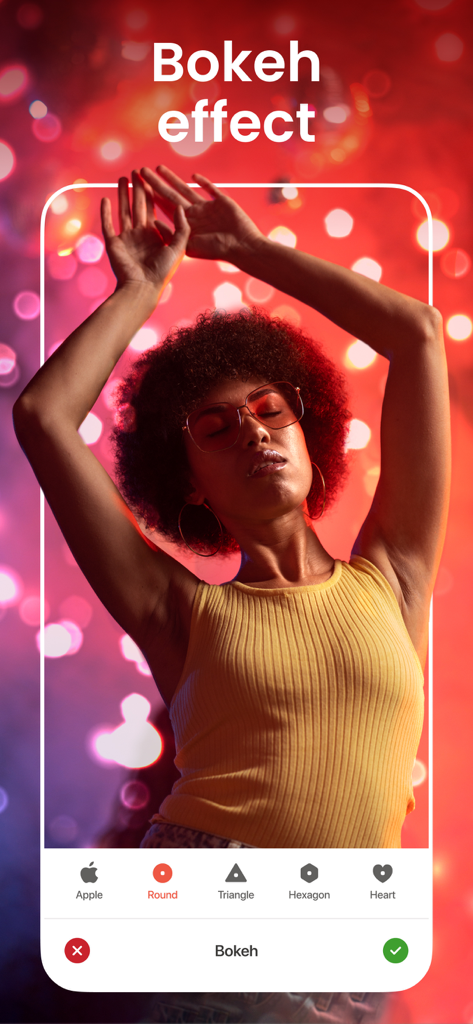
Motion Blur: Photo, Background - A woman with an afro and glasses in front of a red and purple bokeh background using the Motion Blur app.
A woman with an afro and glasses in front of a red and purple bokeh background using the Motion Blur app.

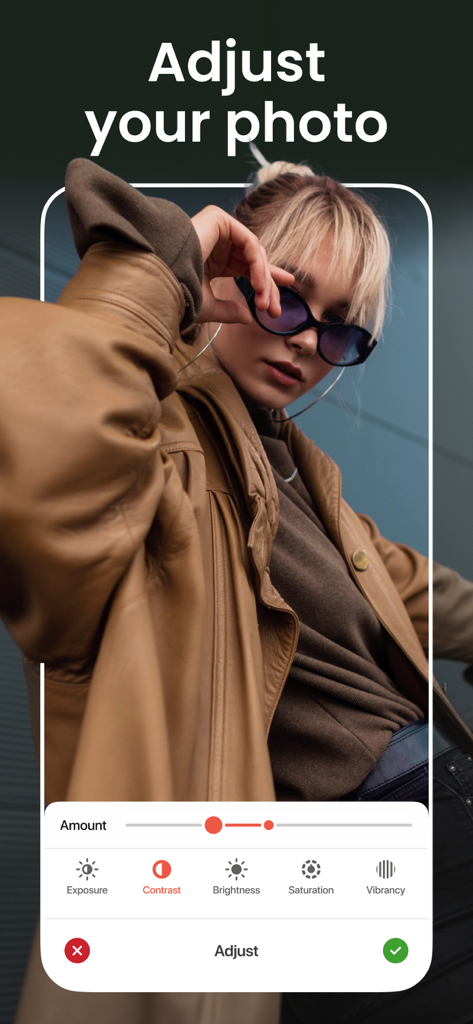
Motion Blur: Photo, Background - Mobile app interface showing photo adjustment tools for contrast and brightness on a portrait photo

Mobile app interface showing photo adjustment tools for contrast and brightness on a portrait photo

Description

Motion Blur Photo — is the ultimate solution for adding captivating blur effects to your photos with ease. Whether you want to blur the background, fix blurry images, or add artistic motion effects, this app has you covered. With a user-friendly interface and powerful editing tools, creating stunningly blurred photos has never been simpler. KEY FEATURES ・ Blur Photo Editor: Effortlessly enhance your images by selectively blurring specific areas or the entire photo. Fine-tune the blur intensity and control the focal point with precision. ・ Motion Blur Effects: Add dynamic motion effects to your photos to create the illusion of movement. From subtle blurs to dramatic streaks, unleash your creativity and make your images come alive. ・ Blur Background: Transform ordinary backgrounds into dreamy, out-of-focus landscapes with just a few taps. Choose from various blur intensities to achieve the perfect effect for your photos. ・ Face Blur: Protect privacy or add a touch of mystery by blurring faces in your photos. Our advanced face detection technology ensures accurate and seamless results every time. ・ Auto Blur: Let the app automatically detect and blur background elements or faces, saving you time while ensuring professional-quality results. ・ Point Blur: Highlight focal points in your photos by blurring the surrounding areas. Adjust the blur radius and shape to create visually striking images with depth and dimension. Motion Blur Photo is your go-to app for enhancing photos with professional-quality blur effects and motion enhancements. Whether you're a photography enthusiast, social media influencer, or casual user, our app offers the tools you need to elevate your images. Download now and unlock endless possibilities for creative expression! Upgrade to a premium account and unlock all premium features. You can get unlimited access to all the advanced features (such as different blurs/bokeh) by signing up for a weekly, monthly, or yearly plan in the app. There is also a free 3-day trial to see what Blur has to offer. Payment will be charged to your Apple ID account at the time of purchase confirmation. Subscriptions are automatically renewed unless canceled at least 24 hours prior to the end of the current period. Your account will be charged for the renewal within 24 hours of the end of the current period. You can manage and cancel your subscriptions by going to your account settings in the App Store after purchase. Privacy Policy: https://sites.google.com/prodex.net.ua/blur/privacy-policy Terms of Use: https://sites.google.com/prodex.net.ua/blur/terms-of-use Standard Apple Terms of Use (EULA): https://www.apple.com/legal/internet-services/itunes/dev/stdeula/

Download

Download on App Store

This page is not an official page of the app or its developer, but an independent editorial publication created for informational and commentary purposes. Unless expressly stated otherwise, neither the app nor its developer is affiliated with, endorsed by, sponsored by, authorized by, or otherwise officially connected with MWM, Apple, Google Play, the app publisher, or the app's developer, and nothing on this page implies that the app was developed using MWM's services. Any trademarks, logos, screenshots, and other content remain the property of their respective owners.