
This page is not an official page of the app or its developer, but an independent editorial publication created for informational and commentary purposes. Unless expressly stated otherwise, neither the app nor its developer is affiliated with, endorsed by, sponsored by, authorized by, or otherwise officially connected with MWM, Apple, Google Play, the app publisher, or the app's developer, and nothing on this page implies that the app was developed using MWM's services. Any trademarks, logos, screenshots, and other content remain the property of their respective owners.

Motion Track: After Effect VFX
Create viral lock-on shots and cinematic stabilized videos in seconds. Bring professional After Effects-style tracking to your iPhone—no complex desktop software required.
Downloads
0User Rating
Total Ratings
0Publisher
Category
Photo & VideoLocales
1Latest Version
3.36Size
149.5 MBFirst Released
Apr 9, 2023Unlock Pro-Level VFX on Mobile
Transform your raw footage into high-end social content with the industry's most powerful motion tracking and stabilization tools, designed for the next generation of creators.
Viral Lock-On Stabilization
Get the 'locked-on' look seen in top dance and sports trends. Keep any subject perfectly centered while the background moves for an instantly professional aesthetic.
AI-Powered Smart Reframe
Stop wasting time on manual crops. Automatically detect faces or bodies and reframe horizontal footage into high-impact 9:16 vertical clips for TikTok and Reels.
The following screenshots and description are sourced directly from the app's official store listing and are the property of the app developer.
App Store
Screenshots
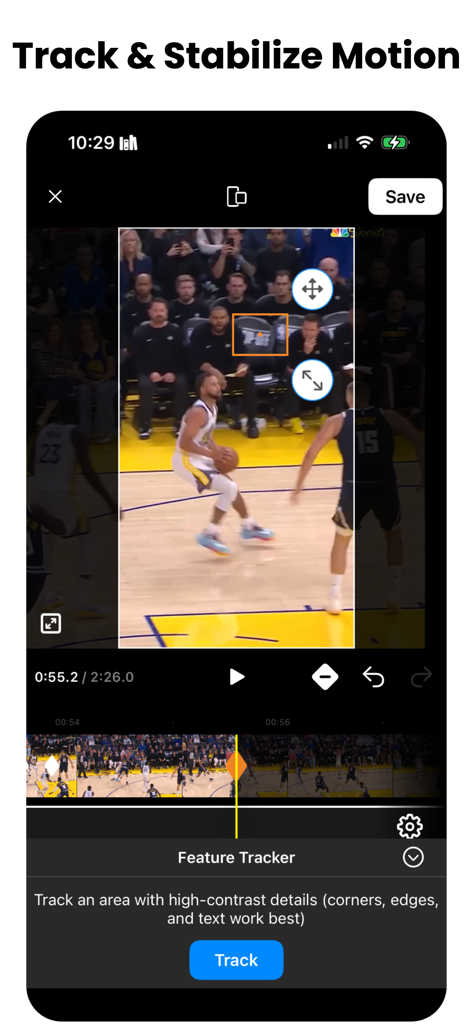
Interface of the Motion Track app showing a motion tracking feature used on a basketball video for stabilization.
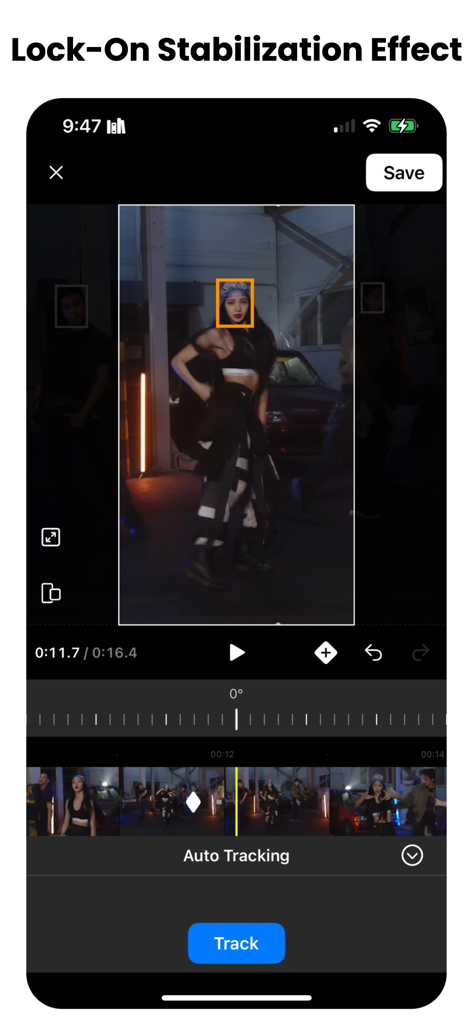
A video editing interface showing the lock-on stabilization effect with a tracking box on a dancer.
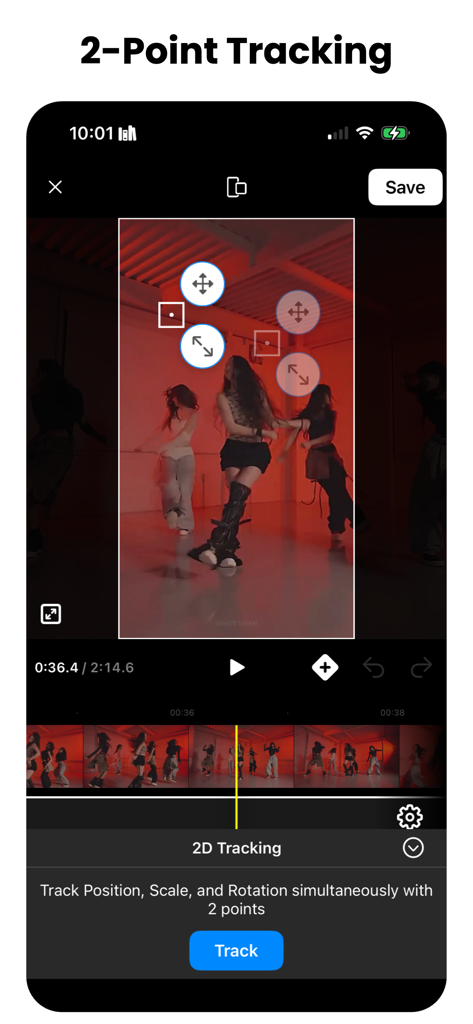
Interface of the Motion Track app showing 2-point tracking on a dance video to adjust position scale and rotation
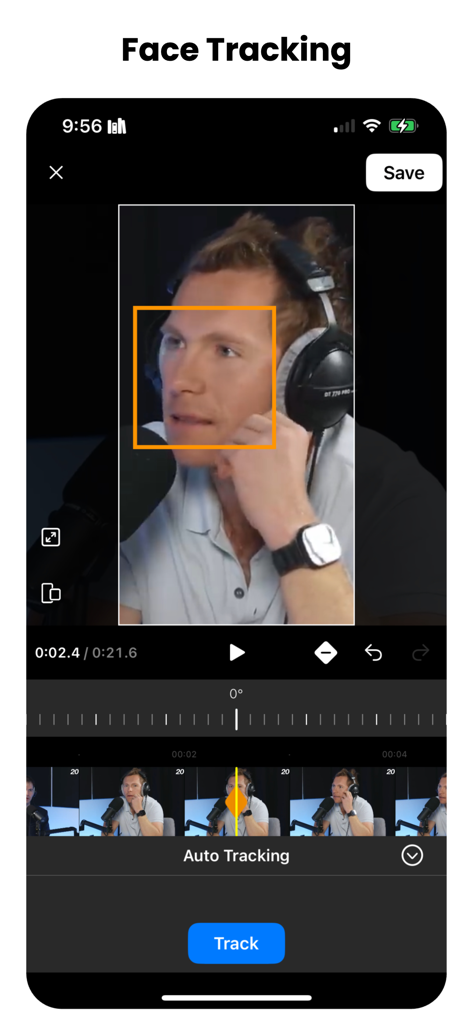
A mobile app interface displaying a video editing screen with an orange box highlighting a person face for automatic tracking
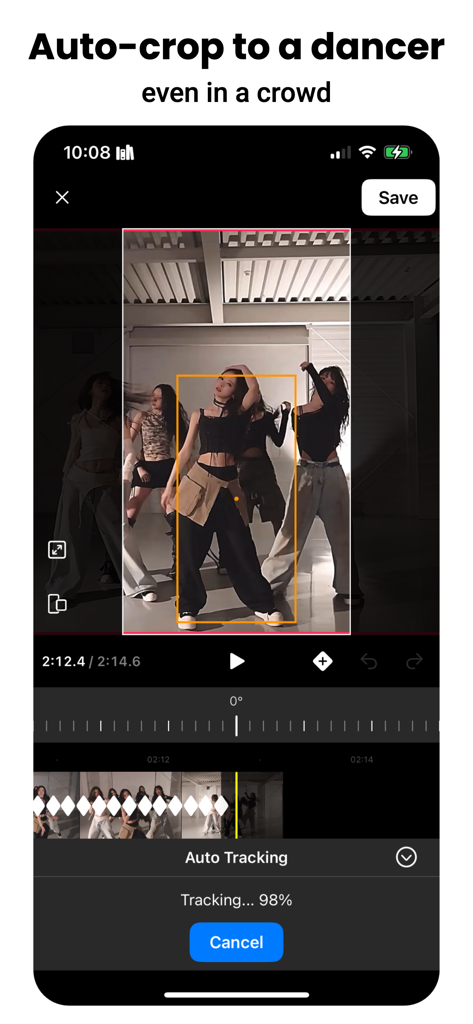
A mobile video editing interface showing the auto-crop feature tracking a dancer in a crowd
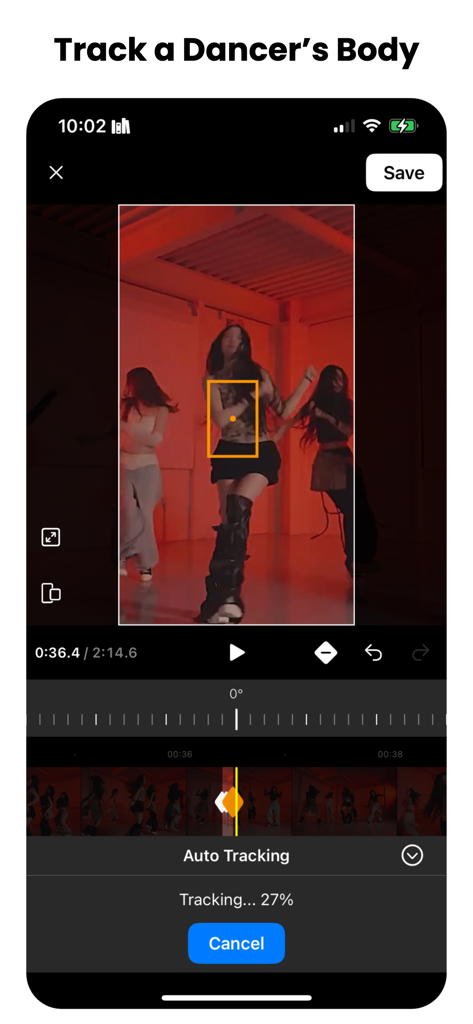
Motion Track app interface showing the auto tracking feature on a dancer body
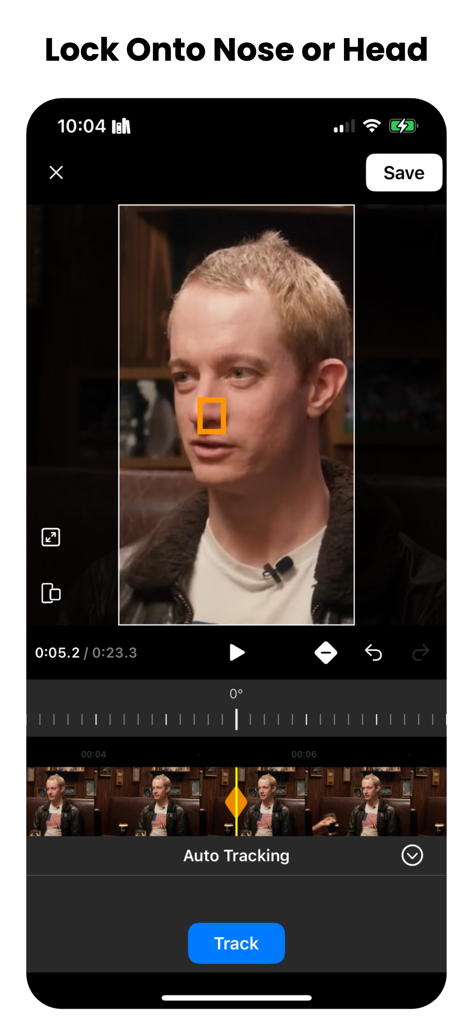
Interface of the Motion Track app showing a video frame with a tracking square locked onto a man's nose for video stabilization.
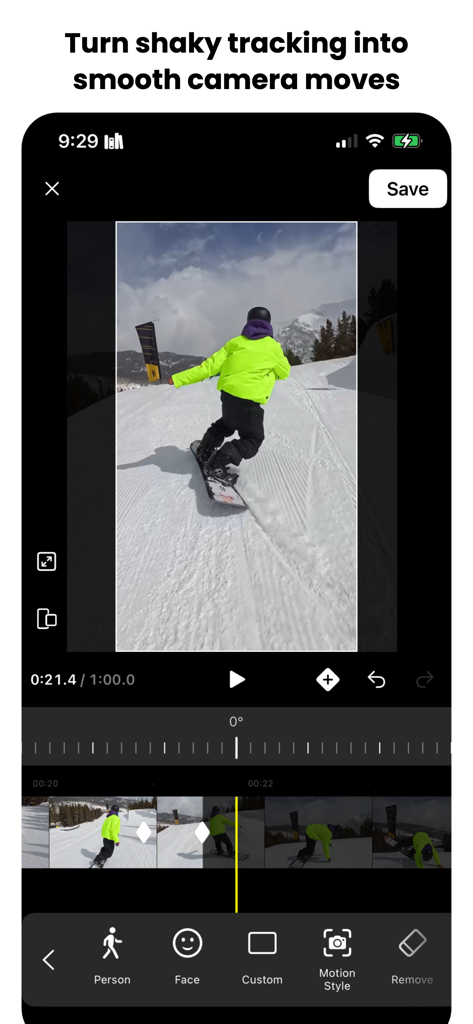
Interface of the Motion Track app showing motion tracking and keyframe editing on a snowboarding video to create smooth camera moves.
Description
Download
More Like This
Top-ranked apps in the same category

CapCut: Photo & Video Editor
BYTEDANCE PTE. LTD.

YouTube
Google LLC

Instagram, Inc.

Canva: AI Photo & Video Editor
Canva Pty Ltd

快手
Beijing Kwai Technology Co., Ltd.

Snapchat
Snap, Inc.

Edits: Video Editor
Instagram, Inc.

Meta AI - Vibes & AI Glasses
Meta Platforms, Inc.

Google Photos: Backup & Edit
Google LLC
This page is not an official page of the app or its developer, but an independent editorial publication created for informational and commentary purposes. Unless expressly stated otherwise, neither the app nor its developer is affiliated with, endorsed by, sponsored by, authorized by, or otherwise officially connected with MWM, Apple, Google Play, the app publisher, or the app's developer, and nothing on this page implies that the app was developed using MWM's services. Any trademarks, logos, screenshots, and other content remain the property of their respective owners.