MOV Converter, MOV to MP4

MOV Converter, MOV to MP4


Download on App Store
Logo of MOV Converter, MOV to MP4

MOV Converter, MOV to MP4: Fast, Free, and Private Video Conversions

Transform your MOV files into MP4, GIF, or AVI with no sign-ups or hidden fees. Enjoy unlimited conversions on your device with pro-level control over every pixel.

Download on App Store

Publisher

Alberto Gonzalez

Category

Utilities

Downloads

5K+

User Rating

1.3/5

Total Ratings

0

Locales

1

Effortless by Design

Discover the interface used by 5K+ users.
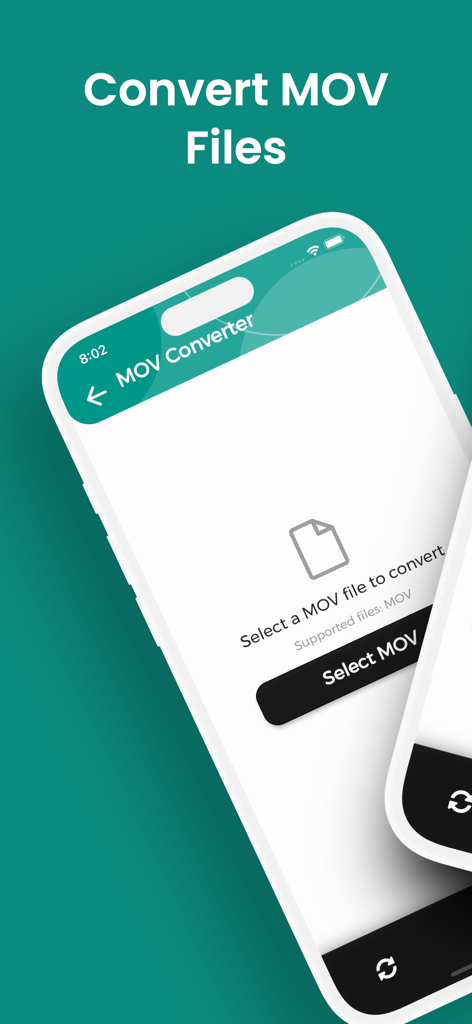
A mobile interface for converting MOV files with a button to select a file from the device.

A mobile interface for converting MOV files with a button to select a file from the device.

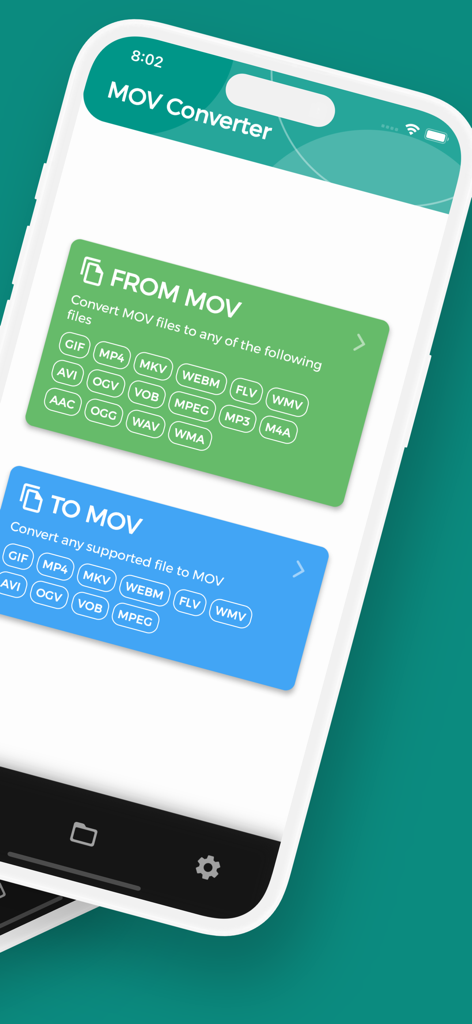
MOV Converter app interface showing conversion options from and to MOV formats.

MOV Converter app interface showing conversion options from and to MOV formats.

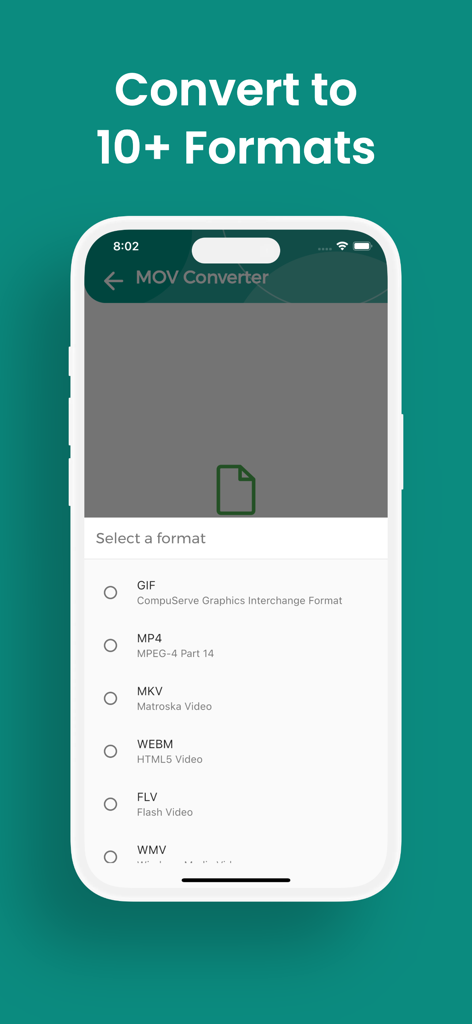
Format selection screen in the MOV Converter app showing options like MP4 and GIF

Format selection screen in the MOV Converter app showing options like MP4 and GIF

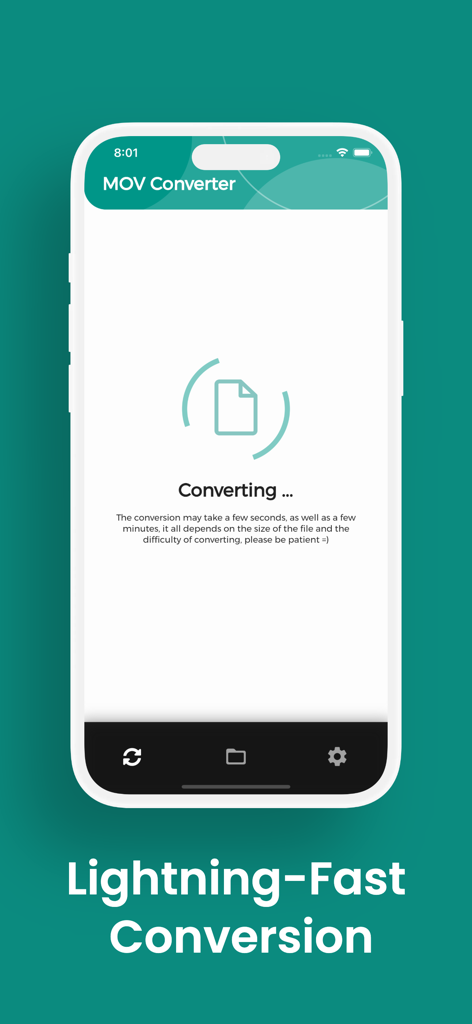
Smartphone screen showing the lightning-fast conversion process in the MOV Converter app

Smartphone screen showing the lightning-fast conversion process in the MOV Converter app

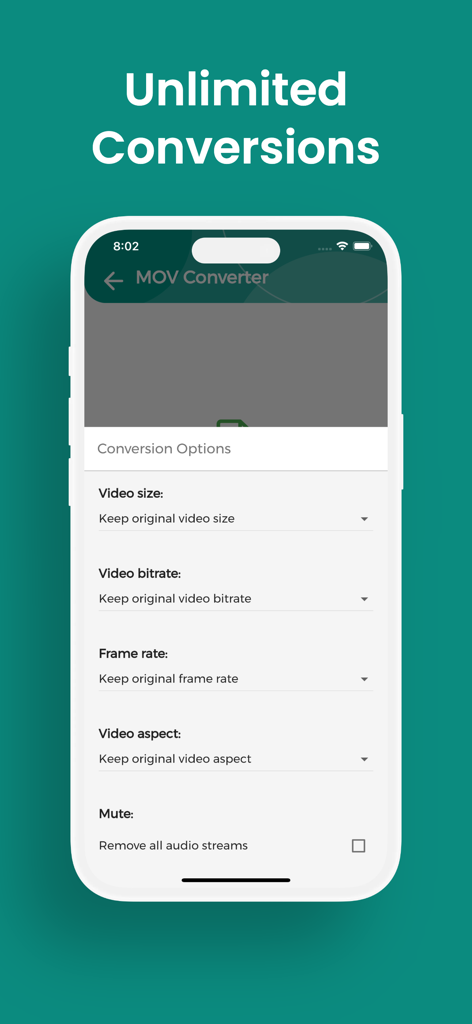
Interface showing unlimited video conversion options including size bitrate and frame rate

Interface showing unlimited video conversion options including size bitrate and frame rate

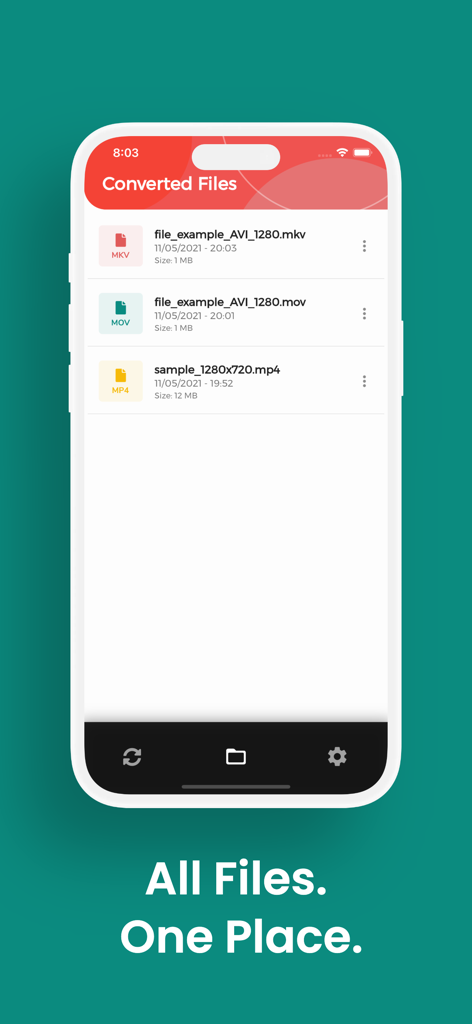
A list of converted video files in various formats like MKV and MP4 within the app

A list of converted video files in various formats like MKV and MP4 within the app

Effortless Conversion for Every Screen

The tools that make this app stand out, trusted by 5K+ users.

Unlimited & Free Forever

Say goodbye to annoying subscriptions and file-size caps. Convert as many videos as you need without ever hitting a paywall or sign-up form.

🔒

Privacy-First Local Engine

Your content stays on your device. Our high-speed local engine processes files without cloud uploads, keeping your data 100% private.

⚙️

Professional Quality Control

Don't sacrifice a single pixel. Fine-tune your bit rate, frame rate, and resolution to ensure your videos look perfect on Windows, PC, or social media.

About the app

Everything you need to know about MOV Converter, MOV to MP4.

Description

Need to convert MOV to MP4, GIF or MKV? With MOV Converter you get unlimited, lightning fast conversions on your iPhone or iPad with no fees, no sign-ups, just perfect videos every time. Stop wrestling with files your device won’t open. MOV Converter lets you flip any MOV or turn dozens of formats back into MOV while preserving every pixel’s quality. • Wide format support – Convert MOV to MP4, GIF, AVI, MKV, FLV, WMV, WEBM, VOB and back again. • Unlimited & free – No file-size caps, quotas, paywalls or subscriptions. • Fast & precise – Local engine optimizes each pixel and sample so even large videos finish in seconds. • Custom output – Choose video size, bit rate, frame rate and aspect ratio before exporting. • Private by design – Files stay on your device; no email or registration required. • Easy file access – Converted items land in the “MOV Converter” folder, ready to share. • Multilingual UI – English, Spanish, French, German, Italian, Portuguese, Russian, Japanese and Chinese. Download MOV Converter today and unlock every MOV file you own, convert, share and enjoy it anywhere!

Latest Version

1.5.14

Size

73.5 MB

First Released

May 13, 2021

Start Converting for Free—No Strings Attached

Stop paying for simple file swaps. Join the creators getting lightning-fast, private, and unlimited MOV to MP4 conversions directly on their iPhone.

Download on App Store

App information, icons, screenshots, and descriptions displayed on this page are sourced from the Apple App Store and are the property of their respective developers. Download estimates and rankings are based on MWM's proprietary models and may not reflect actual figures. This page is provided for informational and analytical purposes only.

Believe this page infringes your intellectual property? File a dispute