
This page is not an official page of the app or its developer, but an independent editorial publication created for informational and commentary purposes. Unless expressly stated otherwise, neither the app nor its developer is affiliated with, endorsed by, sponsored by, authorized by, or otherwise officially connected with MWM, Apple, Google Play, the app publisher, or the app's developer, and nothing on this page implies that the app was developed using MWM's services. Any trademarks, logos, screenshots, and other content remain the property of their respective owners.


Movia AI: Photo to Video Maker
Static photos? Dead. This app gives you the power to resurrect them with AI-driven motion. Go viral.
Downloads
25k+User Rating
Total Ratings
540Publisher
Category
Photo & VideoLocales
1Latest Version
1.1.6Size
68.2 MBFirst Released
Aug 21, 2025An analysis of Movia AI's core capabilities for transforming static images into dynamic, shareable content.
Key AI-Powered Video Creation Features
Meme & Viral Content Creation
The app allows users to create funny memes and dynamic posts, optimized for social media platforms and trending content.
Photo to Video Transformation
This tool instantly converts any static image into a high-quality, animated video loop using advanced AI.
Natural AI Motion for Objects/Characters
It features AI that makes characters and objects within photos move naturally, enhancing realism and engagement.
Intuitive One-Tap Creation
The app provides a simplified workflow, enabling users to transform pictures into videos effortlessly with just a few taps.
Full Scene Animation
It allows users to bring the entire atmosphere and background of a photo to life, not just specific subjects.
High-Quality Video Export
This tool ensures crystal clear animations and high-resolution video output, suitable for sharing across social media.
The following screenshots and description are sourced directly from the app's official store listing and are the property of the app developer.
App Store
Screenshots

See how Movia AI highlights its core "AI Video Generation" capability and showcases its prestigious "User's Choice" rating.
AI Video Revolution
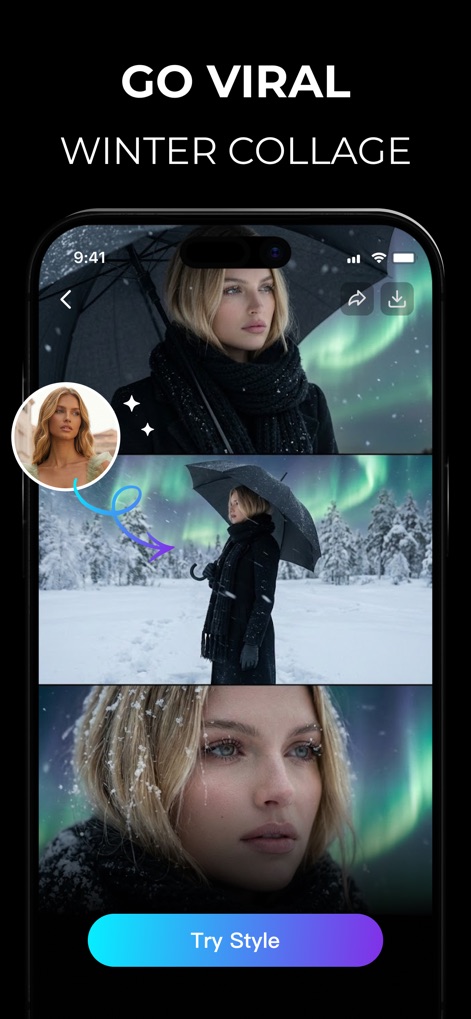
Discover how this tool enables users to "GO VIRAL" with engaging content and easily apply distinct styles via the "Try Style" button.
Viral Style Selector
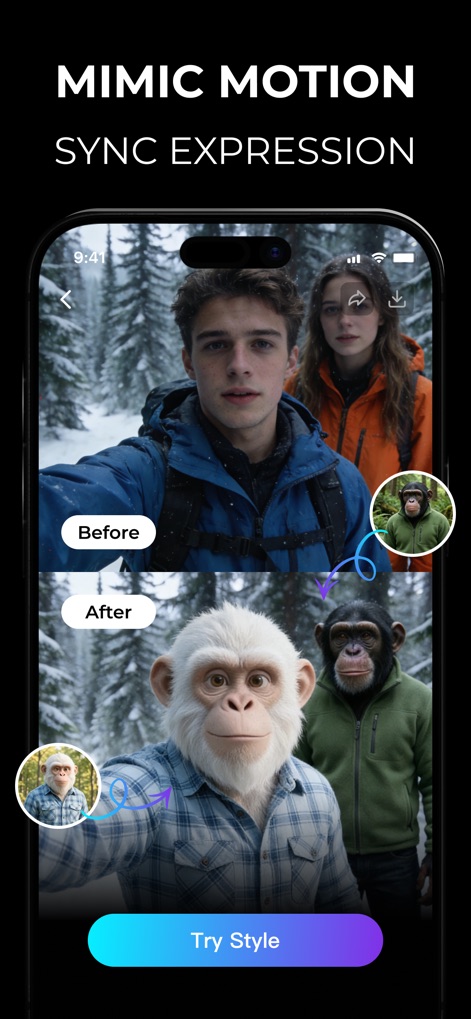
Witness the app's powerful "MIMIC MOTION" feature as it transforms human faces into animated animal expressions, accessible with the "Try Style" prompt.
Expression Transformation
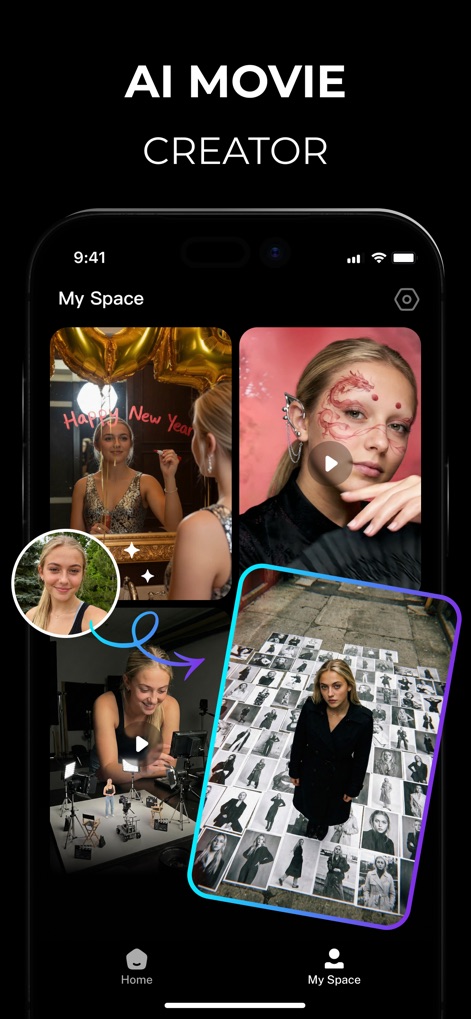
Explore the "My Space" section where users can manage their generated content, reflecting the app's identity as an "AI MOVIE CREATOR" for personalized projects.
Creative Projects Gallery
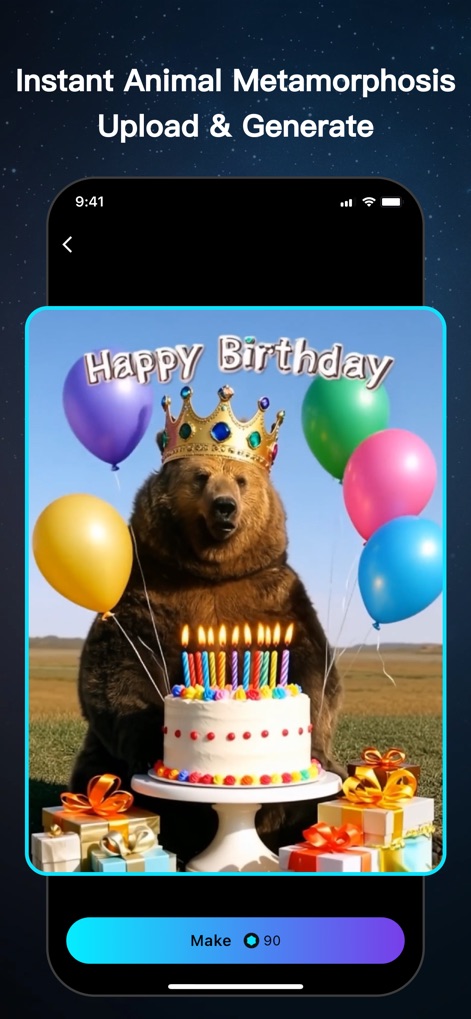
Experience the "Instant Animal Metamorphosis" feature by uploading a photo and seeing a whimsical animal character generated, ready to "Make" with a single tap.
Instant Transformation Magic
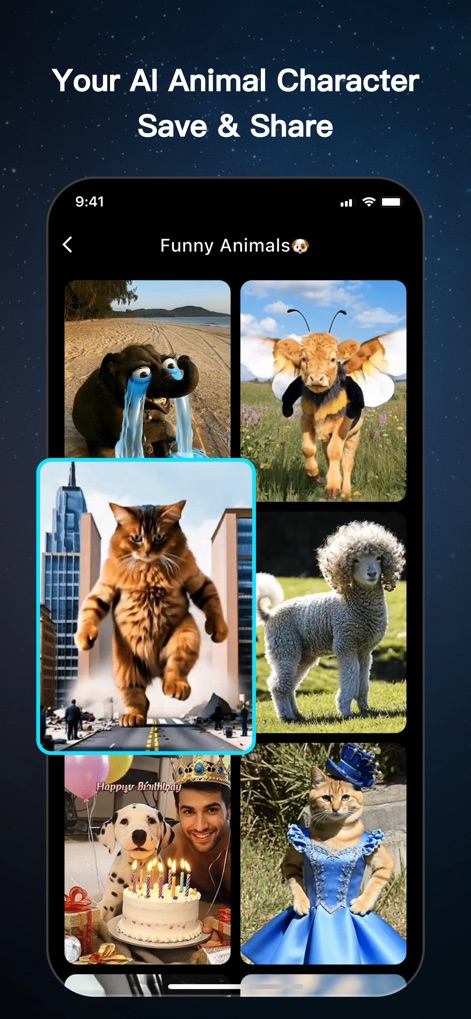
Browse a captivating gallery of "Funny Animals" showcasing diverse AI-generated characters, all designed for easy "Save & Share" across platforms.
Diverse Animal Creations

Delve into a vast catalog of "Funny Animals" creations, allowing users to "Morph Into Magic" and create their unique animal AI characters from various categories.
Endless Animal Possibilities
Description
Download
More Like This
Top-ranked apps in the same category

CapCut: Photo & Video Editor
BYTEDANCE PTE. LTD.

Instagram, Inc.

YouTube
Google LLC

Canva: AI Photo & Video Editor
Canva Pty Ltd

Snapchat
Snap, Inc.

快手
Beijing Kwai Technology Co., Ltd.

Edits: Video Editor
Instagram, Inc.

Meta AI - Vibes & AI Glasses
Meta Platforms, Inc.

Google Photos: Backup & Edit
Google LLC
This page is not an official page of the app or its developer, but an independent editorial publication created for informational and commentary purposes. Unless expressly stated otherwise, neither the app nor its developer is affiliated with, endorsed by, sponsored by, authorized by, or otherwise officially connected with MWM, Apple, Google Play, the app publisher, or the app's developer, and nothing on this page implies that the app was developed using MWM's services. Any trademarks, logos, screenshots, and other content remain the property of their respective owners.