Mugen Player
Mugen Player
Download on App Store

This page is not an official page of the app or its developer, but an independent editorial publication created for informational and commentary purposes. Unless expressly stated otherwise, neither the app nor its developer is affiliated with, endorsed by, sponsored by, authorized by, or otherwise officially connected with MWM, Apple, Google Play, the app publisher, or the app's developer, and nothing on this page implies that the app was developed using MWM's services. Any trademarks, logos, screenshots, and other content remain the property of their respective owners.

Logo of Mugen Player
Download on App Store

Mugen Player

Take total control of your local library with seamless continuous playback, background audio, and intuitive gesture controls. Play directly from your files without wasting storage, and keep your private media protected with a secure biometric vault.

Key Figures

Downloads

205K+

User Rating

4.4/5

Total Ratings

4K+

Publisher

Koichiro Kamada

Category

Photo & Video

Locales

2

Latest Version

5.8

Size

17.9 MB

First Released

Aug 31, 2017
Features

Professional-Grade Playback Control

The ultra-lightweight player designed for power users who value privacy, storage efficiency, and seamless media management.

Zero-Copy File Access

Streamline your storage by playing media exactly where it lives. Access files directly from iOS folders without wasting space on duplicates.

Infinite Loops & A-B Repeat

The ultimate tool for practicing, demoing, or retail displays with seamless transitions and background playback for mixed media.

The following screenshots and description are sourced directly from the app's official store listing and are the property of the app developer.

App Store

Screenshots
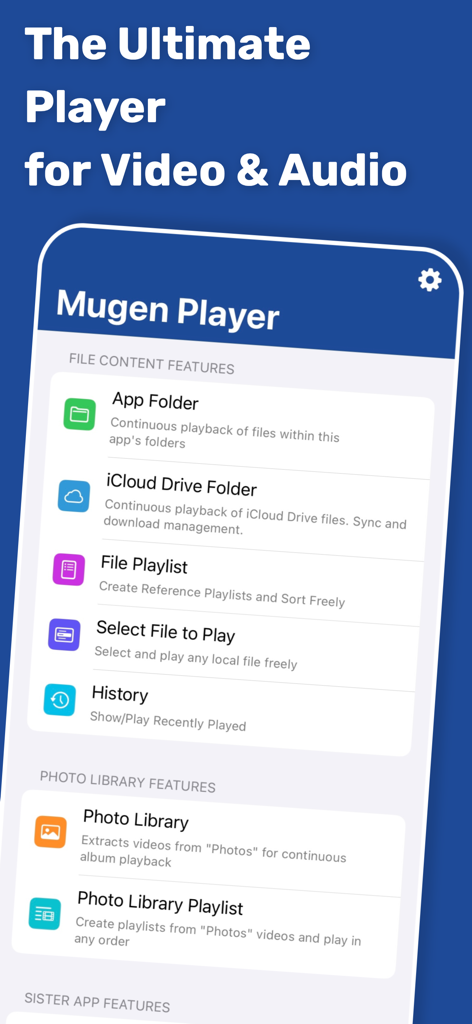
Mugen Player - Interface of Mugen Player app showing file content and photo library playback features
Interface of Mugen Player app showing file content and photo library playback features

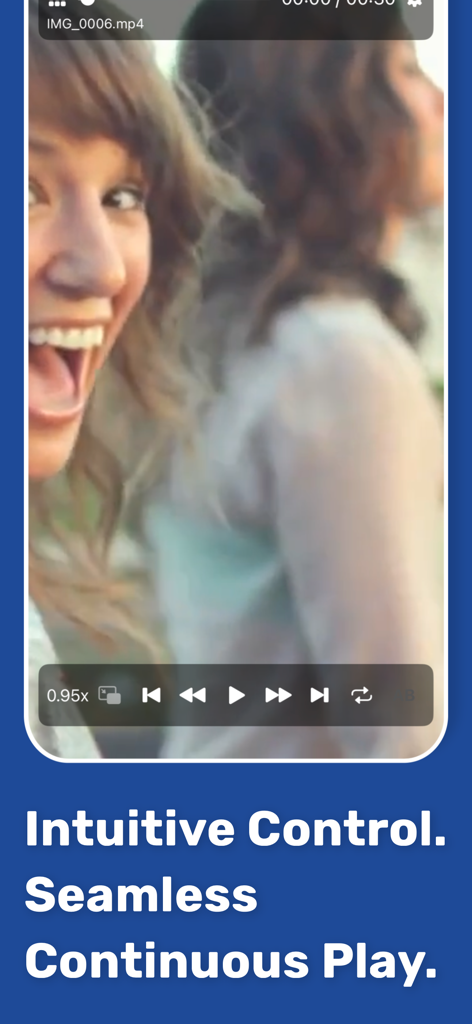
Mugen Player - Mugen Player app interface showing a video with intuitive playback and seamless continuous play controls
Mugen Player app interface showing a video with intuitive playback and seamless continuous play controls

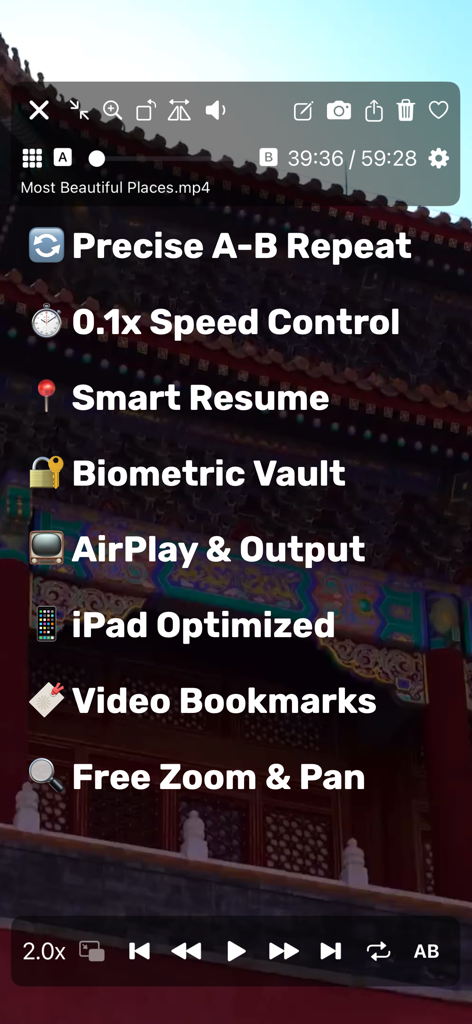
Mugen Player - Screenshot of Mugen Player app highlighting features like A-B repeat, speed control, and biometric vault.
Screenshot of Mugen Player app highlighting features like A-B repeat, speed control, and biometric vault.

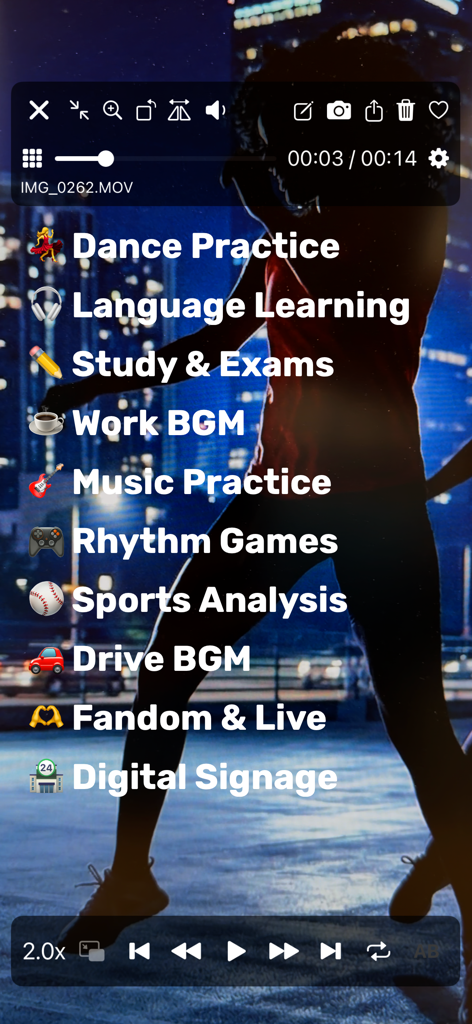
Mugen Player - Interface of the Mugen Player app listing various playback use cases such as dance practice and sports analysis over a video.
Interface of the Mugen Player app listing various playback use cases such as dance practice and sports analysis over a video.

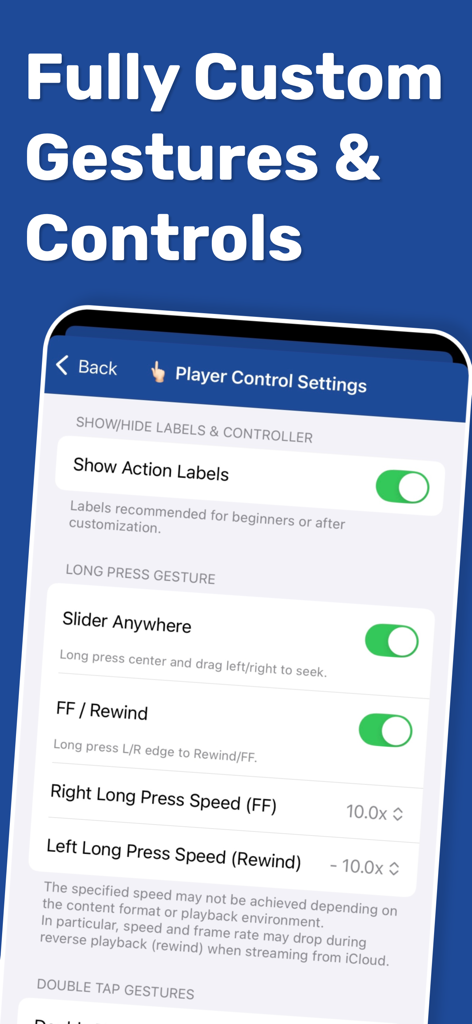
Mugen Player - Mugen Player app screen showing player control settings for custom gestures and playback speed
Mugen Player app screen showing player control settings for custom gestures and playback speed

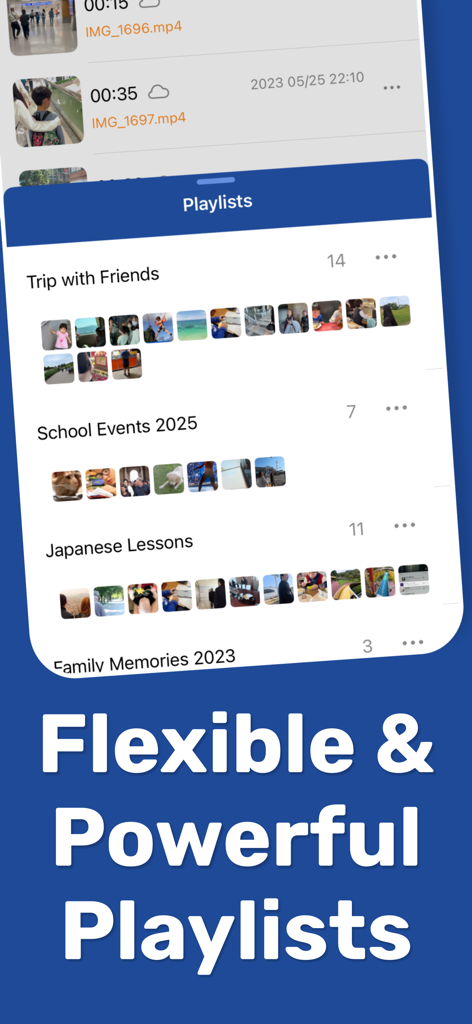
Mugen Player - Mugen Player app interface showing flexible and powerful playlist management for local media files

Mugen Player app interface showing flexible and powerful playlist management for local media files
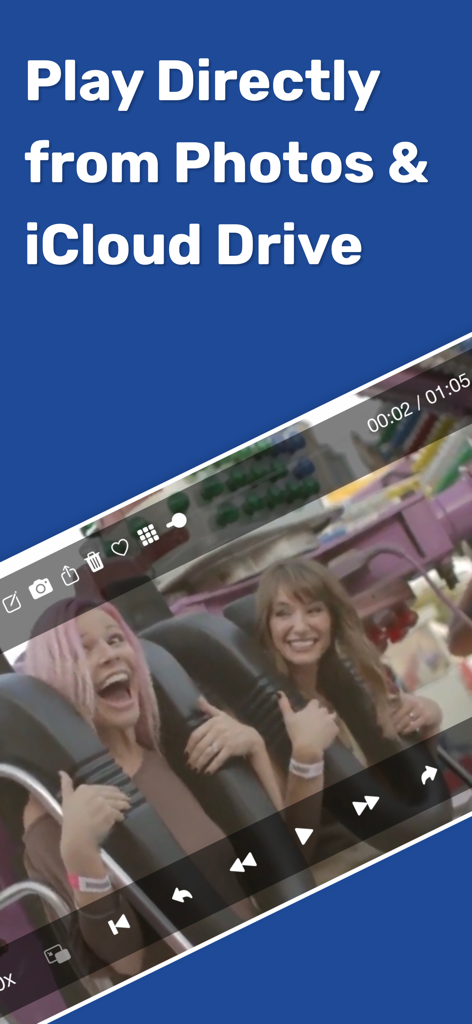
Mugen Player - Mugen Player app playing a video directly from Photos and iCloud Drive
Mugen Player app playing a video directly from Photos and iCloud Drive

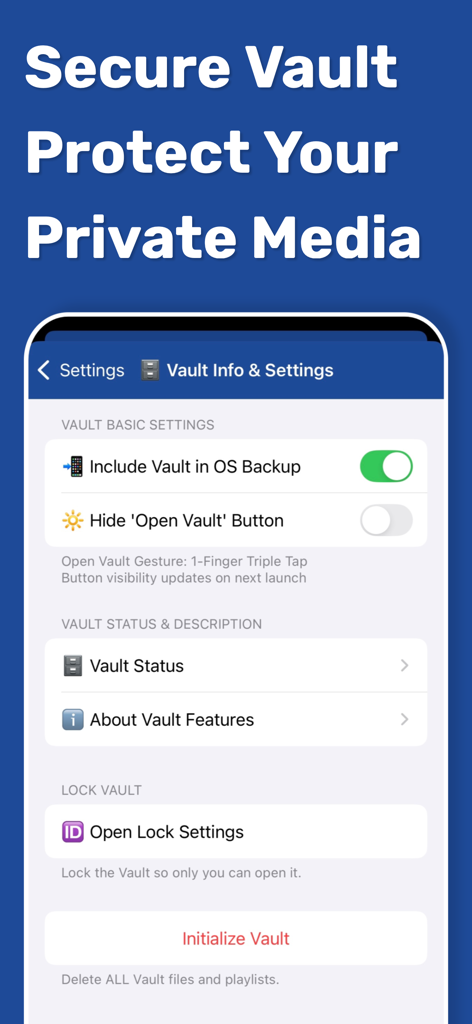
Mugen Player - Secure Vault interface in Mugen Player app showing privacy and lock settings for private media.
Secure Vault interface in Mugen Player app showing privacy and lock settings for private media.

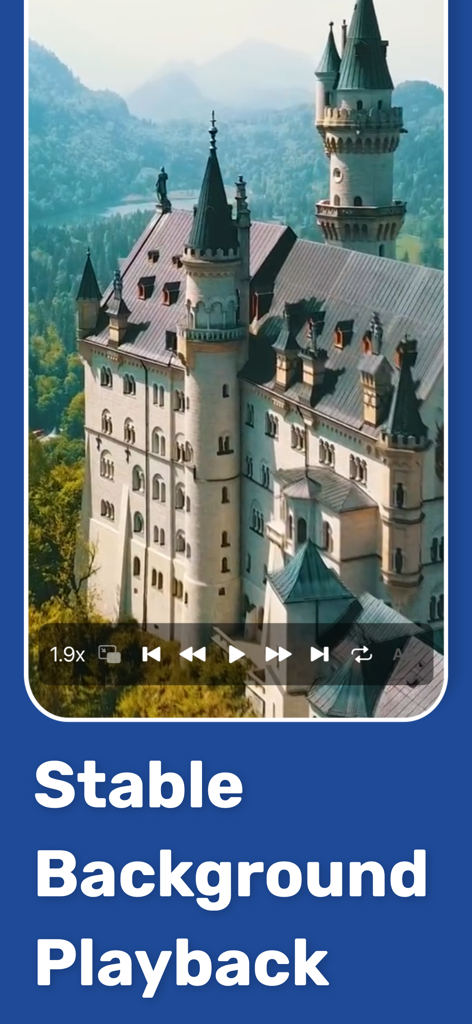
Mugen Player - Mugen Player app interface showing a castle video and stable background playback text
Mugen Player app interface showing a castle video and stable background playback text

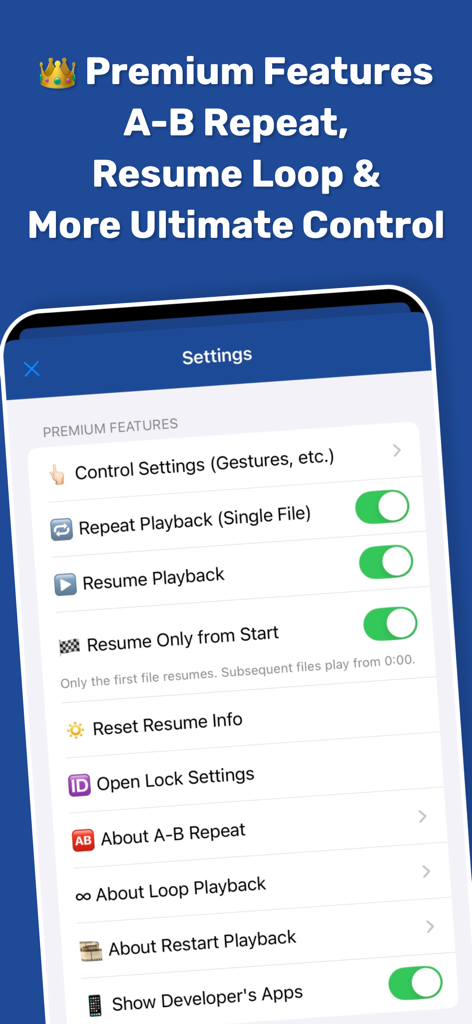
Mugen Player - Mugen Player premium settings menu with advanced playback controls like A-B repeat and loop playback

Mugen Player premium settings menu with advanced playback controls like A-B repeat and loop playback

Description

[Overview & Features] An easy-to-use, ultra-lightweight player designed for smooth continuous media playback. - Switch between media instantly with intuitive swipe gestures. - Perform playback controls like skip forward/back using simple gestures. - Create mixed playlists containing both videos and audio (music). - Seamless background playback of mixed video/audio playlists. - Resume playback and restart playlists naturally from where you left off. - Loop playback supported. Ideal for in-store displays, demo videos, or BGM. - Intuitive background playback controls. - Broad support for external devices, including earphones, headphones, and car controllers. - AirPlay supported. Stream your memories without complex operations. - Flexible support for iPad screen modes. Provides a stable experience across all devices and multitasking modes. [Play Directly from Files] Freely select and play media files stored on your device. - Select files from a wide range of storage locations with standard iOS operation. - Direct playback from the file's original location. No wasteful copies created in the app. - Select multiple files at once for continuous playback of multiple media items. - Playback history is automatically saved for quick access. [Photo Library Playback] Select from your Photo Library for continuous album-based playback. - Automatically extracts only the videos within an album. - Supports all videos in the Photo Library, including iCloud Shared Albums. - Supports videos in iCloud Photo Library. Directly loads and plays cloud data. - Priority settings available for iCloud data loading (Speed vs. Quality). - Supports sorting (ascending/descending), filtering by Favorites, and toggling Favorites on/off. - Create and edit custom playlists. [App Folder Playback] Directly reference and play files within the Mugen Player app folder. - No loading or registration required; just tap to start continuous playback. - Sort by file name, size, or other attributes. [Secure Vault Feature] Store media data in a special secure area (Vault) within the app. - Strict lock and protection using various IDs. - Restrict vault access operations (e.g., gesture only). - Secure export from the vault with privacy in mind. - Control whether to include in OS backups (safe for storage-limited iCloud environments). [Sister App Integration] Directly play data recorded with sister apps "Mugen Camera" and "Zero Camera." - Automatically detects app installation and mounts folders. - Continuous playback without any linking, loading, or registration steps. [Premium Features (Paid)] - Hide advertisements - Loop, Single Repeat, and A-B Repeat - Resume & Restart Playback - Extensive customization of gestures and button operations - Lock with Face ID / Touch ID Please check the in-app store screen for further details. [Supported File Formats] - Supports formats natively playable by standard iOS functions. - Supports formats playable in the standard "Files" app.

Download

Download on App Store

This page is not an official page of the app or its developer, but an independent editorial publication created for informational and commentary purposes. Unless expressly stated otherwise, neither the app nor its developer is affiliated with, endorsed by, sponsored by, authorized by, or otherwise officially connected with MWM, Apple, Google Play, the app publisher, or the app's developer, and nothing on this page implies that the app was developed using MWM's services. Any trademarks, logos, screenshots, and other content remain the property of their respective owners.








