
This page is not an official page of the app or its developer, but an independent editorial publication created for informational and commentary purposes. Unless expressly stated otherwise, neither the app nor its developer is affiliated with, endorsed by, sponsored by, authorized by, or otherwise officially connected with MWM, Apple, Google Play, the app publisher, or the app's developer, and nothing on this page implies that the app was developed using MWM's services. Any trademarks, logos, screenshots, and other content remain the property of their respective owners.

My Bonsai
Stop guessing and start creating. Take a photo of your embryo tree to simulate growth, test branches, and visualize styles before you ever pick up the shears.
Downloads
52K+User Rating
Total Ratings
0Publisher
Category
LifestyleLocales
1Latest Version
1.0.2Size
88.3 MBFirst Released
Jul 24, 2018Visualize Your Masterpiece Before the First Cut
Take the guesswork out of bonsai styling with an intuitive design simulator built for the patient artist who values precision and peace of mind.
Risk-Free Design Simulation
Experiment with different shapes and growth paths digitally on your own embryo tree, ensuring you never make a permanent mistake.
Professional Part Library
Access a specialized gallery of branches, trunks, and pots to find the perfect aesthetic match for your tree's unique character.
The following screenshots and description are sourced directly from the app's official store listing and are the property of the app developer.
App Store
Screenshots

Home screen of the My Bonsai app featuring camera and gallery upload buttons for bonsai tree design simulation.
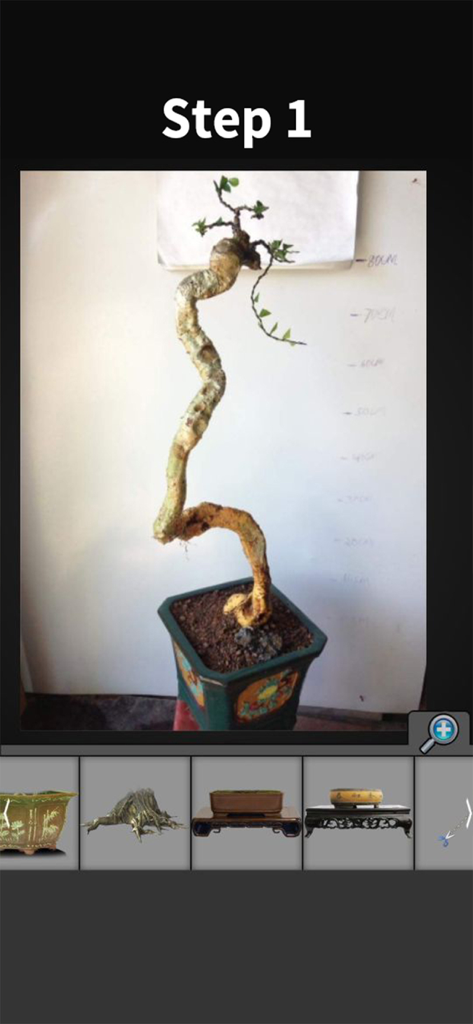
Interface of the My Bonsai app showing the first step of design simulation with an embryo tree and pot options
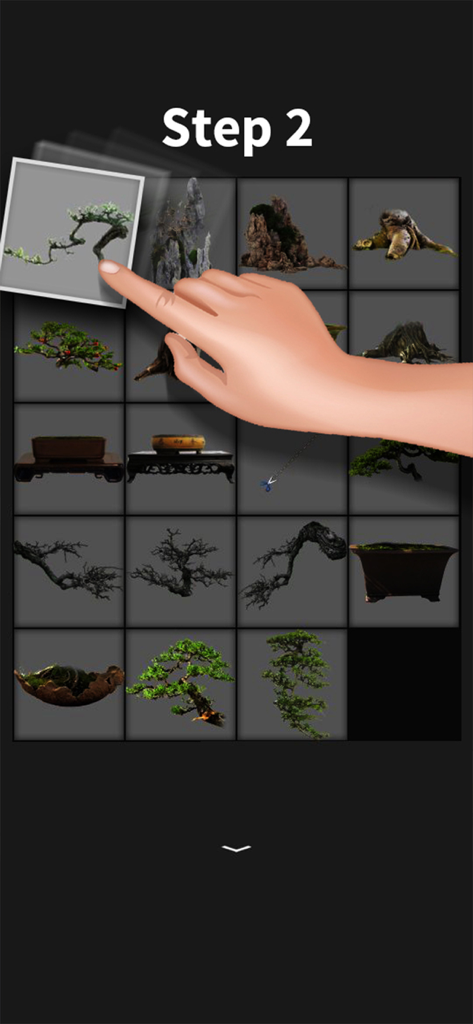
A user interface showing a hand selecting a bonsai branch from a grid of tree parts and pots in the My Bonsai app.
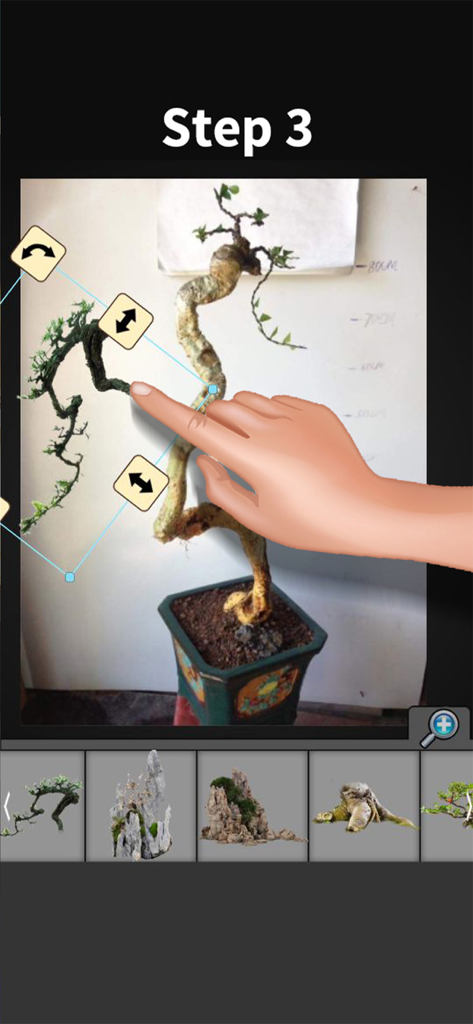
A hand using the My Bonsai app to simulate and edit a tree branch design.
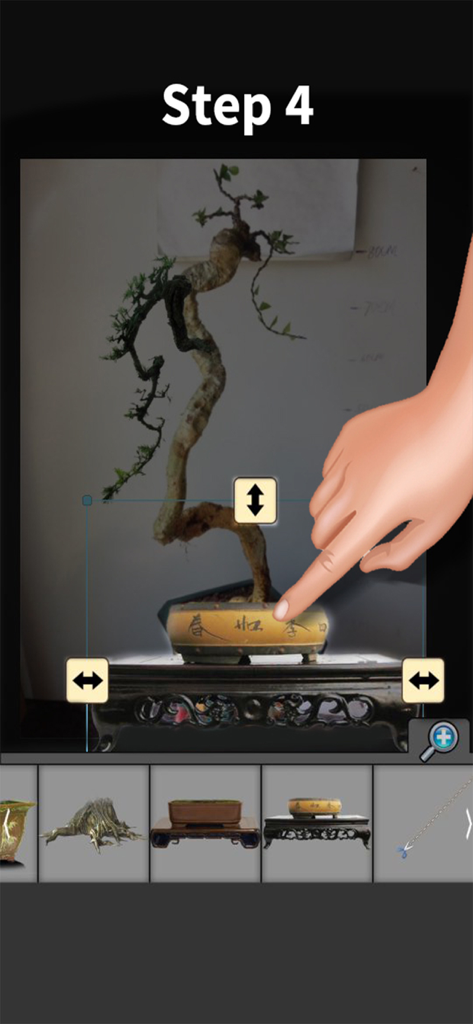
A hand selecting a ceramic pot for a simulated bonsai tree within the app

A simulated bonsai tree design with a tall curved trunk in a decorative yellow pot
Description
Download
More Like This
Top-ranked apps in the same category

Pinterest, Inc.

Alipay - Simplify Your Life
Alipay (Hangzhou) Technology Co., Ltd.

美团-美好生活小帮手
Sankuai Technology Co., Ltd.

Dianping: Discover Good Places
Hanhai Information Technology (Shanghai) Co.Ltd

Lemon8 - Lifestyle Community
TIKTOK PTE. LTD.

Xiaomi Home
Beijing Xiaomi Co., Ltd

Tinder Dating App: Date & Chat
Tinder LLC

VNeTraffic
GLOBAL TECHNOLOGY - TELECOMMUNICATIONS CORPORATION

SmartThings
Samsung Electronics Co., Ltd.
This page is not an official page of the app or its developer, but an independent editorial publication created for informational and commentary purposes. Unless expressly stated otherwise, neither the app nor its developer is affiliated with, endorsed by, sponsored by, authorized by, or otherwise officially connected with MWM, Apple, Google Play, the app publisher, or the app's developer, and nothing on this page implies that the app was developed using MWM's services. Any trademarks, logos, screenshots, and other content remain the property of their respective owners.