My Data Usage Widget Pro

My Data Usage Widget Pro

Download on App Store
Logo of My Data Usage Widget Pro

My Data Usage Widget Pro: The All-In-One Command Center for Your Device

Take total control of your network and hardware. Monitor real-time 5G/WiFi traffic, CPU performance, and memory usage directly from your widget—no ads, no tracking, and no background drain.

Publisher

泽辉 王

Category

Utilities

Downloads

147K+

User Rating

3.2/5

Total Ratings

200

Locales

7

Control at a Glance

Discover the interface used by 147K+ users.
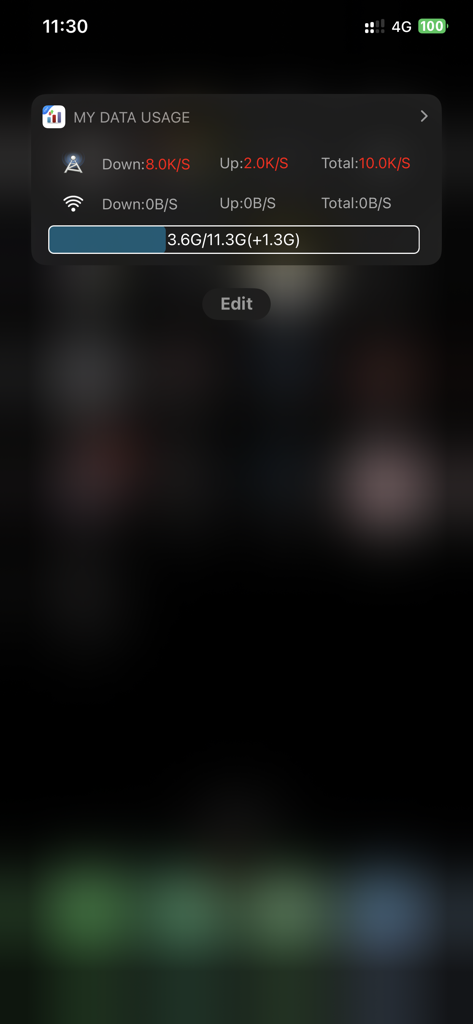
My Data Usage Widget Pro interface on iPhone showing real time data speeds and quota

My Data Usage Widget Pro interface on iPhone showing real time data speeds and quota

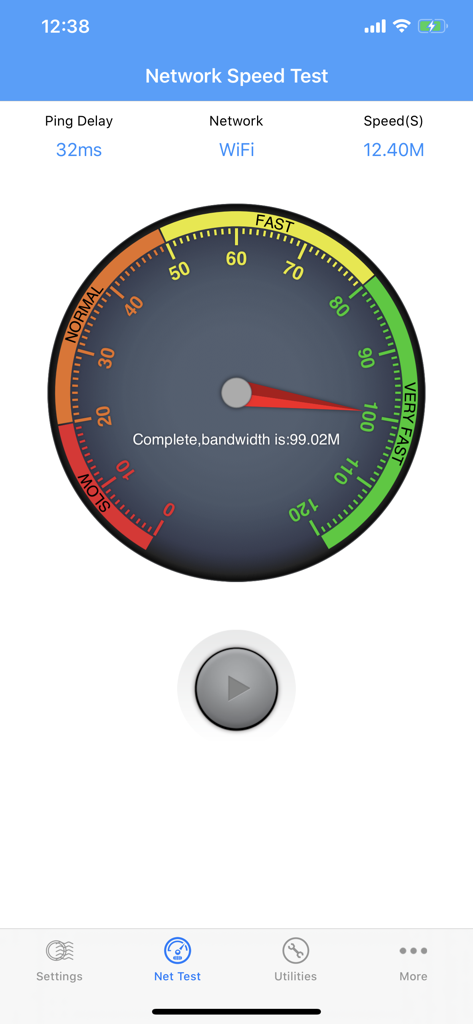
Network speed test interface showing WiFi bandwidth measurement and ping delay

Network speed test interface showing WiFi bandwidth measurement and ping delay

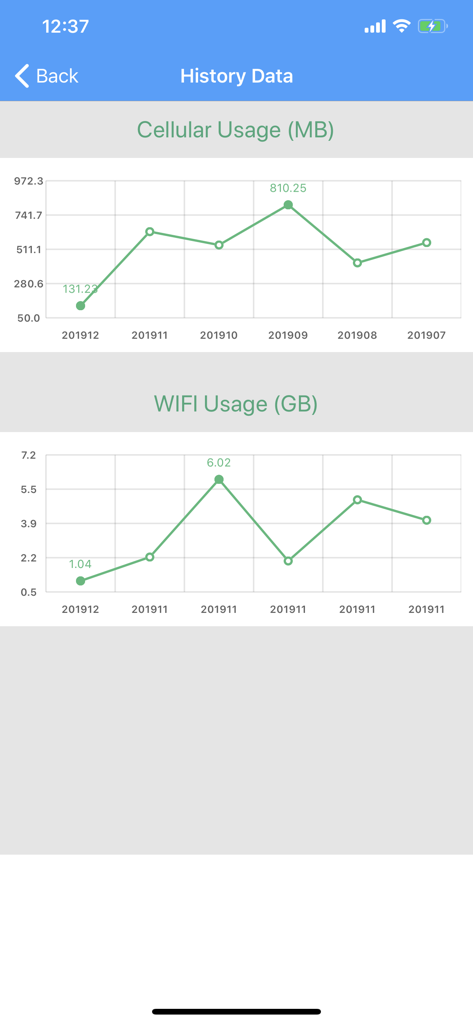
Screenshot of the My Data Usage Widget Pro app showing monthly cellular and wifi usage history graphs.

Screenshot of the My Data Usage Widget Pro app showing monthly cellular and wifi usage history graphs.

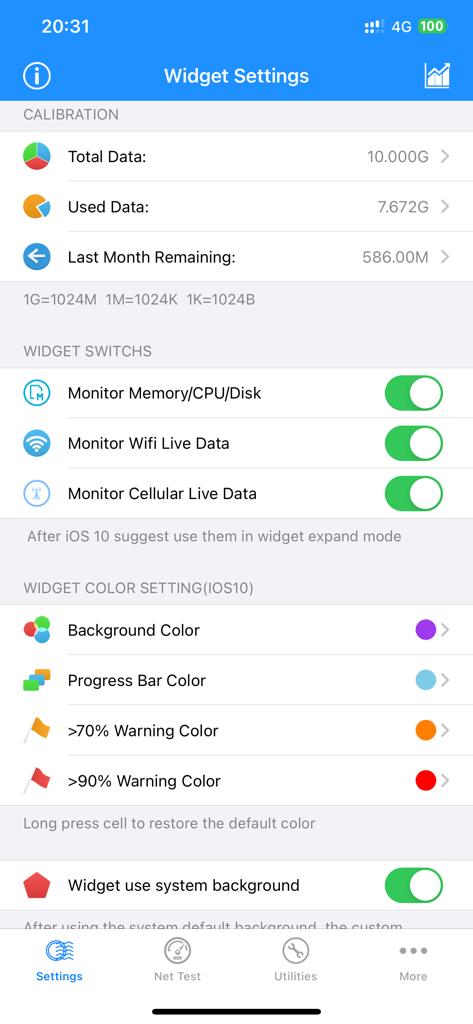
Widget settings screen in the My Data Usage Widget Pro app showing data calibration and customization options.

Widget settings screen in the My Data Usage Widget Pro app showing data calibration and customization options.

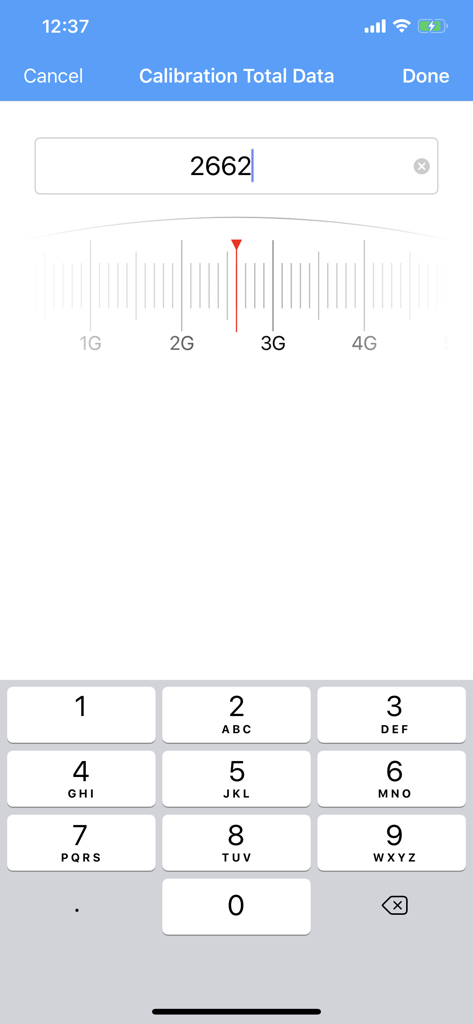
Calibration screen of My Data Usage Widget Pro app showing manual data entry with a numeric keypad and a GB slider scale.

Calibration screen of My Data Usage Widget Pro app showing manual data entry with a numeric keypad and a GB slider scale.

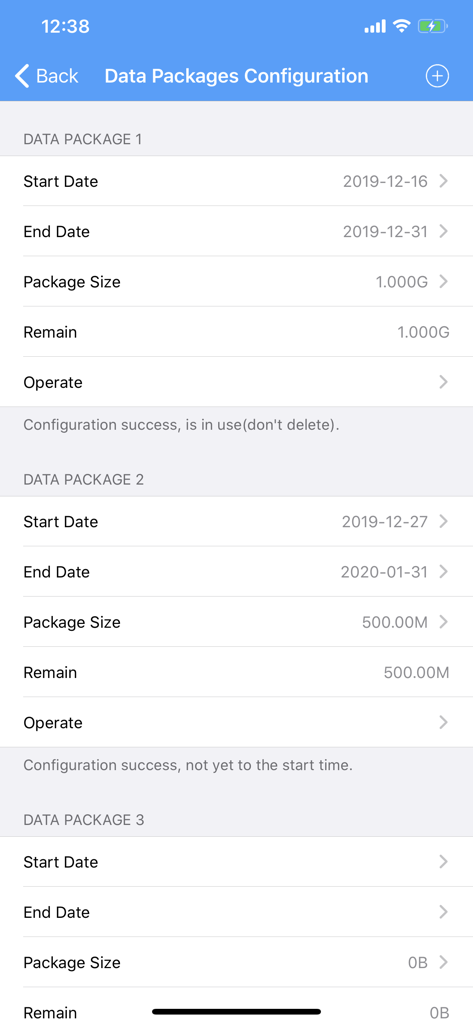
Interface for configuring multiple mobile data packages and billing cycles in the app

Interface for configuring multiple mobile data packages and billing cycles in the app

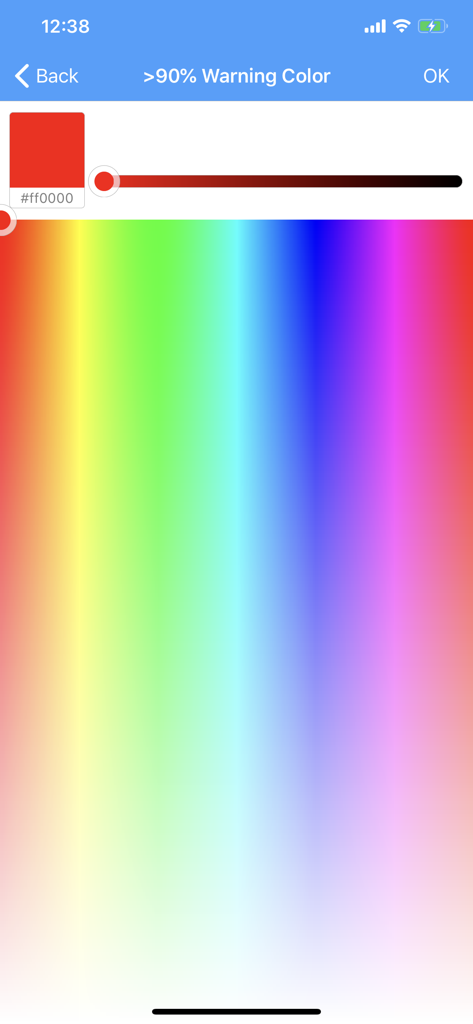
Color picker interface for customizing high data usage warning alerts

Color picker interface for customizing high data usage warning alerts

Master Your Device Performance

The tools that make this app stand out, trusted by 147K+ users.

📊

Smart Data Monitoring

Track 5G and WiFi usage in real-time from your Notification Center to stay ahead of carrier throttling and avoid costly overage fees.

Live System Diagnostics

Monitor your CPU, RAM, and Disk health with customizable color-coded alerts that notify you the moment your device hits performance limits.

🛡️

Privacy-First Utility Box

Enjoy a clean, ad-free experience with built-in tools for QR scanning and contact management, all without GPS tracking or background battery drain.

About the app

Everything you need to know about My Data Usage Widget Pro.

Description

Added additional data multi-packet calculation & monitor function, data usage summary details prompts. ※Added Cellular/WiFi speed test function※ ※Added Utility tools: Including QRCode Scan, Avatar Synthesis, Hourly Chime, Contacts merge and clean, Contacts backup to files and import.※ Monitors cellular (2G/3G/4G/5G/5.5G/Edge/GPRS) and WiFi Real-Time Traffic Widget is coming! It can be placed in 'Today' of Notification Center. It can be custom UI. In the Notification Center, So easy to Check out real time up/down/total data from your device. Set data quota and billing cycle information and let Data Usage worry about making sure you don’t pay for overages again. App graphically displays the history of Cellular and Wifi networks using data. Widget can monitor the Memory/CPU/Disk Real-Time usage also. it has the switch to turn on or off. Widget provides color alarm function, when the traffic or memory, CPU, disk usage is greater than the certain value, it will be in a different color to warning. Widget provides custom UI to suit your personal taste, Including turn on or off of cellular, Wifi, memory, CPU, disk, color alarms, etc. No Running in the background, No GPS, No use network, No advertising!

Latest Version

8.2

Size

12.6 MB

First Released

Jan 28, 2015

Take Full Control of Your Device Performance

Join 147,000+ power users who monitor data, system health, and privacy in real-time. No ads, no tracking—just pure utility at your fingertips.

Download on App Store

App information, icons, screenshots, and descriptions displayed on this page are sourced from the Apple App Store and are the property of their respective developers. Download estimates and rankings are based on MWM's proprietary models and may not reflect actual figures. This page is provided for informational and analytical purposes only.

Believe this page infringes your intellectual property? File a dispute