My Files - All File Manager

My Files - All File Manager


Download on App Store
Logo of My Files - All File Manager

My Files - All File Manager: Desktop-Class Power for Your Mobile Workflow

Master your digital life with dual-pane navigation, AES encryption, and seamless multi-cloud integration designed for the modern professional.

Publisher

Liam Sammy

Category

Utilities

Downloads

2K+

User Rating

4.4/5

Total Ratings

100

Locales

1

Your Digital Command Center

Discover the interface used by 2K+ users.
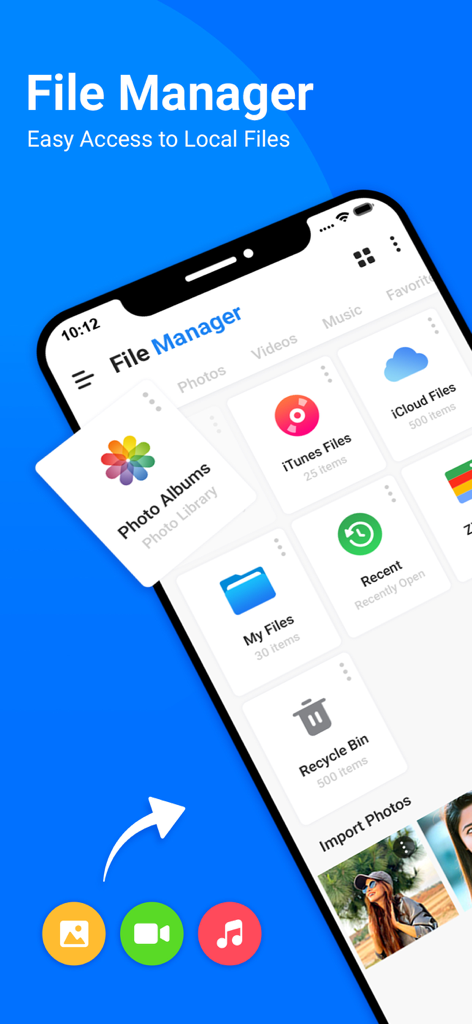
User interface of My Files app showing various file categories and storage options on an iPhone

User interface of My Files app showing various file categories and storage options on an iPhone

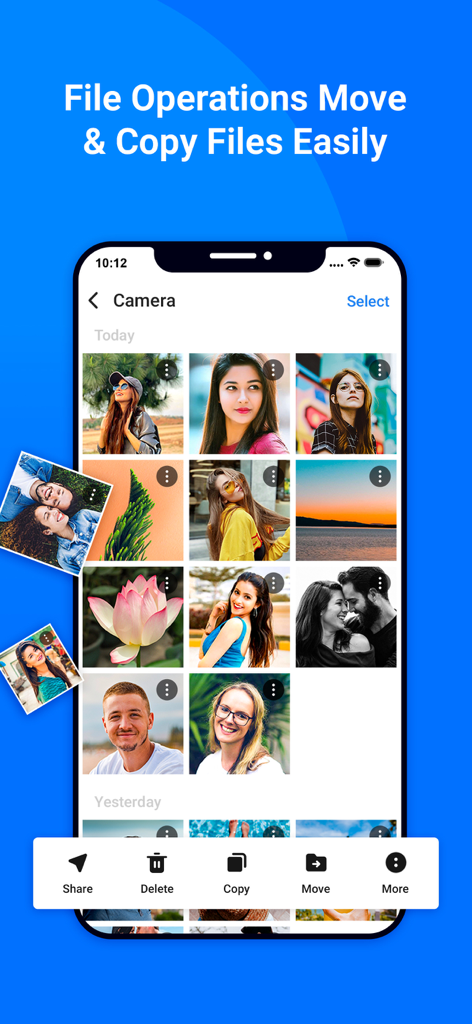
iPhone screenshot of My Files app showing photo gallery management with move and copy tools

iPhone screenshot of My Files app showing photo gallery management with move and copy tools

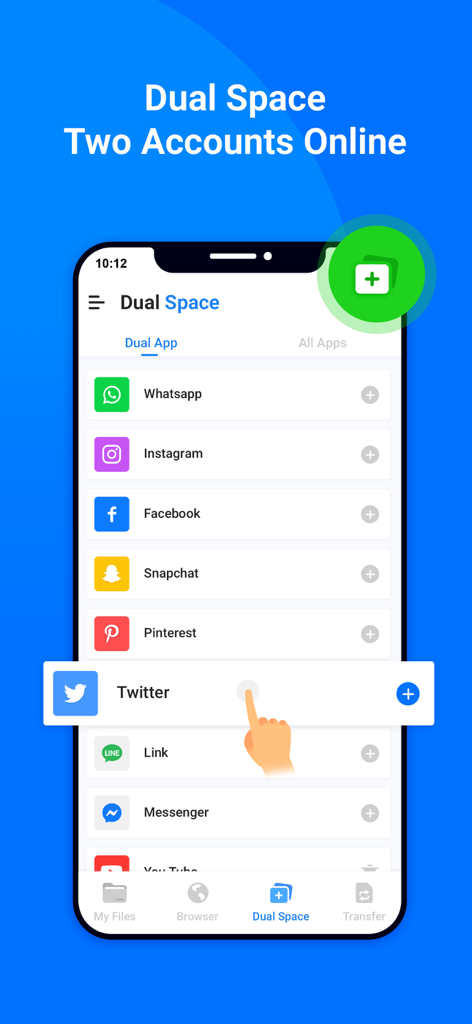
Smartphone interface showing the Dual Space feature for managing multiple social media accounts like WhatsApp and Instagram

Smartphone interface showing the Dual Space feature for managing multiple social media accounts like WhatsApp and Instagram

A mobile interface showing the private browser feature with incognito mode for secure and anonymous web browsing

A mobile interface showing the private browser feature with incognito mode for secure and anonymous web browsing

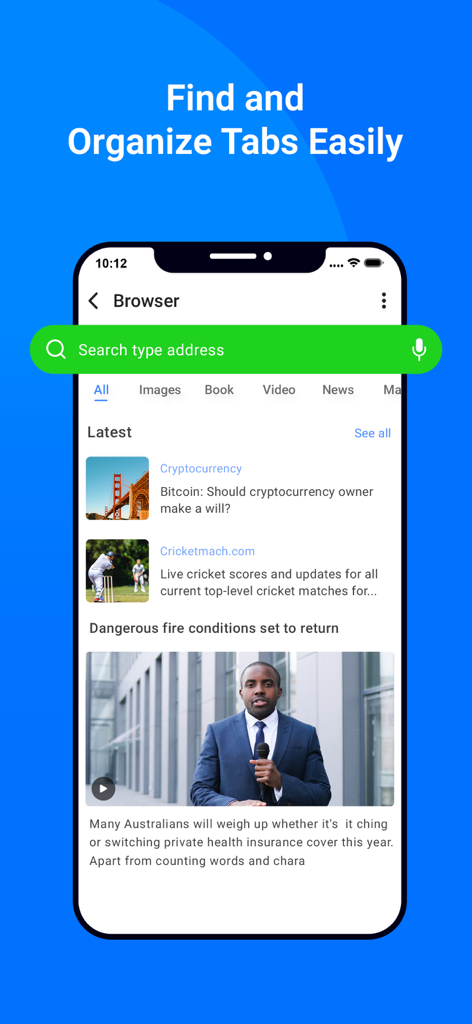
In-app browser screen showing search bar news feed and organized tabs in the My Files app

In-app browser screen showing search bar news feed and organized tabs in the My Files app

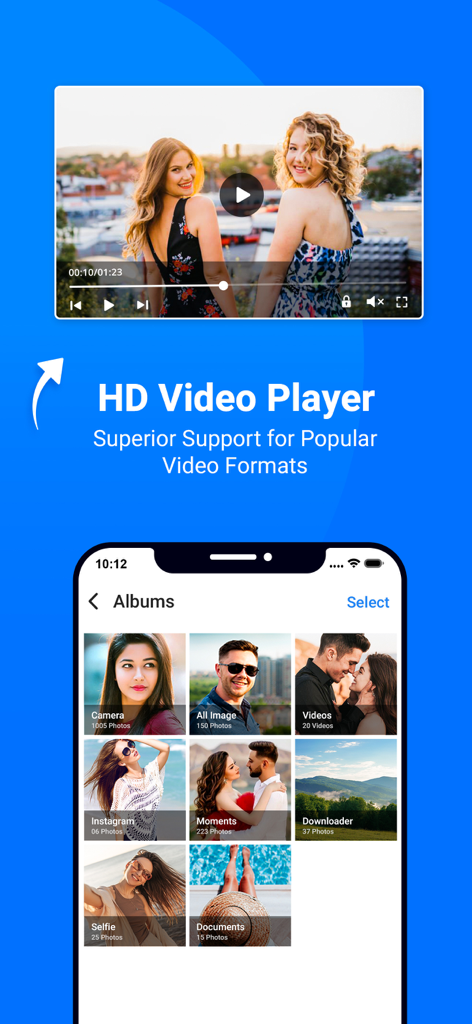
My Files app interface showing an HD video player and organized media albums

My Files app interface showing an HD video player and organized media albums

HD audio music player interface in My Files app showing playback controls and song information

HD audio music player interface in My Files app showing playback controls and song information

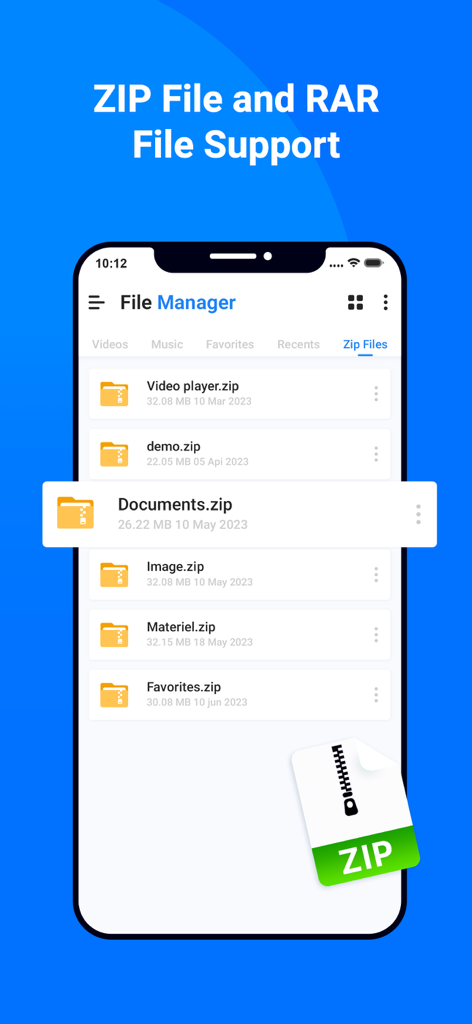
File manager app interface displaying ZIP and RAR file support on a mobile screen

File manager app interface displaying ZIP and RAR file support on a mobile screen

Master Your Digital Workspace

The tools that make this app stand out, trusted by 2K+ users.

↔️

Dual-Pane Productivity

Effortlessly manage and move files between two locations at once with a classic side-by-side layout optimized for high-speed workflows.

🔐

Pro-Grade Encryption

Secure sensitive professional assets and personal documents behind military-grade AES encryption and seamless biometric authentication.

☁️

The Ultimate Cloud Hub

Turn your device into a centralized command center by bridging local storage, FTP servers, and multiple cloud accounts into one interface.

About the app

Everything you need to know about My Files - All File Manager.

Description

All File Manger - Solid Explorer is a file management app inspired by the old school file commander applications. It will help you: • Easily manage files in dual pane layout • Protect files with strong encryption • Manage files on your cloud storage or NAS • Backup apps and files to any desired destination • Explore your device All File Manger - Solid Explorer lets you navigate to files stored on your device and automatically organizes them into collections. You can view, delete, move, rename or share any files. It also allows you to quickly find the files you need through indexed search with filters. • Keep your files safe All File Manger - Solid Explorer can protect selected files with strong AES encryption and put them in a secure folder, which contents are unreadable for other apps. The file manager will ask for password or fingerprint confirmation when you browse the folder. Even if you uninstall All File Manger - Solid Explorer, the files stay on your device and are still protected. • Analyze Storage Although this file manager doesn’t feature a dedicated storage analyzer, you can find out which files take up most of space by going to folder properties of internal storage or SD card. You will find the information about the percentage of space each folder takes and the list of biggest files. You can also use search with a file size filter. • Organize remote files All File Manger - Solid Explorer supports major network protocols and cloud providers to let you organize multiple remote file locations in one place. You can easily transfer files between cloud locations/servers just by dragging them from one panel to another. ◆ Major feature list: • Files management - main storage, other store from PC • Cloud storage - easily connect and manage files on Google Drive, OneDrive, Dropbox • File encryption - password and fingerprint protection • Archives - support for ZIP, 7ZIP, RAR and TAR files • Indexed search - quickly find files on your device • Analyze storage - manage files taking too much space on your device • Organized collections - files categorized in Downloads, Recent,Photos, Videos, Music, Documents and Apps • Internal image viewer, music player and text editor - for easier browsing on remote storages • Batch rename - with support for naming patterns • FTP Server to Share File - for accessing your local files from PC • Themes and icon sets - rich customization options. This app include Subscribe All File Manager Pro Monthly at $1.99 and All File Manager Pro Yearly at $9.99 to use ads free versions of the app for a Month and user can cancel it anytime. – Privacy Policy: https://sites.google.com/view/liam-sammy-pp – Terms of Use: https://sites.google.com/view/liam-sammy-tos If you are looking for a file manager app that has simple and sleek interface with full features, All File Explorer would be the best choice.

Latest Version

1.3

Size

54.7 MB

First Released

Jun 8, 2023

Take Command of Your Files Like a Pro

Join thousands of digital professionals who have traded iOS restrictions for dual-pane efficiency and military-grade security.

Download on App Store

App information, icons, screenshots, and descriptions displayed on this page are sourced from the Apple App Store and are the property of their respective developers. Download estimates and rankings are based on MWM's proprietary models and may not reflect actual figures. This page is provided for informational and analytical purposes only.

Believe this page infringes your intellectual property? File a dispute