
This page is not an official page of the app or its developer, but an independent editorial publication created for informational and commentary purposes. Unless expressly stated otherwise, neither the app nor its developer is affiliated with, endorsed by, sponsored by, authorized by, or otherwise officially connected with MWM, Apple, Google Play, the app publisher, or the app's developer, and nothing on this page implies that the app was developed using MWM's services. Any trademarks, logos, screenshots, and other content remain the property of their respective owners.

My Homework & Exam Assistant
Effortlessly manage multiple student profiles, track grade trends with visual analytics, and print weekly schedules for the fridge. From AI text scanning to exam reminders, take the stress out of the school year.
Downloads
0User Rating
Total Ratings
0Publisher
Category
ProductivityLocales
11Latest Version
1.4Size
6.8 MBFirst Released
May 27, 2025Master the Academic Mental Load
The all-in-one assistant designed for parents and students to organize homework, visualize progress, and bridge the gap between digital planning and paper schedules.
Multi-Student Command Center
Effortlessly toggle between individual profiles to track homework and exam progress for every student in your household.
Hybrid Digital-to-Paper Sync
Instantly scan paper syllabi to digitize tasks and print custom weekly schedules for your family's physical command center.
The following screenshots and description are sourced directly from the app's official store listing and are the property of the app developer.
App Store
Screenshots
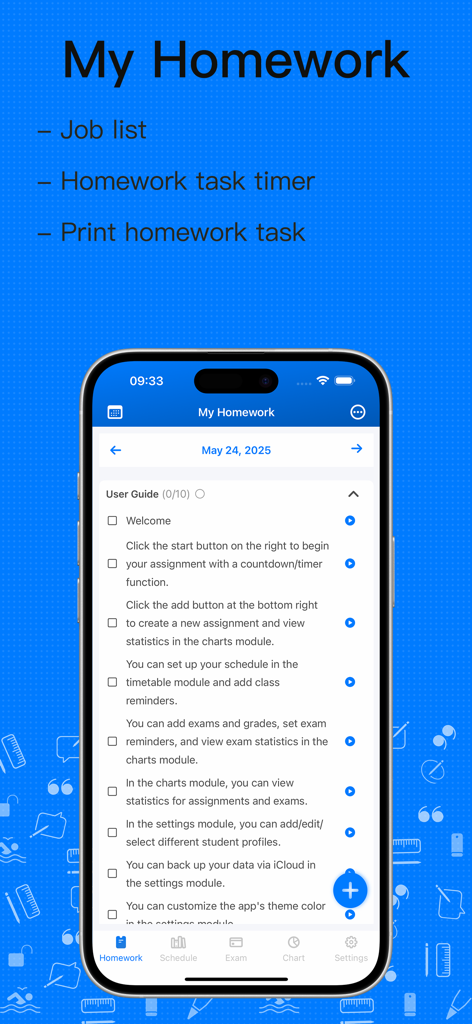
Screenshot of the My Homework and Exam Assistant app interface showing task management features and a user guide
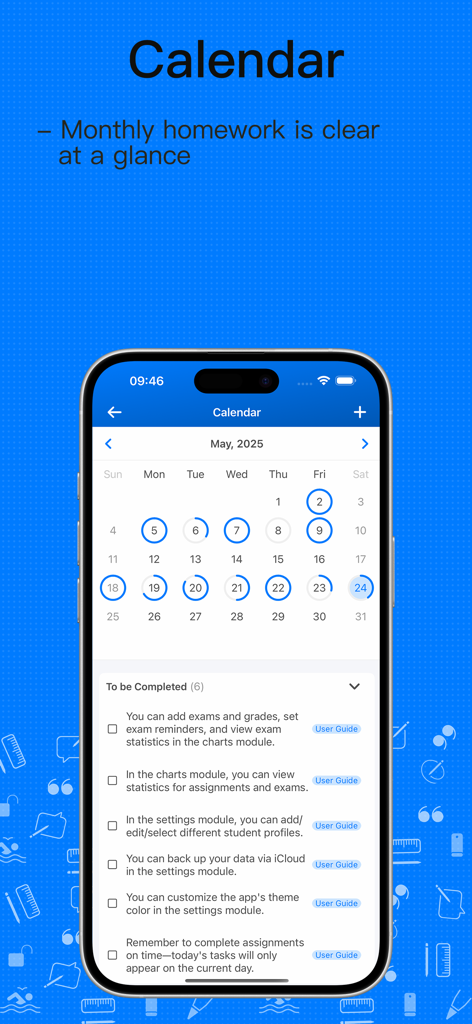
Monthly calendar view showing academic tasks and a checklist of items to be completed in the app.
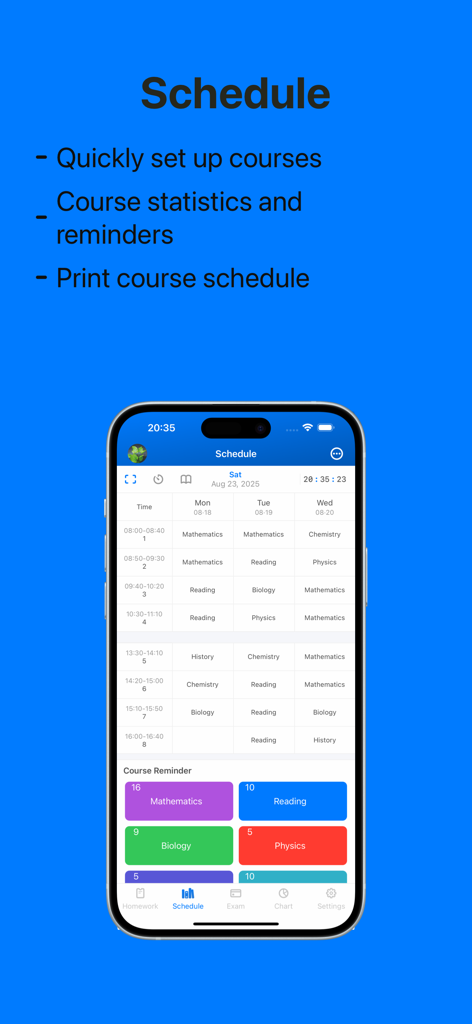
Weekly class schedule and course reminders interface on a smartphone
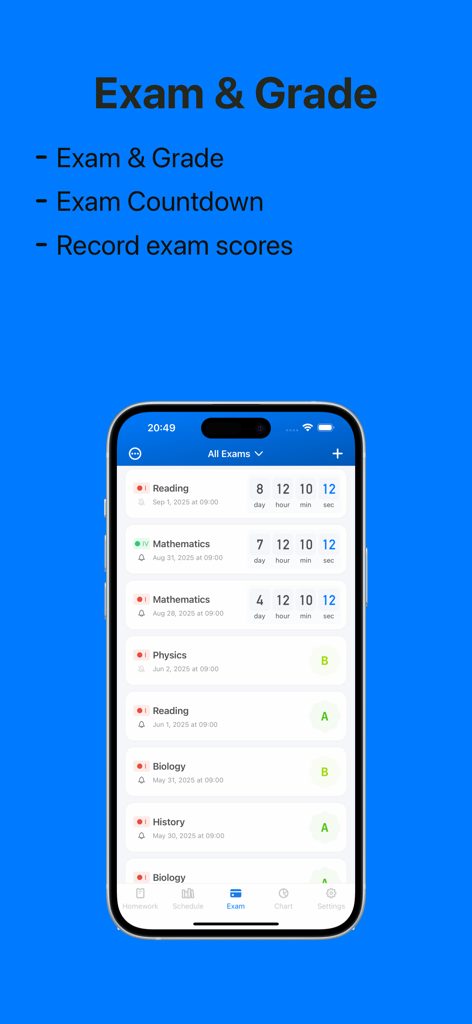
Mobile interface showing exam countdowns and academic grades.
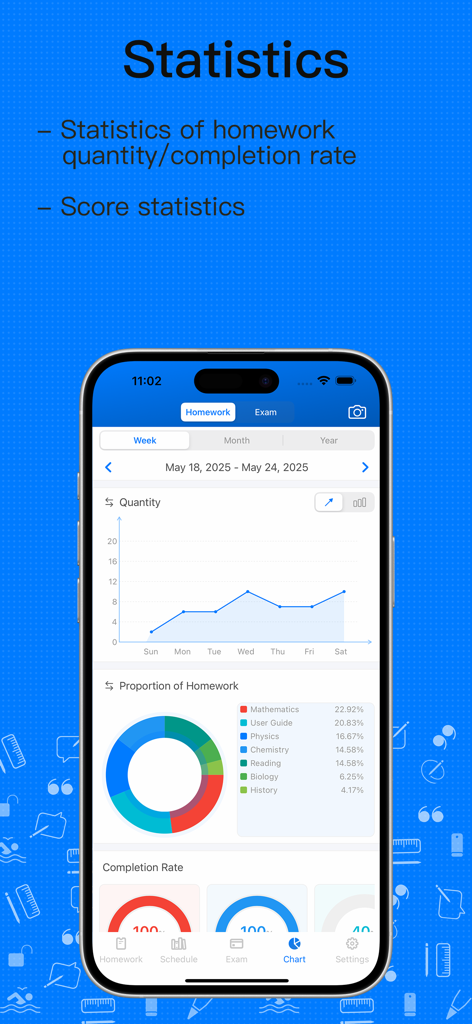
Academic statistics dashboard showing homework quantity and completion charts
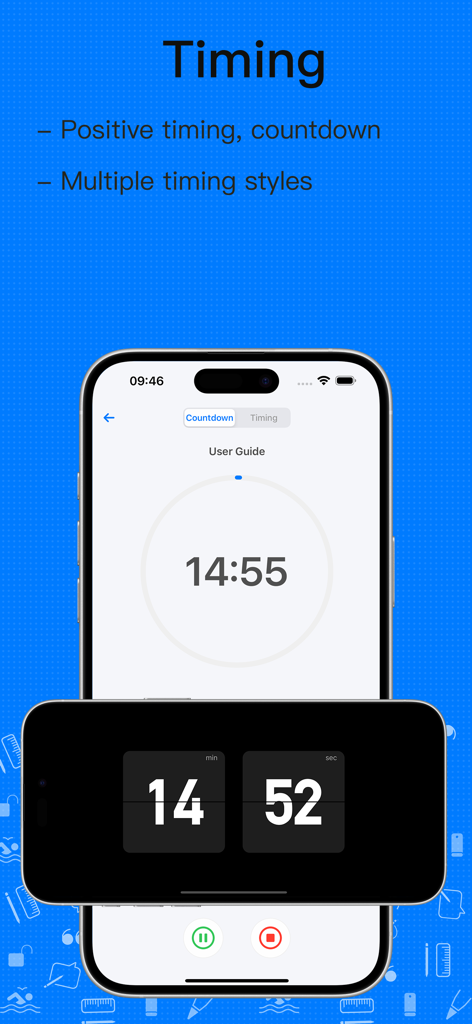
Digital countdown and positive timing interface showing multiple timer styles for student productivity
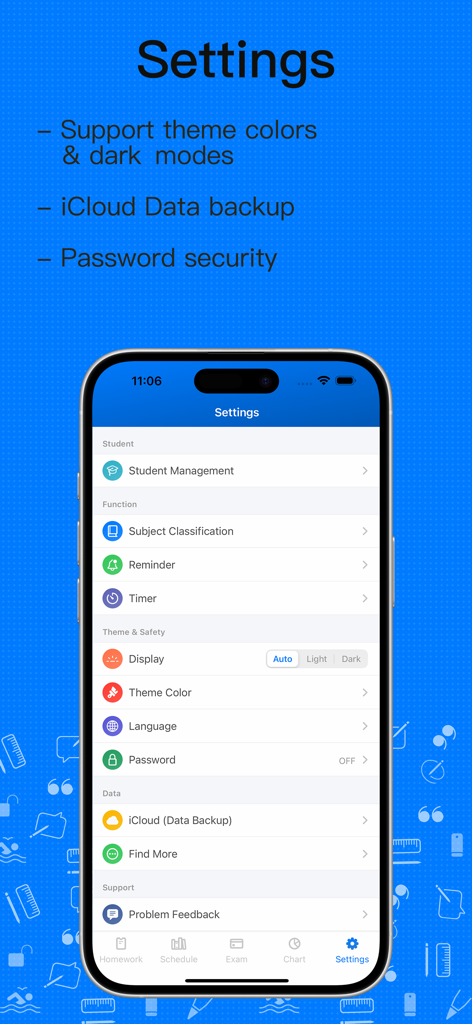
Settings interface of the My Homework and Exam Assistant app featuring student management, iCloud backup, and security options.
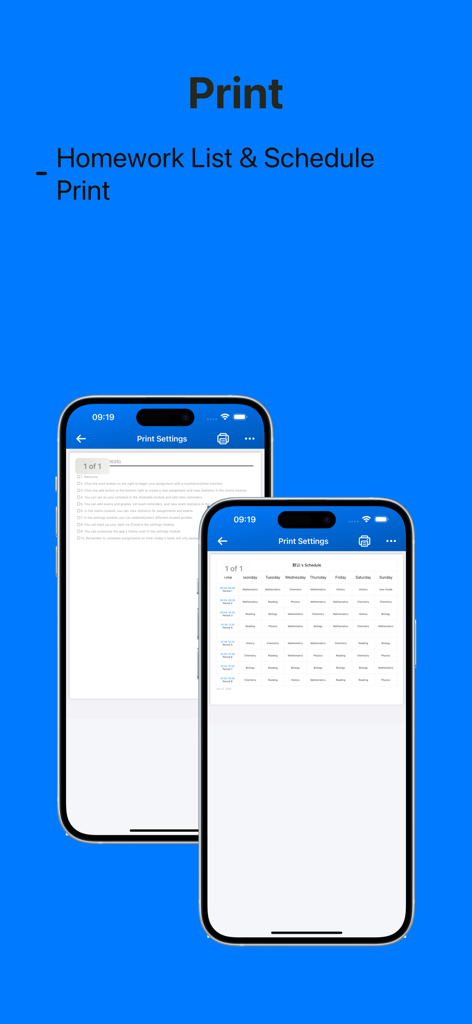
Preview of the print settings for homework lists and weekly course schedules on iPhone screens.
Description
Download
More Like This
Top-ranked apps in the same category

ChatGPT
OpenAI OpCo, LLC

Google Gemini
Google LLC

Grok
X.AI Corporation

Gmail - Email by Google
Google LLC

千问 - 阿里最强大模型官方AI助手
Shanghai Zhixin Puhui Technology Co., Ltd.

Google Drive
Google LLC

Microsoft Authenticator
Microsoft Corporation

Google Sheets
Google LLC

Google Docs
Google LLC
This page is not an official page of the app or its developer, but an independent editorial publication created for informational and commentary purposes. Unless expressly stated otherwise, neither the app nor its developer is affiliated with, endorsed by, sponsored by, authorized by, or otherwise officially connected with MWM, Apple, Google Play, the app publisher, or the app's developer, and nothing on this page implies that the app was developed using MWM's services. Any trademarks, logos, screenshots, and other content remain the property of their respective owners.