
This page is not an official page of the app or its developer, but an independent editorial publication created for informational and commentary purposes. Unless expressly stated otherwise, neither the app nor its developer is affiliated with, endorsed by, sponsored by, authorized by, or otherwise officially connected with MWM, Apple, Google Play, the app publisher, or the app's developer, and nothing on this page implies that the app was developed using MWM's services. Any trademarks, logos, screenshots, and other content remain the property of their respective owners.


My Moment Pro
Stop settling for blurry screenshots. Extract high-resolution, print-worthy photos from your favorite videos with one click and preserve life's split-second milestones in Full HD.
Downloads
6K+User Rating
Total Ratings
0Publisher
Category
Photo & VideoLocales
30Latest Version
1.7Size
14.2 MBFirst Released
Jan 3, 2014Capture the Perfect Shot, Every Time
Stop struggling to time your photos. Turn any video into high-resolution, print-worthy memories with just a few taps.
Frame-by-Frame Precision
Scrub through your footage with up to 30 frames per second to find the exact millisecond your child smiles or your pet leaps into the air.
Crystal Clear HD Quality
Ditch the blurry screenshots. Extract full-resolution stills from your HD videos that are perfect for social media, digital scrapbooks, or physical prints.
The following screenshots and description are sourced directly from the app's official store listing and are the property of the app developer.
App Store
Screenshots

My Moment Pro app splash screen with video to photo conversion icon
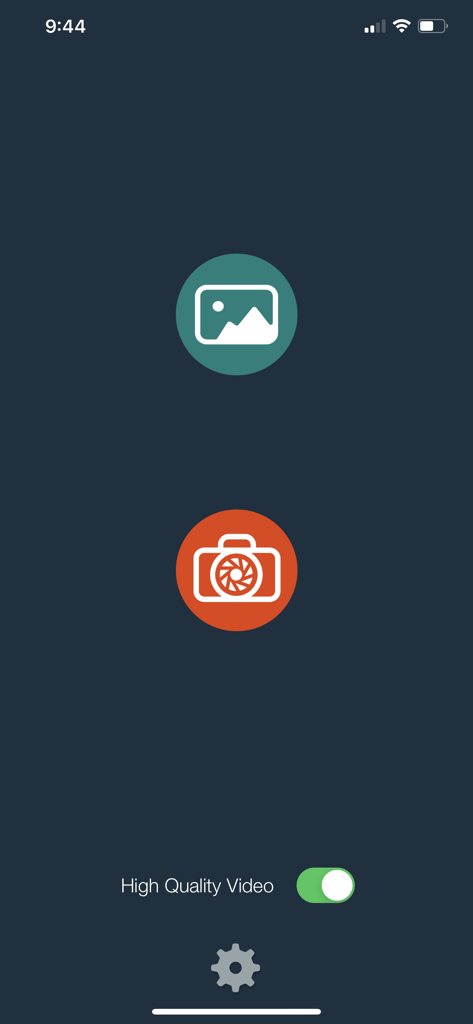
Main interface of My Moment Pro app featuring video selection and camera buttons with a high quality video toggle
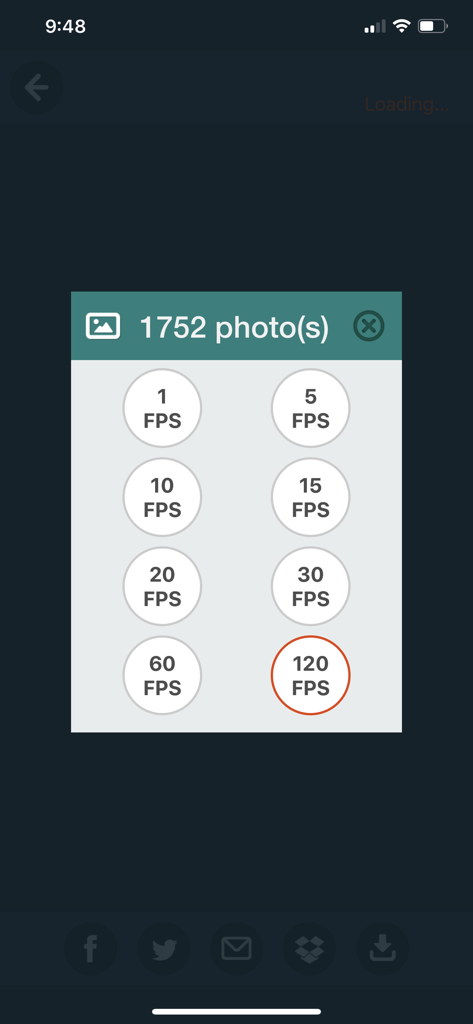
Frames per second selection menu in My Moment Pro app for video frame extraction.
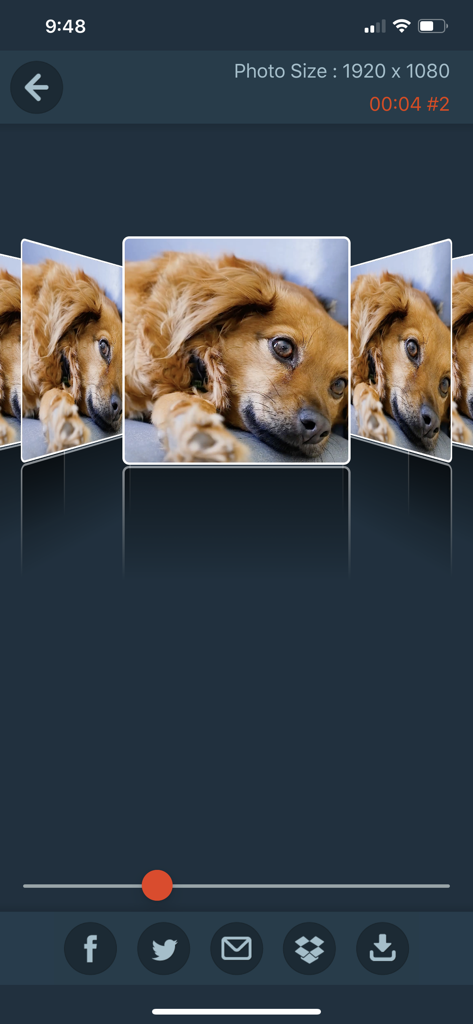
My Moment Pro app interface showing a high-quality photo of a dog extracted from a video with sharing options
Description
Download
More Like This
Top-ranked apps in the same category

CapCut: Photo & Video Editor
BYTEDANCE PTE. LTD.

Instagram, Inc.

YouTube
Google LLC

Canva: AI Photo & Video Editor
Canva Pty Ltd

Snapchat
Snap, Inc.

快手
Beijing Kwai Technology Co., Ltd.

Edits: Video Editor
Instagram, Inc.

Meitu- AI Photo & Video Editor
Xiamen Meitu Technology Co., Ltd.

Google Photos: Backup & Edit
Google LLC
This page is not an official page of the app or its developer, but an independent editorial publication created for informational and commentary purposes. Unless expressly stated otherwise, neither the app nor its developer is affiliated with, endorsed by, sponsored by, authorized by, or otherwise officially connected with MWM, Apple, Google Play, the app publisher, or the app's developer, and nothing on this page implies that the app was developed using MWM's services. Any trademarks, logos, screenshots, and other content remain the property of their respective owners.