
This page is not an official page of the app or its developer, but an independent editorial publication created for informational and commentary purposes. Unless expressly stated otherwise, neither the app nor its developer is affiliated with, endorsed by, sponsored by, authorized by, or otherwise officially connected with MWM, Apple, Google Play, the app publisher, or the app's developer, and nothing on this page implies that the app was developed using MWM's services. Any trademarks, logos, screenshots, and other content remain the property of their respective owners.

MyCast for Google Chromecast
Bridge the gap between your iOS devices and any Chromecast-enabled TV. Seamlessly stream high-quality photos, videos, and documents, or mirror your entire screen for presentations, gaming, and sharing memories with zero hassle.
Downloads
8K+User Rating
Total Ratings
0Publisher
Category
Photo & VideoLocales
1Latest Version
2.6Size
91.8 MBFirst Released
Dec 18, 2024Seamlessly Connect Your Apple Life to Your Google TV
Break free from AirPlay limitations and bridge the gap between your iPhone or iPad and any Chromecast-enabled device for work and play.
Real-Time Screen Mirroring
Instantly project your entire screen for lag-free gaming, app browsing, or live demos on the big screen.
Professional Document Casting
Elevate your presentations by casting PDFs and work files directly to Smart TVs during meetings or education sessions.
Frequently Asked Questions
Everything you need to know about MyCast for Google Chromecast
What is MyCast for Google Chromecast?
MyCast for Google Chromecast enables iPhone and iPad users to cast and screen mirror content to all Chromecast models and Smart TVs with built-in Chromecast.
Does MyCast support all Google Chromecast devices?
Yes, MyCast supports all Google Chromecast devices. It also functions with Smart TVs featuring built-in Chromecast across various brands.
Can I mirror my iPhone or iPad screen using MyCast?
Yes, MyCast instantly mirrors your iPhone or iPad screen to your TV. This feature is ideal for presentations, browsing, gaming, and sharing applications.
What types of content can MyCast cast to my TV?
MyCast casts photos, videos, documents, and files. It also supports screen mirroring, sketching, and music casting from your device to your TV.
What features does MyCast offer for free?
MyCast provides Video Compression and PDF Compression as free features. These utility tools do not require any active subscription.
Are MyCast's advanced casting features free?
No, advanced casting features within MyCast, such as photos, videos, YouTube, and screen mirroring, require an active iTunes subscription.
How do I manage my MyCast subscription?
MyCast subscriptions are managed through your Apple App Store account settings. Payments are charged to your iTunes account upon confirmation.
Does MyCast include a remote control?
Yes, MyCast includes a remote control interface with voice and keyboard search capabilities. It offers direct access buttons for applications like YouTube and Netflix.
Can MyCast stream YouTube videos to a TV?
Yes, MyCast streams YouTube videos to your TV. This capability falls under the advanced casting features which necessitate a premium subscription.
Is MyCast compatible with Smart TVs with built-in Chromecast?
Yes, MyCast is compatible with Smart TVs that have built-in Chromecast. This ensures broad support across multiple television brands.
The following screenshots and description are sourced directly from the app's official store listing and are the property of the app developer.
App Store
Screenshots
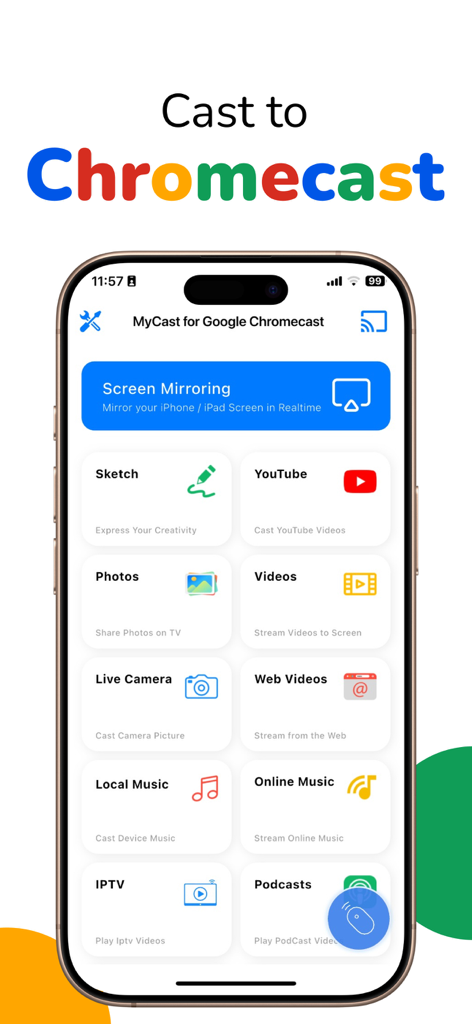
Dashboard of the MyCast app on an iPhone displaying casting and screen mirroring features
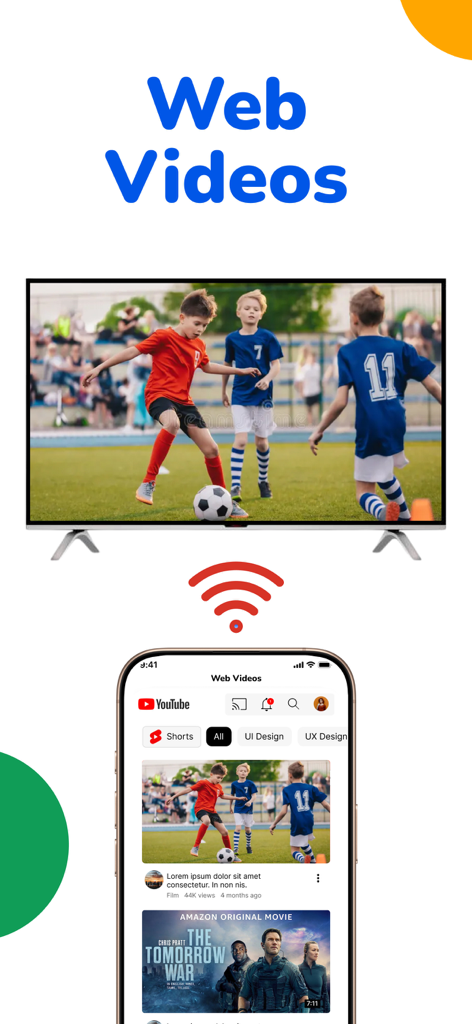
An iPhone casting web videos to a smart TV screen
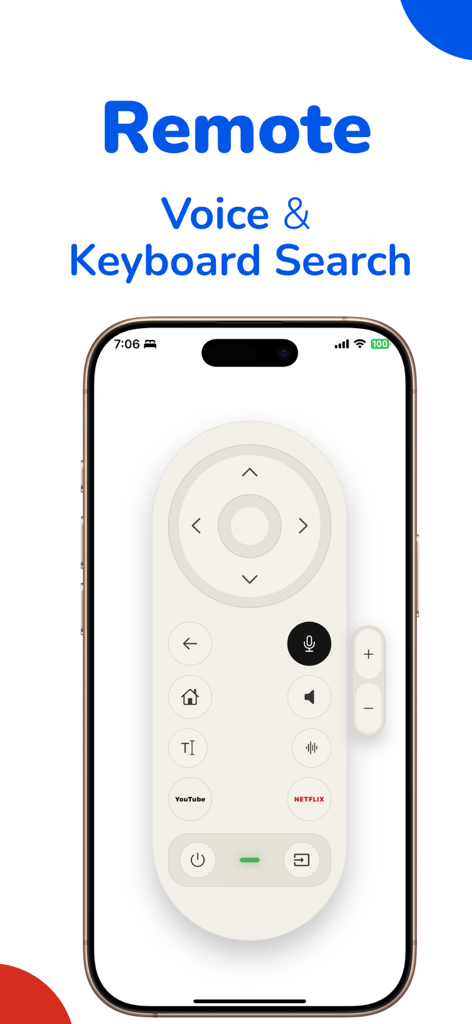
Smartphone screen displaying a remote control with voice and keyboard search for Chromecast
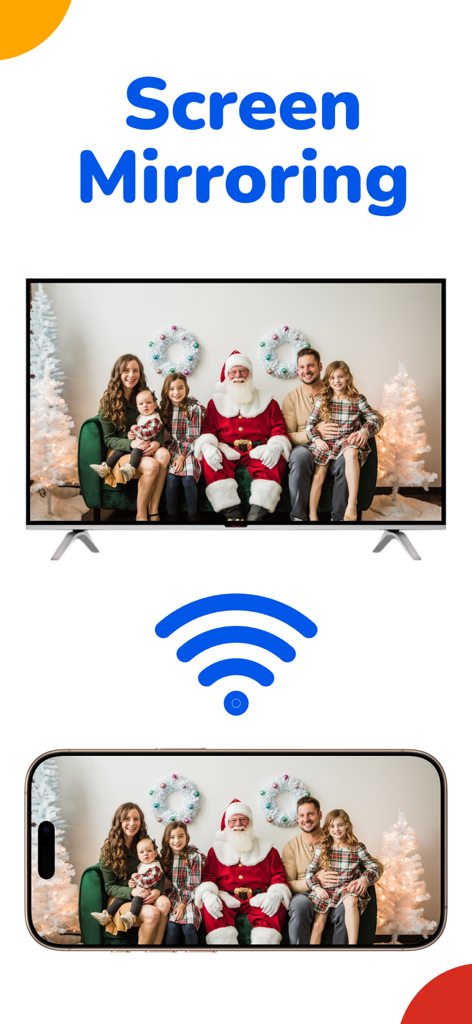
iphone screen mirroring a family photo with santa to a large television screen

Easy connect screen mirroring from iPhone to TV with MyCast
Description
Download
More Like This
Top-ranked apps in the same category

CapCut: Photo & Video Editor
BYTEDANCE PTE. LTD.

Instagram, Inc.

YouTube
Google LLC

Canva: AI Photo & Video Editor
Canva Pty Ltd

Snapchat
Snap, Inc.

快手
Beijing Kwai Technology Co., Ltd.

Edits: Video Editor
Instagram, Inc.

Meitu- AI Photo & Video Editor
Xiamen Meitu Technology Co., Ltd.

Google Photos: Backup & Edit
Google LLC
This page is not an official page of the app or its developer, but an independent editorial publication created for informational and commentary purposes. Unless expressly stated otherwise, neither the app nor its developer is affiliated with, endorsed by, sponsored by, authorized by, or otherwise officially connected with MWM, Apple, Google Play, the app publisher, or the app's developer, and nothing on this page implies that the app was developed using MWM's services. Any trademarks, logos, screenshots, and other content remain the property of their respective owners.