MyDS emulator

MyDS emulator

Download on App Store
Logo of MyDS emulator

MyDS emulator: Relive the Golden Age of Handheld Gaming

Transform your iPhone into a high-performance dual-screen console. Enjoy your favorite childhood classics with instant saves, game acceleration, and a pure, ad-free experience designed for nostalgia on the go.

Download on App Store

Publisher

滨 李

Category

Utilities

Downloads

200

User Rating

1.0/5

Total Ratings

0

Locales

2

Relive the Classics

Discover the interface used by 200 users.
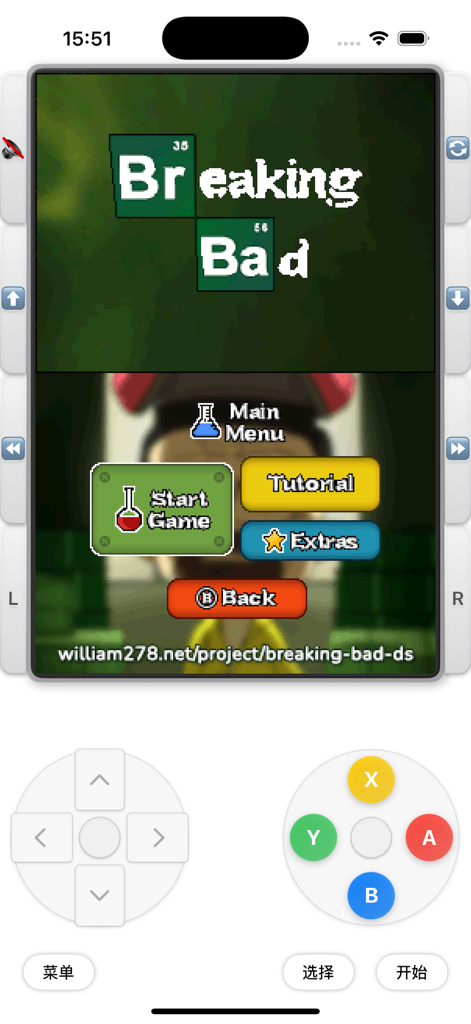
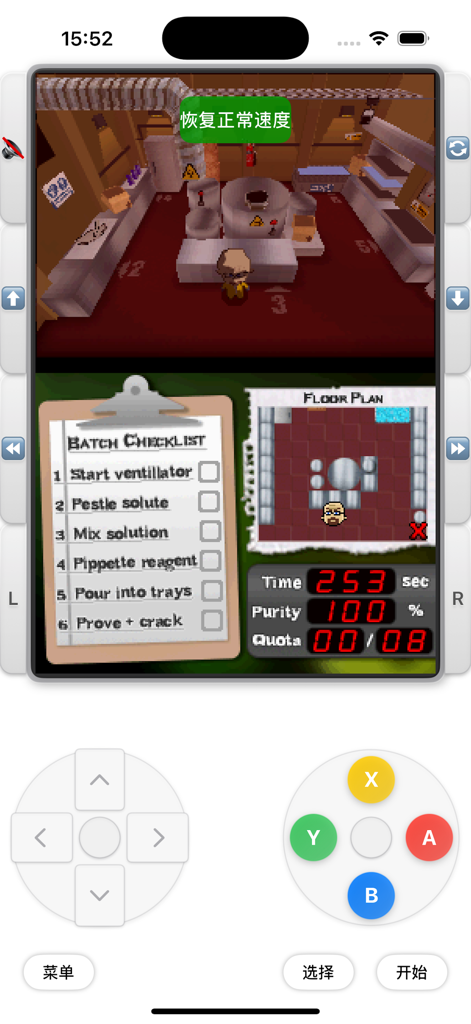
Screenshot of MyDS emulator on iPhone showing the dual-screen layout and virtual game controller buttons

Screenshot of MyDS emulator on iPhone showing the dual-screen layout and virtual game controller buttons

MyDS emulator on iPhone showing the dual-screen interface and virtual gamepad controls.

MyDS emulator on iPhone showing the dual-screen interface and virtual gamepad controls.

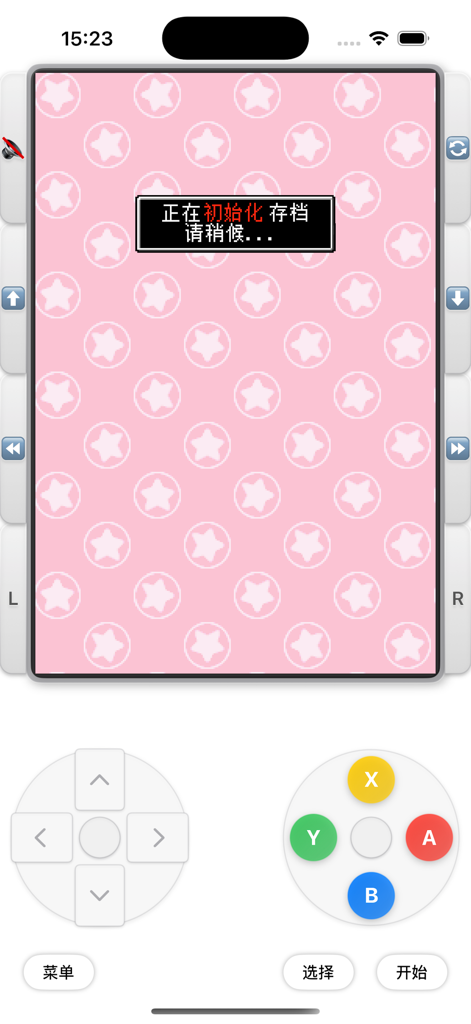
MyDS emulator interface showing virtual gaming controls and a loading message on a pink star background

MyDS emulator interface showing virtual gaming controls and a loading message on a pink star background

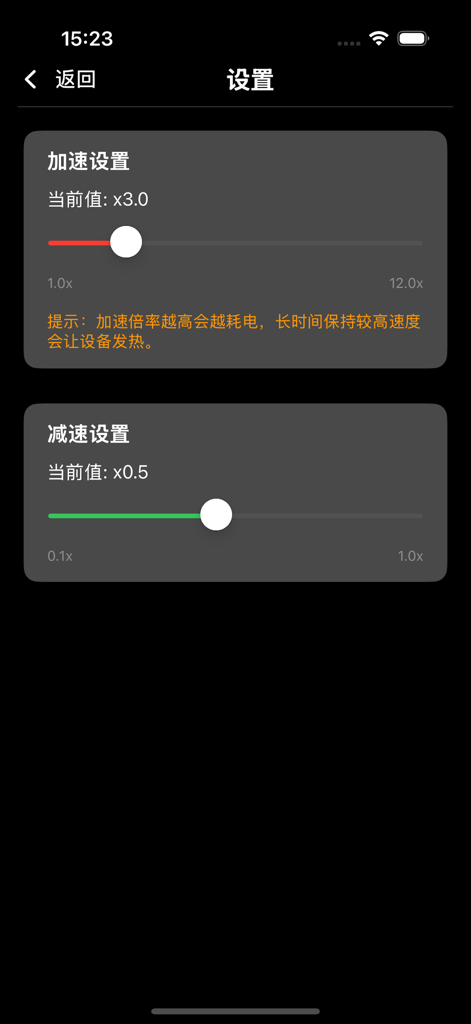
Speed adjustment settings screen in MyDS emulator with sliders for acceleration and deceleration

Speed adjustment settings screen in MyDS emulator with sliders for acceleration and deceleration

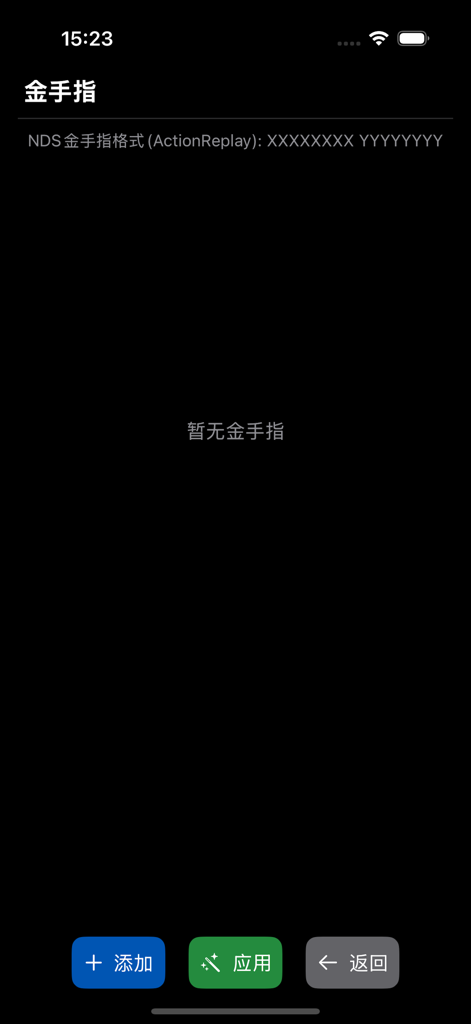
The cheat code settings screen of the MyDS emulator showing ActionReplay support and buttons to add or apply codes.

The cheat code settings screen of the MyDS emulator showing ActionReplay support and buttons to add or apply codes.

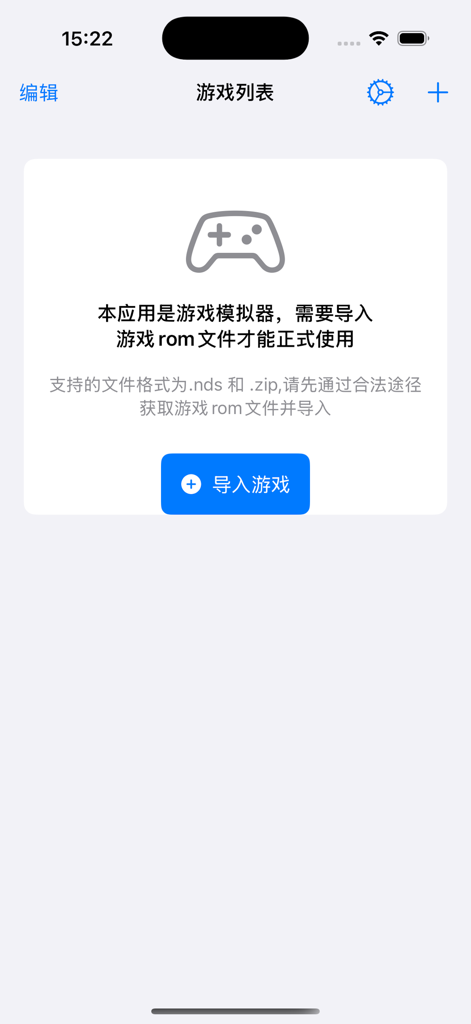
The import games screen of the MyDS emulator app with a blue button and controller icon.

The import games screen of the MyDS emulator app with a blue button and controller icon.

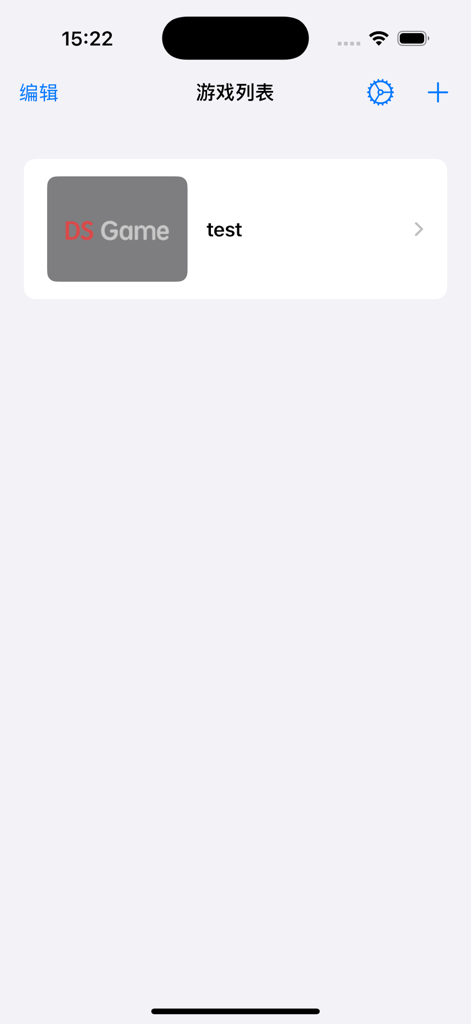
MyDS emulator main screen displaying a list of imported Nintendo DS games

MyDS emulator main screen displaying a list of imported Nintendo DS games

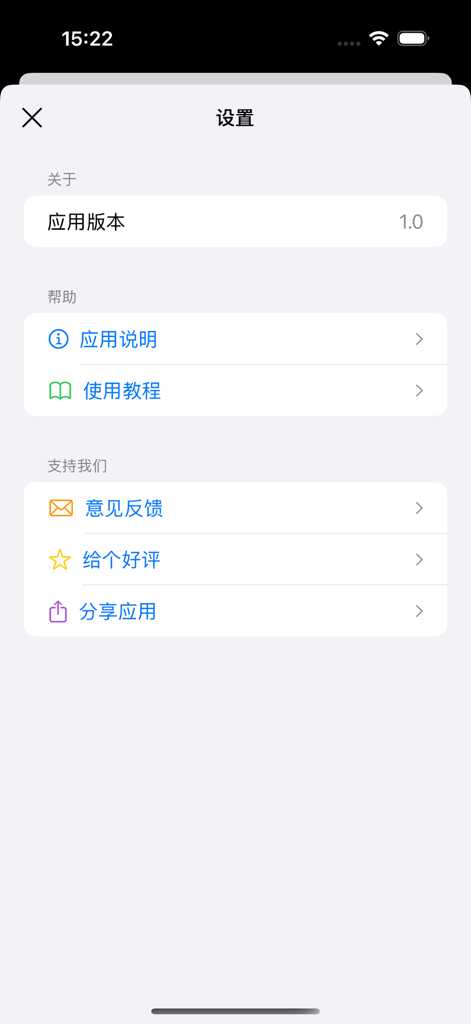
Settings menu of the MyDS emulator app showing version information and support options

Settings menu of the MyDS emulator app showing version information and support options

Relive Your Childhood Classics

The tools that make this app stand out, trusted by 200 users.

🎮

Authentic Dual-Screen Layout

Experience the classic handheld feel with a perfectly recreated dual-screen interface and smooth, high-speed emulation.

Save Anytime, Play Faster

Master your games with 9 instant save slots and a powerful fast-forward mode to breeze through slow dialogue and cutscenes.

🛡️

Private & Ad-Free Gaming

Enjoy a pure, distraction-free experience with no intrusive ads. All your game data is stored locally, keeping your privacy secure.

About the app

Everything you need to know about MyDS emulator.

Description

MyDS Emulator - Carry Classic Games with You The perfect solution to experience classic Nintendo DS games on iOS devices! NDS Emulator allows you to play your childhood favorites anytime, anywhere. Key Features High-performance emulation: Provides a smooth and stable gaming experience Flexible import: Supports importing .nds and .zip format game files, and you can easily add your games through various methods Instant save: Offers 9 save slots to save or load your game progress at any time, no more worries about interruptions Game acceleration: Unique fast-forward and slow-motion functions, allowing you to adjust the game speed flexibly Cheats support: Built-in cheat function, easy to add and manage game codes Custom controls: Full touch screen operation, adapted to the gaming experience on iOS devices Interface Features Beautiful interface: Modern design user interface, simple and intuitive operation Dual-screen display: Perfectly recreates the DS upper and lower dual-screen experience Chinese support: Fully Chinese interface, more convenient to use Privacy and Security Local operation: All game and save data are stored locally, protecting your privacy and security No ad interference: Pure gaming experience, no ads to disturb Turn your iOS device into a portable game console and relive the good old days of classic games! Please note that this app only provides emulator functionality, and you need to obtain the legal game ROM files by yourself.

Latest Version

1.0

Size

32.0 MB

First Released

Apr 15, 2025

Ready to Relive Your Favorite Classics?

Turn your iPhone into the ultimate handheld console. Enjoy a pure, ad-free gaming experience with fast-forward, instant saves, and dual-screen perfection.

Download on App Store

App information, icons, screenshots, and descriptions displayed on this page are sourced from the Apple App Store and are the property of their respective developers. Download estimates and rankings are based on MWM's proprietary models and may not reflect actual figures. This page is provided for informational and analytical purposes only.

Believe this page infringes your intellectual property? File a dispute