
This page is not an official page of the app or its developer, but an independent editorial publication created for informational and commentary purposes. Unless expressly stated otherwise, neither the app nor its developer is affiliated with, endorsed by, sponsored by, authorized by, or otherwise officially connected with MWM, Apple, Google Play, the app publisher, or the app's developer, and nothing on this page implies that the app was developed using MWM's services. Any trademarks, logos, screenshots, and other content remain the property of their respective owners.
Downloads
385K+User Rating
Total Ratings
3K+Publisher
Category
MedicalLocales
2Latest Version
11.6.2Size
175.0 MBFirst Released
Apr 29, 2022Comprehensive Care at Your Fingertips
MyOchsner connects you to the Gulf South’s premier healthcare network, simplifying how you manage your family’s health, appointments, and wellness.
Complete Patient Portal
Instantly view lab results, message your doctors, and manage medications for your entire household from one secure dashboard.
Frictionless Visits
Save time with ePre-check, find the nearest urgent care, and navigate our medical centers with campus maps and parking guides.
Frequently Asked Questions
Everything you need to know about MyOchsner
How can I pre-register for appointments using MyOchsner?
Yes, MyOchsner allows users to pre-register for appointments through its ePre-check feature. This streamlines the check-in process for upcoming visits.
Can I message my care team with the MyOchsner app?
Yes, the MyOchsner app enables users to directly message their care team. This feature facilitates communication regarding health inquiries and care management.
Does MyOchsner show lab test results?
Yes, MyOchsner allows users to review their lab test results directly within the app. It provides quick access to important health information and reports.
Can MyOchsner integrate with Apple Health data?
Yes, MyOchsner supports uploading health and fitness data, including data from the Apple Health app, when users are enrolled in self-tracking programs.
How do I schedule appointments using the MyOchsner app?
Yes, MyOchsner allows users to schedule and manage their appointments directly within the app. It provides options for online, phone, or in-person care.
Does MyOchsner help find urgent care locations?
Yes, MyOchsner helps users locate urgent care facilities. The app streamlines the process of finding immediate medical attention when needed.
Is there a 24-hour nurse line available through MyOchsner?
Yes, MyOchsner provides access to Ochsner On-Call, a 24-hour nurse line for advice. Registered nurses offer support for symptoms and care options.
Can I view campus maps in the MyOchsner app?
Yes, MyOchsner allows users to explore campus maps, get directions, and find parking information for Ochsner facilities. This includes medical centers and hospitals.
Does MyOchsner offer wellness services?
Yes, MyOchsner provides wellness services including fitness, nutrition, and sleep support. Users access nutrition tips and health advice from medical experts.
Can I shop for medical supplies with MyOchsner?
Yes, MyOchsner allows users to shop for home medical supplies directly through the app. This provides convenient access to necessary health products.
Can I pay my bill using the MyOchsner app?
Yes, MyOchsner provides features to explore estimates and pay your bill. The app also offers answers to billing questions for financial services.
Does MyOchsner have a live chat support feature?
Yes, MyOchsner offers a live chat support feature called "Ask Ochsner." Users can ask questions and receive assistance directly within the app.
How do I log in to MyOchsner?
To access your patient portal features, sign in with your MyOchsner account or create a new account directly in the app. Most resources are available without login.
The following screenshots and description are sourced directly from the app's official store listing and are the property of the app developer.
App Store
Screenshots
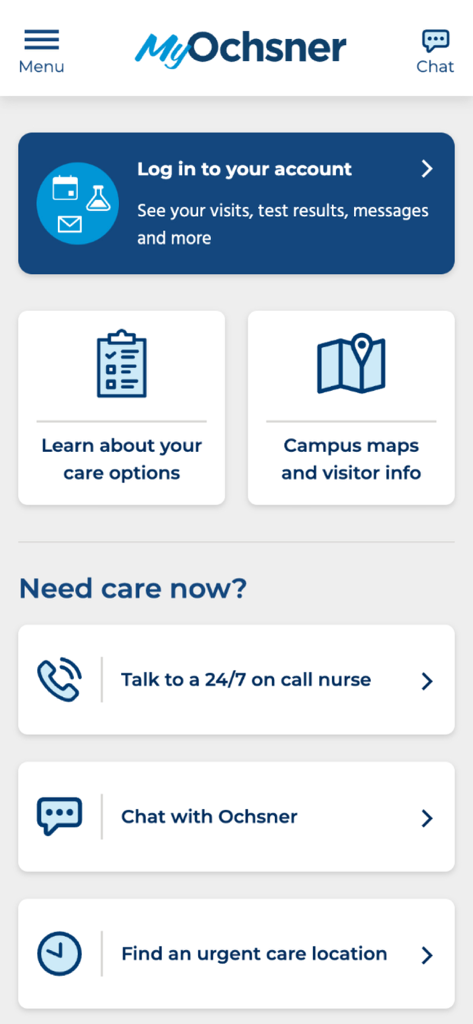
MyOchsner mobile app home screen showing patient login and urgent care options
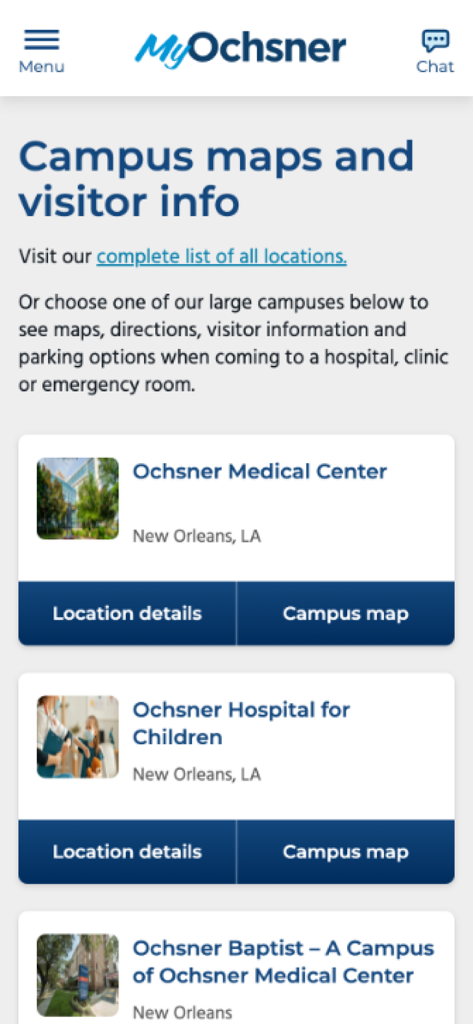
MyOchsner app interface for campus maps and visitor information listing medical center locations
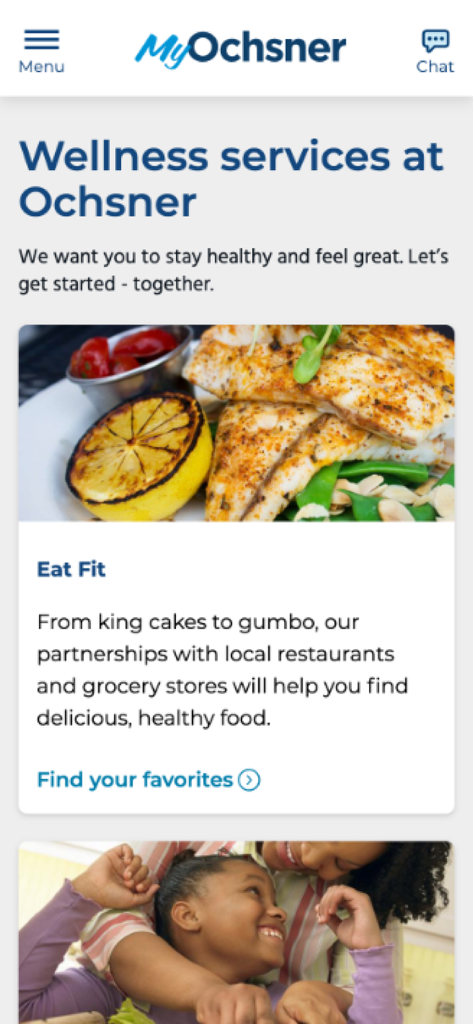
MyOchsner app screen showcasing wellness services and the Eat Fit program for healthy local dining options
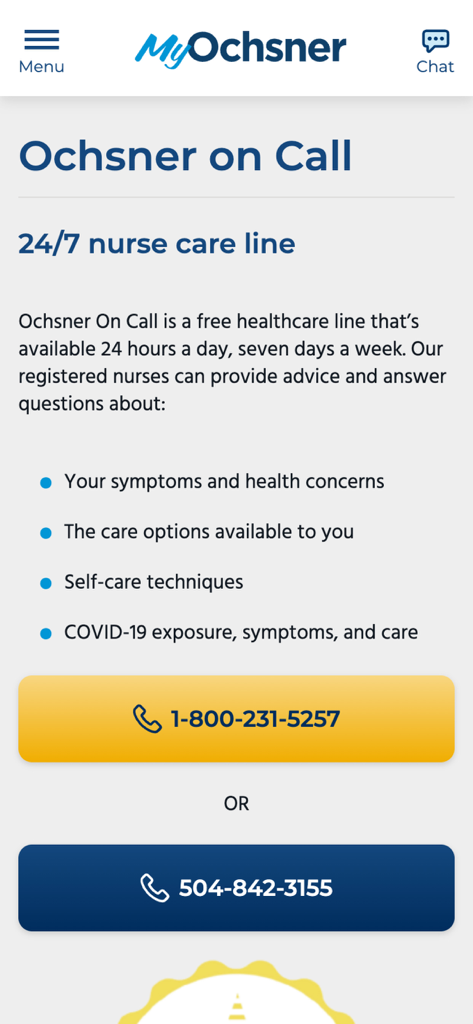
MyOchsner app 24/7 nurse care line screen showing contact phone numbers for health advice
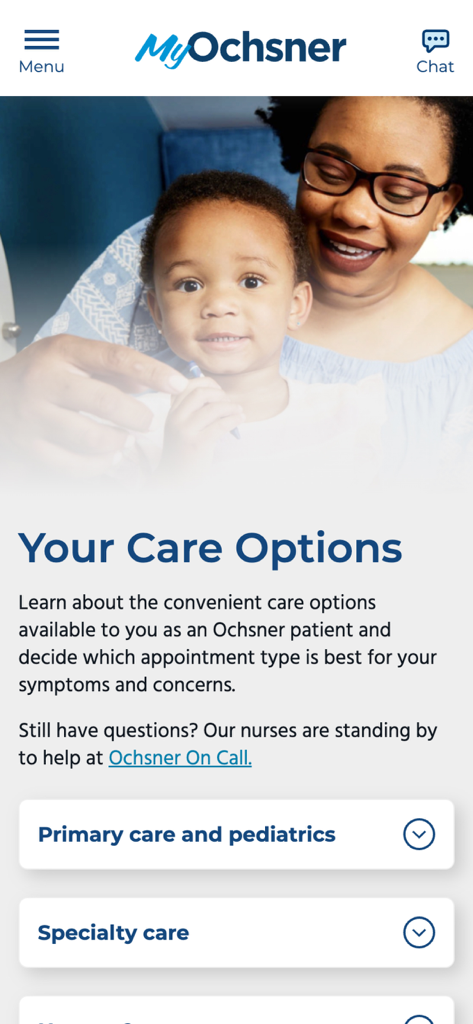
MyOchsner mobile app screen displaying healthcare options for primary and specialty care
Description
Download

More Like This
Apps with similar features and user experience

SimplePractice Client Portal
SimplePractice LLC

athenaPatient
athenahealth, Inc.

Kaiser Permanente
Kaiser Permanente

One Medical
One Medical Group, Inc.

Saudi German Health
Saudi German Hospital

NowServing by SeriousMD
LeapFroggr Inc.

NMC - MyHealth
NMC HEALTHCARE LTD

Providence
PROVIDENCE HEALTH & SERVICES - WASHINGTON

Mediclinic - ميديكلينيك
MEDICLINIC MIDDLE EAST MANAGEMENT SERVICES FZ LLC
This page is not an official page of the app or its developer, but an independent editorial publication created for informational and commentary purposes. Unless expressly stated otherwise, neither the app nor its developer is affiliated with, endorsed by, sponsored by, authorized by, or otherwise officially connected with MWM, Apple, Google Play, the app publisher, or the app's developer, and nothing on this page implies that the app was developed using MWM's services. Any trademarks, logos, screenshots, and other content remain the property of their respective owners.