N Calendar - Planner & Agenda

N Calendar - Planner & Agenda

Download on App Store
Logo of N Calendar - Planner & Agenda

N Calendar - The Minimalist Planner for Effortless Organization

Take control of your schedule with a private, account-free agenda. Experience the simplicity of a paper planner with the power of color-coded organization and secure, local storage.

Publisher

Komorebi Inc.

Category

Productivity

Downloads

229K+

User Rating

4.7/5

Total Ratings

4K+

Locales

33

A Glimpse of Clarity

Discover the interface used by 229K+ users.
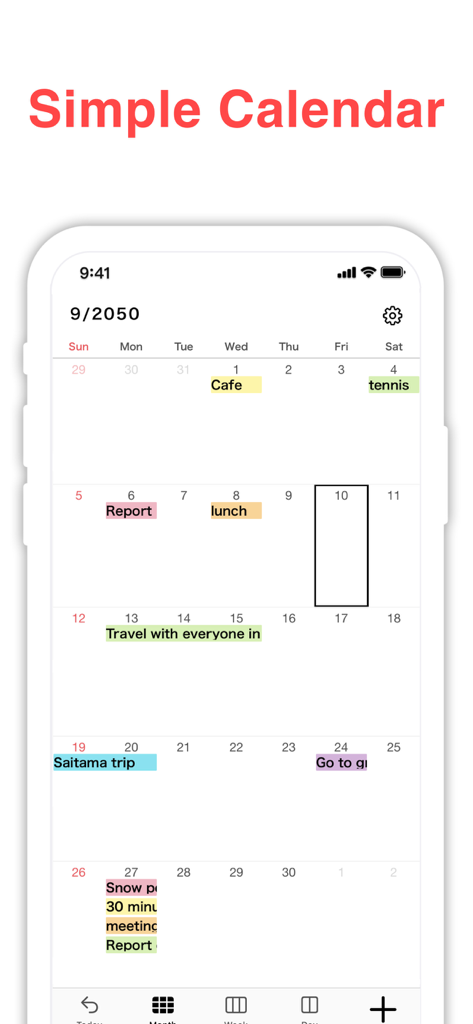
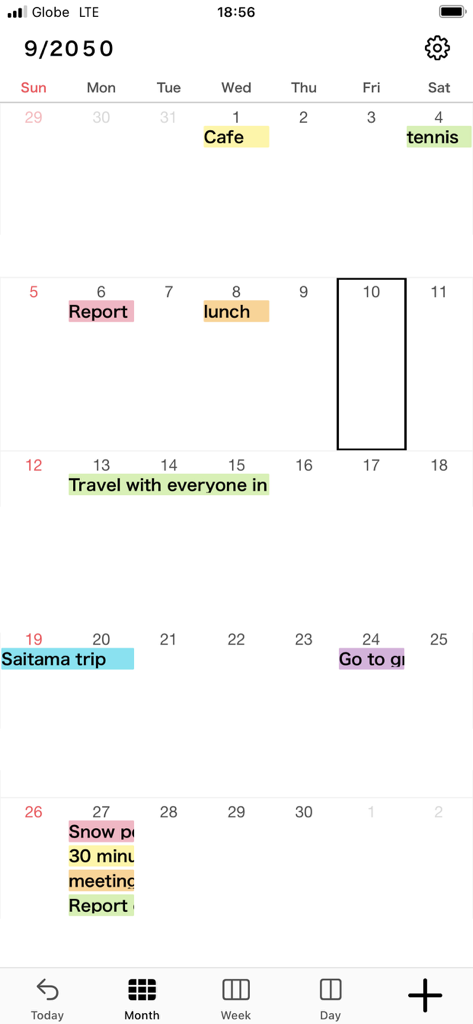
Monthly calendar view of N Calendar app with color coded schedule

Monthly calendar view of N Calendar app with color coded schedule

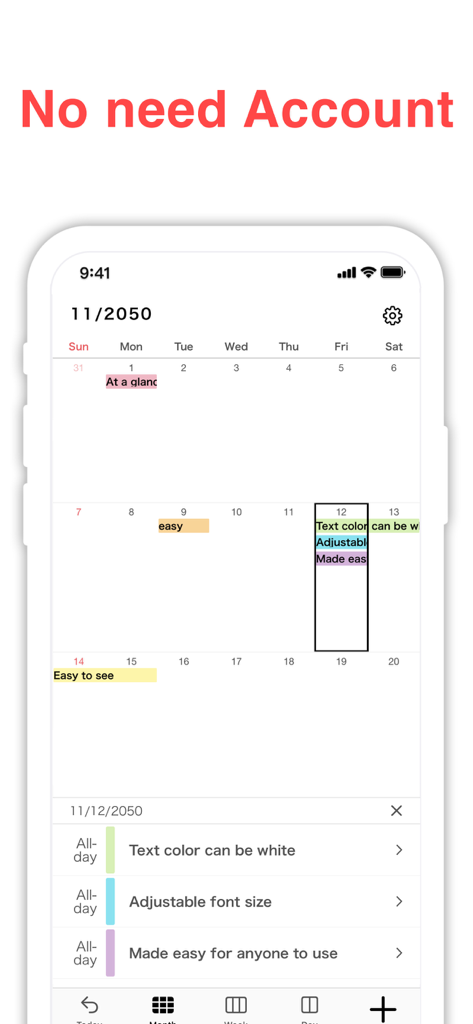
Screenshot of N Calendar app showing a minimalist monthly calendar interface with the header No need Account.

Screenshot of N Calendar app showing a minimalist monthly calendar interface with the header No need Account.

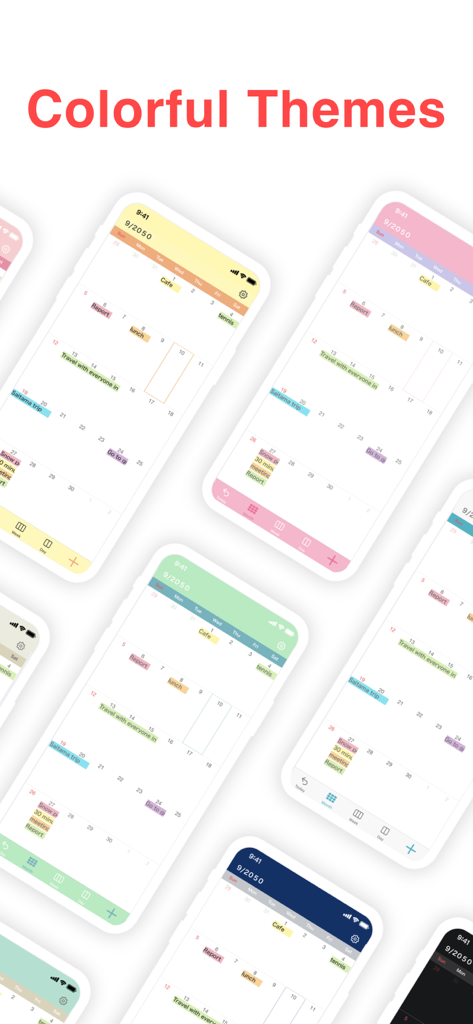
Multiple iPhone screens displaying different colorful theme options for the N Calendar planner app

Multiple iPhone screens displaying different colorful theme options for the N Calendar planner app

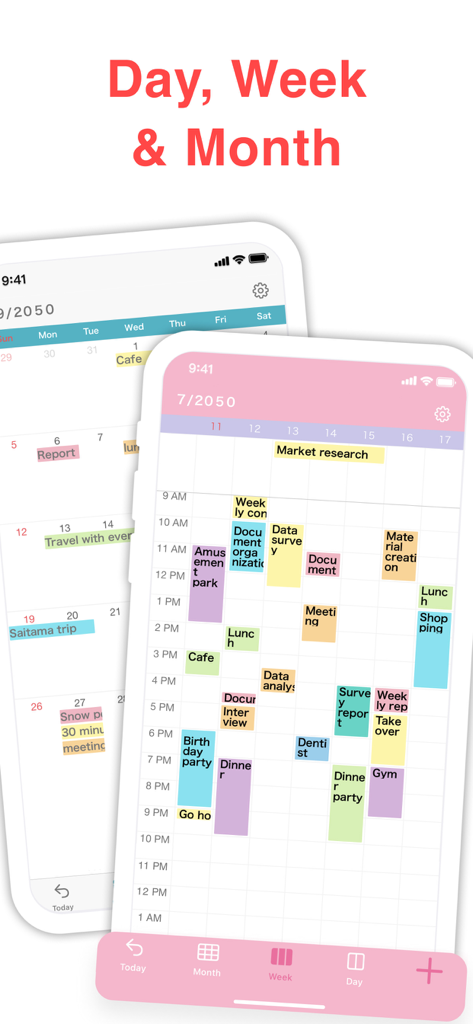
N Calendar mobile app interface showing daily weekly and monthly views with color coded events

N Calendar mobile app interface showing daily weekly and monthly views with color coded events

A minimalist monthly calendar interface showing color-coded event labels and scheduled tasks

A minimalist monthly calendar interface showing color-coded event labels and scheduled tasks

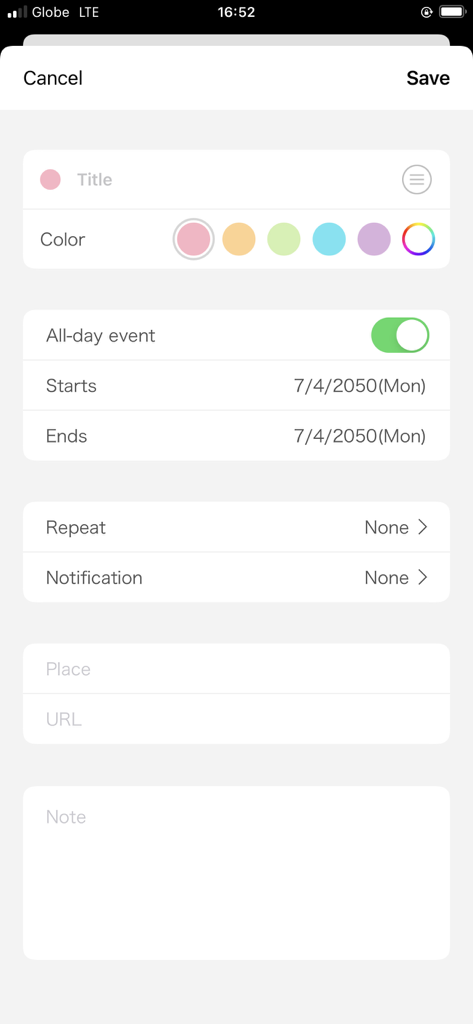
N Calendar event creation screen with color coding options

N Calendar event creation screen with color coding options

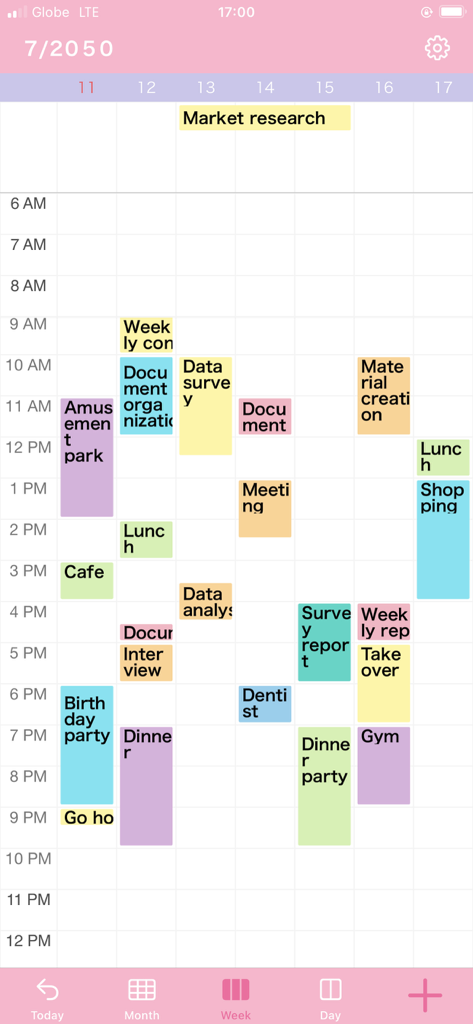
A weekly view of the N Calendar app featuring color coded appointments and a minimalist pink theme

A weekly view of the N Calendar app featuring color coded appointments and a minimalist pink theme

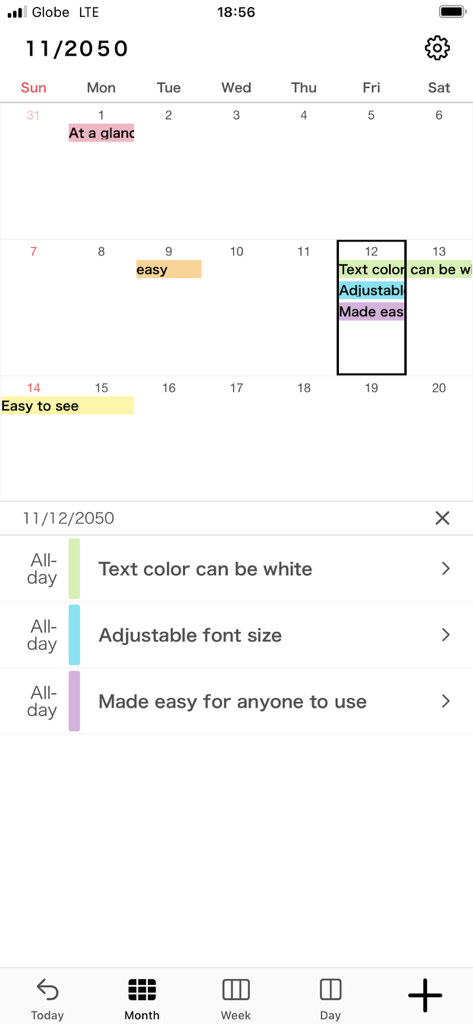
N Calendar app monthly view with color coded events and adjustable font settings

N Calendar app monthly view with color coded events and adjustable font settings

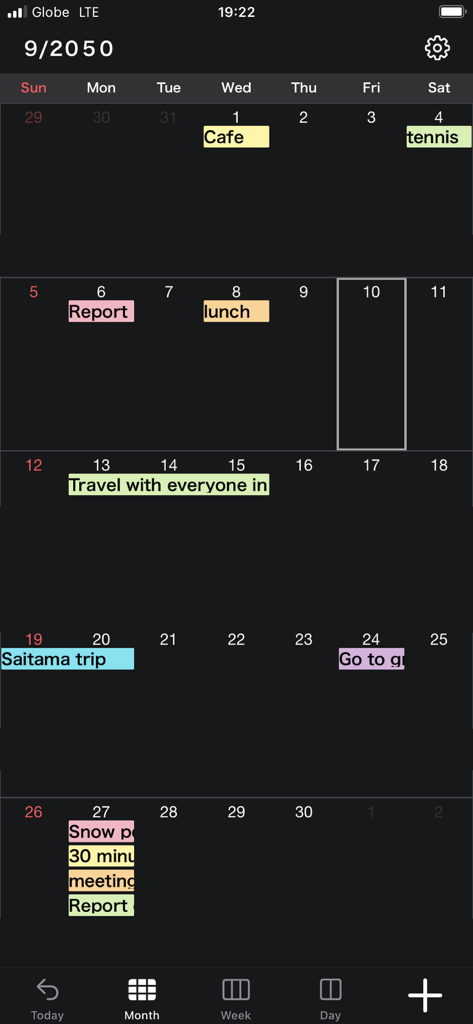
Monthly calendar interface of the N Calendar app featuring color coded events and a minimalist dark mode design

Monthly calendar interface of the N Calendar app featuring color coded events and a minimalist dark mode design

Minimalism Meets Organization

The tools that make this app stand out, trusted by 229K+ users.

🛡️

Privacy First, No Accounts

Skip the sign-up fatigue. Your data lives on your device and iCloud, not a corporate server. Start planning in seconds without ever creating an account.

🎨

Your Aesthetic, Your Way

Choose from 15 vibrant theme colors and 10 font sizes. Customize your calendar to highlight what matters most and match your personal style.

📱

Everything at a Glance

Switch instantly between daily, weekly, and monthly views. With 6 different widget sizes, your schedule is always perfectly visible on your home screen.

About the app

Everything you need to know about N Calendar - Planner & Agenda.

Description

N Calendar is the most simple and easy-to-use Calendar app ever! You don't have to need a calendar account. You can use this app without some calendar service! It's perfect for those looking for a minimalist calendar app focused on functionality instead of extra (and sometimes unnecessary) features. [Functions] · No need account · 15 theme colors · 6 size widgets · Font size adjustment (10 sizes) · Weekly calendar display · Supports daily calendar · Color coding by 15 colors · Passcode · iCloud backup [Function Details] ■ No need account This app has original database. So you don't have to prepare some calendar accounts. You can use this app right now! ■ Adjust font size You can choose from five font sizes of extra-small, small, medium, large, and extra-large. You can also pick between light and bold font, to make prioritized events pop up better. ■ Monthly, weekly, and daily calendar With one tap at the bottom of the screen, you can switch between monthly, weekly, and daily display. ■ Color coding You can manage events clearly by color coding them. You can choose label colors from 15 colors. ■ Secure passcode lock You can lock the app with a password securely, if you don't want people to see your calendars. Of course, it corresponds to Face ID, Touch ID as well. ■ Notification settings You can set up notifications for scheduled events, at the event time and also 5 min, 15min, or more prior to the event so you don't miss important plans! 【Help/Inquiries】 Please visit "Help · FAQ" from the setting screen of the app. If this doesn't help, please contact us through "Inquiry / feedback" from the setting screen. We can respond to you much quicker this way, so please do so instead of asking us questions in the app review, since it takes a while for those to be reflected onto the page.

Latest Version

3.1.0

Size

195.0 MB

First Released

Nov 6, 2021

Simplify Your Day, No Strings Attached.

Join 229,000+ users who have traded complex accounts for a private, minimalist planner. Download N Calendar and start organizing your life in seconds—no sign-up required.

Download on App Store

App information, icons, screenshots, and descriptions displayed on this page are sourced from the Apple App Store and are the property of their respective developers. Download estimates and rankings are based on MWM's proprietary models and may not reflect actual figures. This page is provided for informational and analytical purposes only.

Believe this page infringes your intellectual property? File a dispute