
This page is not an official page of the app or its developer, but an independent editorial publication created for informational and commentary purposes. Unless expressly stated otherwise, neither the app nor its developer is affiliated with, endorsed by, sponsored by, authorized by, or otherwise officially connected with MWM, Apple, Google Play, the app publisher, or the app's developer, and nothing on this page implies that the app was developed using MWM's services. Any trademarks, logos, screenshots, and other content remain the property of their respective owners.


Navimow
No wires. No fuss. This app hands users unprecedented command over yard upkeep, freeing them from the tyranny of the weekend mow.
Downloads
250k+User Rating
Total Ratings
34.4KPublisher
Category
UtilitiesLocales
23Latest Version
4.1.0Size
217.3 MBFirst Released
Jan 22, 2022An evaluation of key functionalities enhancing automated lawn care for modern homeowners.
Navimow App: Core Features Analysis
Virtual Boundary & Zone Mapping
The app allows users to create a virtual working zone for the mower, map their lawn area, and define boundaries, off-limit areas, and channels using remote control, supporting management of multiple lawn areas.
Flexible Mowing Scheduling
It enables users to set a mowing schedule, offering both auto-generated recommendations based on preferences and the option to manually select specific mowing times.
Real-time Monitoring & Control
The app provides the ability to monitor the mower's status and mowing progress at any time, along with remote control functionalities to start or stop operations as needed.
Personalized Mowing Settings
This tool features options to personalize various settings, such as cutting height and work mode, which can be adjusted with ease.
The following screenshots and description are sourced directly from the app's official store listing and are the property of the app developer.
App Store
Screenshots
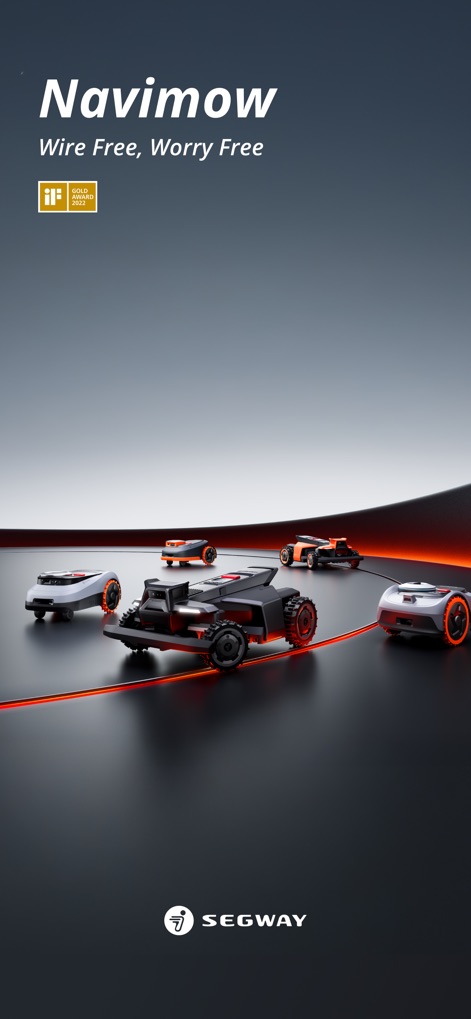
The app showcases its recognition with the iF Gold Award 2022 logo, highlighting the advanced wire-free technology that simplifies lawn care.
Award-Winning Innovation
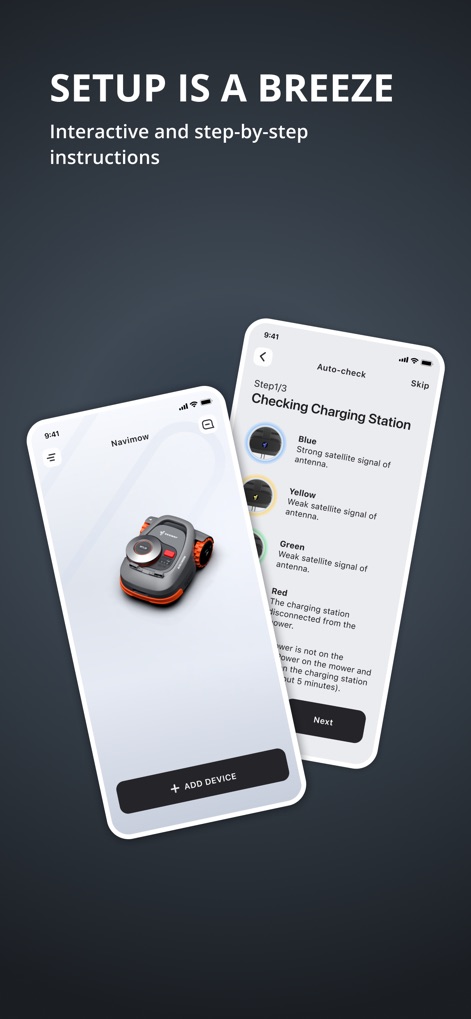
Users can experience seamless setup through the intuitive "Add Device" interface and guided "Checking Charging Station" steps, ensuring a smooth start.
Effortless Onboarding
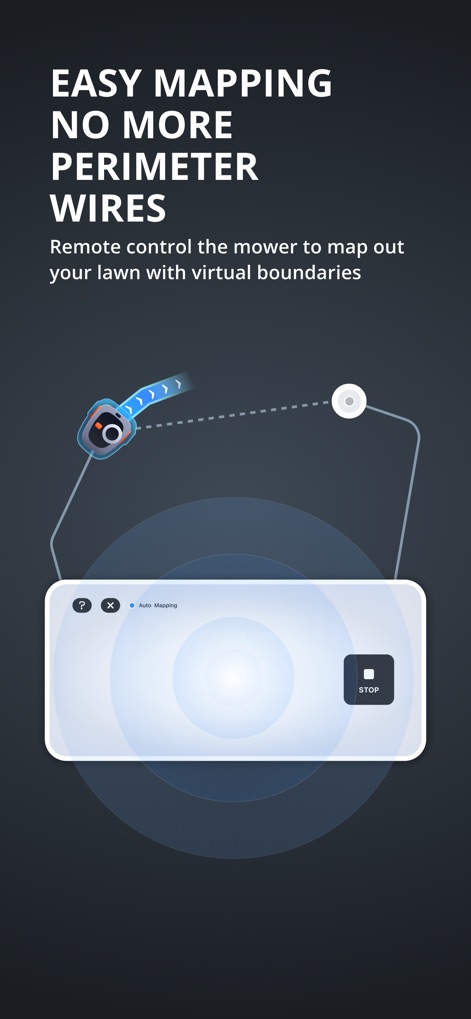
This tool enables precise lawn mapping using virtual boundary creation, with the "Auto Mapping" interface simplifying the definition of mowing zones.
Boundary-Free Mapping
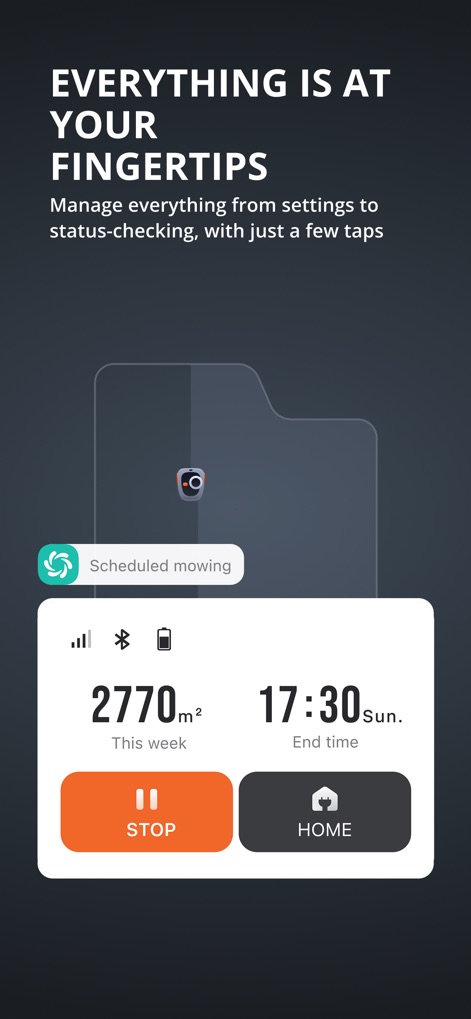
The app provides comprehensive oversight with real-time mower status updates and an intuitive control panel for immediate actions like stopping or sending the mower home.
Total Control Hub
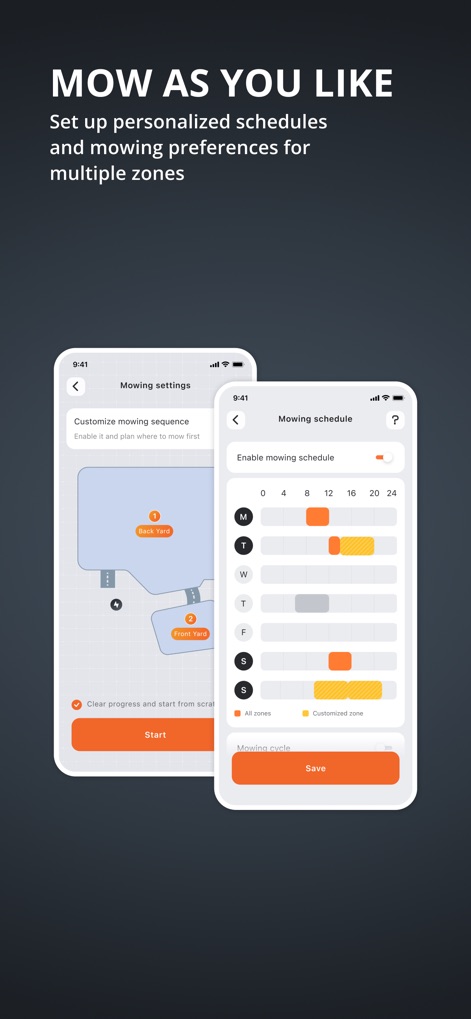
Users can tailor their lawn care with multi-zone customization, utilizing the detailed mowing schedule interface to plan optimal cutting times for different areas.
Personalized Mowing
Description
Download
More Like This
Top-ranked apps in the same category

Google LLC

Google Chrome
Google LLC

中国移动(手机营业厅)
China Mobile Online Services Co., Ltd.

Google Authenticator
Google LLC

gov.br
Servicos e Informacoes do Brasil

Cleanup: Phone Storage Cleaner
DEEP FLOW SOFTWARE SERVICES - FZCO

Super VPN Fly 2026
YUNFAN TECHNOLOGY CO., LIMITED

Meu Social - Gás do Povo
Servicos e Informacoes do Brasil

百度-AI智能搜索
Beijing Baidu Netcom Science & Technology Co.,Ltd
This page is not an official page of the app or its developer, but an independent editorial publication created for informational and commentary purposes. Unless expressly stated otherwise, neither the app nor its developer is affiliated with, endorsed by, sponsored by, authorized by, or otherwise officially connected with MWM, Apple, Google Play, the app publisher, or the app's developer, and nothing on this page implies that the app was developed using MWM's services. Any trademarks, logos, screenshots, and other content remain the property of their respective owners.