
This page is not an official page of the app or its developer, but an independent editorial publication created for informational and commentary purposes. Unless expressly stated otherwise, neither the app nor its developer is affiliated with, endorsed by, sponsored by, authorized by, or otherwise officially connected with MWM, Apple, Google Play, the app publisher, or the app's developer, and nothing on this page implies that the app was developed using MWM's services. Any trademarks, logos, screenshots, and other content remain the property of their respective owners.

Nexxt Home
Take full control of your lighting, security, and appliances from one intuitive app. Automate your daily routines and share access with your whole family for a truly connected home.
Downloads
563K+User Rating
Total Ratings
14K+Publisher
Category
UtilitiesLocales
62Latest Version
1.3.5Size
236.1 MBFirst Released
Jan 31, 2019Smart Living, Simplified
Experience the ultimate convenience of a connected home. Manage your lighting, security, and appliances with a single tap, no matter where you are.
Automated Routines
Set custom schedules for your lights and electronics to match your lifestyle and reduce energy costs effortlessly.
Peace of Mind
Monitor your home's security and control devices in real-time, giving you total command of your space from your smartphone.
Frequently Asked Questions
Everything you need to know about Nexxt Home
What are the primary functions of the Nexxt Home app?
The Nexxt Home app seamlessly controls smart home lighting, security, and appliances. It enables users to set timers, schedule devices, and share access with family members through one application.
Can Nexxt Home users schedule their smart devices?
Yes, Nexxt Home users can set timers and schedule their smart devices to adjust automatically at specific periods. This includes setting schedules for workdays, weekends, or single occurrences.
Is device sharing available in the Nexxt Home app?
Yes, the Nexxt Home app allows users to share devices within their family. This feature provides multiple family members access and control over smart home devices.
Does the Nexxt Home app support control of multiple smart devices?
Yes, the Nexxt Home app controls multiple devices with one application. It centralizes management for various smart home components like power strips, bulbs, and sensors.
What types of smart devices are compatible with Nexxt Home?
The Nexxt Home app is compatible with various smart devices. Examples include motion sensors, smart power strips with multiple outlets and USB ports, and smart bulbs offering color and brightness adjustments.
How do I create an account for Nexxt Home?
Users create a new account for the Nexxt Home app by tapping the "Create New Account" button on the initial welcome screen. Existing users can also log in from this screen.
What is the scheduling accuracy of Nexxt Home devices?
The scheduling accuracy for Nexxt Home smart devices is plus or minus 30 seconds. This ensures precise execution of all configured timers and automated schedules within the app.
What functionalities does the Nexxt Home smart power strip offer?
The Nexxt Home smart power strip provides independent control for individual AC plugs (Plug 1, 2, 3) and USB ports (USB 1, 2). It also incorporates an alarm function.
Can I change the color and brightness of smart bulbs with Nexxt Home?
Yes, the Nexxt Home app allows users to adjust smart bulb color using a dedicated color wheel. It also provides sliders for precise control over both saturation and brightness levels.
The following screenshots and description are sourced directly from the app's official store listing and are the property of the app developer.
App Store
Screenshots
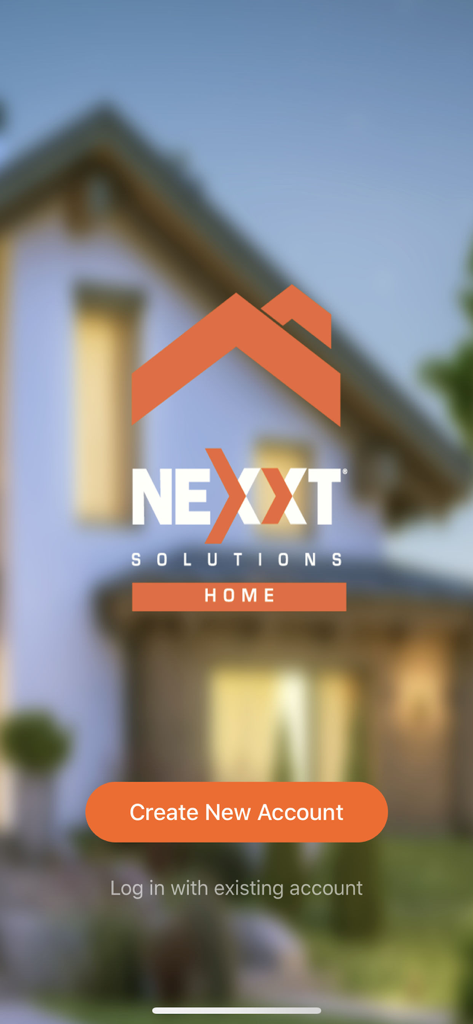
Nexxt Home app login screen featuring the company logo and an orange Create New Account button
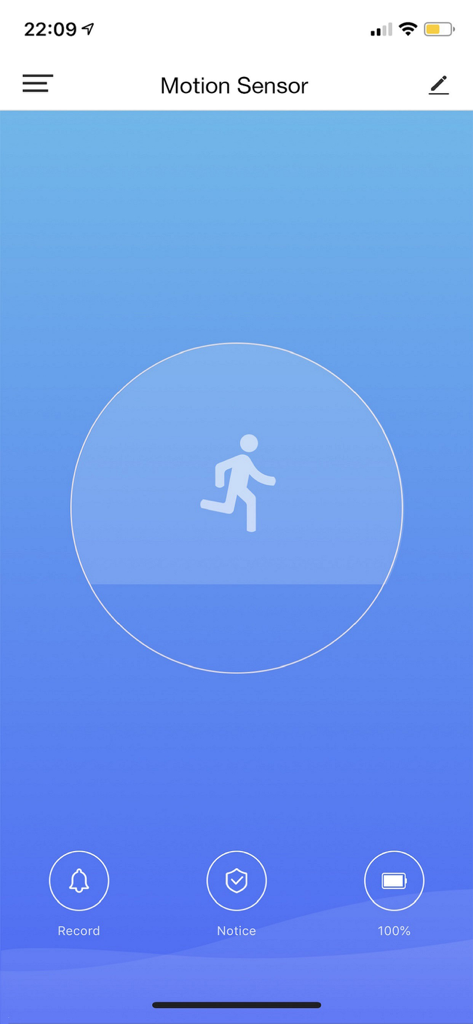
Nexxt Home mobile app interface showing motion sensor status and security controls
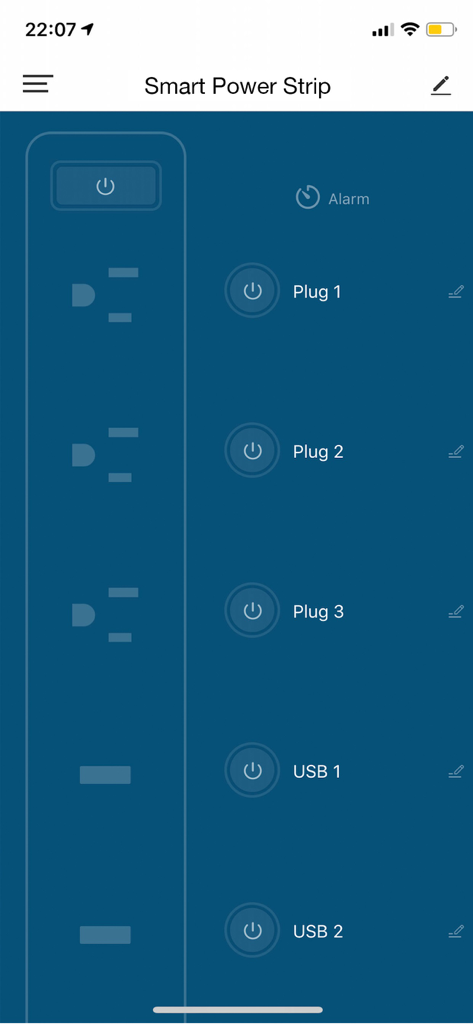
Nexxt Home app interface displaying power management controls for a smart power strip with individual plug and USB port switches
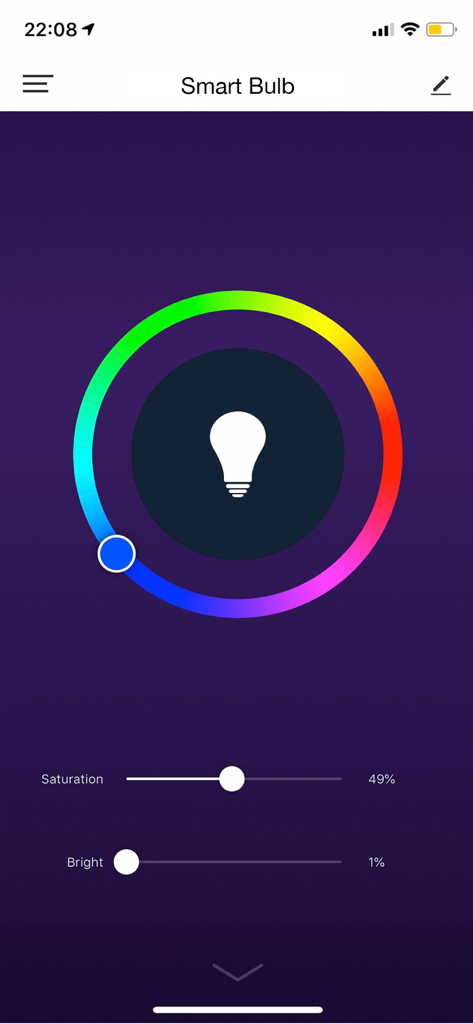
Smart bulb control screen in the Nexxt Home app featuring a color wheel with saturation and brightness sliders
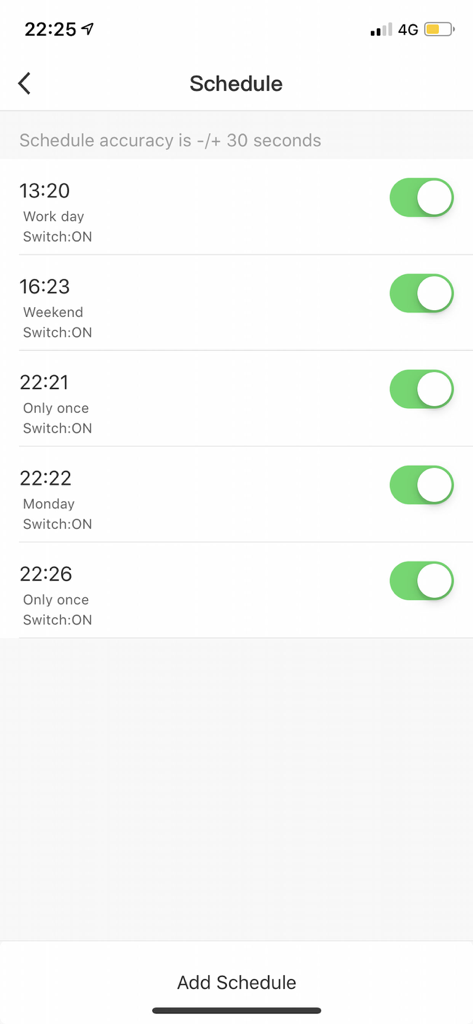
Nexxt Home app interface showing a list of scheduled timers and automation settings for smart home devices
Description
Download
More Like This
Apps with similar features and user experience

TP-Link Tapo
TP-Link Systems Inc.

Дом с Алисой
DIRECT CURSUS COMPUTER SYSTEMS TRADING LLC

VeSync
Vesync Technology Corporation

Kasa Smart
TP-Link Systems Inc.

ecobee
ecobee Ltd.

Hubspace
Afero, Inc.

ADT Control ®
ADT LLC

First Alert by Resideo
Resideo Technologies, Inc.

Mibo Smart: Casa Inteligente
Intelbras S.A. Ind. de Telecom. Elet. Brasileira
This page is not an official page of the app or its developer, but an independent editorial publication created for informational and commentary purposes. Unless expressly stated otherwise, neither the app nor its developer is affiliated with, endorsed by, sponsored by, authorized by, or otherwise officially connected with MWM, Apple, Google Play, the app publisher, or the app's developer, and nothing on this page implies that the app was developed using MWM's services. Any trademarks, logos, screenshots, and other content remain the property of their respective owners.