
This page is not an official page of the app or its developer, but an independent editorial publication created for informational and commentary purposes. Unless expressly stated otherwise, neither the app nor its developer is affiliated with, endorsed by, sponsored by, authorized by, or otherwise officially connected with MWM, Apple, Google Play, the app publisher, or the app's developer, and nothing on this page implies that the app was developed using MWM's services. Any trademarks, logos, screenshots, and other content remain the property of their respective owners.


NFC TagInfo by NXP
Unlock NFC tag secrets. This app dissects what others only scan, revealing the digital DNA within.
Downloads
1M+User Rating
Total Ratings
109Publisher
Category
UtilitiesLocales
2Latest Version
3.2.0Size
11.2 MBFirst Released
Sep 26, 2017An evaluation of the essential features empowering NFC professionals to inspect and interact with tags.
NFC TagInfo by NXP: Core Analytical Capabilities
Advanced NDEF Content Examination
This tool offers both simplified and expert views for scanned NDEF Message content, enabling users to thoroughly inspect and understand the data stored on NFC tags. It also allows for sharing this detailed information with other users for collaborative troubleshooting or documentation.
Extensive NFC Tag Type Support
The app provides compatibility with a comprehensive range of NFC Forum Type 2, Type 4, and Type 5 tags, including NXP's proprietary NTAG, ICODE, and MIFARE platforms. This ensures developers can analyze various industry-standard and specialized NFC tags.
Frequently Asked Questions
Everything you need to know about NFC TagInfo by NXP
What is NFC TagInfo by NXP?
NFC TagInfo by NXP is an NFC reader application. It enables contactless reading of NDEF messages from NFC tags and NFC-enabled cards.
Which NFC tags and platforms does NFC TagInfo by NXP support?
NFC TagInfo by NXP supports all NFC Forum Type 2, Type 4, and Type 5 Tags. It also supports NXP's NTAG, ICODE, and MIFARE platforms.
What actions can NFC TagInfo by NXP perform in Scan&Launch mode?
In Scan&Launch mode, NFC TagInfo by NXP can open URLs, send emails, connect to WiFi, import vCards, display locations, initiate calls, and show text based on NDEF message content.
What features are available in the Scan&Show mode of NFC TagInfo by NXP?
Scan&Show mode provides simple and expert views for scanned NDEF Message content. Users can view tag details and share this information with others.
Does NFC TagInfo by NXP store a history of scanned tags?
Yes, NFC TagInfo by NXP stores a history of scanned tags. Users can view past scanned items, including weblinks and other NDEF data.
How does the Autostart feature work in NFC TagInfo by NXP?
When enabled, the Autostart feature automatically starts a scan in the selected mode upon opening the main screen. This allows for quick tag scanning.
Does NFC TagInfo by NXP offer an originality check for tags?
Yes, NFC TagInfo by NXP provides an originality check based on an AES Key. It also verifies the signature with an NXP public key for some tags.
Which types of contactless cards cannot be read by NFC TagInfo by NXP on iOS?
On iOS, NFC TagInfo by NXP cannot read banking cards or transport cards in transport packaging. iOS specifically allows reading only NDEF formatted cards and tags.
What tag details does NFC TagInfo by NXP display after a scan?
NFC TagInfo by NXP displays tag details such as UID, Family, IC Manufacturer (e.g., NXP Semiconductors), IC Type, IC Subtype, IC Name, Memory Information, and Technologies supported.
The following screenshots and description are sourced directly from the app's official store listing and are the property of the app developer.
App Store
Screenshots
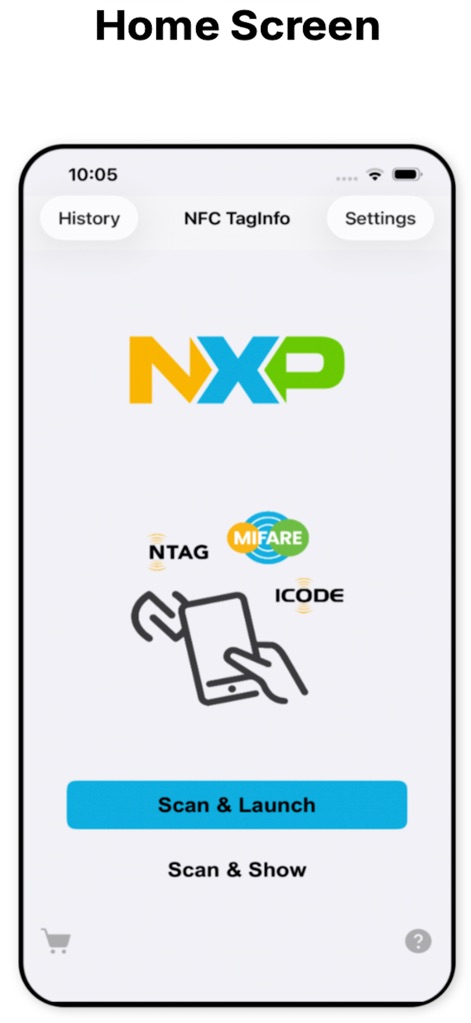
Discover the app's core functions with prominent "Scan & Launch" and "Scan & Show" options, offering quick access to NFC tag interactions.
Main Interface Unveiled
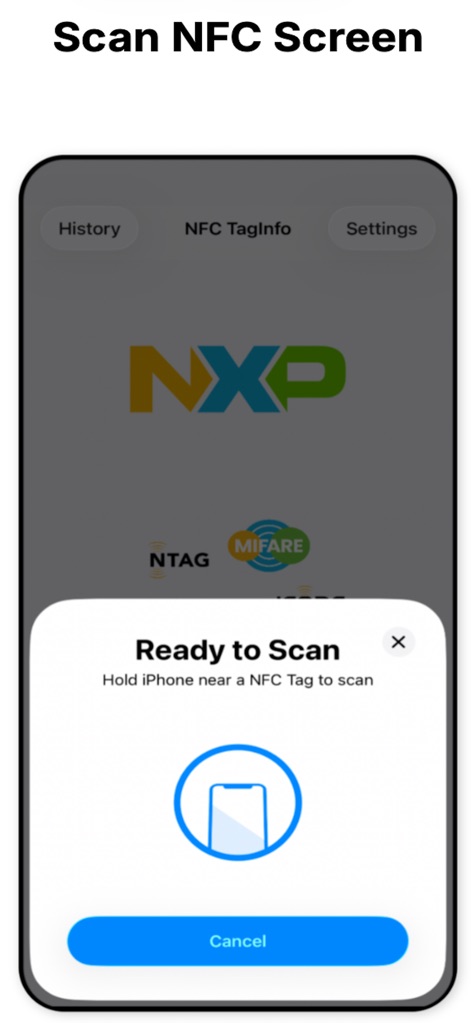
The app guides users with a clear "Ready to Scan" prompt, visually indicating how to interact with NFC tags using the animated phone icon.
Effortless Scanning
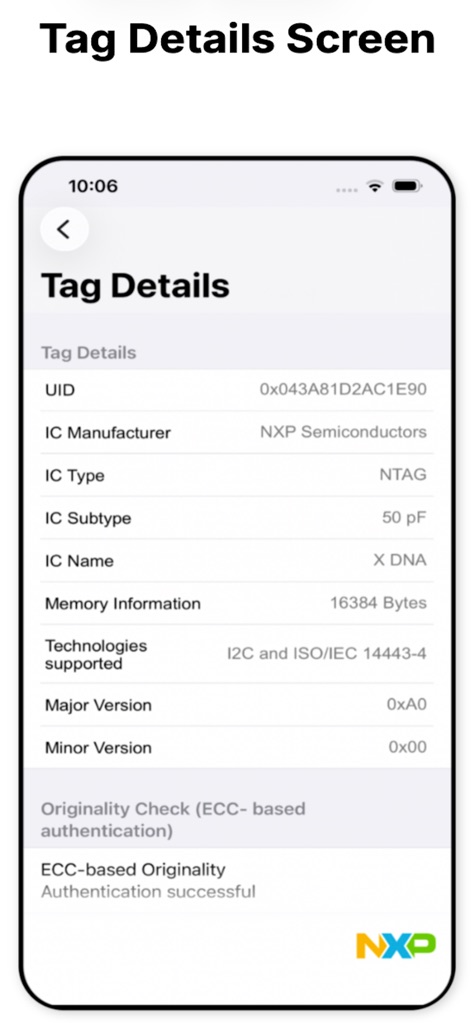
This screen provides comprehensive "Tag Details" like UID and IC Type, alongside a crucial "Originality Check" status for authenticity verification.
In-depth Tag Analysis
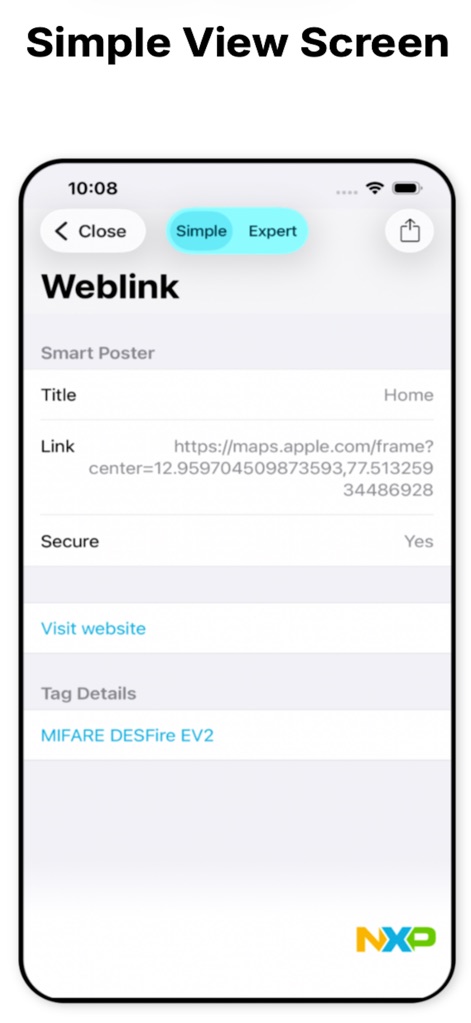
The "Simple" view clearly presents NDEF message content, displaying "Weblink" details such as Title and Link, along with an option to "Visit website".
NDEF Content Overview
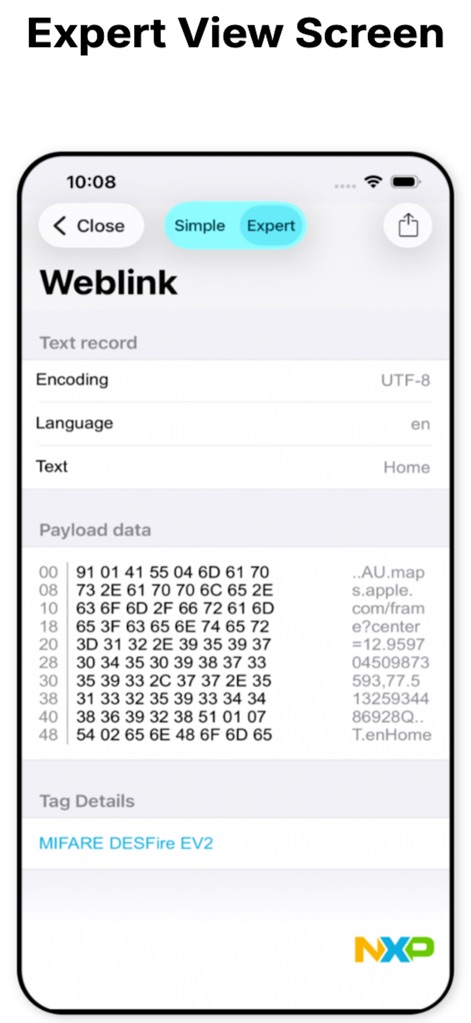
Toggle to the "Expert" view to examine raw "Payload data" in hexadecimal format and detailed "Text record" information, crucial for developers.
Deep Dive Data
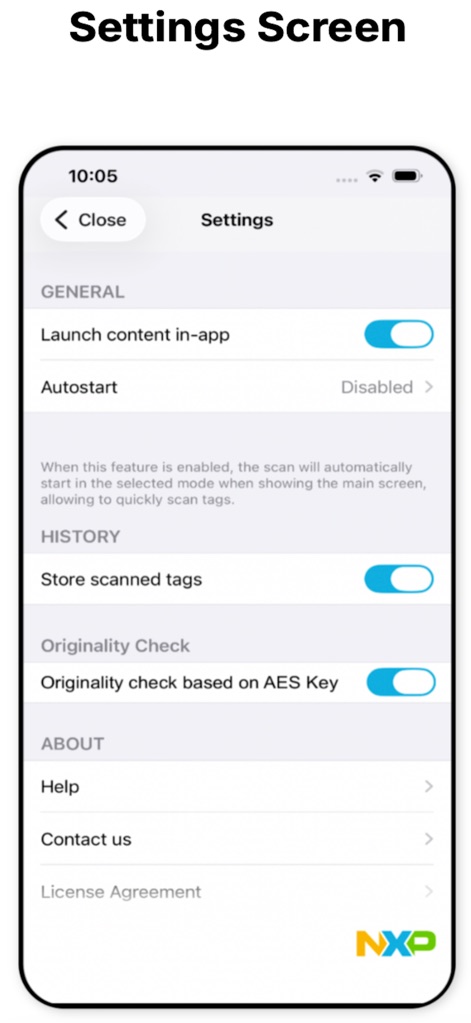
Users can customize their experience through the Settings, adjusting features like "Launch content in-app" and enabling "Originality check based on AES Key" for enhanced security.
Tailored Configuration
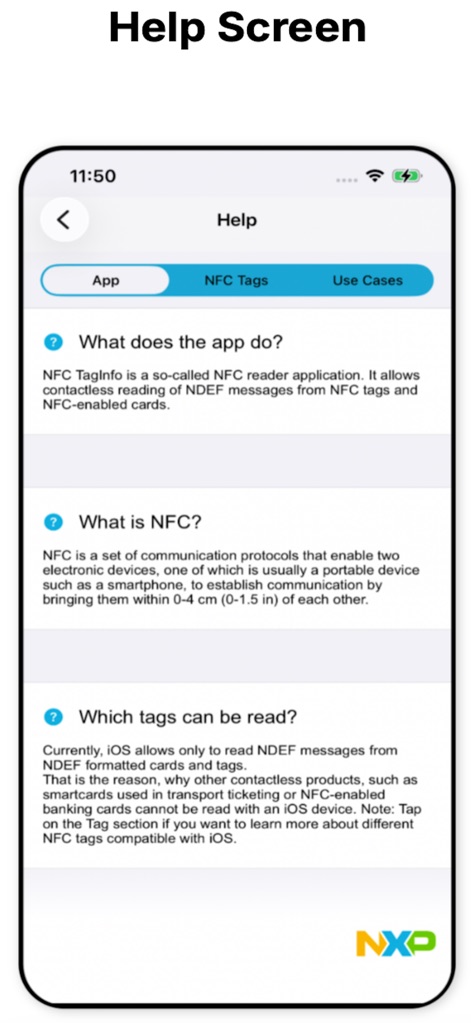
The Help section offers valuable resources, including an explanation of "What does the app do?" and a concise overview of "What is NFC?" technology.
Comprehensive Support
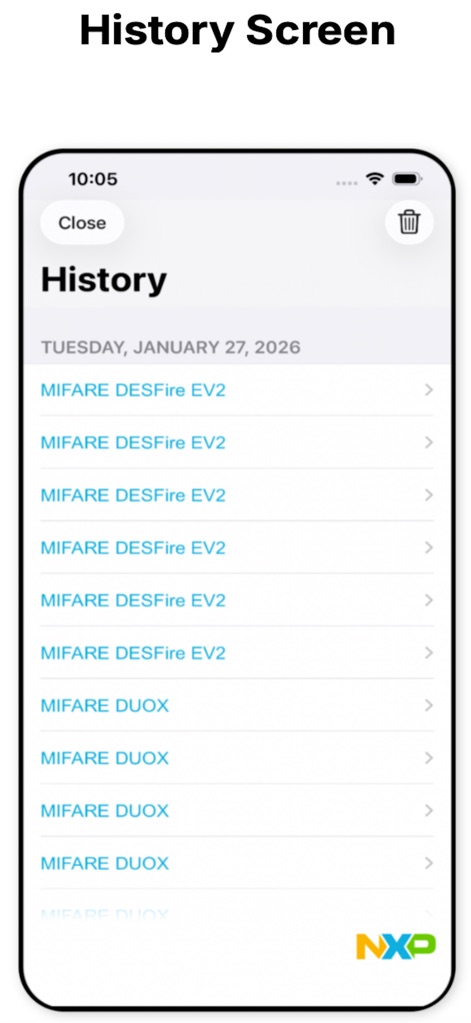
The History screen diligently logs all scanned tags, allowing users to review past interactions with entries like "MIFARE DESFire EV2" and easily "Close" the log when finished.
Scan History Log
Description
Download
More Like This
Apps with similar features and user experience
NFC Tools: Card Reader & Write
SMART WIDGET LABS COMPANY LIMITED

Tagmiibo: Write NFC Tags
Actowise LLC
NFC Tools: Tag Reader,Writerㅤ
Alexander Taylor
NFC门禁管家-NFC门禁卡tools
艳惠 常

NFC Tools
WAKDEV
手机NFC
Shanghai Rainbow Forest Intelligent Technology Co., Ltd
NFC Tools-手机门禁卡复制
Bulb Network Technology Co., Limited
NFC Reader & Scannerㅤ
Brad Garcia
NFC Read & Scan
1104 13th STREET, LLC
This page is not an official page of the app or its developer, but an independent editorial publication created for informational and commentary purposes. Unless expressly stated otherwise, neither the app nor its developer is affiliated with, endorsed by, sponsored by, authorized by, or otherwise officially connected with MWM, Apple, Google Play, the app publisher, or the app's developer, and nothing on this page implies that the app was developed using MWM's services. Any trademarks, logos, screenshots, and other content remain the property of their respective owners.