
This page is not an official page of the app or its developer, but an independent editorial publication created for informational and commentary purposes. Unless expressly stated otherwise, neither the app nor its developer is affiliated with, endorsed by, sponsored by, authorized by, or otherwise officially connected with MWM, Apple, Google Play, the app publisher, or the app's developer, and nothing on this page implies that the app was developed using MWM's services. Any trademarks, logos, screenshots, and other content remain the property of their respective owners.


Tagmiibo: Write NFC Tags
Unlock rare in-game gear and exclusive villagers without the high price tags. The most user-friendly way to write NFC 215 tags and complete your collection using just your iPhone.
Downloads
233K+User Rating
Total Ratings
2K+Publisher
Category
ReferenceLocales
1Latest Version
9.33Size
58.9 MBFirst Released
Aug 3, 2021Level Up Your Gaming Collection
The most intuitive way to create backup NFC tags for your favorite games. Unlock exclusive content, save money, and keep your gaming gear organized in just four simple steps.
Effortless 4-Step Writing
No technical expertise required. Our guided process ensures you can create your own backup tags in seconds, even if you've never used NFC technology before.
Skip the Scalper Prices
Stop paying premium prices for rare, out-of-print figurines. Use affordable NTAG215 chips to unlock the same in-game villagers, gear, and power-ups.
Frequently Asked Questions
Everything you need to know about Tagmiibo: Write NFC Tags
What is Tagmiibo and what does it do?
Tagmiibo is an app that creates backup amiibos using NFC 215 tags. It is designed as a user-friendly NFC writer, providing a straightforward four-step process for amiibo backup creation.
What type of NFC tags are compatible with Tagmiibo?
Tagmiibo requires NFC 215 tags for creating amiibo backups. The app specifically recommends using round coin tags for optimal performance and compatibility.
Does Tagmiibo provide free amiibo tag writes?
Yes, Tagmiibo offers 5 free tag writes for all users. Upgrading to the Pro version unlocks unlimited writes, or users can purchase additional writes without unlimited access.
Can Tagmiibo identify existing amiibos and integrate with amiibo.life?
Yes, Tagmiibo can scan and identify amiibos. It also integrates with amiibo.life, allowing users to learn more about their owned amiibos directly within the app.
What are the device compatibility requirements for Tagmiibo?
Tagmiibo requires an iPhone 7 or later to function. The application is not supported on iPads.
Is it possible to rewrite an NFC tag with Tagmiibo after an amiibo has been written?
No, an NFC tag cannot be rewritten with Tagmiibo after the initial writing process successfully completes. The app clearly states this limitation within its interface.
Does the Tagmiibo app offer a magic trick mode?
Yes, Tagmiibo includes a magic trick mode. This feature allows users to perform magic tricks using the app and is available for free.
How many steps are required to write an amiibo using Tagmiibo?
Writing an amiibo with Tagmiibo involves four simple steps. The app provides extensive guidance throughout the process to ensure ease of use for all users.
The following screenshots and description are sourced directly from the app's official store listing and are the property of the app developer.
App Store
Screenshots
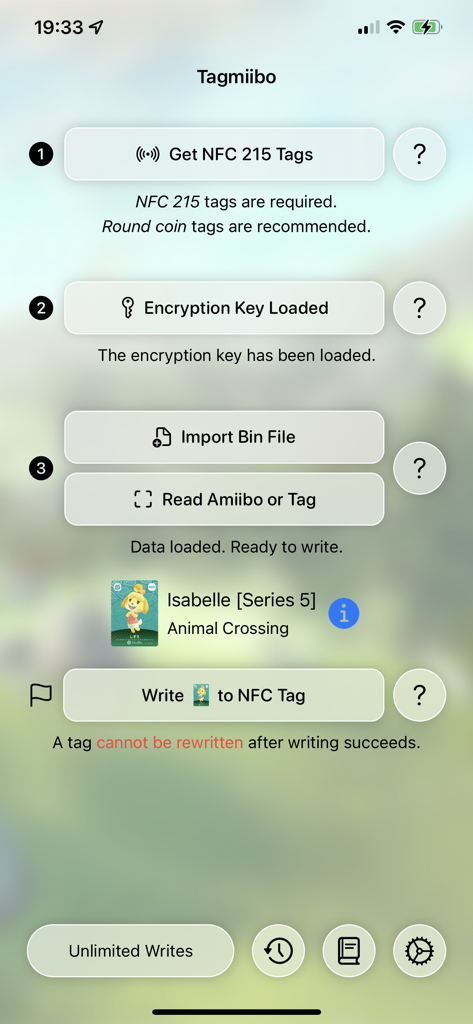
The Tagmiibo app main screen showing the steps to write an Isabelle Animal Crossing NFC tag
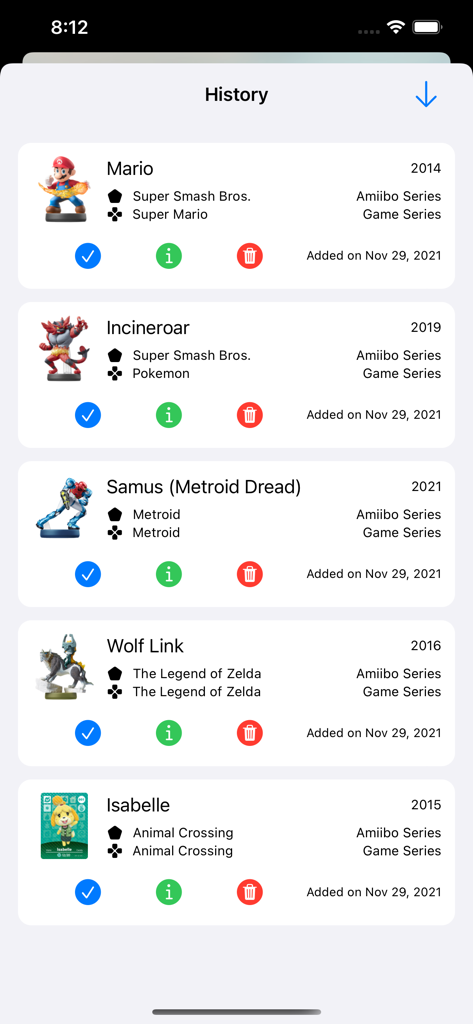
A list of written NFC tags in the Tagmiibo app history screen including Mario and Wolf Link
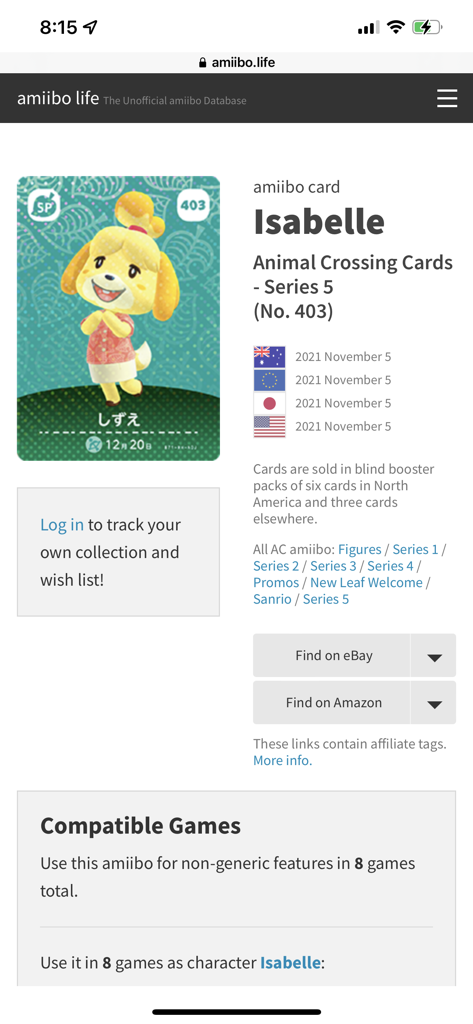
Information about the Isabelle Animal Crossing Amiibo card including compatible games.
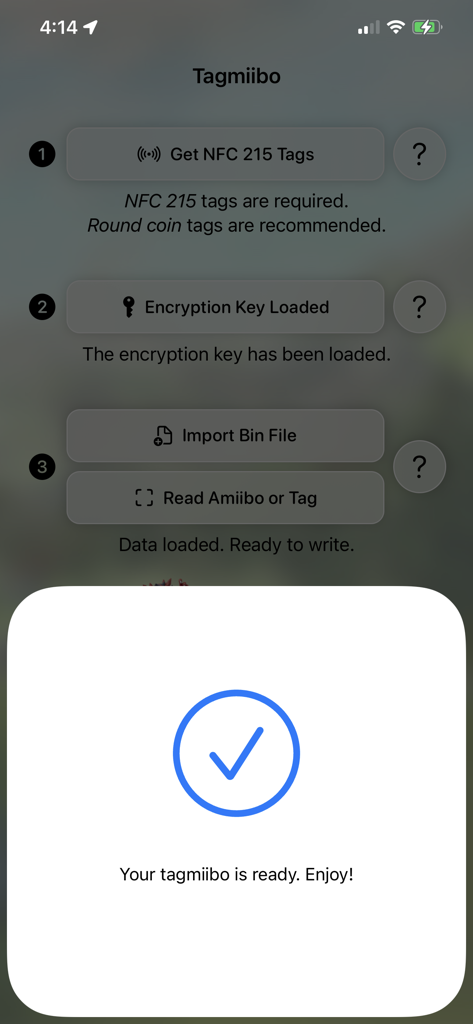
Success confirmation screen in the Tagmiibo app showing a blue checkmark and text saying the tag is ready.
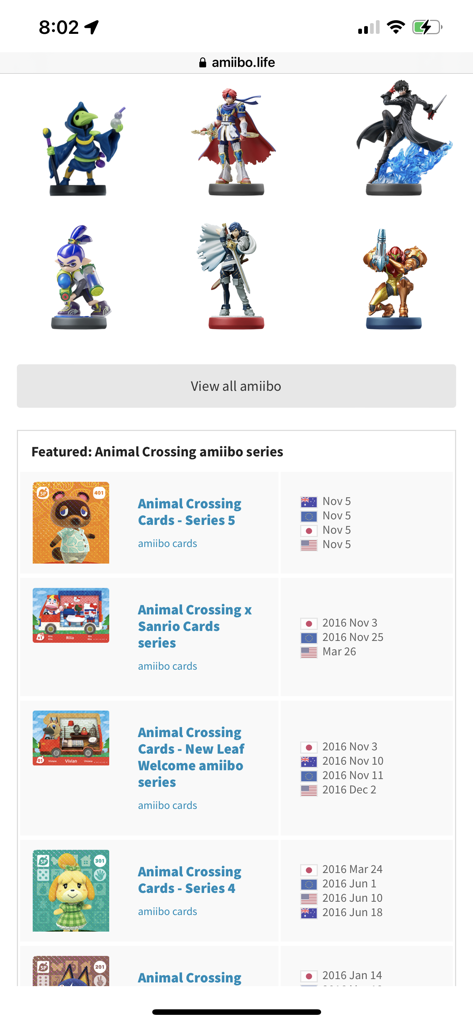
A display of various amiibo figurines and Animal Crossing card series on the amiibo.life website database
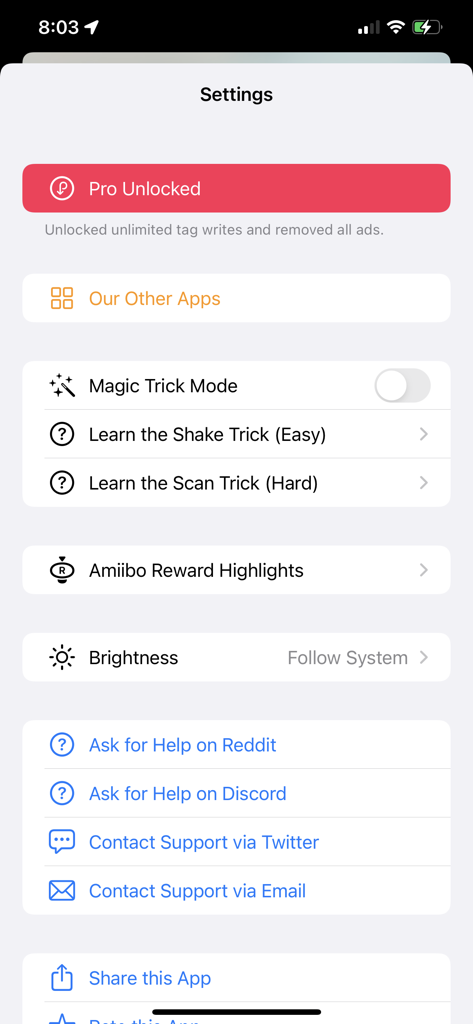
Tagmiibo settings screen showing pro status and magic trick options.
Description
Download
More Like This
Apps with similar features and user experience
NFC Tools: Card Reader & Write
SMART WIDGET LABS COMPANY LIMITED
NFC Tools: Tag Reader,Writerㅤ
Alexander Taylor
NFC门禁管家-NFC门禁卡tools
艳惠 常

NFC Tools
WAKDEV
手机NFC
Shanghai Rainbow Forest Intelligent Technology Co., Ltd
NFC Tools-手机门禁卡复制
Bulb Network Technology Co., Limited
NFC Reader & Scannerㅤ
Brad Garcia

NFC TagInfo by NXP
NXP Semiconductors
NFC Read & Scan
1104 13th STREET, LLC
This page is not an official page of the app or its developer, but an independent editorial publication created for informational and commentary purposes. Unless expressly stated otherwise, neither the app nor its developer is affiliated with, endorsed by, sponsored by, authorized by, or otherwise officially connected with MWM, Apple, Google Play, the app publisher, or the app's developer, and nothing on this page implies that the app was developed using MWM's services. Any trademarks, logos, screenshots, and other content remain the property of their respective owners.