
This page is not an official page of the app or its developer, but an independent editorial publication created for informational and commentary purposes. Unless expressly stated otherwise, neither the app nor its developer is affiliated with, endorsed by, sponsored by, authorized by, or otherwise officially connected with MWM, Apple, Google Play, the app publisher, or the app's developer, and nothing on this page implies that the app was developed using MWM's services. Any trademarks, logos, screenshots, and other content remain the property of their respective owners.


Nice DVR
Instantly access, download, and share dashcam footage via WiFi. Get the digital evidence you need for insurance and peace of mind—all directly on your iPhone.
Downloads
168K+User Rating
Total Ratings
2K+Publisher
Category
Photo & VideoLocales
28Latest Version
1.0.5Size
47.1 MBFirst Released
Jun 15, 2023Drive With Total Peace of Mind
Nice DVR turns your iPhone into a powerful command center for your dash cam, ensuring you always have the proof you need right at your fingertips.
Instant Wireless Retrieval
Forget SD card readers. Connect via WiFi to browse, play, and save your road recordings directly to your gallery without removing the device.
Solid Evidence for Insurance
Shield yourself from liability. Access forensic-grade footage to provide immediate proof to police or insurance providers after any road incident.
Frequently Asked Questions
Everything you need to know about Nice DVR
What is the Nice DVR app used for?
The Nice DVR app connects to Nice DVR brand driving recorders. It allows users to obtain pictures and video resources from the recorder via WiFi for processing, such as forensics and sharing.
How does the Nice DVR app connect to a driving recorder?
The Nice DVR app connects to driving recorders through the device's WiFi network. This allows it to access pictures and video resources directly from the Nice DVR brand recorder.
Can I view camera footage with the Nice DVR app?
Yes, the Nice DVR app connects to your driving recorder, enabling you to obtain and view video resources. Screenshot #1 displays a "Camera is connected" status, indicating live or recorded viewing.
What kind of files can the Nice DVR app manage?
The Nice DVR app manages loop files, image files, and emergency files. These categories are accessible within the app's Album section after files have been downloaded to the phone.
Can I share files from my Nice DVR driving recorder using the app?
Yes, the Nice DVR app enables users to process obtained resources, including sharing them. This function facilitates various uses such as evidence collection and media distribution.
How do I connect my camera to the Nice DVR app?
When the camera is disconnected, the Nice DVR app presents a "Connect Camera" button. Tapping this button initiates the process to establish a connection with your Nice DVR driving recorder.
The following screenshots and description are sourced directly from the app's official store listing and are the property of the app developer.
App Store
Screenshots
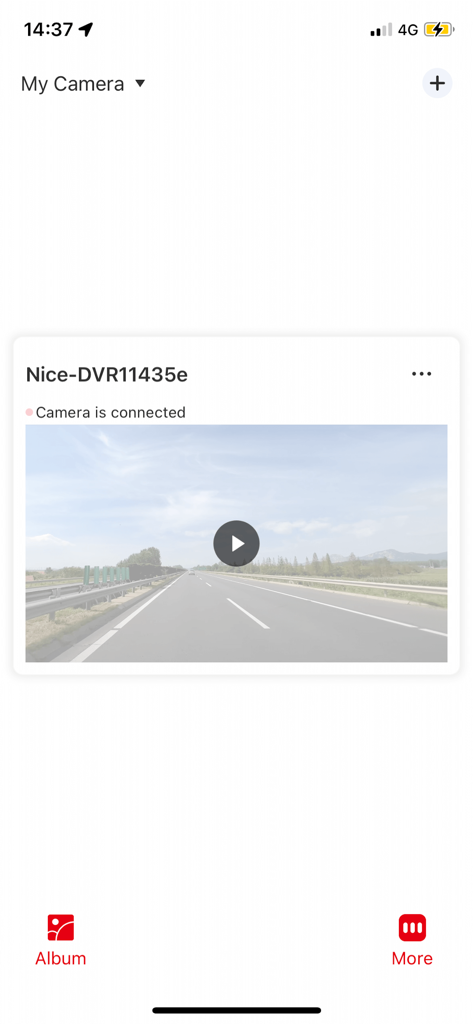
Nice DVR app interface showing a connected dash cam with a road video preview
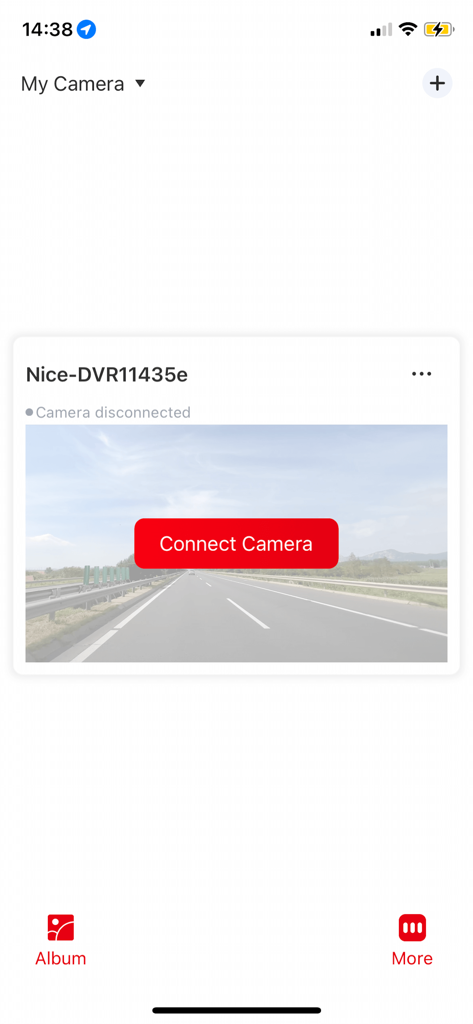
Nice DVR mobile app interface with a red button to connect to a dashcam.
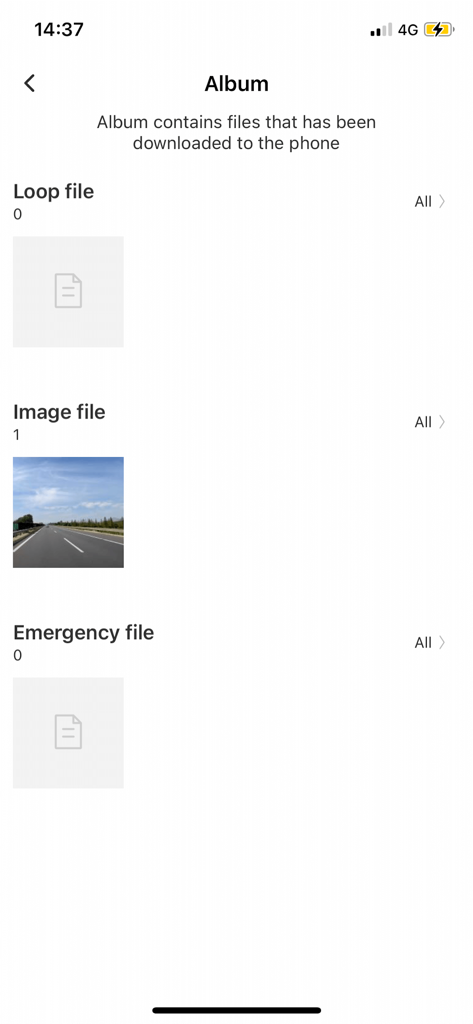
Nice DVR app album screen displaying categorized loop files image files and emergency recordings
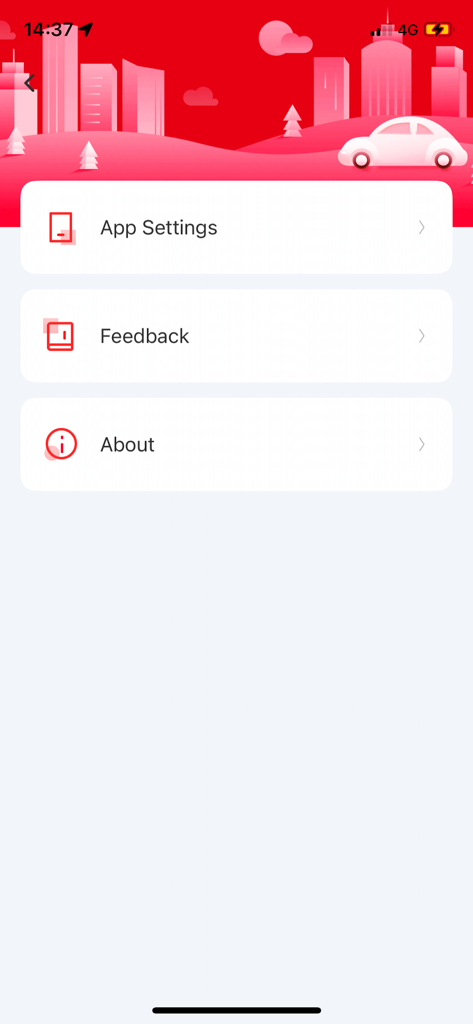
Settings screen of the Nice DVR app displaying options for app settings, feedback, and about information.
Description
Download
More Like This
Apps with similar features and user experience

PAPAGO Focus
PAPAGO INC.

MiVue Pro
MiTAC International Corp.

GKU GO
Shenzhen Yutu Technology Co., Ltd.

Wolfbox
WOLFBOX TECH, INC.
Garmin Drive™
Garmin International

360 Dash Cam
Beijing Qihoo Technology Co Ltd

TERUNSOUL
chimo inc

Drive Smarter
CEDAR ELECTRONICS HOLDINGS CORP.

Peztio
Shenzhen Xiaozhen Technology Co.,Ltd.
This page is not an official page of the app or its developer, but an independent editorial publication created for informational and commentary purposes. Unless expressly stated otherwise, neither the app nor its developer is affiliated with, endorsed by, sponsored by, authorized by, or otherwise officially connected with MWM, Apple, Google Play, the app publisher, or the app's developer, and nothing on this page implies that the app was developed using MWM's services. Any trademarks, logos, screenshots, and other content remain the property of their respective owners.