NO-NET QR Generator

NO-NET QR Generator

Download on App Store
Logo of NO-NET QR Generator

NO-NET QR Generator: The Instant, Offline Way to Share Files with Anyone

No internet? No problem. Transfer high-speed 4K videos and photos directly via QR code. No cloud, no data limits, and no app required for the recipient.

Download on App Store

Publisher

ahmet celik

Category

Utilities

Downloads

0

User Rating

1.0/5

Total Ratings

0

Locales

1

A Glimpse at the Magic

Discover the interface used by 0 users.
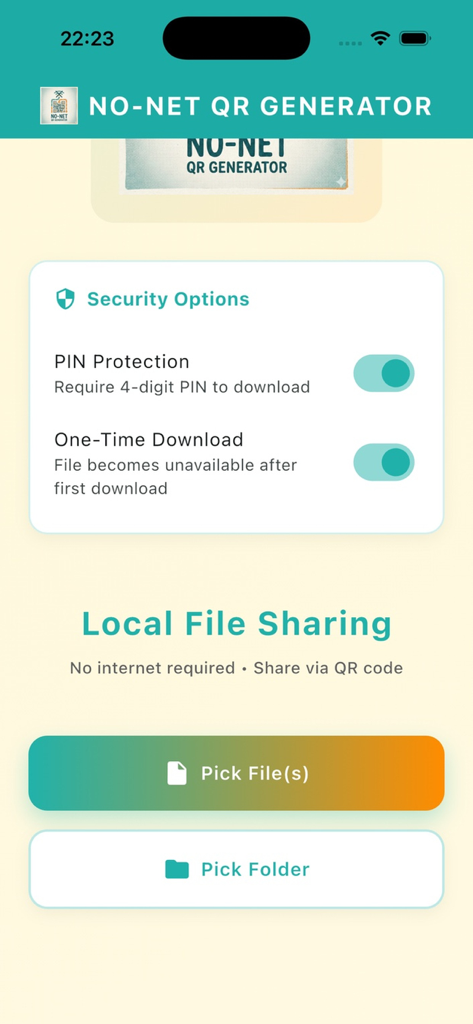
Interface of the NO-NET QR Generator app showing security options for PIN protection and local file sharing buttons

Interface of the NO-NET QR Generator app showing security options for PIN protection and local file sharing buttons

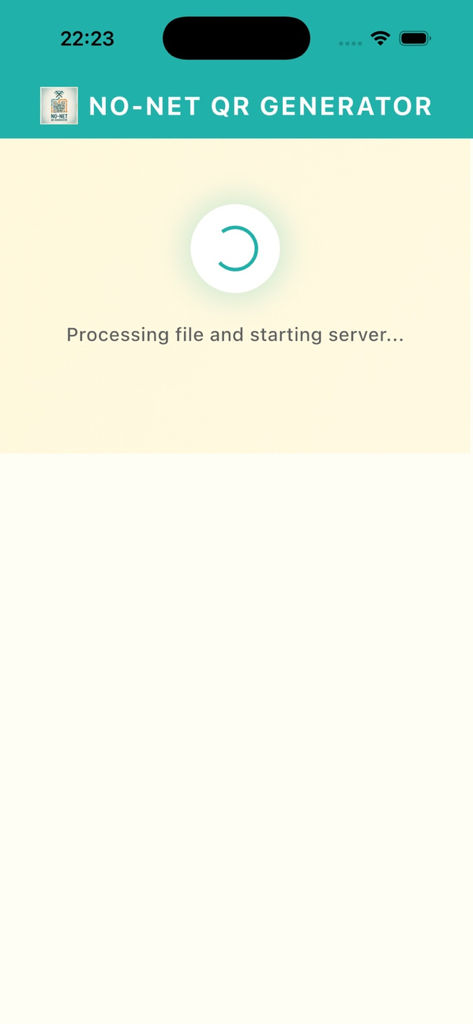
Loading screen of the NO-NET QR Generator app showing a progress indicator and the text Processing file and starting server.

Loading screen of the NO-NET QR Generator app showing a progress indicator and the text Processing file and starting server.

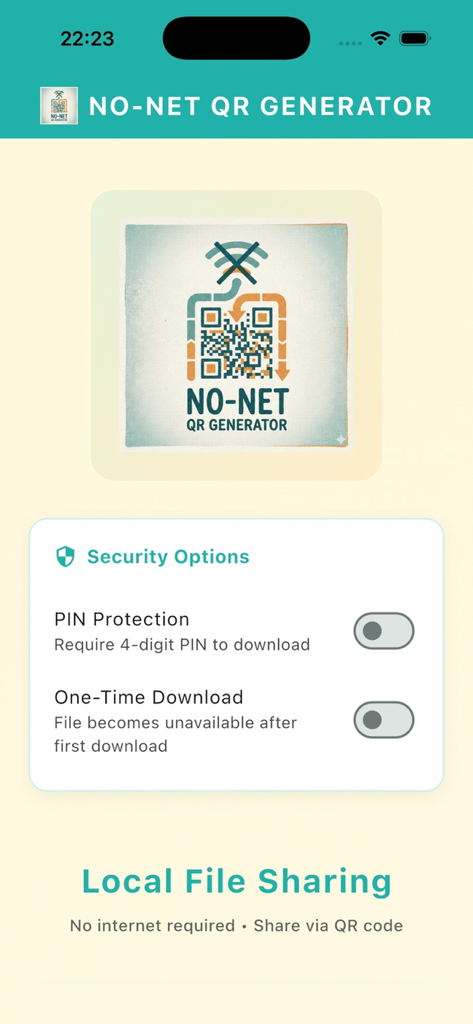
Security settings screen of NO-NET QR Generator app showing PIN protection and one-time download options

Security settings screen of NO-NET QR Generator app showing PIN protection and one-time download options

Fast, Offline, and Effortless Sharing

The tools that make this app stand out, trusted by 0 users.

🚀

Zero App Fatigue

Your friends don't need to install anything. They just scan your QR code and download files instantly via their mobile browser.

📶

Works Anywhere, Even Offline

Transfer heavy 4K videos and photos in subways, on planes, or in remote areas using local Wi-Fi hotspots with zero data costs.

🛡️

Total Privacy by Design

Your data never touches the cloud. Enjoy secure, direct device-to-device transfers with optional PIN protection for every share.

About the app

Everything you need to know about NO-NET QR Generator.

Description

WHY SHOULD YOU USE THIS APP? No App Needed for the Recipient! (Most Important Feature) Your friend doesn’t need to install any app. They simply open their camera, scan your QR code, and instantly download the file using their web browser. Fast and seamless file sharing across different devices. No Internet? No Problem! Files are transferred over your local network (Wi-Fi or Hotspot), not the internet. It works even in places with no connectivity, such as on a plane, subway, or remote areas. No Cloud, Complete Privacy Your files are never uploaded to any server. Transfers happen directly from your device to the recipient’s device. Once you close the app, the sharing link disappears permanently. No Speed Limit, No Size Limit Share high-quality photos, videos, or large files without compression or quality loss. Send large files quickly and securely. KEY FEATURES Multiple File Transfer Sending multiple photos or files? Select them all, and the app automatically creates a single ZIP file for easy sharing. Secure Mode Protect your shares with a PIN code or allow the link to be downloaded only once. Platform Independent Works on any device with a modern web browser. Dark Mode Support A clean, modern interface that’s easy on the eyes. HOW DOES IT WORK? Select the files you want to send. The app generates a unique QR code. The recipient scans the QR code and the download starts instantly. It’s that simple.

Latest Version

1.0

Size

30.9 MB

First Released

Jan 16, 2026

Ready to Share Without the Friction?

Transfer high-res media to any device, even without internet. Your friends don't need to install a thing—they just scan, download, and go.

Download on App Store

App information, icons, screenshots, and descriptions displayed on this page are sourced from the Apple App Store and are the property of their respective developers. Download estimates and rankings are based on MWM's proprietary models and may not reflect actual figures. This page is provided for informational and analytical purposes only.

Believe this page infringes your intellectual property? File a dispute