Notesnook: Private note taking
Download on App Store

This page is not an official page of the app or its developer, but an independent editorial publication created for informational and commentary purposes. Unless expressly stated otherwise, neither the app nor its developer is affiliated with, endorsed by, sponsored by, authorized by, or otherwise officially connected with MWM, Apple, Google Play, the app publisher, or the app's developer, and nothing on this page implies that the app was developed using MWM's services. Any trademarks, logos, screenshots, and other content remain the property of their respective owners.

Logo of Notesnook: Private note taking
Download on App Store

Notesnook: Private note taking

Reclaim your digital sovereignty with the open-source sanctuary for your ideas. Protected by military-grade XChaCha20-Poly1305 encryption, your journals, tasks, and notes stay strictly private while syncing seamlessly across all your devices.

Key Figures

Downloads

6K+

User Rating

4.6/5

Total Ratings

1K+

Publisher

Streetwriters Private Limited

Category

Productivity

Locales

1

Latest Version

3.3.12

Size

77.9 MB

First Released

Jan 14, 2021
Features

Your Private Intellectual Vault

Experience the ultimate productivity suite where military-grade security meets seamless organization. No data mining, no surveillance—just your thoughts, secured.

Zero-Knowledge Privacy

Everything is encrypted on-device with XChaCha20-Poly1305. Your private notes, journals, and tasks remain inaccessible to everyone but you.

Professional Markdown Editor

Fuel your deep work sessions with a rich Markdown-first editor. Organize complex projects into notebooks without compromising on speed or formatting.

The following screenshots and description are sourced directly from the app's official store listing and are the property of the app developer.

App Store

Screenshots
Notesnook: Private note taking - Promotional screen for Notesnook with the text Choose better privacy for your notes on a green digital code background
Promotional screen for Notesnook with the text Choose better privacy for your notes on a green digital code background

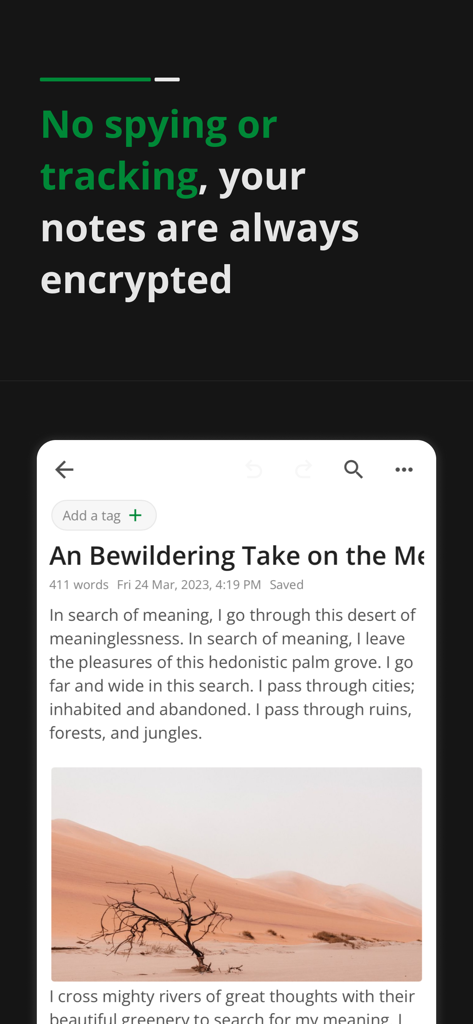
Notesnook: Private note taking - Interface of the Notesnook app showing an encrypted private journal entry with an image of a desert landscape.
Interface of the Notesnook app showing an encrypted private journal entry with an image of a desert landscape.

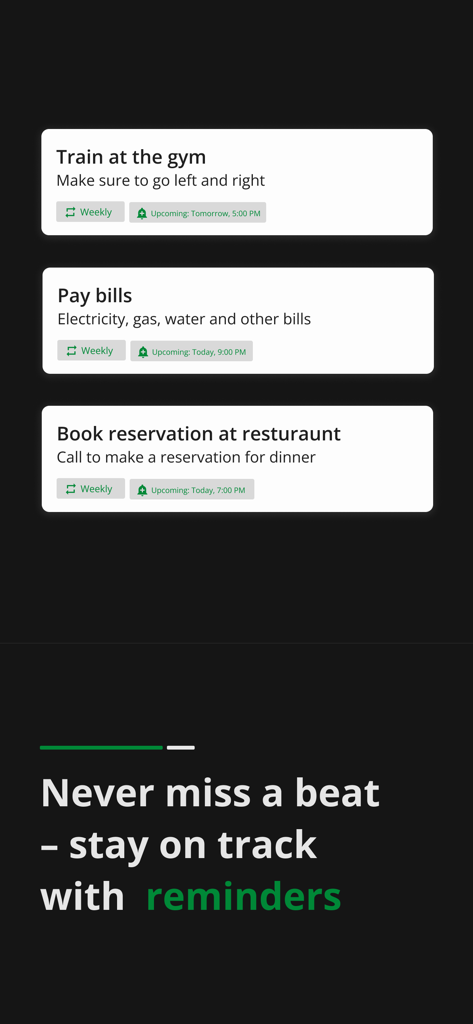
Notesnook: Private note taking - Scheduled task reminders and notifications in the Notesnook app dark mode
Scheduled task reminders and notifications in the Notesnook app dark mode

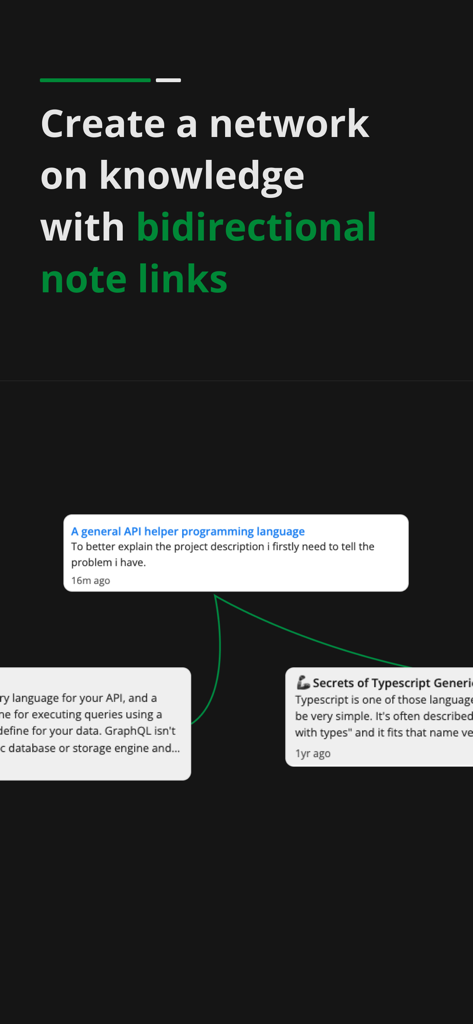
Notesnook: Private note taking - A visual demonstration of bidirectional note links in the Notesnook app to create a knowledge network.
A visual demonstration of bidirectional note links in the Notesnook app to create a knowledge network.

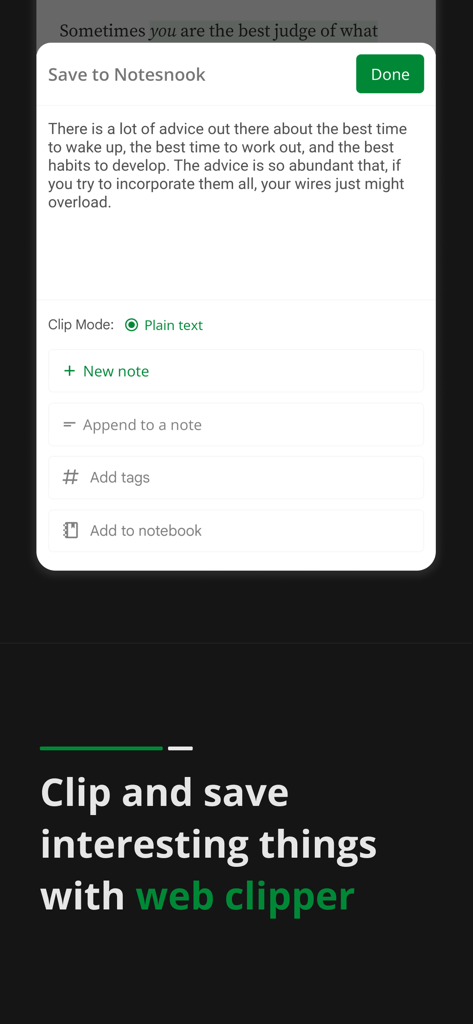
Notesnook: Private note taking - Interface of the Notesnook web clipper showing options to save text as a new note or add to a notebook
Interface of the Notesnook web clipper showing options to save text as a new note or add to a notebook

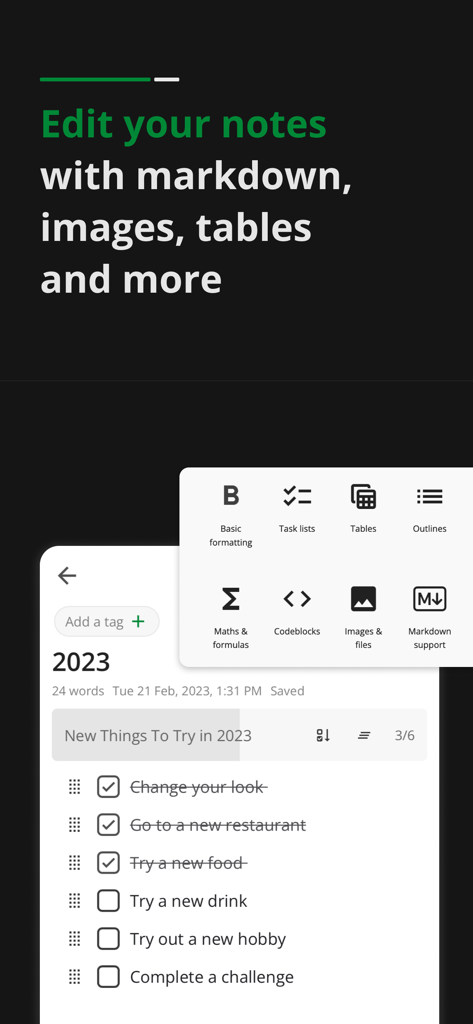
Notesnook: Private note taking - Notesnook mobile interface showing a task checklist and a formatting menu for markdown tables and images
Notesnook mobile interface showing a task checklist and a formatting menu for markdown tables and images

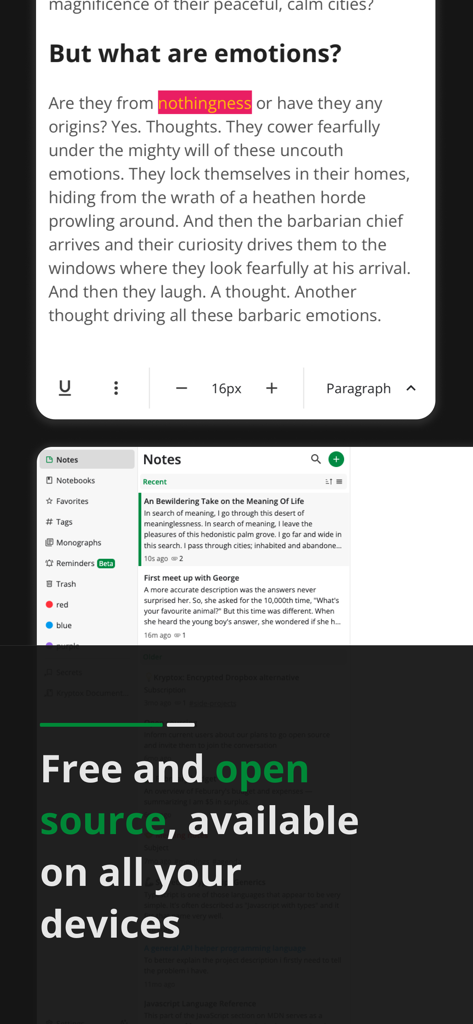
Notesnook: Private note taking - Interface of Notesnook app showing a private note editor and a message stating it is free and open source across all devices
Interface of Notesnook app showing a private note editor and a message stating it is free and open source across all devices

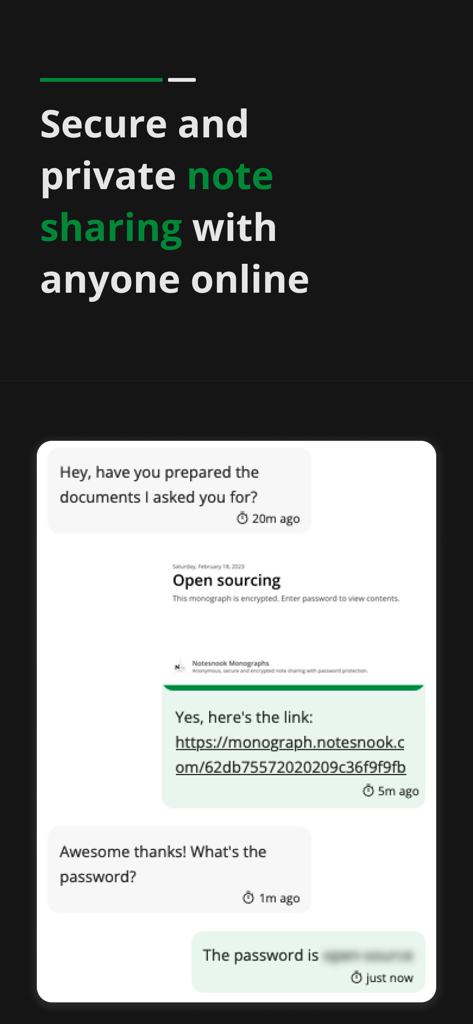
Notesnook: Private note taking - Notesnook app interface demonstrating secure and private note sharing through an encrypted monograph link.

Notesnook app interface demonstrating secure and private note sharing through an encrypted monograph link.

Description

Notesnook is an open source private notes app and organizer. It is fully cross-platform. Download it on all your devices for free. Sync notes between your computer, tablet and mobile seamlessly. With Notesnook, note taking is a simple and easy task. Just like opening a physical notebook and writing notes down. A notes app to protects your privacy With military grade encryption, no one can ever read your secret notes except you. We use XChaCha20-Poly1305 & Argon2 encryption algorithms that are stronger & safer than AES256, impenetrable & future-proof. A level of security and privacy that is rare in note taking apps. Encrypted and private by default You do not need to press any button or enable anything for encryption to work. Your privacy is our primary concern. By default all notes are encrypted and securely stored on our servers. We can't read or open your notes even if we want to. Sync notes to all devices Sync notes in a safe and secure way. All your notes are encrypted on your device and synced so no matter what device you use, you always have access to what you write and journal in notepad. Locked notes with vault Double encrypt your notes with vault. Locked notes require password on open and are encrypted at rest. Notepad & Diary with lock A private diary with lock. App lock let's you lock notes with fingerprint and even lock the app so no one has access except you. A truly personal, safe & private diary with password so you can journal and write secret notes. To-do lists & Tasks Get things done with to-do lists and tasks. Create to-do lists to get things done. Keep track of your daily progress in to-do lists and accomplish daily tasks. Private journal and diary Journal your life in our private diary. Add photos & videos to your journal. Record your daily emotions and activities in your diary. Keep online journal safe with password. Anything you write or express is secure with military strength encryption. Take your journal always. Rich and powerful notes editor Simple notes on notepad or writing a complex document. Our notes editor supports rich editing. It allows basic formatting and editing notes. Make to-do lists and bulleted lists. Add images and embed videos in notepad & add tables and links Markdown editor Use markdown in notes editor. Use all markdown shortcuts and write markdown notes. Add headings, links, lists & more with markdown shortcuts. Notebooks Organize notes with notebooks. Each notebook has topics. In topics you can add all your notes. Use notebooks for multiple purpose like office or school notes. Color notes Color notes easily with one tap. You can edit the name and rename colors according to the notes you keep. Offline access No internet connection is required to use our notes taking app. Add, edit and organize notes offline and sync notes in notepad when you have internet access. App lock in notepad free Built-in App Lock to lock the app with fingerprint so no one can open and peek into your private notes on your device. Export notes from notepad Export notes in formats such as PDF, HTML, Markdown and Plain Text. Share notes with anyone with standard size and formatting. Publish and share notes with Monograph Monographs allow you publish and share your notes. You can lock notes with password that you want to publish. With self destruct feature, a monograph is deleted when it is accessed once. Military grade encryption which is use to encrypt your data for syncing. Backup notes data • Create note backups • Restore backups • Encrypt all your backups optionally • Automatic daily, weekly & monthly backups of your data and notes. Dark mode Our notes app has dark mode, useful when you are working at night taking notes. Privacy Policy: https://notesnook.com/privacy Terms of Service: https://notesnook.com/tos Source Code: https://github.com/streetwriters/notesnook

Download

Download on App Store

This page is not an official page of the app or its developer, but an independent editorial publication created for informational and commentary purposes. Unless expressly stated otherwise, neither the app nor its developer is affiliated with, endorsed by, sponsored by, authorized by, or otherwise officially connected with MWM, Apple, Google Play, the app publisher, or the app's developer, and nothing on this page implies that the app was developed using MWM's services. Any trademarks, logos, screenshots, and other content remain the property of their respective owners.








