
This page is not an official page of the app or its developer, but an independent editorial publication created for informational and commentary purposes. Unless expressly stated otherwise, neither the app nor its developer is affiliated with, endorsed by, sponsored by, authorized by, or otherwise officially connected with MWM, Apple, Google Play, the app publisher, or the app's developer, and nothing on this page implies that the app was developed using MWM's services. Any trademarks, logos, screenshots, and other content remain the property of their respective owners.


O+ Connect
Cross-platform friction is dead. O+ Connect offers the digital handshake you actually need.
Downloads
1M+User Rating
Total Ratings
197Publisher
Category
UtilitiesLocales
69Latest Version
1.4.2Size
83.6 MBFirst Released
Oct 18, 2024An evaluation of key features enhancing connectivity between Apple iOS and BBK Electronics Android devices.
O+ Connect: Cross-Platform Interoperability Analysis
High-Speed Cross-Platform File Transfer
The app facilitates rapid file transfers between iOS and Android devices (OPPO, OnePlus, realme) without consuming mobile data, ensuring original quality preservation. This feature addresses a major pain point for users needing to move large files efficiently across different mobile ecosystems.
Seamless iPhone Notification Mirroring
It allows users to sync incoming calls, messages, and various notifications from their iPhone directly to their paired OPPO, OnePlus, or realme device. This enhances workflow continuity and reduces the need to constantly check multiple devices for critical alerts.
Frequently Asked Questions
Everything you need to know about O+ Connect
What is O+ Connect?
O+ Connect is an application designed to establish connectivity between Apple devices and OPPO, OnePlus, or realme smartphones, facilitating file transfers and notification synchronization.
Which devices are compatible with O+ Connect?
O+ Connect supports connectivity between Apple devices and OPPO, OnePlus, and realme devices. It enables seamless file exchange and notification syncing across these different operating systems.
Can O+ Connect transfer files without using mobile data?
Yes, O+ Connect allows users to transfer files between devices without consuming mobile data. The application facilitates quick and direct transfers.
Does O+ Connect reduce file quality during transfer?
No, O+ Connect transfers files, including photos and videos, between Apple and OPPO, OnePlus, or realme devices without any loss of quality.
How does O+ Connect handle notifications and calls?
O+ Connect syncs incoming calls, messages, and notifications from your iPhone directly to your connected OPPO, OnePlus, or realme phone, enhancing cross-device communication.
What settings are required to sync notifications with O+ Connect?
To enable notification syncing with O+ Connect, users must verify that "Settings - Cross-device connectivity - iPhone" is activated on their OPPO, OnePlus, or realme phone.
Can I send photos and videos using O+ Connect?
Yes, O+ Connect enables users to select and send photos, videos, and various file types directly from their iPhone to nearby OPPO, OnePlus, or realme devices.
How do I receive files using the O+ Connect app?
To receive files with O+ Connect, open the app and wait for the sender to initiate the transfer using OPPO Share, OnePlus Share, or realme Share.
The following screenshots and description are sourced directly from the app's official store listing and are the property of the app developer.
App Store
Screenshots
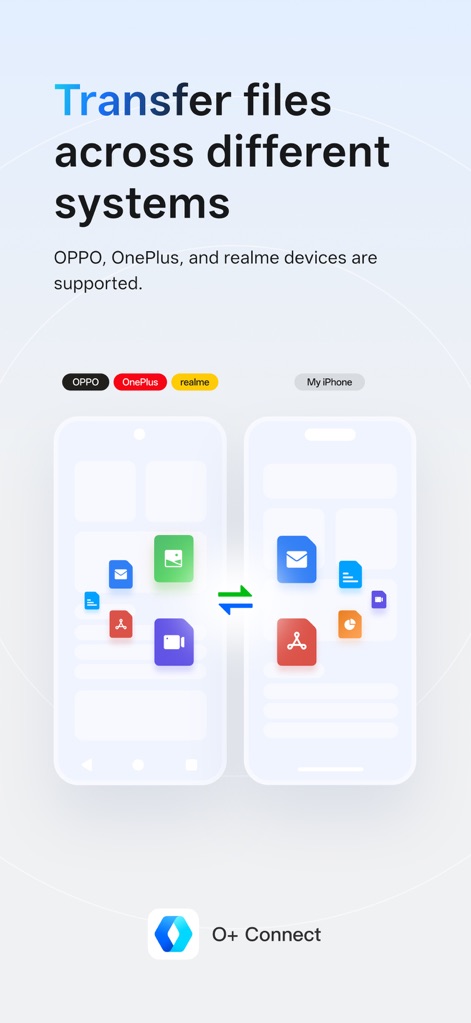
This tool illustrates how users can effortlessly move various file types, from documents to media, between their Apple and OPPO, OnePlus, or realme devices.
Cross-Platform Bridge
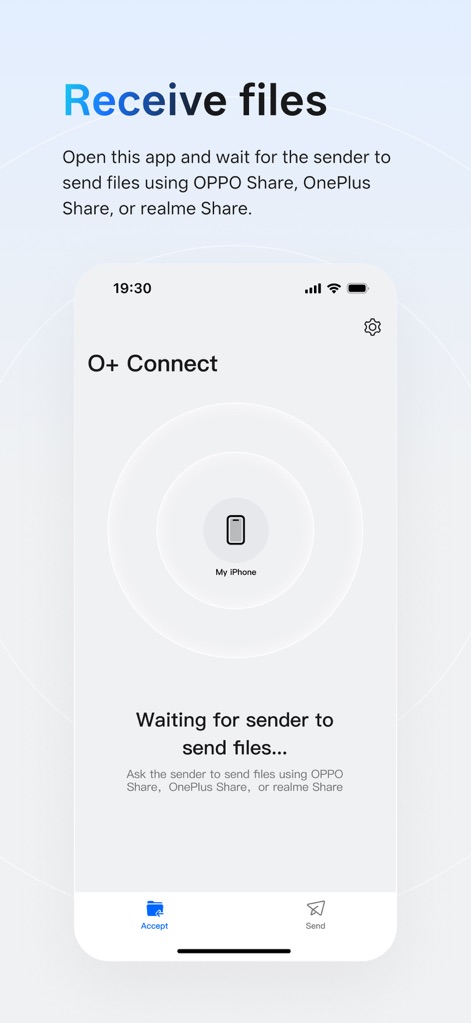
Observe the streamlined interface for receiving files, featuring a prominent 'Accept' button and a clear visual indicator for the connected iPhone.
Effortless File Reception
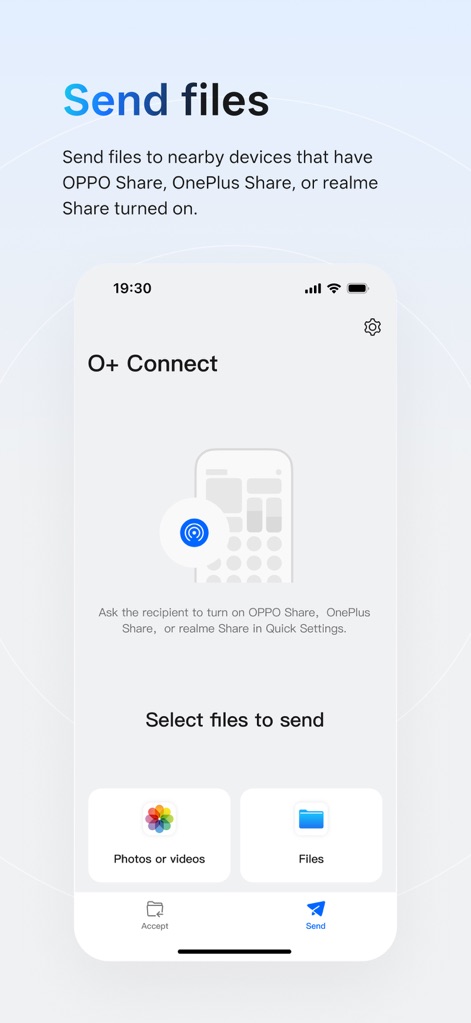
The app provides straightforward options to send files, allowing users to select specific content categories like 'Photos or videos' or general 'Files' with a single tap.
Intuitive File Sharing
Description
Download
More Like This
Apps with similar features and user experience

WeTransfer: Transfer Files
Wetransfer B.V.

Send Anywhere - File Transfer
Rakuten Symphony Korea, Inc.

Blip: Send Files in a Click
Blip Studio Inc.

Zapya - File Sharing
Lindong Network Technology(Beijing) Co.,Ltd.

Files Transfer - Quick share
梦洋 崔

Air File Share & Drop
Best Free and Fun Games, LLC

手机克隆-极速换机助手免流量数据迁移
军甫 贺

Photo Transfer: Send via WiFi
Mobileware Studio SL

SHAREit: Transfer, Share Files
SHAREit Technologies Co. Ltd
This page is not an official page of the app or its developer, but an independent editorial publication created for informational and commentary purposes. Unless expressly stated otherwise, neither the app nor its developer is affiliated with, endorsed by, sponsored by, authorized by, or otherwise officially connected with MWM, Apple, Google Play, the app publisher, or the app's developer, and nothing on this page implies that the app was developed using MWM's services. Any trademarks, logos, screenshots, and other content remain the property of their respective owners.