
This page is not an official page of the app or its developer, but an independent editorial publication created for informational and commentary purposes. Unless expressly stated otherwise, neither the app nor its developer is affiliated with, endorsed by, sponsored by, authorized by, or otherwise officially connected with MWM, Apple, Google Play, the app publisher, or the app's developer, and nothing on this page implies that the app was developed using MWM's services. Any trademarks, logos, screenshots, and other content remain the property of their respective owners.


Obsbot Live
Elevate your solo production with professional multi-angle control, AI-powered tracking, and seamless live streaming to your favorite platforms in landscape or portrait.
Downloads
2K+User Rating
Total Ratings
0Publisher
Category
Photo & VideoLocales
28Latest Version
1.2.4Size
344.3 MBFirst Released
Aug 6, 2024A Pro-Level Production Studio in Your Pocket
Transform your OBSBOT setup into a multi-camera powerhouse. Obsbot Live gives solo creators the tools to produce broadcast-quality streams without the need for a professional crew.
Multi-Cam Command Center
Connect up to three OBSBOT cameras via Wi-Fi or Bluetooth. Switch angles, adjust PTZ settings, and manage your entire broadcast from a single intuitive interface.
Your AI-Powered Camera Crew
Harness advanced AI tracking to stay in frame even when you're on the move. Perfect for fitness instructors, DIY creators, and dynamic live presentations.
The following screenshots and description are sourced directly from the app's official store listing and are the property of the app developer.
App Store
Screenshots
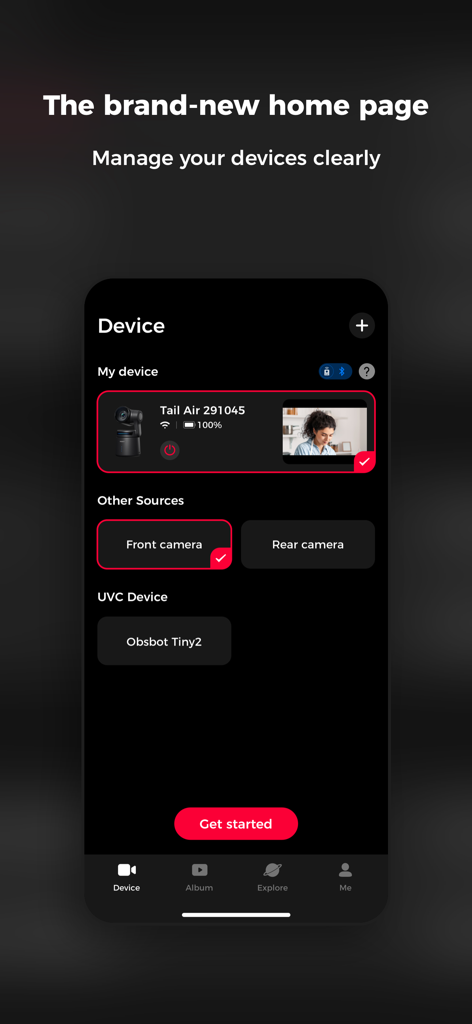
Obsbot Live app home page showing a dashboard to manage multiple cameras like Tail Air and Tiny2 for live streaming.
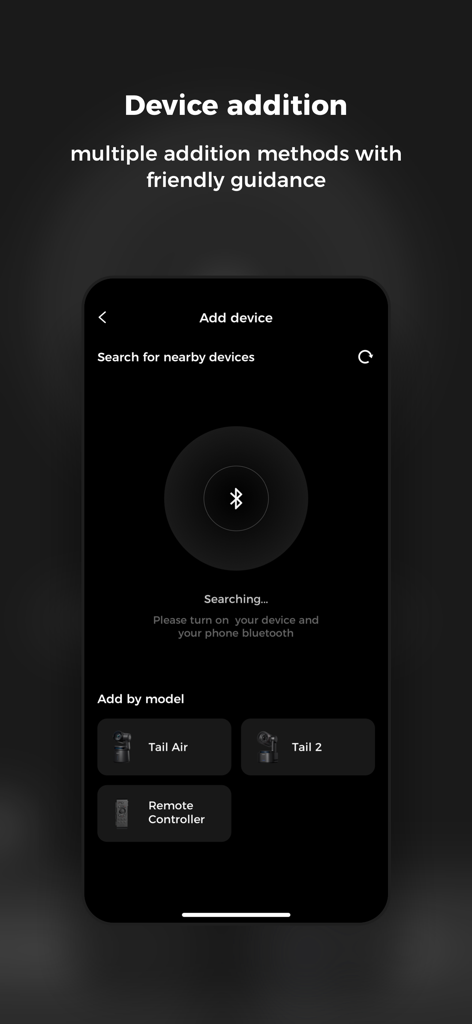
Device addition screen in Obsbot Live for connecting Tail Air and Tail 2 cameras
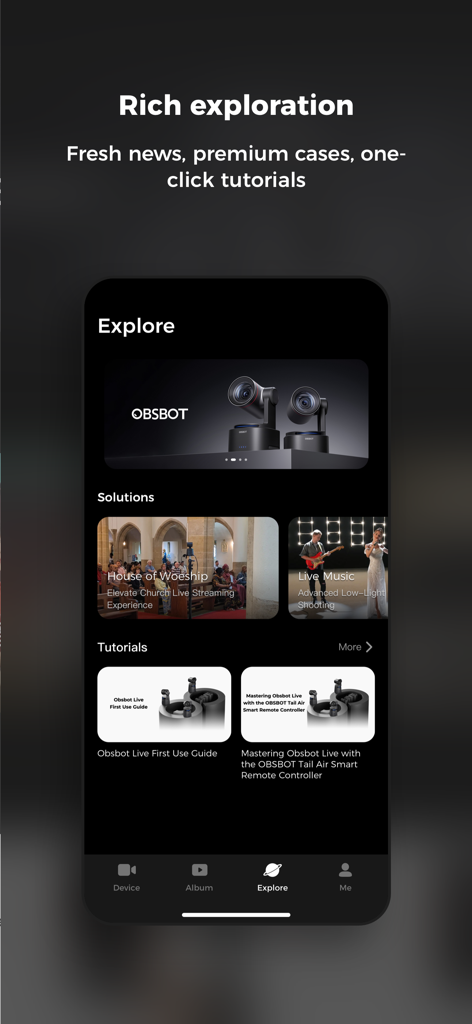
Obsbot Live app explore interface showing live streaming solutions and camera tutorials.
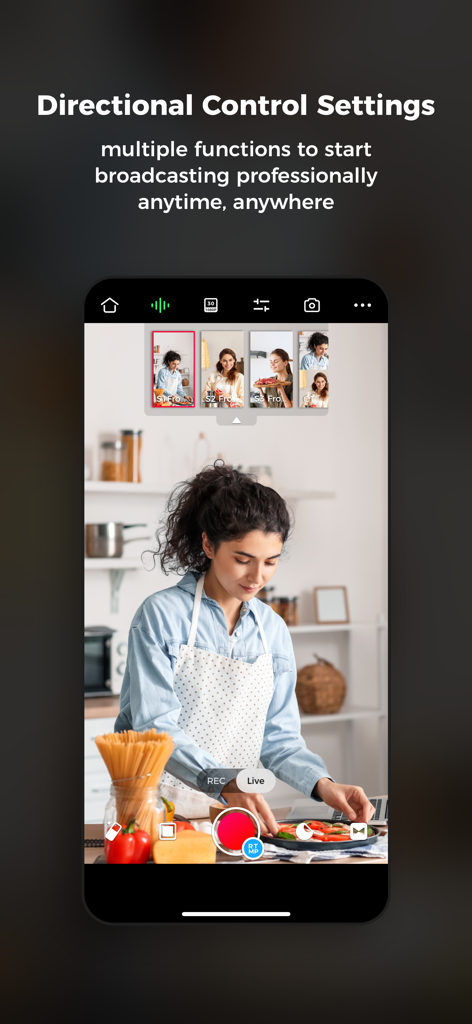
Mobile app interface of Obsbot Live showing multi-camera control for a cooking stream
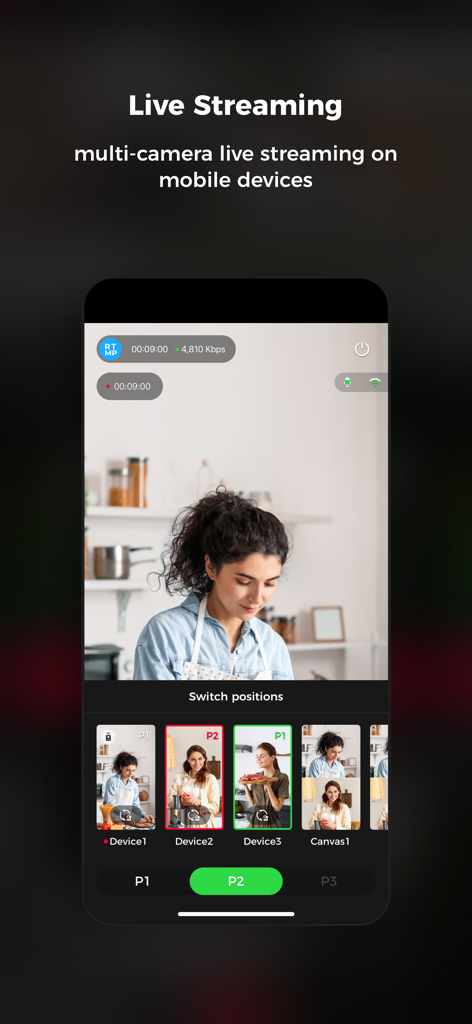
Obsbot Live app interface on a mobile phone showing multi-camera streaming and camera switching options
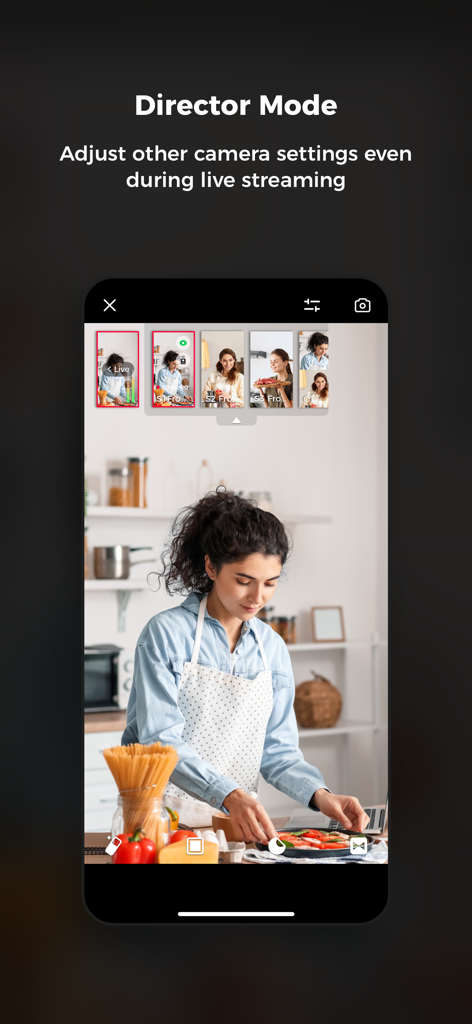
The Director Mode interface of the Obsbot Live app showing multi-camera controls during a live cooking stream in portrait mode.
Description
Download
More Like This
Top-ranked apps in the same category

CapCut: Photo & Video Editor
BYTEDANCE PTE. LTD.

Instagram, Inc.

YouTube
Google LLC

Canva: AI Photo & Video Editor
Canva Pty Ltd

快手
Beijing Kwai Technology Co., Ltd.

Snapchat
Snap, Inc.

Edits: Video Editor
Instagram, Inc.

Google Photos: Backup & Edit
Google LLC

Meta AI - Vibes & AI Glasses
Meta Platforms, Inc.
This page is not an official page of the app or its developer, but an independent editorial publication created for informational and commentary purposes. Unless expressly stated otherwise, neither the app nor its developer is affiliated with, endorsed by, sponsored by, authorized by, or otherwise officially connected with MWM, Apple, Google Play, the app publisher, or the app's developer, and nothing on this page implies that the app was developed using MWM's services. Any trademarks, logos, screenshots, and other content remain the property of their respective owners.