
This page is not an official page of the app or its developer, but an independent editorial publication created for informational and commentary purposes. Unless expressly stated otherwise, neither the app nor its developer is affiliated with, endorsed by, sponsored by, authorized by, or otherwise officially connected with MWM, Apple, Google Play, the app publisher, or the app's developer, and nothing on this page implies that the app was developed using MWM's services. Any trademarks, logos, screenshots, and other content remain the property of their respective owners.


OCBC Singapore
Experience a smarter, more personalized way to manage your global wealth. From intuitive shortcuts to a consolidated view of your net worth, banking has never been this seamless.
Downloads
1M+User Rating
Total Ratings
171K+Publisher
Category
FinanceLocales
2Latest Version
22.5Size
285.8 MBFirst Released
Oct 18, 2008Banking That Moves With Your Global Life
Experience a personalized banking interface designed for international professionals, offering a seamless way to manage your global assets and daily finances from anywhere.
Tailored Smart Shortcuts
Zip straight to your favorite services. Customize your home screen with over 15 shortcuts to match your unique banking habits and save time.
Unified Wealth Overview
Monitor your global net worth at a glance. Access a consolidated view of all your investments and accounts under one intuitive tab.
Frequently Asked Questions
Everything you need to know about OCBC Singapore
What are the main features of the new OCBC app?
The OCBC app offers customizable shortcuts, personalized messages, a consolidated view of all financial products, and an intuitive menu. Users can also apply for products and perform cardless ATM withdrawals.
Can I customize shortcuts in the OCBC app?
Yes, the OCBC app allows users to customize their home screen shortcuts. You can choose from over 15 services for quick access to your most frequently used banking functions.
How do I withdraw cash without an ATM card using the OCBC app?
Yes, the OCBC app enables cardless cash withdrawals. Users scan a QR code using the app at any OCBC ATM in Singapore to withdraw cash without needing a physical ATM card.
Does the OCBC app provide a consolidated view of my finances?
Yes, the OCBC app provides a consolidated view of all your financial products. It features a 'Net worth' tab that allows you to see all your wealth in one place.
Can I apply for new financial products directly through the OCBC app?
Yes, users can apply for new financial products directly through the OCBC app. The app features smooth and streamlined application flows for various products.
What financial products are available through the OCBC app?
The OCBC app offers various financial products including accounts, credit cards, investments, insurance, and loans. Users can browse and apply for these products directly within the app.
Does the OCBC app offer rewards and deals?
Yes, the OCBC app provides rewards and exclusive deals for OCBC cardmembers. Users can redeem perks such as limo bookings, e-vouchers, cash credit, points exchange, and travel bookings.
Does the OCBC app have security features like a 'Money Lock'?
Yes, the OCBC app includes security features like 'Money Lock'. This feature allows users to lock funds or Time Deposit accounts to enhance the security of their savings.
The following screenshots and description are sourced directly from the app's official store listing and are the property of the app developer.
App Store
Screenshots
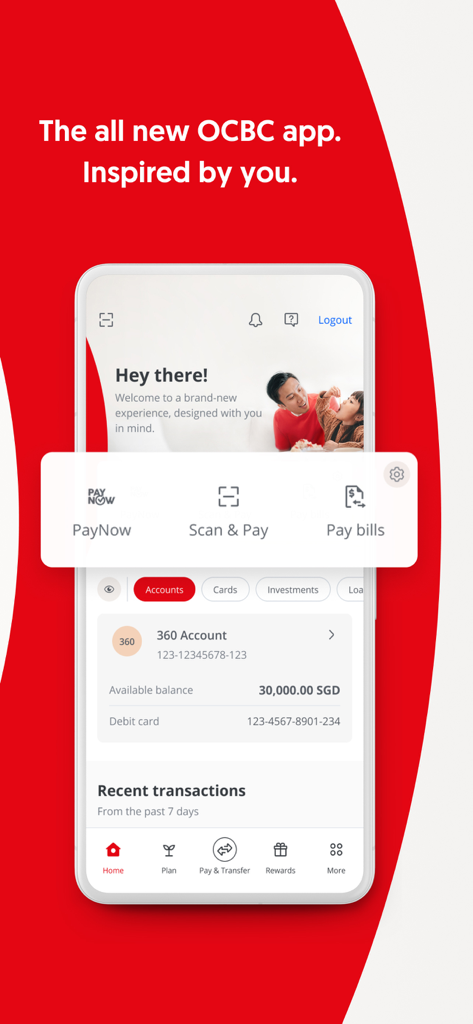
OCBC Singapore mobile banking app home screen showing account balance and smart shortcuts
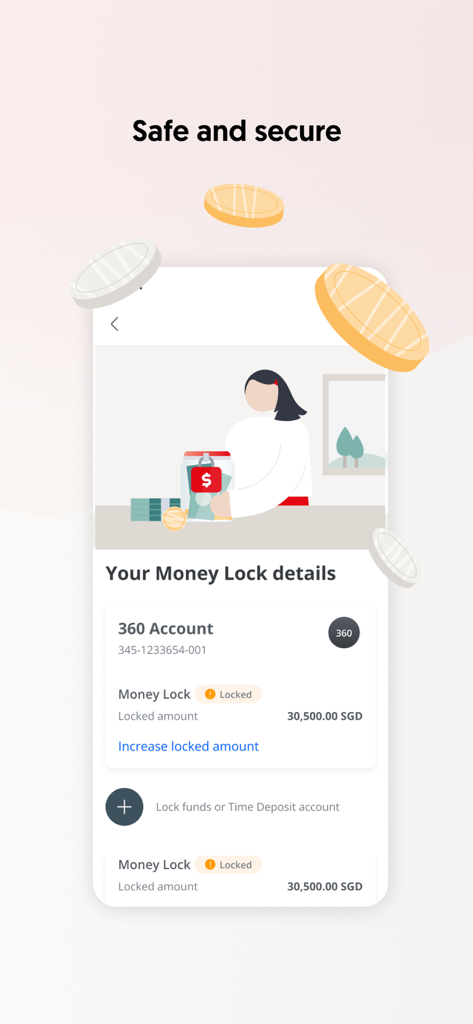
OCBC Singapore mobile app screen showing the Money Lock security feature with account details and locked funds
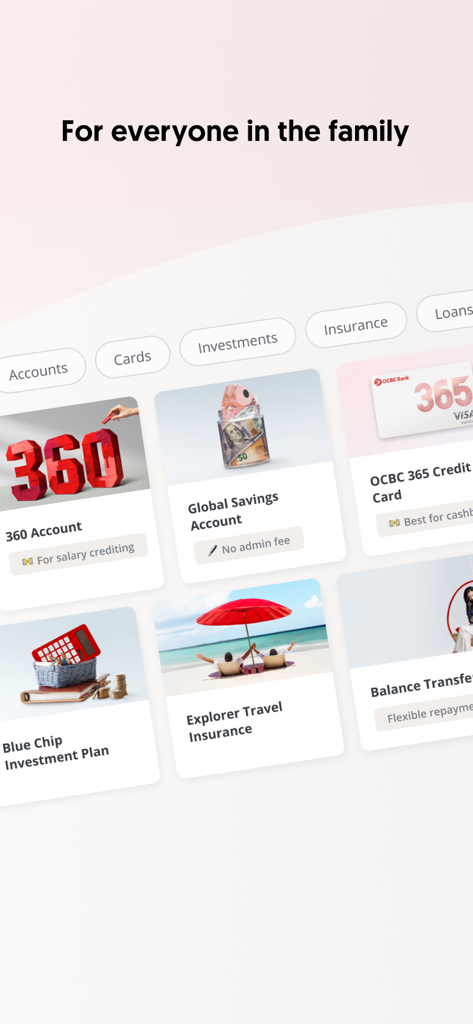
OCBC Singapore mobile app interface displaying a variety of banking products including savings accounts credit cards investments and insurance plans
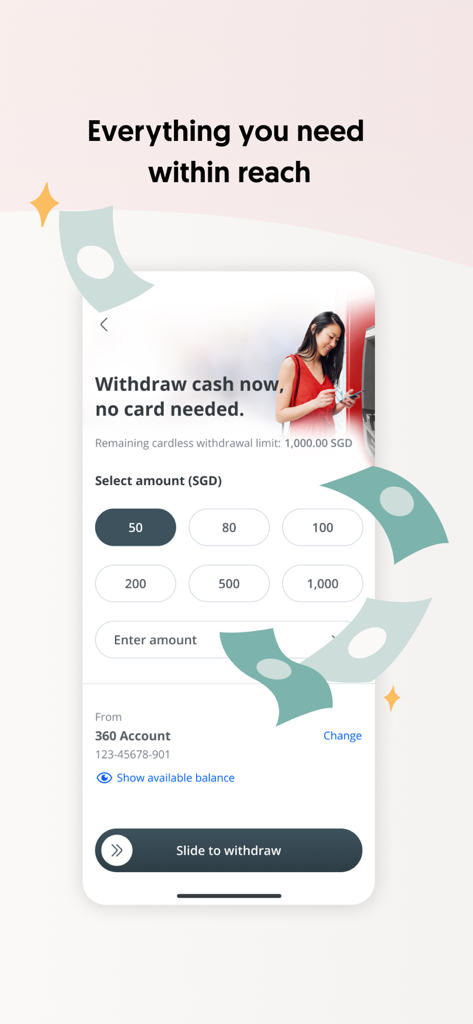
OCBC Singapore mobile app screen showing the cardless cash withdrawal feature with amount selection and slide to withdraw button.
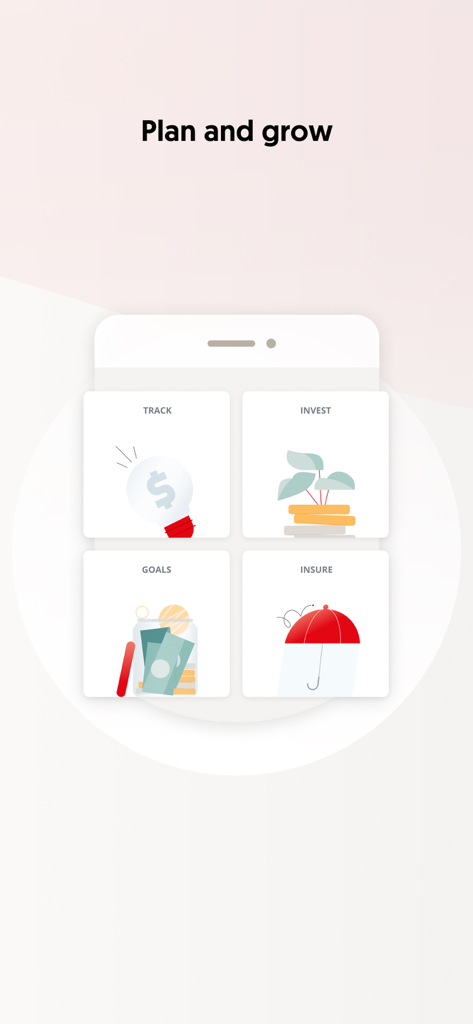
OCBC Singapore app screen showing icons for tracking finances, investing, setting goals, and managing insurance.
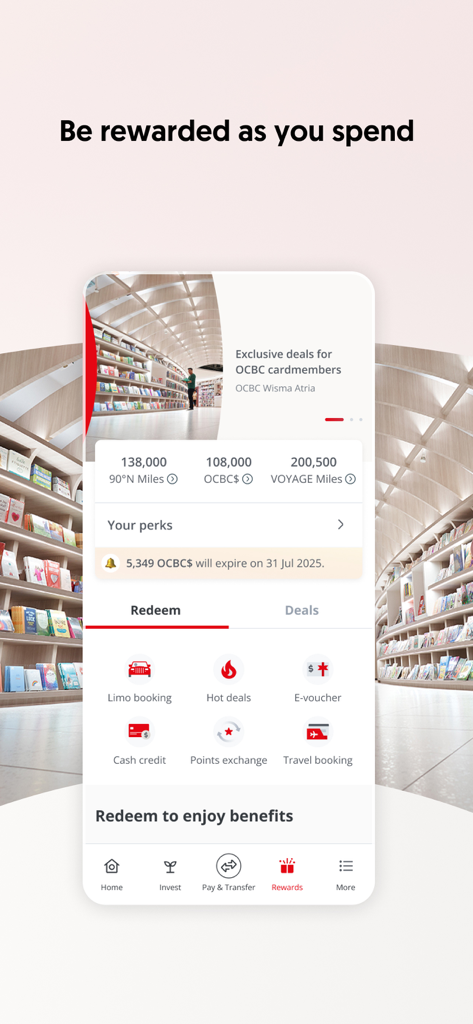
OCBC Singapore app rewards screen showing loyalty points balance and redemption options for travel and vouchers.
Description
Download
More Like This
Apps with similar features and user experience

Enpara Bank Cep Şube
Enpara Bank Anonim Sirketi

Alinma App - تطبيق الإنماء
Alinma Bank

Huntington Mobile Banking
The Huntington National Bank, Inc

國泰世華網路銀行CUBE
Cathay United Bank

中國信託行動銀行
CTBC Bank Co., Ltd.

FNB Banking App
FirstRand Bank Limited

Riyad Bank App
Riyad Bank

CIMB OCTO MY
CIMB Bank Berhad

Regions Mobile
Regions Financial
This page is not an official page of the app or its developer, but an independent editorial publication created for informational and commentary purposes. Unless expressly stated otherwise, neither the app nor its developer is affiliated with, endorsed by, sponsored by, authorized by, or otherwise officially connected with MWM, Apple, Google Play, the app publisher, or the app's developer, and nothing on this page implies that the app was developed using MWM's services. Any trademarks, logos, screenshots, and other content remain the property of their respective owners.