
This page is not an official page of the app or its developer, but an independent editorial publication created for informational and commentary purposes. Unless expressly stated otherwise, neither the app nor its developer is affiliated with, endorsed by, sponsored by, authorized by, or otherwise officially connected with MWM, Apple, Google Play, the app publisher, or the app's developer, and nothing on this page implies that the app was developed using MWM's services. Any trademarks, logos, screenshots, and other content remain the property of their respective owners.


Octopus for Tourists
Skip the queues and explore the city with ease. Add a digital Octopus card to your iPhone or Apple Watch to breeze through transit and shop at thousands of outlets, with instant top-ups using your international credit card.
Downloads
2M+User Rating
Total Ratings
1K+Publisher
Category
FinanceLocales
3Latest Version
1.5.2Size
52.2 MBFirst Released
Jul 30, 2020Master Hong Kong Like a Local
Skip the airport queues and navigate the city with ease. Your iPhone or Apple Watch is now the only travel pass you need for transport, dining, and shopping.
Skip the Queues
Avoid the 'Customer Service' lines at the airport and stations. Issue your digital Octopus card instantly and start your journey the moment you land.
Seamless International Top-Ups
No local cash? No problem. Reload your balance anytime using your U.S.-issued Mastercard, Visa, or UnionPay card directly within the app.
Frequently Asked Questions
Everything you need to know about Octopus for Tourists
How does Octopus for Tourists work for payments?
Octopus for Tourists simplifies payments by allowing users to tap their iPhone or Apple Watch on Octopus readers for transport and shopping in Hong Kong, without opening the app or waking the device.
Which iPhone and Apple Watch models are compatible with Octopus for Tourists?
Yes, Octopus for Tourists is compatible with iPhone X or later models, and Apple Watch Series 3 or later models. These devices are required to add a new Octopus card.
Can I top up Octopus for Tourists with international credit or debit cards?
Yes, you can top up your Octopus for Tourists card using non-Hong Kong issued Mastercard, UnionPay, or Visa credit/debit cards. This feature allows convenient top-ups anytime, anywhere.
How do I check my balance and spending records in the Octopus for Tourists app?
Yes, users can check their balance and review spending records directly within the Octopus for Tourists app. This feature helps manage expenditures and track all transactions.
Is a deposit required for a new Octopus card in the Octopus for Tourists app?
Yes, a refundable deposit of HKD 50 is required when adding a new Adult type Octopus card through the Octopus for Tourists app.
Can I transfer my physical Octopus card to the Octopus for Tourists app?
Yes, you can transfer an existing physical Octopus card to your iPhone or Apple Watch using the Octopus for Tourists app, digitizing your card easily.
How can I get a refund for my Octopus card via the Octopus for Tourists app?
Yes, the Octopus for Tourists app allows you to apply for a refund of your deposit and remaining value before departing Hong Kong. An email address is needed for the refund request.
The following screenshots and description are sourced directly from the app's official store listing and are the property of the app developer.
App Store
Screenshots
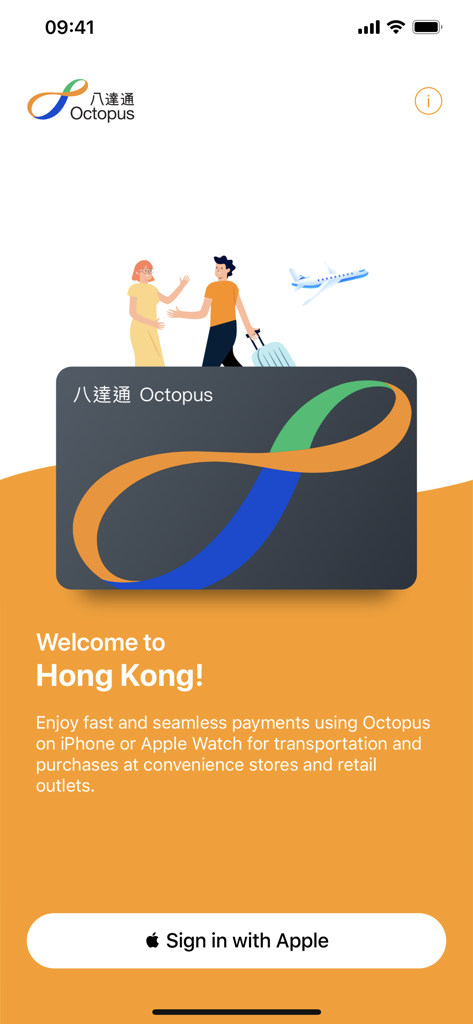
Welcome screen of Octopus for Tourists app for Hong Kong travelers
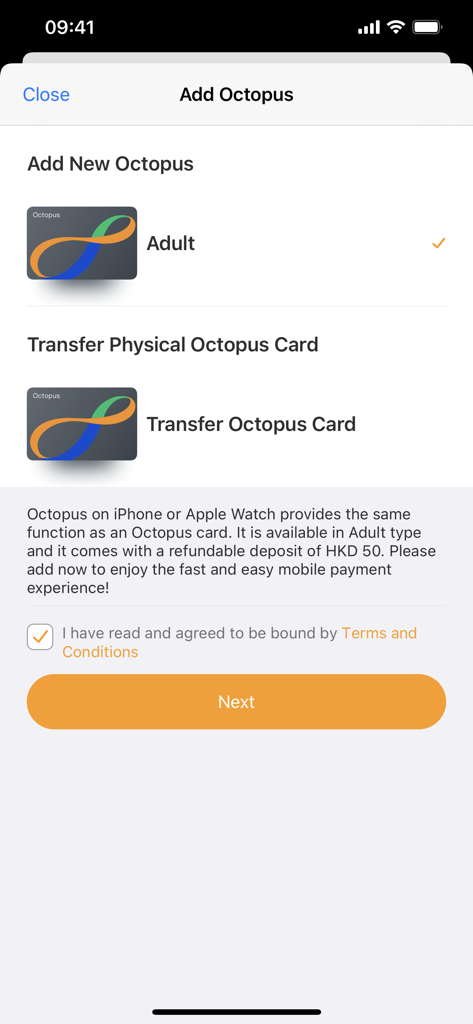
Interface for adding a new digital Octopus card or transferring a physical card in the Octopus for Tourists app
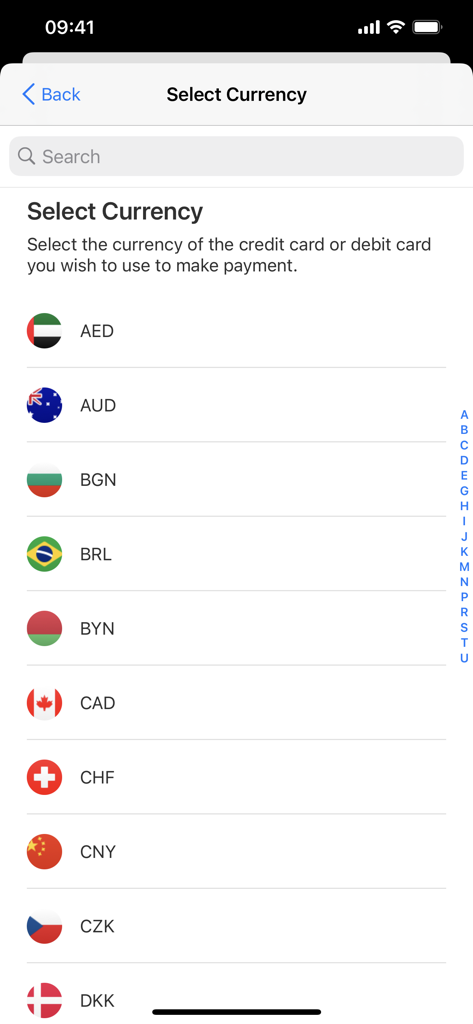
A list of international currencies with flags for payment selection in the Octopus for Tourists app
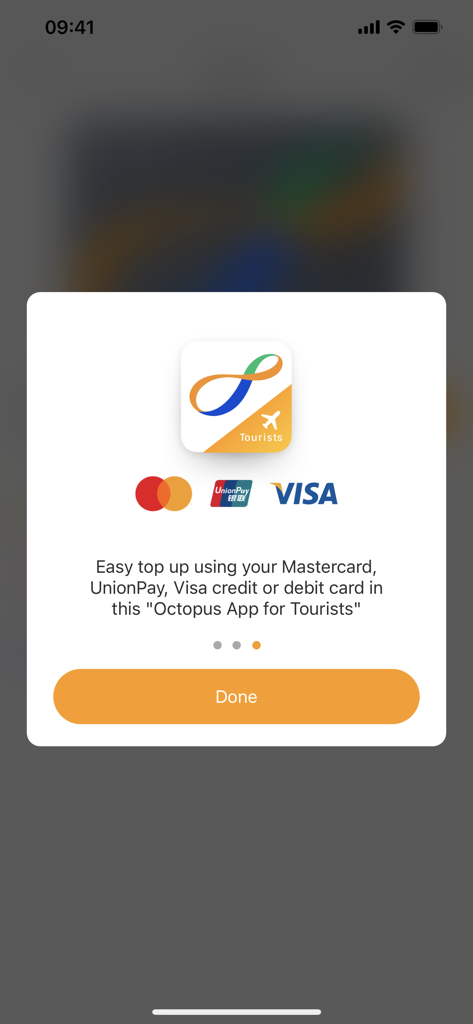
Octopus for Tourists app screen showing easy top up options with Mastercard, UnionPay and Visa credit or debit cards
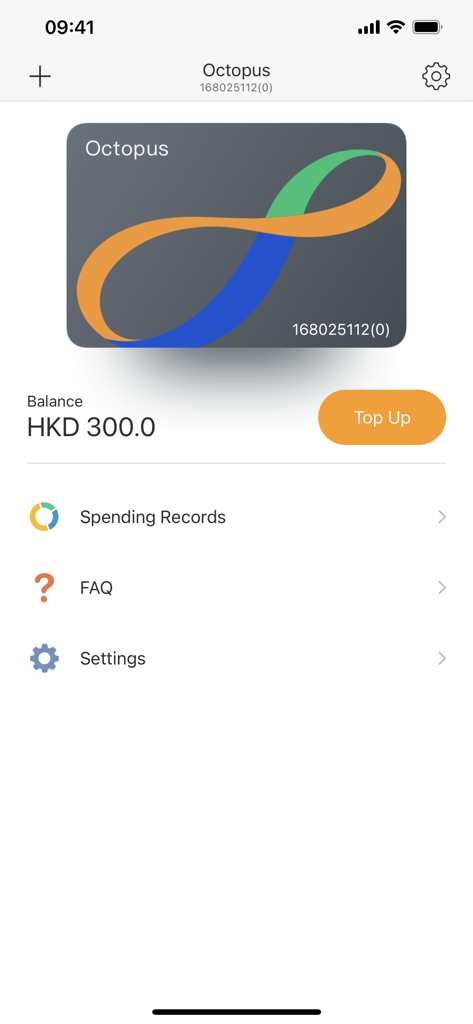
Digital Octopus card interface showing HKD balance and top up option
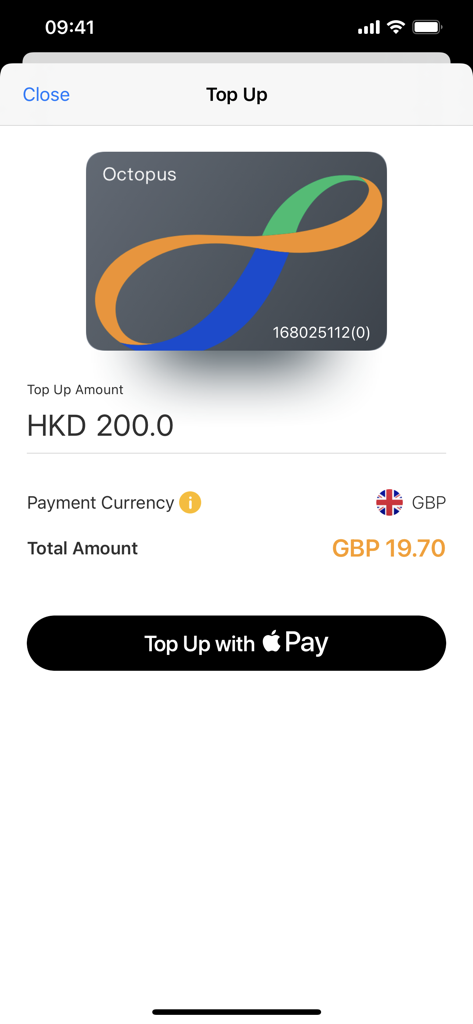
Top up screen of the Octopus for Tourists app showing a digital card and an Apple Pay payment button.
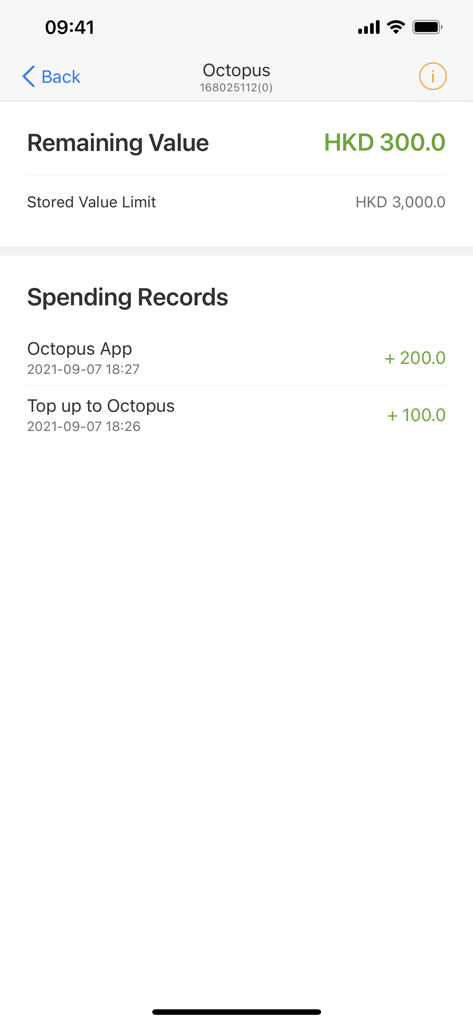
Screenshot of the Octopus for Tourists app displaying the remaining value balance and recent spending records.
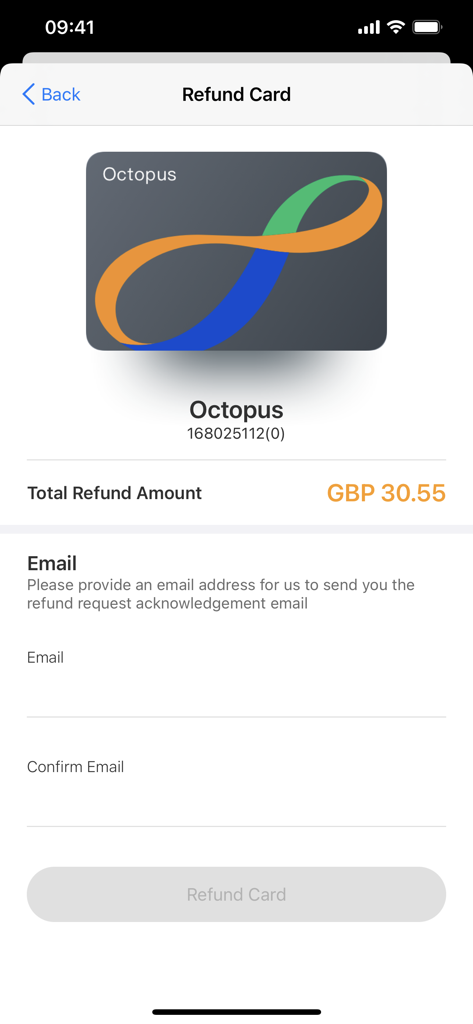
The refund card screen in the Octopus for Tourists app showing the balance and email fields
Description
Download
More Like This
Apps with similar features and user experience

CharmPass
Maryland Transit Administration

Q Ticketing
Metropolitan Transit Authority of Harris County, Texas

OC Bus
Orange County Transportation Authority

Octopus 八達通
OCTOPUS Cards Ltd.

Easy Wallet 悠遊付
EasyCard Corporation

FAIRTIQ
Fairtiq AG

Transit GO Ticket
Bytemark, Inc.

M'Ticket - Ticket mobile TaM
Transports Agglom�ration de Montpellie

Aamar Kolkata Metro
Centre for Railway Information Systems
This page is not an official page of the app or its developer, but an independent editorial publication created for informational and commentary purposes. Unless expressly stated otherwise, neither the app nor its developer is affiliated with, endorsed by, sponsored by, authorized by, or otherwise officially connected with MWM, Apple, Google Play, the app publisher, or the app's developer, and nothing on this page implies that the app was developed using MWM's services. Any trademarks, logos, screenshots, and other content remain the property of their respective owners.