OKEN - Doc Scanner, PDF Scan

OKEN - Doc Scanner, PDF Scan

Download on App Store
Logo of OKEN - Doc Scanner, PDF Scan

OKEN - The All-In-One PDF Scanner for Your Mobile Office

Effortlessly digitize documents, IDs, and books with pro-grade OCR and automatic edge detection. High-quality scanning designed for freelancers, students, and remote workers who value speed and simplicity.

Download on App Store

Publisher

Aditya Sharma

Category

Productivity

Downloads

0

User Rating

5.0/5

Total Ratings

0

Locales

1

Precision in Every Scan

Discover the interface used by 0 users.

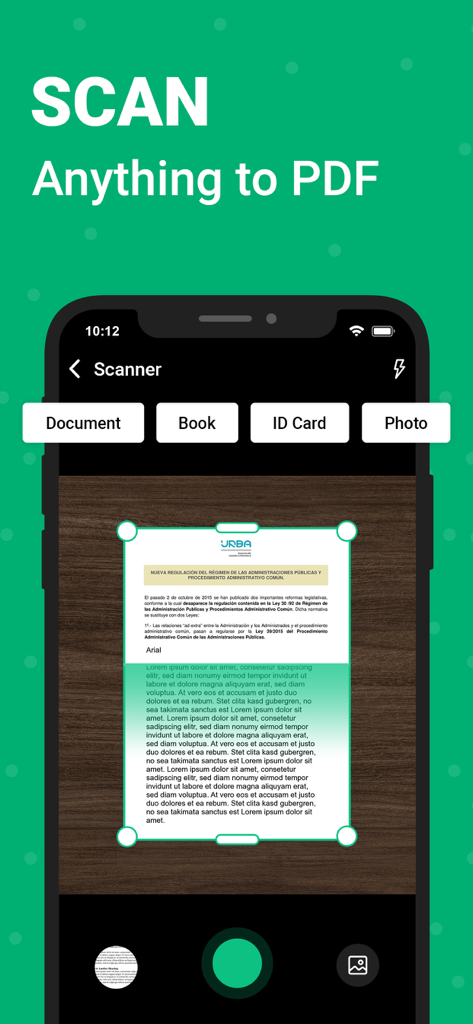
OKEN mobile app interface showing a document being scanned to PDF with automatic edge detection and mode selection for books and ID cards
OKEN mobile app interface showing a document being scanned to PDF with automatic edge detection and mode selection for books and ID cards

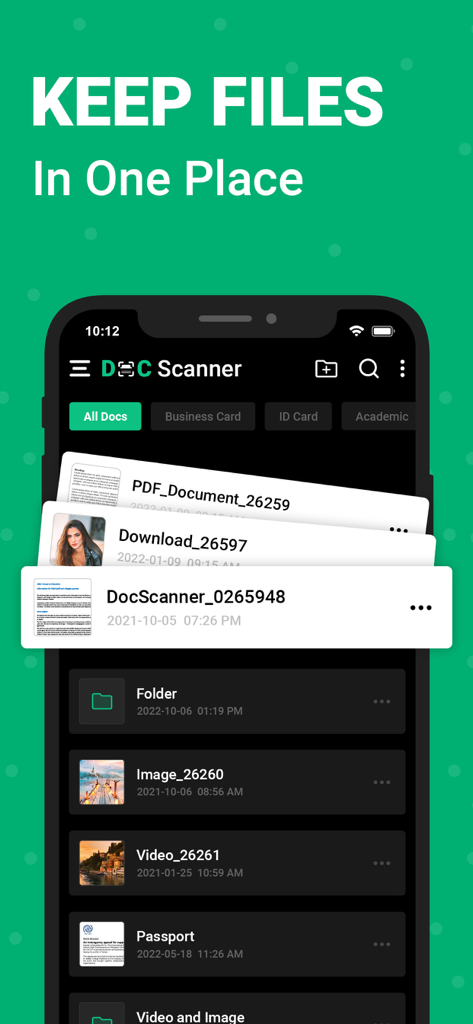
A screenshot of the OKEN Doc Scanner app showing an organized list of scanned documents including IDs, PDFs, and folders under the heading Keep Files In One Place.
A screenshot of the OKEN Doc Scanner app showing an organized list of scanned documents including IDs, PDFs, and folders under the heading Keep Files In One Place.

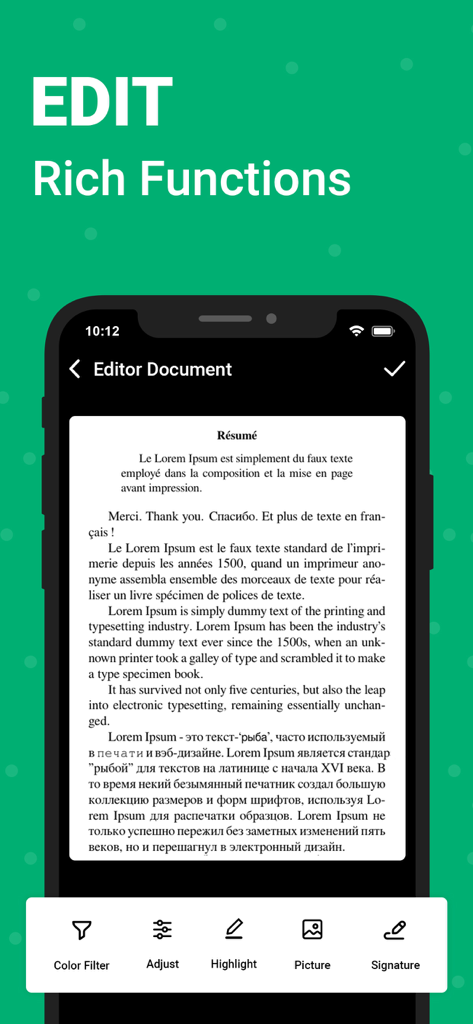
OKEN app screen showing rich document editing functions like signature and highlight features
OKEN app screen showing rich document editing functions like signature and highlight features

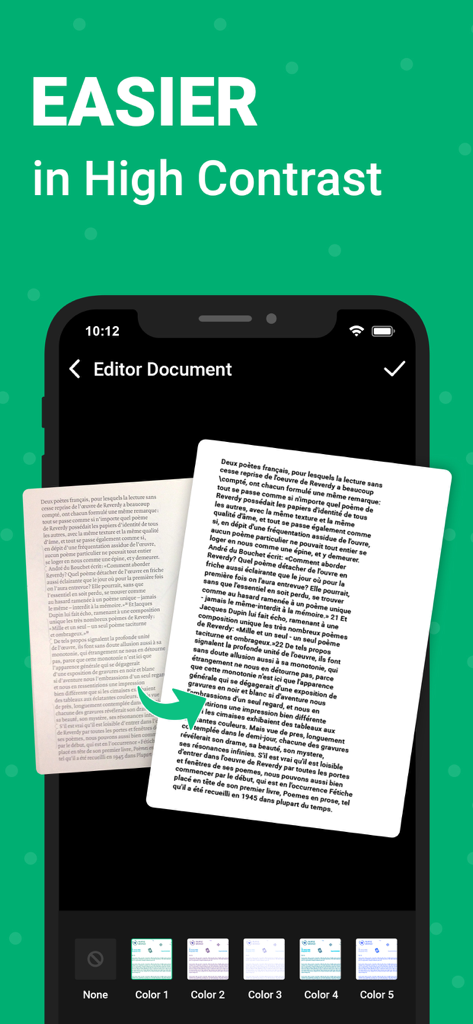
OKEN document scanner app interface showing the high contrast document editing feature
OKEN document scanner app interface showing the high contrast document editing feature

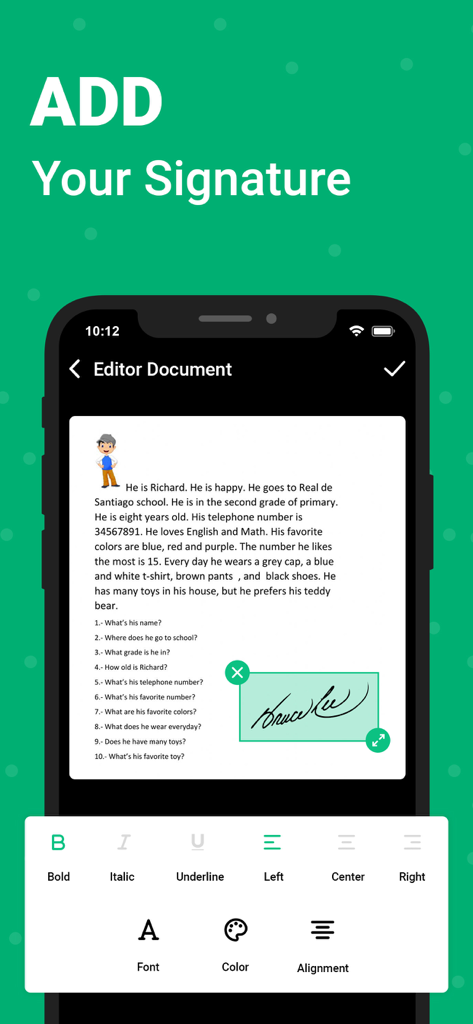
A mobile phone screen displaying the OKEN app interface with a signature added to a scanned document using editing tools.
A mobile phone screen displaying the OKEN app interface with a signature added to a scanned document using editing tools.

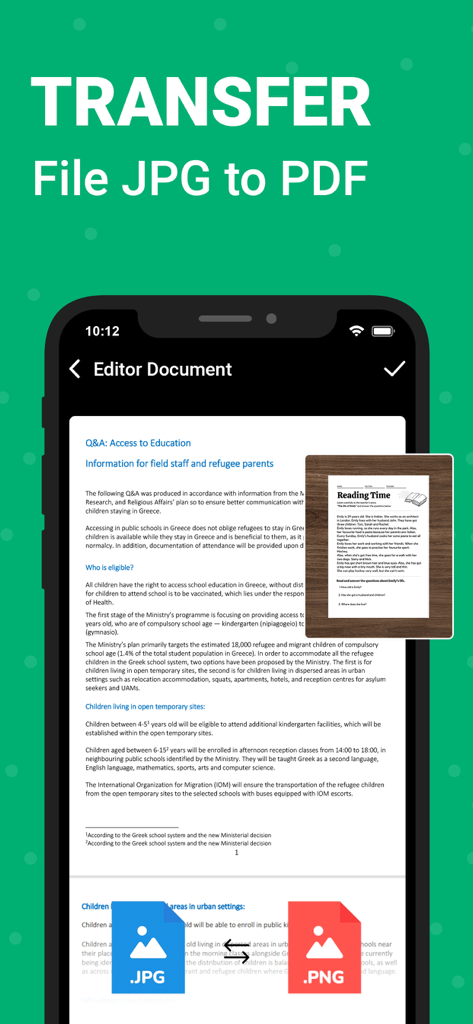
OKEN mobile app interface showing a document being converted from JPG to PDF
OKEN mobile app interface showing a document being converted from JPG to PDF

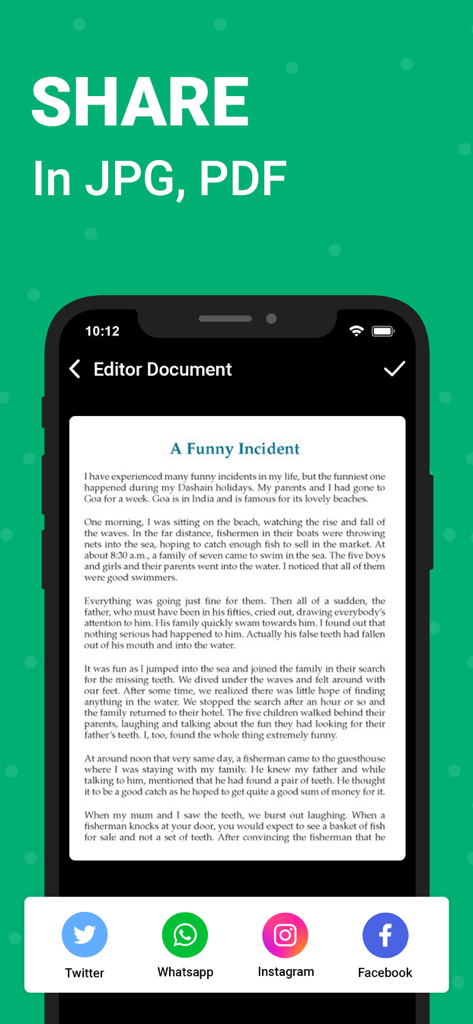
Mobile interface showing options to share a scanned document as PDF or JPG via social media apps like Twitter and WhatsApp

Mobile interface showing options to share a scanned document as PDF or JPG via social media apps like Twitter and WhatsApp

Your Professional Office, Right in Your Pocket

The tools that make this app stand out, trusted by 0 users.

🔍

Smart OCR Text Extraction

Turn images into editable text instantly. Stop retyping notes and start searching, editing, or sharing your documents with ease.

🆔

Specialized ID & Passport Scan

Perfectly capture IDs, licenses, and visas with dedicated modes that ensure professional results for verification and travel.

Auto-Precision Enhancement

Experience flawless scans every time with automatic edge detection and perspective correction that removes clutter and sharpens your files.

About the app

Everything you need to know about OKEN - Doc Scanner, PDF Scan.

Description

The Doc Scanner is a PDF document scanner app. You can scan documents, receipts, photos, reports, or anything. Doc scanner app for phone detects the corner of the file that you want to scan for better quality along with you can also crop the part of the document that you want to scan. Use your phone device's camera to photoscan and digitize all kinds of paper documents, receipts, notes, invoices, business cards, certificates, and scan to PDF. Fast scanner app PDF document scan free also has a long tap on an item at the home page to enable selection mode to create multi-page PDF by using mobile scanner free. We have: ◆ Scan Docx: The PDF scan photo scanner is so easy and powerful to use, you’ll say, This is the best free PDF scanner for documents. By having this document scanner PDF scanning app on your phone, you can save your time and efforts by quickly scanning at any time by using the free document scanner HD 2020. Scans are saved to your device in image or PDF format by using a free pdf scanner and a camera scanner HD PDF scan. ◆ Scan ID Card: An ID scanner scans ID cards, passports, driving licenses, visas, and other identity documents in just a few seconds and saves them into the device by using an ID scanner & Doc scanner. ◆ Scan Book: Free scanner app for documents that can be used to scan books, novels, magazines, and scan to PDF by using a page scanner, saved to your device in image or PDF format by using a Doc scanner app for phone. ◆ Scan ID Photo: Photo scan that lets you scan and save your favorite photos by using a photo scanner app and PDF scanner document scan OCR. Digitize your photos with picture scanner & OCR scanner and save the photo to PDF by using a photo scan and PDF scanning app. Feature of PDF Scanner App - Free Document Scanner & Scan PDF: • Scan your document. • Page edges are detected automatically. • Set page sizes for PDF (Letter, Legal, A4, and more) • Share PDF/JPEG files. • Print and fax the scanned doc directly from the app • Automatically document edge recognition and perspective correction. • Photoscan enhance the scan quality automatically and manually. • Arrange your docs in folders and subfolders with the CS scanning app. • Scanner app free for documents and photos scanning. • PDF creator can create PDF in different sizes from A1 to A-6 and like postcards, letters, notes, etc. • Extract texts from Image OCR, transfer image to text so you can search, edit or share. • Multi-page PDF and scan to PDF by using the PDF document scanner app. • Scan & print documents with a free scanner app. • Fast scanner and digital scanner manages your files, to organize your documents better. • Using the picture to PDF converter you can select some image from an Image Gallery and convert it into a PDF file as a document. • Free document scanner app for phone free download share Docx in PDF or JPEG format with your contacts. How to scan: 1. Choose the Camera as an OCR scanner or pick photos from the gallery. 2. Crop it by using 8 points multi selection tool. 3. Enhance the quality of an image by applying filters. 4. Export to PDF or JPEG if required. PDF Scanner App - Free Document Scanner & Scan PDF Scanner 2023 is recommended for you and the best scanning app that saves your time and money by using a fast scan. Suggested for you to give us feedback and tell us what you think about PDF Scanner App - Free Document Scanner & Scan PDF app to develop a good next version! Get unlimited access to all premium files media storage Subscribe Monthly Doc Scanner Pro at $1.99 and Yearly Doc Scanner Pro at $9.99 to use ads free versions of the premium app which can cancel anytime. • Privacy Policy: https://sites.google.com/view/aditya-sharma-privacy • Terms of Service: https://sites.google.com/view/aditya-sharma-termsofuse You might like it. Download now

Latest Version

1.5

Size

33.6 MB

First Released

Mar 1, 2023

Ready to Go Paperless?

Join the freelancers and students who trust OKEN to turn their iPhone into a powerful, pro-grade document scanner. Download for free today.

Download on App Store

App information, icons, screenshots, and descriptions displayed on this page are sourced from the Apple App Store and are the property of their respective developers. Download estimates and rankings are based on MWM's proprietary models and may not reflect actual figures. This page is provided for informational and analytical purposes only.

Believe this page infringes your intellectual property? File a dispute