
This page is not an official page of the app or its developer, but an independent editorial publication created for informational and commentary purposes. Unless expressly stated otherwise, neither the app nor its developer is affiliated with, endorsed by, sponsored by, authorized by, or otherwise officially connected with MWM, Apple, Google Play, the app publisher, or the app's developer, and nothing on this page implies that the app was developed using MWM's services. Any trademarks, logos, screenshots, and other content remain the property of their respective owners.


OneLogin Protect
Security. The app delivers a digital fortress for your accounts, pushing threats back with a tap.
Downloads
1M+User Rating
Total Ratings
828Publisher
Category
BusinessLocales
1Latest Version
4.8.7Size
43.9 MBFirst Released
Mar 19, 2012An analytical overview of the multi-factor authentication capabilities designed for enterprise identity management and enhanced user security.
Key Security Features of OneLogin Protect
Push Notification MFA
The app provides seamless multi-factor authentication by delivering push notifications for login approvals, allowing users to verify their identity with a single tap.
Secure Account Backup & Restore
It allows for secure backup and restoration of all authenticated accounts to a user's personal Google Drive, preventing loss of access in case of device changes or loss.
Biometric/PIN Verification for Push
This tool enhances security by requiring biometric authentication (Face ID, Touch ID) or a PIN to approve push notifications, adding an extra layer of protection against unauthorized access.
Time-Based One-Time Passwords (TOTP)
This tool generates time-based one-time passwords (TOTP) that automatically refresh every 30 seconds, providing a dynamic and secure method for verifying user identity.
Third-Party Account Compatibility
It allows users to secure not only OneLogin accounts but also various third-party services, consolidating multi-factor authentication across different platforms.
OATH Token Compatibility
The app supports industry-standard OATH security tokens, ensuring broad compatibility with a wide range of services that use similar authentication methods, like Google Authenticator.
Offline Code Generation
It enables users to generate verification codes even without an active internet connection, ensuring continuous access to accounts in offline environments.
Easy Account Setup
The app streamlines the process of adding new accounts by supporting both QR code scanning and manual entry, making setup quick and user-friendly.
Frequently Asked Questions
Everything you need to know about OneLogin Protect
What is OneLogin Protect?
OneLogin Protect is a free, enterprise-ready multi-factor authentication (MFA) app. It provides two-factor authentication for OneLogin SSO accounts and thousands of third-party applications, enhancing online account security.
Does OneLogin Protect support third-party accounts?
Yes, OneLogin Protect supports third-party providers and accounts, which users can add anytime. It is compatible with services using OATH security tokens, like Google Authenticator.
How does OneLogin Protect enhance security?
OneLogin Protect increases online account security through two-factor authentication. For OneLogin accounts, it offers push notifications that require Touch ID, Face ID, or PIN for acceptance, adding a secure layer.
Can OneLogin Protect generate verification codes offline?
Yes, OneLogin Protect generates verification codes without a data connection. It produces a unique 6-digit time-based one-time password (TOTP) every 30 seconds for each account, ensuring continuous access.
How do I add new accounts to OneLogin Protect?
Users add new accounts to OneLogin Protect by scanning a QR code or entering details manually. The app requires camera access specifically for QR code scanning during this process.
Does OneLogin Protect use push notifications for authentication?
Yes, OneLogin Protect utilizes push notifications for authentication, allowing users to respond with a single tap. This feature applies to OneLogin accounts and can require Touch ID, Face ID, or PIN for approval.
Can OneLogin Protect accounts be backed up?
Yes, OneLogin Protect allows users to securely back up and restore their accounts. This functionality integrates with their own Google Drive, providing a reliable method for data preservation.
What type of authentication codes does OneLogin Protect generate?
OneLogin Protect generates unique 6-digit time-based one-time passcodes (TOTP) every 30 seconds for each account. These codes are compatible with OATH security token standards.
The following screenshots and description are sourced directly from the app's official store listing and are the property of the app developer.
App Store
Screenshots
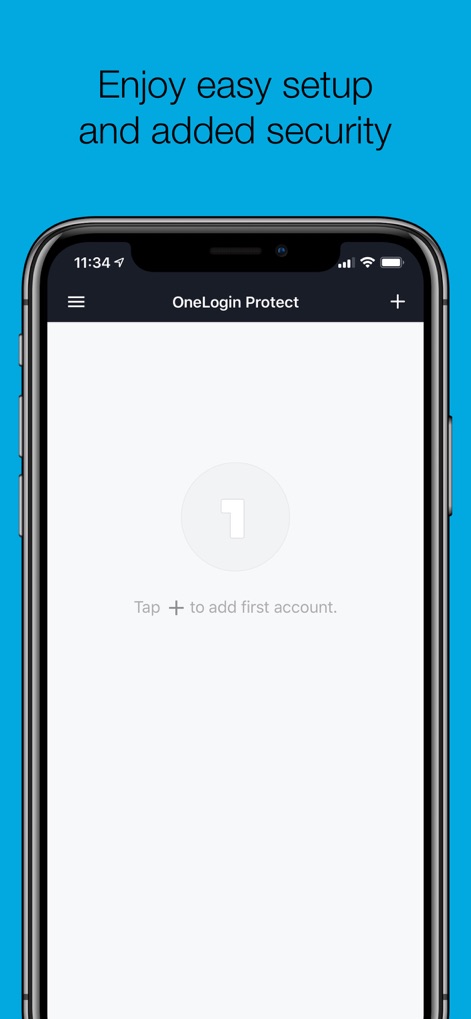
Discover how the app facilitates initial account integration with a prominent 'Tap to add first account' prompt and a clear, user-friendly interface.
Effortless Account Setup
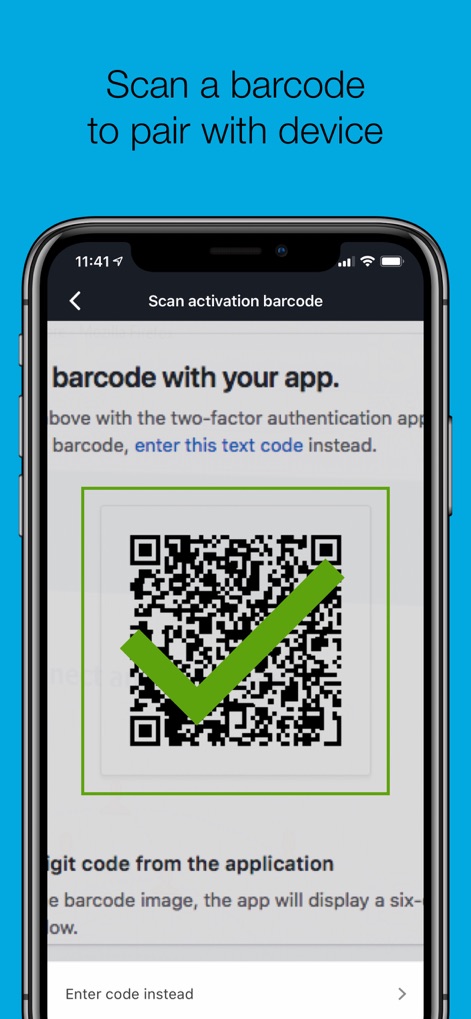
Observe the streamlined account activation through a precise QR code scanning interface and the convenient 'Enter code instead' manual input option.
Secure Pairing Process
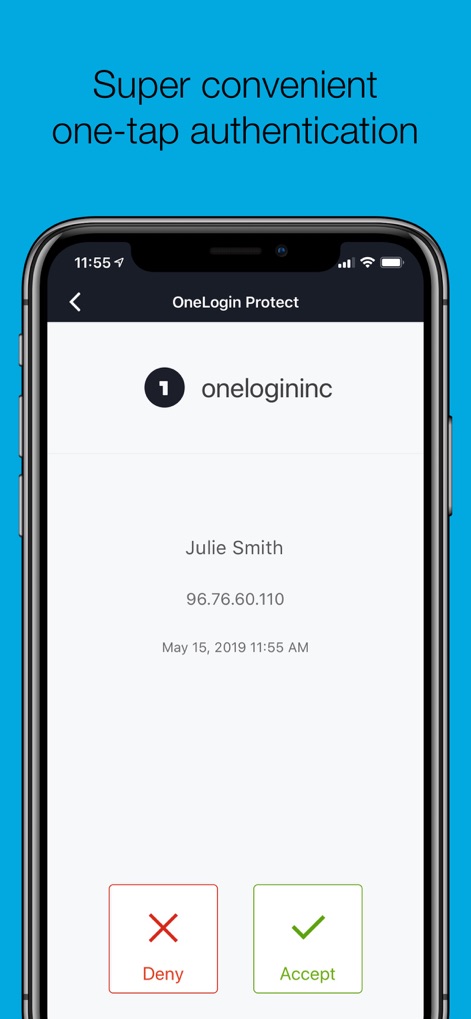
Examine the swift push notification system, offering immediate 'Accept' or 'Deny' actions along with transparent display of login attempt details.
Instant Login Approval
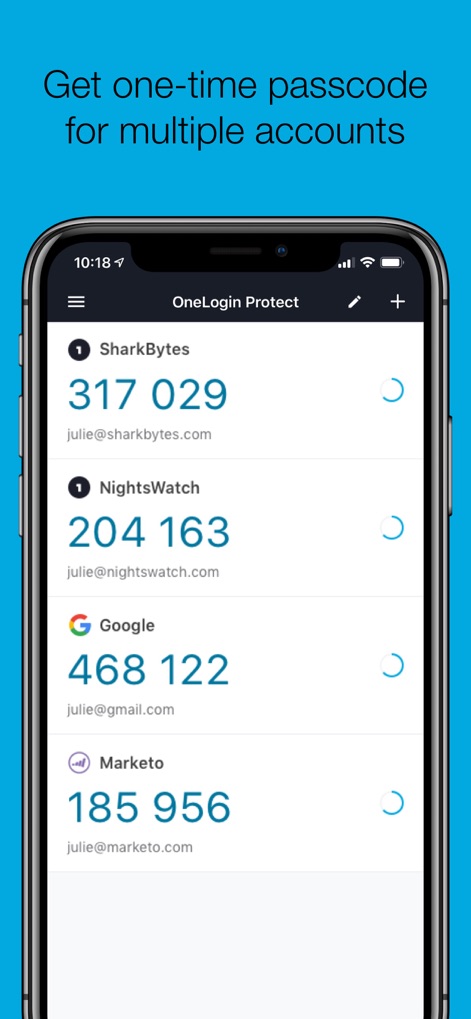
Explore the comprehensive display of multiple account entries, each featuring a dynamically generating 6-digit TOTP code and associated user email.
Unified Code Management
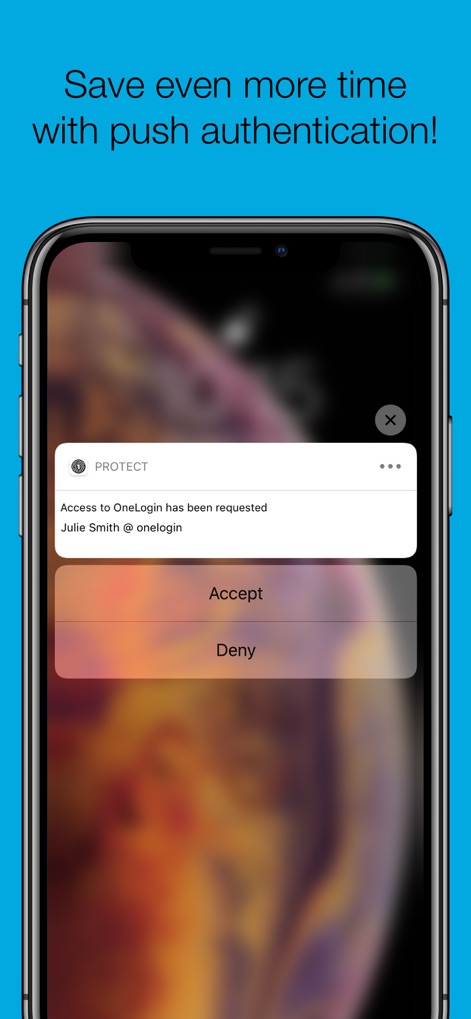
Witness the efficient push authentication experience, where users can quickly 'Accept' or 'Deny' access directly from a concise overlay notification.
Responsive Push Notifications
Description
Download
More Like This
Apps with similar features and user experience

Google Authenticator
Google LLC

Duo Mobile
Duo Security LLC

Authenticator App - 2FA &. MFA
APPLY DIJITAL HIZMETLER TICARET LIMITED SIRKETI

authenticator . app
Mustafa Uz

SafeNet MobilePASS+
Thales DIS (Singapore) Pte Ltd

Čítačka
Tatra banka, a.s.

Authenticator App - SafeAuth
Brilliant App Limited

Authenticator App - 2FA Auth
UNIVERSE DIJITAL HIZMETLER LIMITED SIRKETI

Authenticator App : Scan & 2FA
XSOFT GLOBAL LIMITED
This page is not an official page of the app or its developer, but an independent editorial publication created for informational and commentary purposes. Unless expressly stated otherwise, neither the app nor its developer is affiliated with, endorsed by, sponsored by, authorized by, or otherwise officially connected with MWM, Apple, Google Play, the app publisher, or the app's developer, and nothing on this page implies that the app was developed using MWM's services. Any trademarks, logos, screenshots, and other content remain the property of their respective owners.