
This page is not an official page of the app or its developer, but an independent editorial publication created for informational and commentary purposes. Unless expressly stated otherwise, neither the app nor its developer is affiliated with, endorsed by, sponsored by, authorized by, or otherwise officially connected with MWM, Apple, Google Play, the app publisher, or the app's developer, and nothing on this page implies that the app was developed using MWM's services. Any trademarks, logos, screenshots, and other content remain the property of their respective owners.


ONLYOFFICE Documents
Take full control of your workflow with a privacy-first, all-in-one editor for docs, sheets, and presentations. Seamlessly handle MS Office and Apple formats with zero ads, no in-app purchases, and total cloud flexibility.
Downloads
239K+User Rating
Total Ratings
200Publisher
Category
ProductivityLocales
15Latest Version
9.2.1Size
361.4 MBFirst Released
Apr 2, 2015The Smarter Way to Work on Mobile
Get desktop-grade productivity without the subscription fatigue. ONLYOFFICE Documents provides a secure, ad-free suite for professionals who demand full control over their files.
Universal Format Compatibility
Stop switching between apps. Seamlessly edit MS Office, Apple iWork, and ODT files with perfect layout preservation on your iPhone or iPad.
Privacy & Cloud Sovereignty
Take back your data. Connect to private clouds like Nextcloud or ownCloud and collaborate in secure Virtual Data Rooms with flexible permissions.
Frequently Asked Questions
Everything you need to know about ONLYOFFICE Documents
What is ONLYOFFICE Documents?
ONLYOFFICE Documents is a free iOS office app. It enables users to create and edit documents, spreadsheets, presentations, forms, and PDFs directly on their iPhone or iPad.
Is the ONLYOFFICE Documents app free?
Yes, ONLYOFFICE Documents is absolutely free to download and use. It does not include any ads or in-app purchases, providing a full-featured experience without cost.
What document formats does ONLYOFFICE Documents support?
ONLYOFFICE Documents supports MS Office (DOCX, XLSX, PPTX), Apple (Pages, Numbers, Keynote), Hangul (HWP, HWPX), ODG drawings, Markdown, and various media files for editing and creation.
Can ONLYOFFICE Documents connect to cloud storage services?
Yes, ONLYOFFICE Documents connects to multiple cloud services. These include ONLYOFFICE DocSpace, Workspace, Dropbox, Box, iCloud, Nextcloud, ownCloud, kDrive, and other WebDAV clouds.
Does ONLYOFFICE Documents offer real-time collaboration?
Yes, ONLYOFFICE Documents offers robust real-time collaboration. Users can connect to a DocSpace hub to comment, track changes, manage versions, assign permissions, and share with external collaborators via link.
Can I scan documents using ONLYOFFICE Documents?
Yes, ONLYOFFICE Documents allows scanning paper documents using your camera. It extracts text from the scans and converts them into editable files, facilitating digital document management.
What document editing tools are in ONLYOFFICE Documents?
The document editor in ONLYOFFICE Documents includes tools to insert tables, autoshapes, images, charts, graphic annotations, footnotes, and page numbers. Users can also set font properties and protect documents.
Does ONLYOFFICE Documents include a spreadsheet editor?
Yes, ONLYOFFICE Documents features a spreadsheet editor. It supports data selection, cell styling, borders, alignment, text wrapping, formulas, charts, images, and collaborative work.
Can I create presentations with ONLYOFFICE Documents?
Yes, ONLYOFFICE Documents provides a presentation editor. It enables users to change layouts, backgrounds, apply transitions, insert tables, images, charts, and add annotations. It also supports password protection.
How does ONLYOFFICE Documents handle PDF forms?
ONLYOFFICE Documents allows users to open and fill out PDF forms directly. It supports using ready templates, protecting forms with passwords, and exporting completed forms as DOCX or PDF files.
Can I password-protect my files in ONLYOFFICE Documents?
Yes, ONLYOFFICE Documents offers password protection for documents, spreadsheets, presentations, and PDF forms. This feature enhances the security of your sensitive information within the app.
The following screenshots and description are sourced directly from the app's official store listing and are the property of the app developer.
App Store
Screenshots
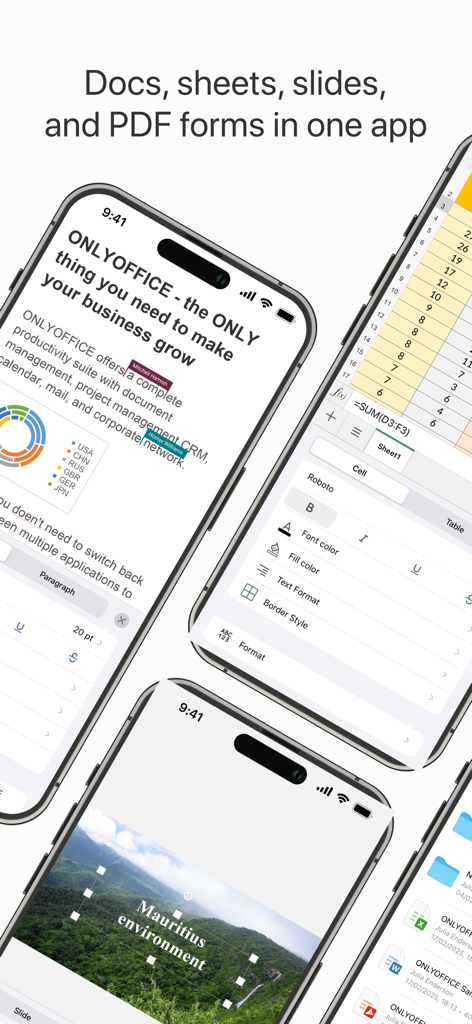
ONLYOFFICE Documents app showing doc sheet and slide editing features on mobile
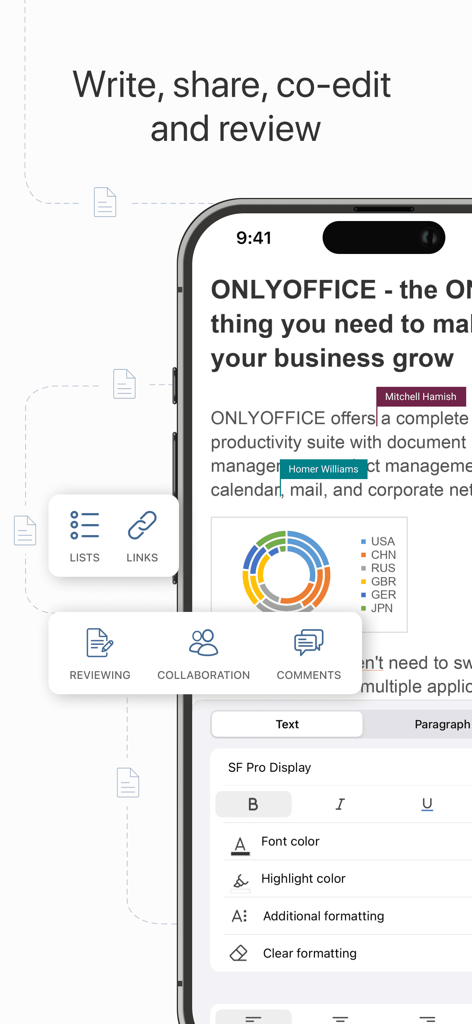
ONLYOFFICE Documents mobile app interface showing document editing and real-time collaboration.
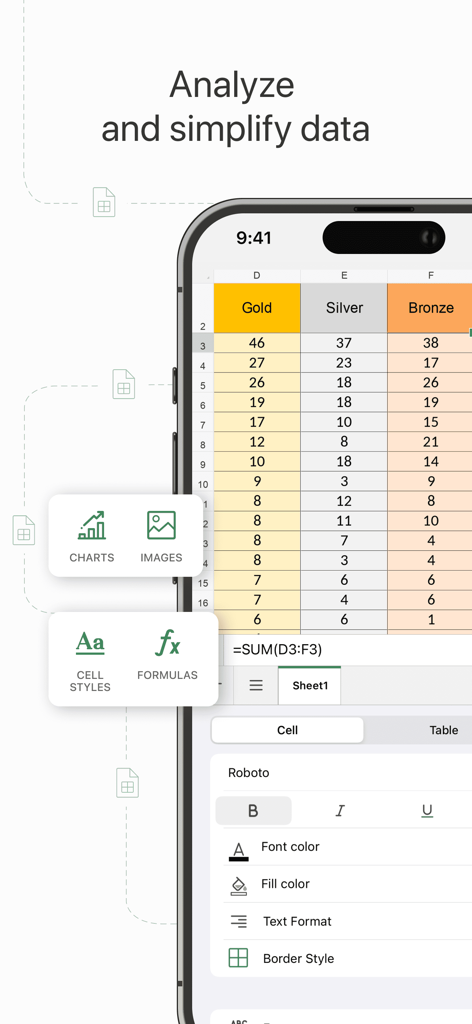
A mobile interface for ONLYOFFICE Documents showing a spreadsheet with data analysis tools and formatting options
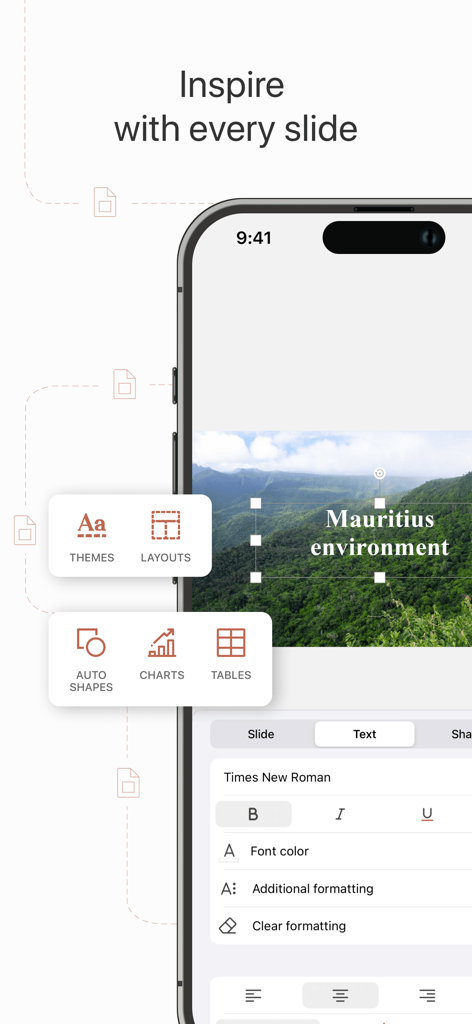
ONLYOFFICE Documents presentation editor interface on iPhone showing slide layout and text formatting tools
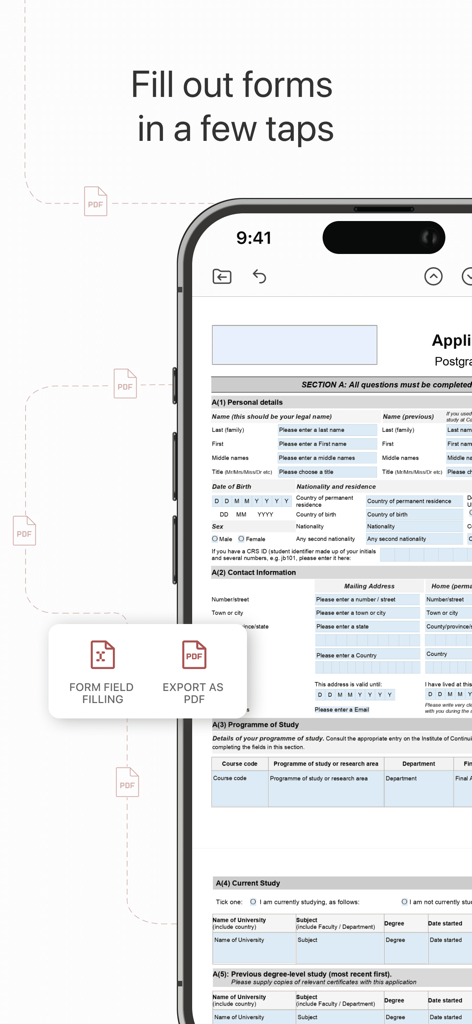
ONLYOFFICE Documents mobile app showing a PDF form being filled out on a smartphone
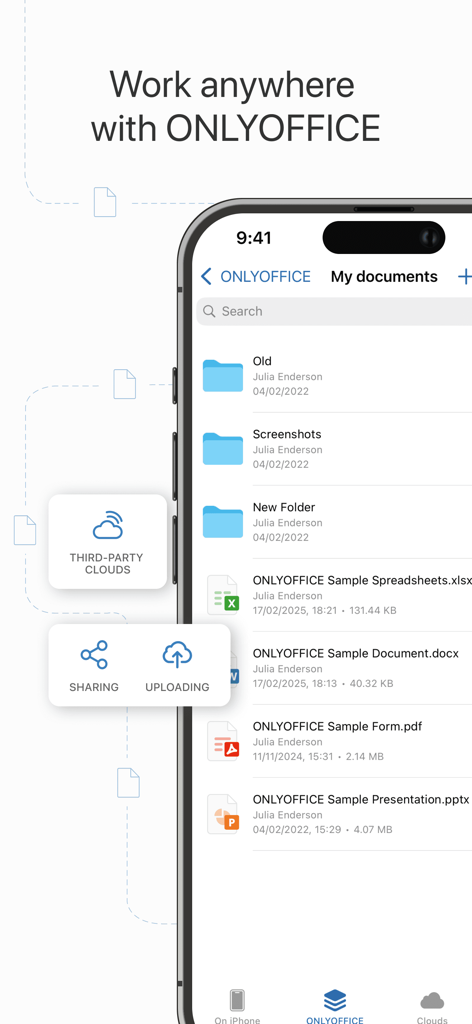
ONLYOFFICE Documents mobile app interface showing file list and cloud storage features
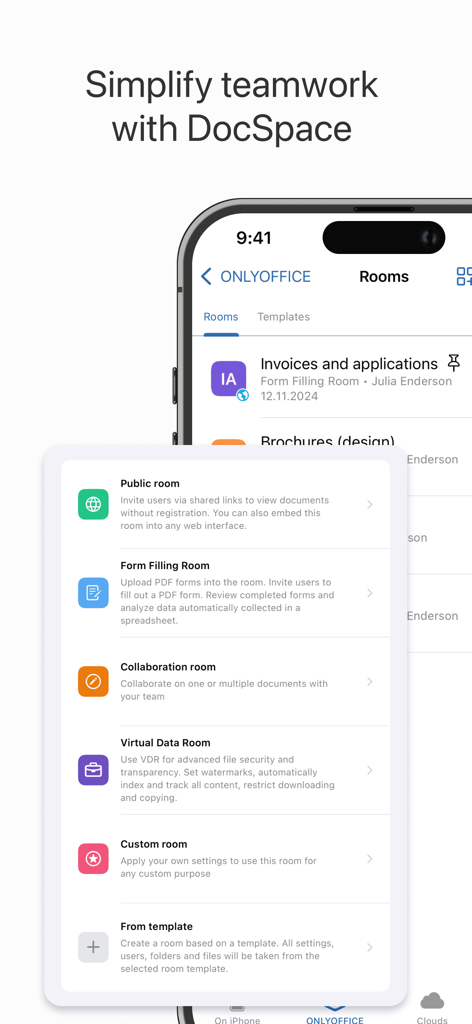
ONLYOFFICE DocSpace mobile interface showing collaboration room options including Public, Form Filling, and Virtual Data Rooms.
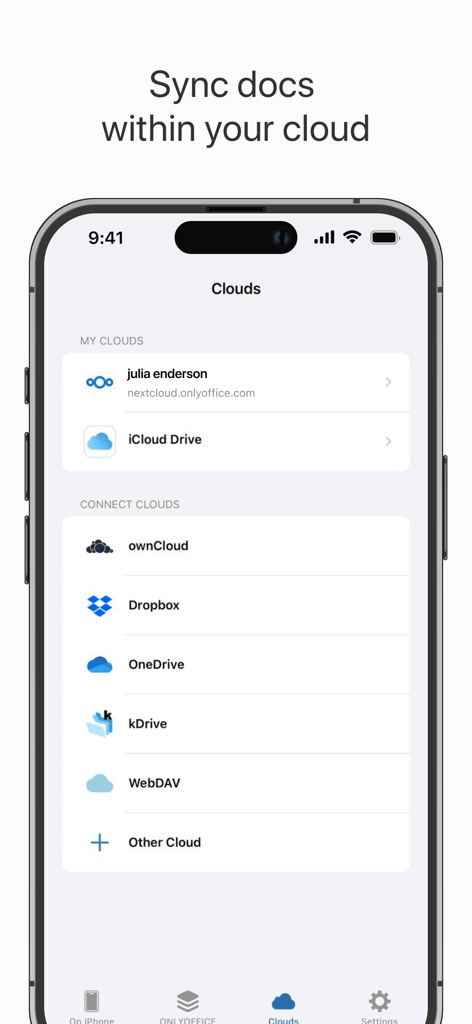
ONLYOFFICE Documents app interface showing cloud storage connection options including Nextcloud, iCloud Drive, and Dropbox
Description
Download
More Like This
Apps with similar features and user experience

石墨文档 - 在线文档协作编辑和表格制作
ChuXin Tec Co., Ltd.

Documents - Create & Edit
Normal Vector Limited

全能办公文档-在线word文档手机版、在线文档编辑
亚敏 陈

表格手机版 -手机编辑表格文档
晶晶 姜

word文档手机版-在线文档编辑办公软件
根根 黄

OpenDocument Reader - view ODT
Stefl und Taschauer OG

xlsx表格手机版 -移动端表格编辑
华 杨

文档手机版-手机办公软件
卓臻 李

AO Office
Akikazu Yoshikawa
This page is not an official page of the app or its developer, but an independent editorial publication created for informational and commentary purposes. Unless expressly stated otherwise, neither the app nor its developer is affiliated with, endorsed by, sponsored by, authorized by, or otherwise officially connected with MWM, Apple, Google Play, the app publisher, or the app's developer, and nothing on this page implies that the app was developed using MWM's services. Any trademarks, logos, screenshots, and other content remain the property of their respective owners.