
This page is not an official page of the app or its developer, but an independent editorial publication created for informational and commentary purposes. Unless expressly stated otherwise, neither the app nor its developer is affiliated with, endorsed by, sponsored by, authorized by, or otherwise officially connected with MWM, Apple, Google Play, the app publisher, or the app's developer, and nothing on this page implies that the app was developed using MWM's services. Any trademarks, logos, screenshots, and other content remain the property of their respective owners.

OpenDocument Reader - view ODT
The ultimate companion for ODF files. Effortlessly view, edit, and search your ODT, ODS, and ODP documents on the go with full offline support and no monthly subscriptions.
Downloads
1M+User Rating
Total Ratings
5K+Publisher
Category
ProductivityLocales
16Latest Version
1.35Size
14.6 MBFirst Released
May 9, 2020Empowering Your Open-Source Workflow
Seamlessly view, edit, and manage LibreOffice and OpenOffice documents on your iPhone or iPad without the burden of subscriptions.
Precision Quick Edits
Spotted a typo before a presentation? Update ODT and ODS files instantly on the go, ensuring your work is always polished and professional.
Universal Cloud Integration
Effortlessly open files from Google Drive, iCloud, or Dropbox. A single, powerful hub for ODF, Microsoft Office, and PDF formats.
Frequently Asked Questions
Everything you need to know about OpenDocument Reader - view ODT
What is OpenDocument Reader - view ODT?
OpenDocument Reader - view ODT is a mobile application for viewing and modifying documents created with LibreOffice or OpenOffice. It supports ODF formats like ODT, ODS, and ODP, and allows basic editing, keyword searching, and printing.
Can I edit documents with OpenDocument Reader?
Yes, the OpenDocument Reader app supports basic editing of documents. Users can fix typos and add sentences, making modifications fast, simple, and well integrated within the app.
What file formats does OpenDocument Reader support?
OpenDocument Reader supports a wide range of file formats, including ODF (ODT, ODS, ODP, ODG), PDF, Microsoft Office (DOCX, XLSX, PPTX), Apple iWork, images, videos, audio, and text files.
Can OpenDocument Reader open password-protected documents?
Yes, OpenDocument Reader can securely open password-protected documents. This feature is available for ODF files, ensuring users can access their secured data.
Does OpenDocument Reader support cloud services?
Yes, OpenDocument Reader supports opening files from various cloud services. These include GMail, Google Drive, iCloud, OneDrive, Nextcloud, Box.net, and Dropbox, alongside an integrated file explorer.
Can OpenDocument Reader read documents aloud?
Yes, OpenDocument Reader provides a text-to-speech feature. Users can listen to their documents, enhancing accessibility and allowing consumption of content in an audio format.
Is OpenDocument Reader available offline?
Yes, OpenDocument Reader is fully offline capable. Users can enjoy their documents even without internet connectivity, providing access anytime, anywhere.
Does OpenDocument Reader show ads?
Yes, ads are shown in OpenDocument Reader to support its development. These advertisements can be removed temporarily via an in-app menu.
Can I search for keywords within documents in OpenDocument Reader?
Yes, OpenDocument Reader allows users to search for keywords within their ODT (writer), ODS (calc), or ODG documents. The app also highlights the search results for easy viewing.
The following screenshots and description are sourced directly from the app's official store listing and are the property of the app developer.
App Store
Screenshots
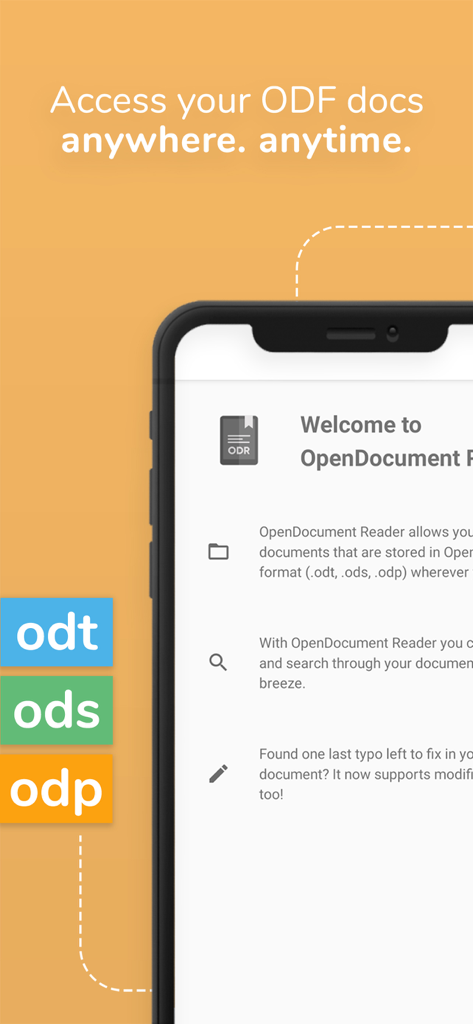
OpenDocument Reader mobile app interface showing ODT ODS and ODP file format support on an iPhone
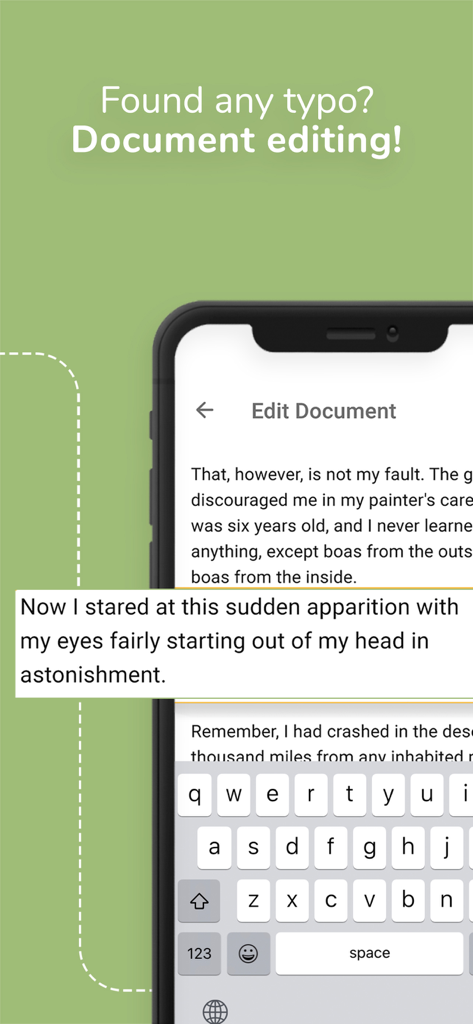
Smartphone screen showing the document editing interface of the OpenDocument Reader app.
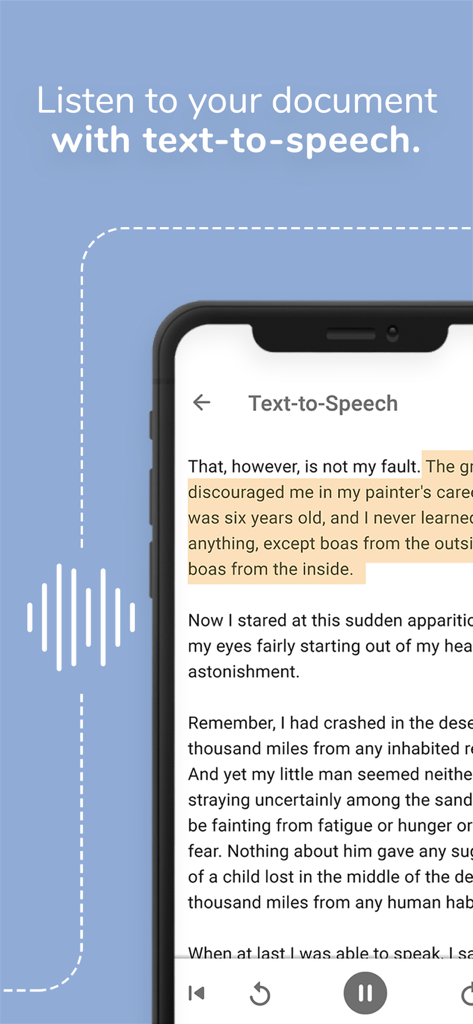
Smartphone displaying the text-to-speech feature in the OpenDocument Reader app used to listen to documents.
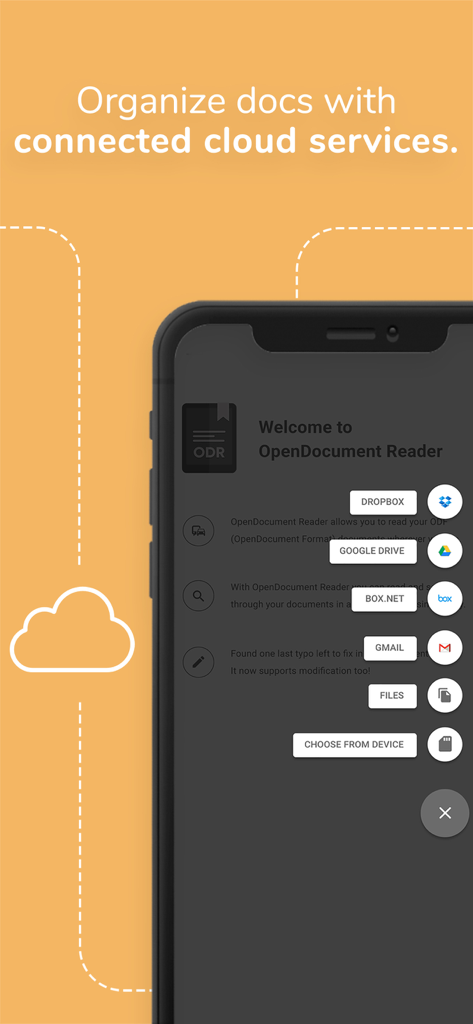
Screenshot of OpenDocument Reader app showing integrated cloud services like Dropbox and Google Drive for document organization
OpenDocument Reader app interface showing support for ODT ODS and ODP file formats
Description
Download
More Like This
Apps with similar features and user experience

石墨文档 - 在线文档协作编辑和表格制作
ChuXin Tec Co., Ltd.

Documents - Create & Edit
Normal Vector Limited

全能办公文档-在线word文档手机版、在线文档编辑
亚敏 陈

表格手机版 -手机编辑表格文档
晶晶 姜

word文档手机版-在线文档编辑办公软件
根根 黄

xlsx表格手机版 -移动端表格编辑
华 杨

文档手机版-手机办公软件
卓臻 李

AO Office
Akikazu Yoshikawa

手机表格- xlsx表格编辑,表格手机版
孟达 李
This page is not an official page of the app or its developer, but an independent editorial publication created for informational and commentary purposes. Unless expressly stated otherwise, neither the app nor its developer is affiliated with, endorsed by, sponsored by, authorized by, or otherwise officially connected with MWM, Apple, Google Play, the app publisher, or the app's developer, and nothing on this page implies that the app was developed using MWM's services. Any trademarks, logos, screenshots, and other content remain the property of their respective owners.