
This page is not an official page of the app or its developer, but an independent editorial publication created for informational and commentary purposes. Unless expressly stated otherwise, neither the app nor its developer is affiliated with, endorsed by, sponsored by, authorized by, or otherwise officially connected with MWM, Apple, Google Play, the app publisher, or the app's developer, and nothing on this page implies that the app was developed using MWM's services. Any trademarks, logos, screenshots, and other content remain the property of their respective owners.


OpenCut
Transform your videos with instant AI effects, isolate vocals, and restore photos to HD in one click. The ultimate toolkit for the modern creator to edit, translate, and stand out on every platform.
Downloads
143K+User Rating
Total Ratings
0Publisher
Category
Photo & VideoLocales
9Latest Version
2.14Size
50.2 MBFirst Released
Sep 4, 2023Everything You Need to Create Viral Content
From AI-powered transformations to professional audio tools, OpenCut gives you the edge to stand out and reach a global audience in seconds.
AI-Powered Transformations
Instantly turn your videos and photos into stunning cartoon-style art and custom emojis with one tap for unique social sharing.
Pro Audio Isolation
Effortlessly separate vocals from background music or extract audio from any video to create the perfect sound for your next post.
The following screenshots and description are sourced directly from the app's official store listing and are the property of the app developer.
App Store
Screenshots
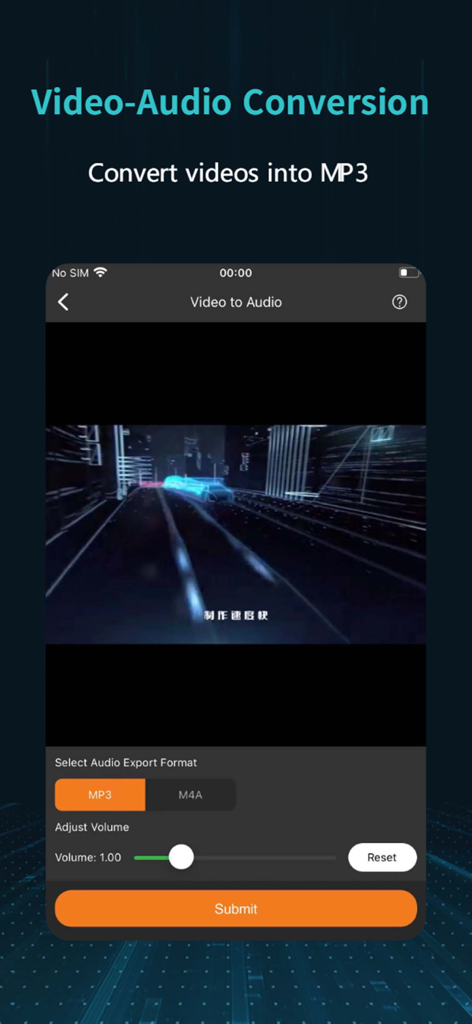
OpenCut app interface for converting video files into MP3 or M4A audio formats
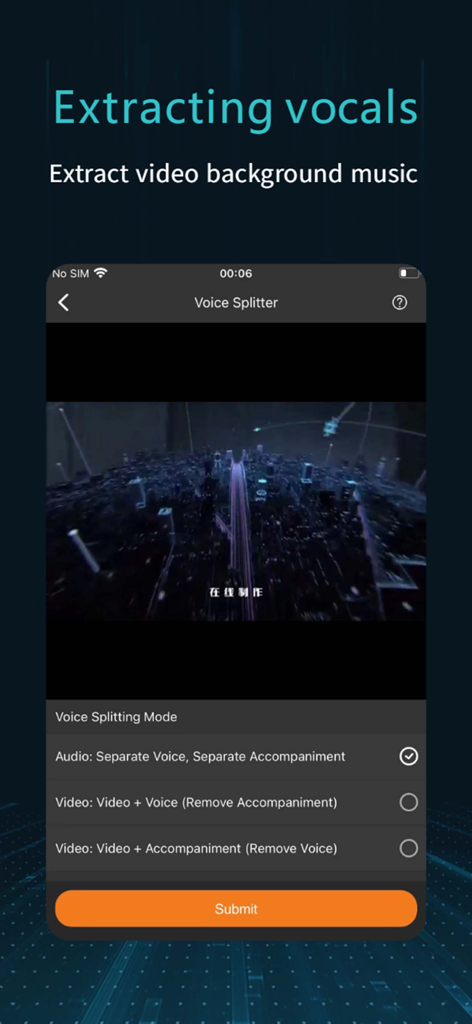
Interface of the OpenCut app showing the Voice Splitter tool for extracting vocals and background music from videos.
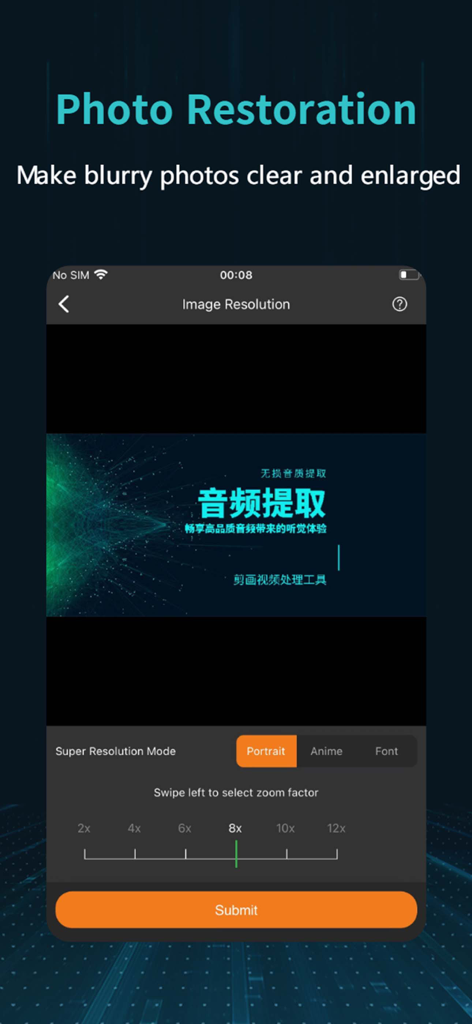
OpenCut app interface showing the Photo Restoration feature with AI super resolution mode and zoom factor options.
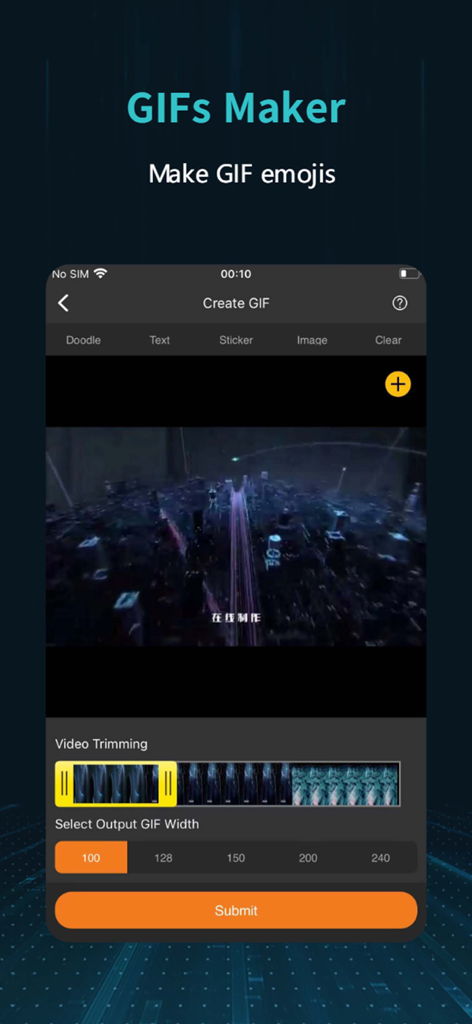
Mobile app interface of OpenCut showing the GIF maker screen with video trimming and output width options
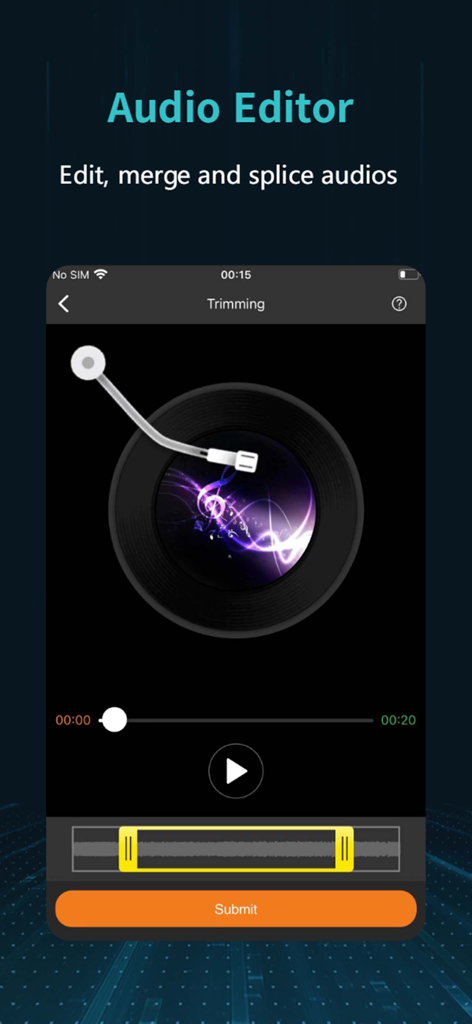
OpenCut app audio editor interface for trimming and merging audio files
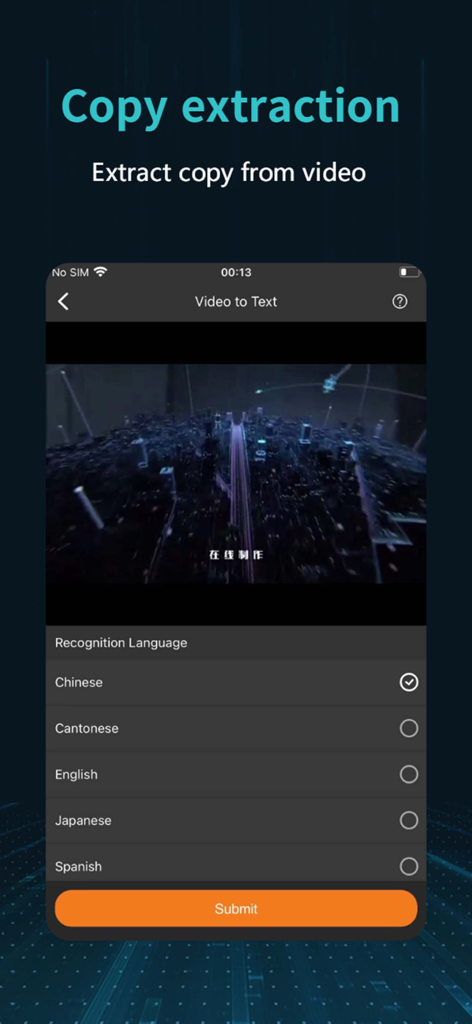
OpenCut app interface for extracting text from video with language selection options
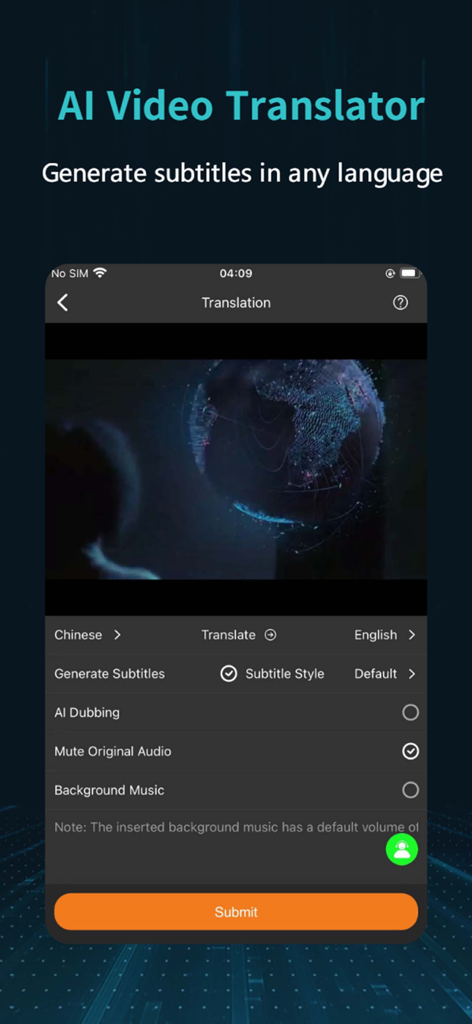
OpenCut mobile app interface showing AI video translation and multilingual subtitle generation settings
Description
Download
More Like This
Top-ranked apps in the same category

CapCut: Photo & Video Editor
BYTEDANCE PTE. LTD.

Instagram, Inc.

YouTube
Google LLC

Canva: AI Photo & Video Editor
Canva Pty Ltd

快手
Beijing Kwai Technology Co., Ltd.

Snapchat
Snap, Inc.

Edits: Video Editor
Instagram, Inc.

Google Photos: Backup & Edit
Google LLC

Meta AI - Vibes & AI Glasses
Meta Platforms, Inc.
This page is not an official page of the app or its developer, but an independent editorial publication created for informational and commentary purposes. Unless expressly stated otherwise, neither the app nor its developer is affiliated with, endorsed by, sponsored by, authorized by, or otherwise officially connected with MWM, Apple, Google Play, the app publisher, or the app's developer, and nothing on this page implies that the app was developed using MWM's services. Any trademarks, logos, screenshots, and other content remain the property of their respective owners.