
This page is not an official page of the app or its developer, but an independent editorial publication created for informational and commentary purposes. Unless expressly stated otherwise, neither the app nor its developer is affiliated with, endorsed by, sponsored by, authorized by, or otherwise officially connected with MWM, Apple, Google Play, the app publisher, or the app's developer, and nothing on this page implies that the app was developed using MWM's services. Any trademarks, logos, screenshots, and other content remain the property of their respective owners.


Origami Live
The essential companion for Origami Studio on Mac. Experience high-fidelity designs, test tactile interactions, and share your work directly on your iPhone or iPad.
Downloads
178K+User Rating
Total Ratings
0Publisher
Category
ProductivityLocales
1Latest Version
211.0Size
125.7 MBFirst Released
Feb 25, 2015Prototyping Without Compromise
Bridge the gap between your Mac and your mobile device to experience every interaction, gesture, and physics-based animation as if it were a finished product.
Instant Live Syncing
Iterate in real-time by connecting Origami Studio for Mac to your device. See changes instantly as you adjust patches and UI components.
Native Fidelity
Go beyond click-through mockups with complex physics, fluid gestures, and haptic feedback that feel indistinguishable from a production app.
The following screenshots and description are sourced directly from the app's official store listing and are the property of the app developer.
App Store
Screenshots
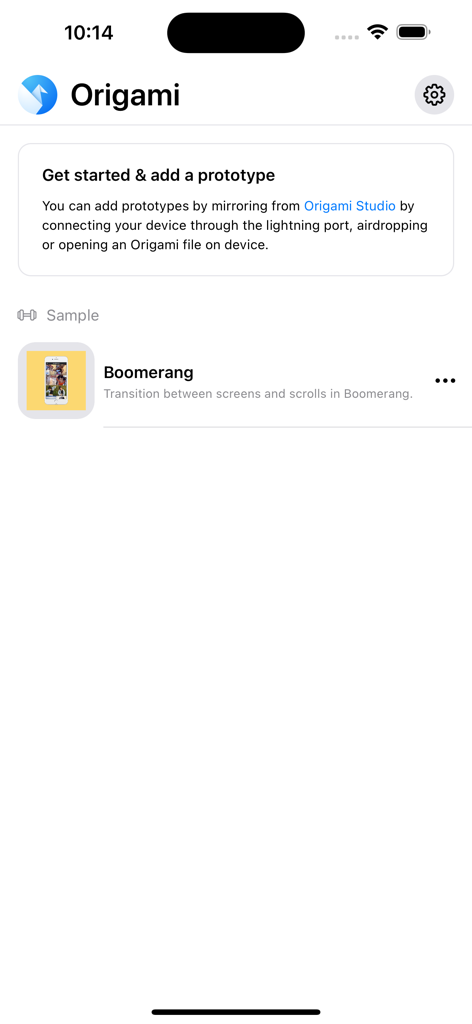
Origami Live mobile app screen showing a guide to add prototypes and a list of sample UI designs.
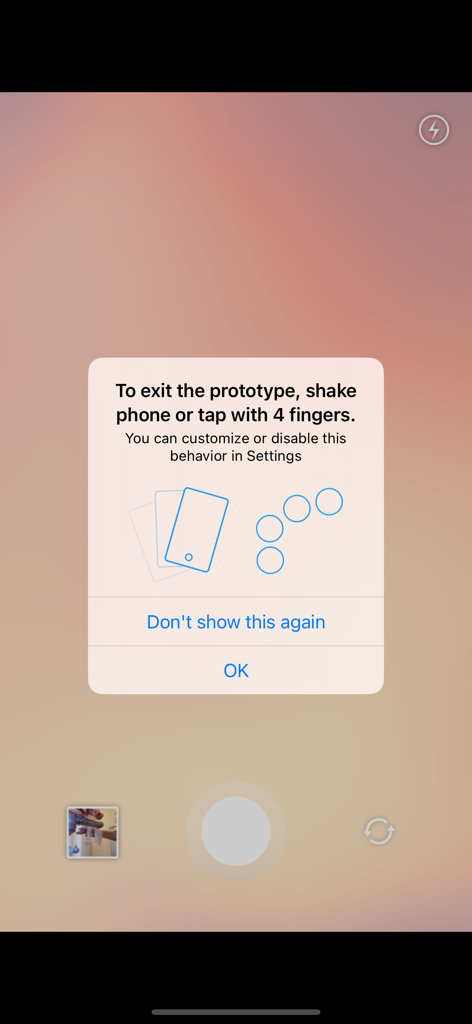
A modal popup in Origami Live providing instructions on how to exit a prototype using shake or four-finger tap gestures.

A grid layout of social media style photos and videos within an interactive mobile app prototype being viewed on Origami Live.
Description
Download
More Like This
Top-ranked apps in the same category

ChatGPT
OpenAI OpCo, LLC

Google Gemini
Google LLC

Grok
X.AI Corporation

Gmail - Email by Google
Google LLC

千问 - 阿里最强大模型官方AI助手
Shanghai Zhixin Puhui Technology Co., Ltd.

Google Drive
Google LLC

Microsoft Authenticator
Microsoft Corporation

Google Sheets
Google LLC

Google Docs
Google LLC
This page is not an official page of the app or its developer, but an independent editorial publication created for informational and commentary purposes. Unless expressly stated otherwise, neither the app nor its developer is affiliated with, endorsed by, sponsored by, authorized by, or otherwise officially connected with MWM, Apple, Google Play, the app publisher, or the app's developer, and nothing on this page implies that the app was developed using MWM's services. Any trademarks, logos, screenshots, and other content remain the property of their respective owners.