Paint App: Trace & AR Draw

Paint App: Trace & AR Draw

Download on App Store
Logo of Paint App: Trace & AR Draw

Paint App: Trace & AR Draw – Master Every Sketch with AR Magic

Transform any surface into a canvas. Use AI to spark ideas, AR to trace like a pro, and share your creative journey with the world.

Download on App Store

Publisher

QUYEN NGUYEN

Category

Graphics & Design

Downloads

168K+

User Rating

4.5/5

Total Ratings

600

Locales

8

Your Canvas Awaits

Discover the interface used by 168K+ users.
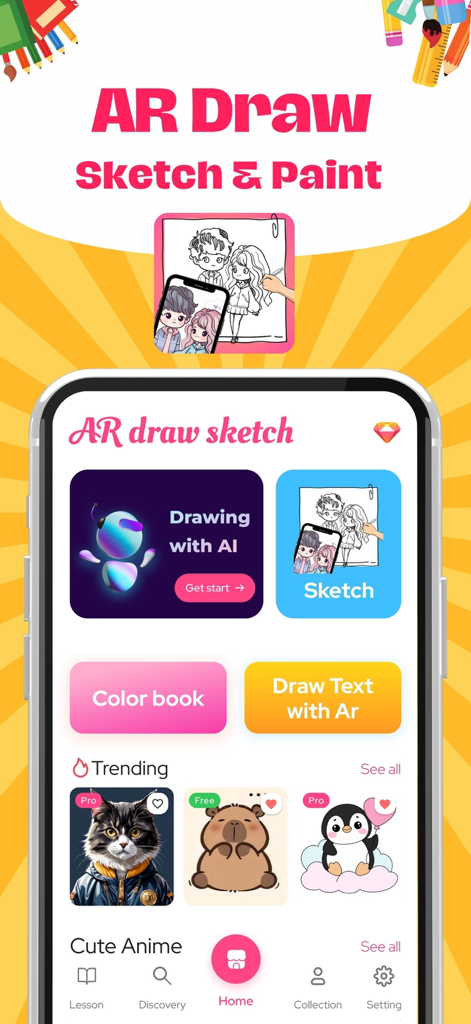
Home screen of the Paint App Trace and AR Draw featuring AI drawing and sketch tools

Home screen of the Paint App Trace and AR Draw featuring AI drawing and sketch tools

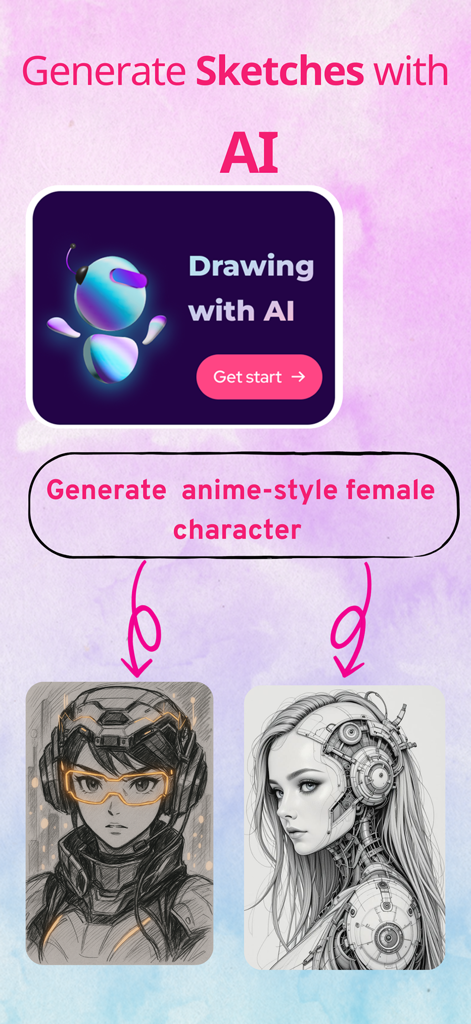
AI sketch generation screen showing two anime style female character drawings created from a text prompt.

AI sketch generation screen showing two anime style female character drawings created from a text prompt.

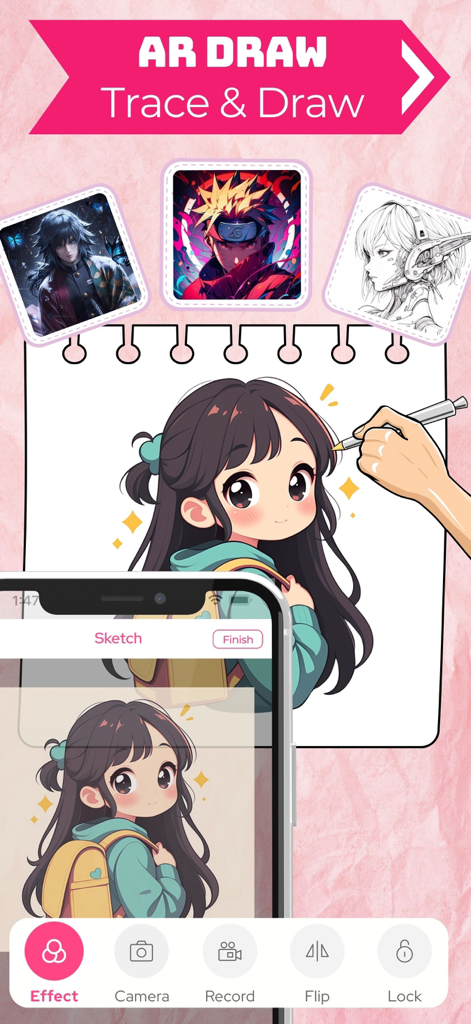
A smartphone using augmented reality to project an anime girl sketch onto a paper notebook for tracing

A smartphone using augmented reality to project an anime girl sketch onto a paper notebook for tracing

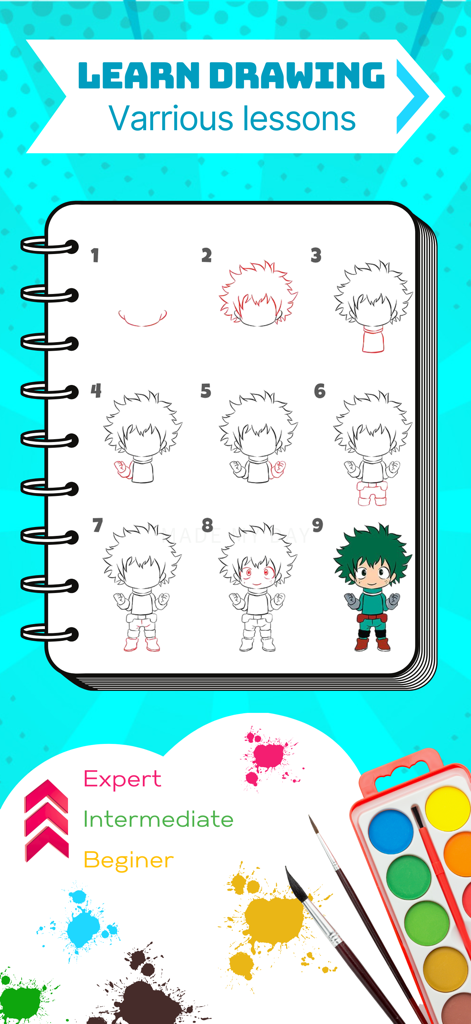
Step by step drawing tutorial for an anime character with beginner and expert skill levels

Step by step drawing tutorial for an anime character with beginner and expert skill levels

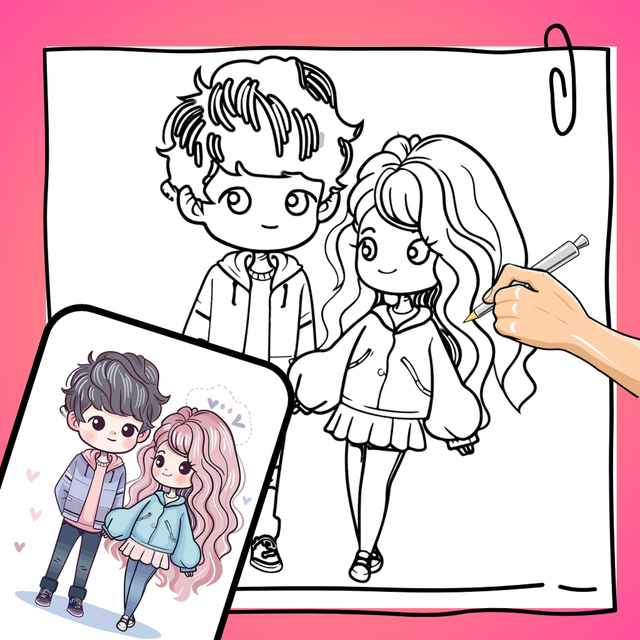
A hand tracing an anime character from a smartphone screen onto a physical paper notebook using augmented reality

A hand tracing an anime character from a smartphone screen onto a physical paper notebook using augmented reality

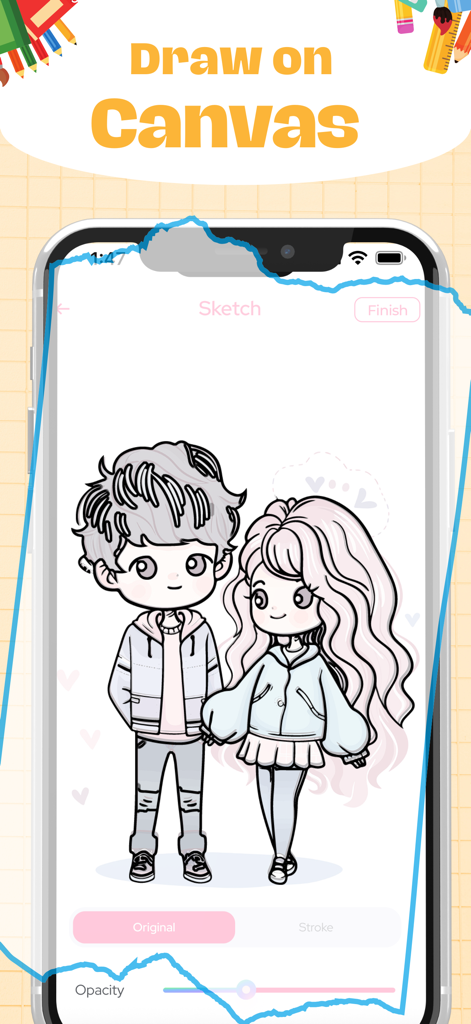
A mobile app interface showing a sketch of a cute anime couple on a digital canvas

A mobile app interface showing a sketch of a cute anime couple on a digital canvas

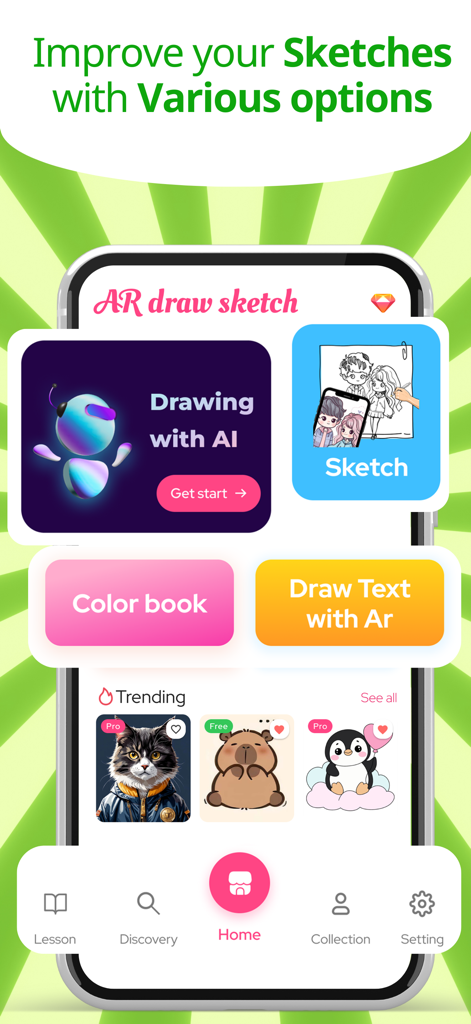
Home screen of the Paint App showing various creative options including AI drawing AR sketching and coloring book.

Home screen of the Paint App showing various creative options including AI drawing AR sketching and coloring book.

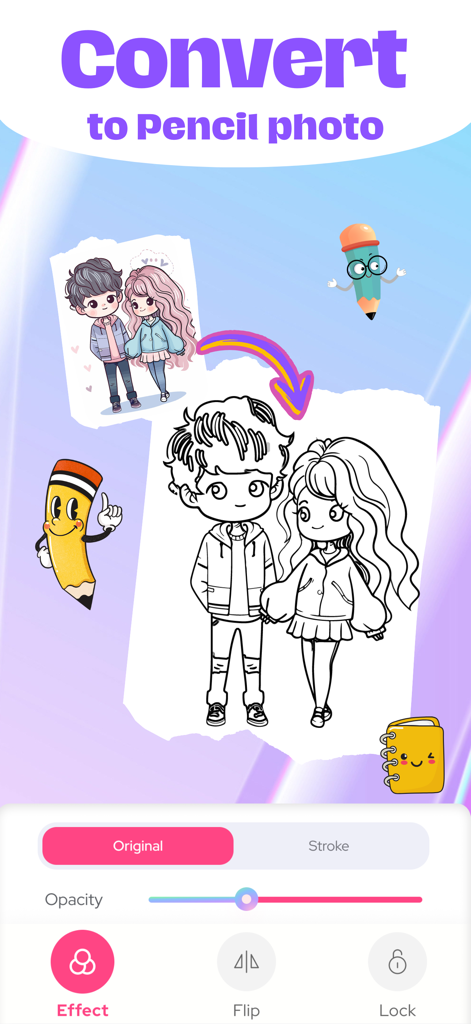
A mobile app interface demonstrating how to convert a color illustration into a black and white pencil sketch for tracing

A mobile app interface demonstrating how to convert a color illustration into a black and white pencil sketch for tracing

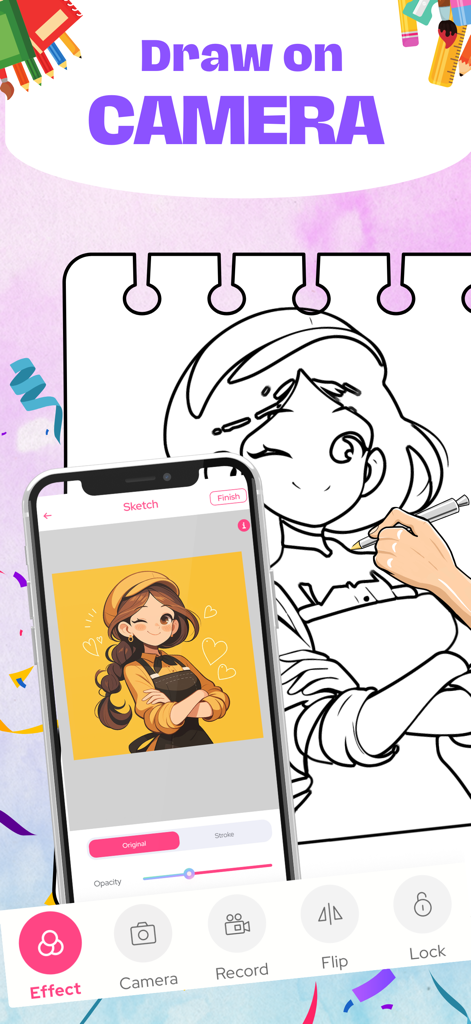
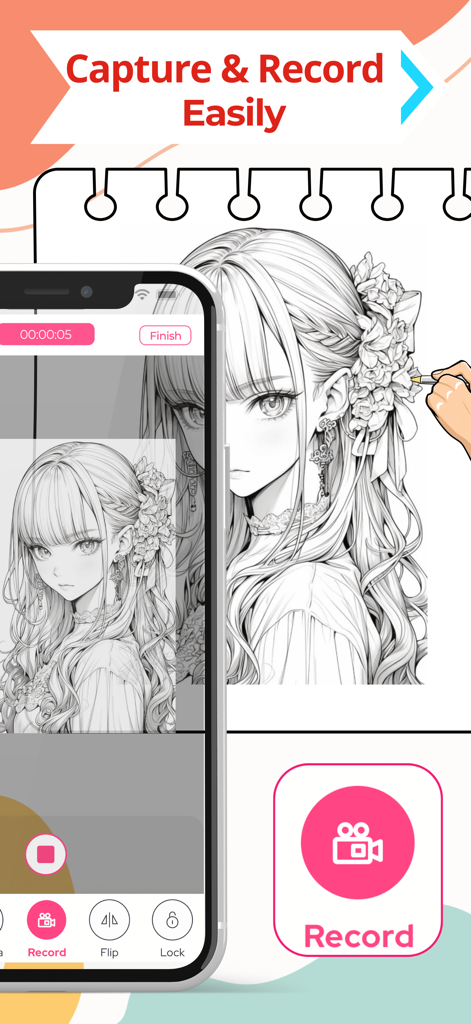
A smartphone screen recording the process of tracing an anime character onto a notebook using the Paint App AR feature

A smartphone screen recording the process of tracing an anime character onto a notebook using the Paint App AR feature

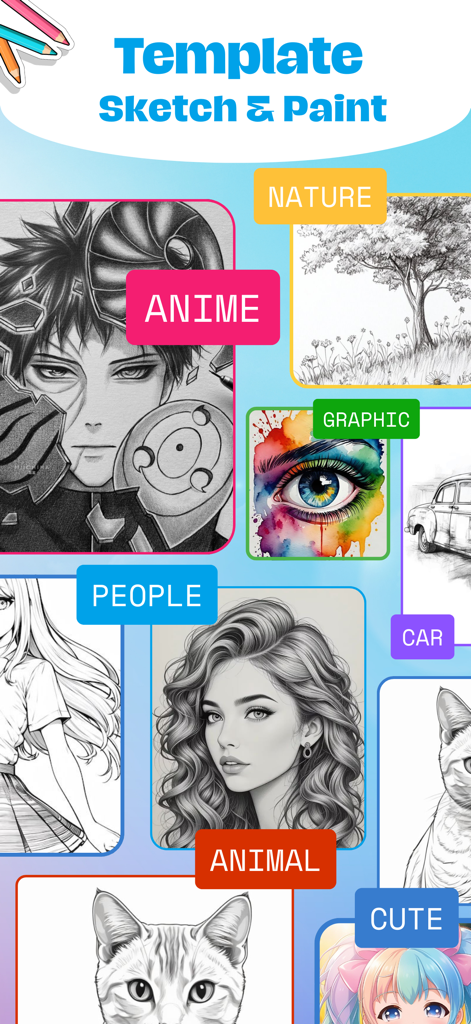
A gallery of drawing templates in the Paint App showing categories like anime, nature, people, and animals for AR tracing.

A gallery of drawing templates in the Paint App showing categories like anime, nature, people, and animals for AR tracing.

Unleash Your Creative Potential

The tools that make this app stand out, trusted by 168K+ users.

Precision AR Tracing

Project any image onto any surface and trace like a pro. Skip the learning curve and create perfect outlines every time.

💡

Instant AI Inspiration

Never face a blank page again. Turn your wildest ideas into unique sketch blueprints with our integrated AI image generator.

🎬

Share Your Art Story

Record high-quality time-lapse videos of your process. Export and share your creative journey directly to social media.

About the app

Everything you need to know about Paint App: Trace & AR Draw.

Description

Paint App: Trace & AR Draw Paint App: Trace & AR Draw is a creative application that lets you explore your artistic potential through augmented reality (AR) technology. Packed with advanced features, this app makes it easy to sketch, color, and create unique works of art. Key Features: Draw with AR: Transform images or text into sketches, projecting them directly onto real surfaces for you to trace and replicate. Ideal for beginners, offering simple guided frames to help you get started. Diverse Drawing Tools: Brushes, pencils, erasers, and customizable options to bring your ideas to life in detail. A variety of visual effects to enhance your artwork. Photo-to-Sketch Conversion: Upload photos from your gallery and turn them into detailed sketches in seconds. Creative Coloring: A rich library of templates for you to pick and color. Custom color selection to match your personal style. Record and Share Your Creations: Record videos or capture snapshots of your creative process. Share directly to social media or save them as keepsakes. Intuitive Tutorials: Step-by-step video guides to help you get familiar with the app. AI Image Generation: Enter a description or idea, and the app uses AI to generate unique sketch-style images based on your input. Perfect for inspiration, drawing references, or standalone art creation. Who Is This App For? Art enthusiasts and sketching lovers. Beginners looking to learn drawing techniques, from basic to advanced. Parents and kids exploring creativity together. Those seeking modern tools to realize artistic ideas. Why Choose Paint App: Trace & AR Draw? Unique interactive augmented reality experience. User-friendly tools suitable for all ages and skill levels. Sparks creativity and brings joy to the art of drawing. Download Paint App: Trace & AR Draw now and embark on your artistic journey today! Getting Started with Paint App: Trace & AR Draw 1. Select an image from your personal gallery or the app’s built-in art collection 2. Set your phone on a stable surface or tripod to keep it steady 3. Use AR technology to trace over the image and bring your drawing to life! Privacy Policy: https://windymob.com/product/AR-Sketch-Art-Sketch-Paint-10/privacyPolicy Terms of Use: https://windymob.com/product/AR-Sketch-Art-Sketch-Paint-10/terms

Latest Version

1.3.9

Size

121.0 MB

First Released

Dec 3, 2024

Ready to Create Your First Masterpiece?

Join over 168,000 creators using AR technology to trace, sketch, and share their art. Download Paint App: Trace & AR Draw now and start drawing like a pro in seconds.

Download on App Store

App information, icons, screenshots, and descriptions displayed on this page are sourced from the Apple App Store and are the property of their respective developers. Download estimates and rankings are based on MWM's proprietary models and may not reflect actual figures. This page is provided for informational and analytical purposes only.

Believe this page infringes your intellectual property? File a dispute