
This page is not an official page of the app or its developer, but an independent editorial publication created for informational and commentary purposes. Unless expressly stated otherwise, neither the app nor its developer is affiliated with, endorsed by, sponsored by, authorized by, or otherwise officially connected with MWM, Apple, Google Play, the app publisher, or the app's developer, and nothing on this page implies that the app was developed using MWM's services. Any trademarks, logos, screenshots, and other content remain the property of their respective owners.
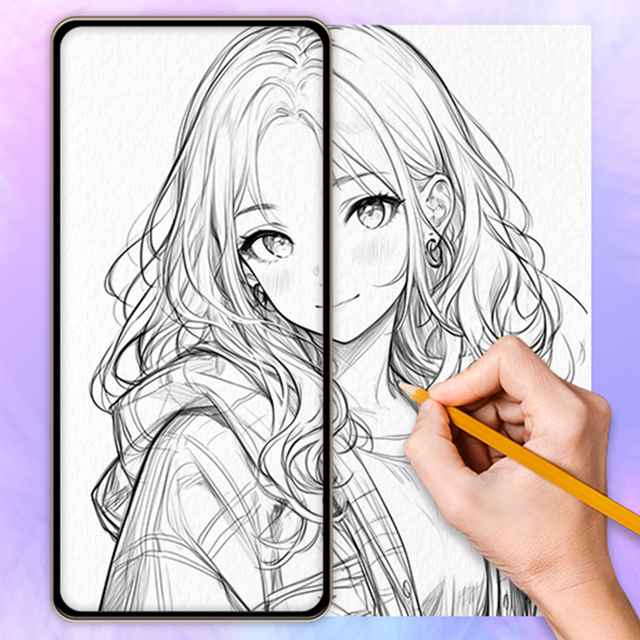

AR Drawing Paint Sketch Trace
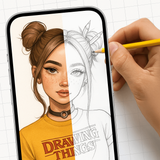
Transform your phone into a powerful AR art projector. Trace anything, master anime sketching, and create stunning masterpieces effortlessly with AI-powered technology.
Downloads
77K+User Rating
Total Ratings
1K+Publisher
Category
EntertainmentLocales
72Latest Version
1.2.2Size
149.7 MBFirst Released
Jan 5, 2025Level Up Your Art Game
Stop struggling with proportions. Use AI-powered AR to trace, sketch, and create professional-level anime and aesthetic art instantly.
Magic AR Projector
Turn any surface into a canvas. Project images from your gallery and trace every detail with flawless precision.
Built for Anime Fans
Unlock hundreds of exclusive anime and aesthetic templates designed to help you draw your favorite characters perfectly.
Frequently Asked Questions
Everything you need to know about AR Drawing Paint Sketch Trace
How does the AR Drawing Paint Sketch Trace app work?
The AR Drawing Paint Sketch Trace app uses augmented reality to project images onto a surface for tracing. Users choose a photo, fix their phone, and trace the projected lines with a pencil on paper.
Can AR Drawing Paint Sketch Trace convert photos into sketches?
Yes, the AR Drawing Paint Sketch Trace app converts your own photos into line sketches. You can then use these sketches as a base for drawing instantly.
What types of images are available in the AR Drawing Paint Sketch Trace app's library?
The AR Drawing Paint Sketch Trace app offers an extensive image library, including anime, cute designs, cartoons, animals, festival themes, and aesthetics for drawing bases.
Does AR Drawing Paint Sketch Trace allow users to adjust drawing settings?
Yes, AR Drawing Paint Sketch Trace provides adjustable settings. Users can modify transparency, pattern size, rotation, mirroring, and utilize the flashlight for improved visibility during drawing.
Can users record their drawing process in the AR Drawing Paint Sketch Trace app?
Yes, the AR Drawing Paint Sketch Trace app includes video recording functionality. Users can record their AR drawing process and easily share their artistic creations with others.
How do I unlock all features in the AR Drawing Paint Sketch Trace app?
Users unlock all painting resources and remove ads in the AR Drawing Paint Sketch Trace app by becoming members through a paid subscription.
What are the subscription options for AR Drawing Paint Sketch Trace?
The AR Drawing Paint Sketch Trace app offers weekly, monthly, and annual membership subscription periods. The specific price is subject to the in-app package price.
How can I cancel my subscription to AR Drawing Paint Sketch Trace?
To cancel, open Apple phone [Settings], click [iTunes Store and App Store], then [Apple ID], [View Apple ID], and finally [Subscription] to turn off the continuous subscription.
Does AR Drawing Paint Sketch Trace provide step-by-step drawing guides?
Yes, the AR Drawing Paint Sketch Trace app features a Tutorial Page with step-by-step guides. These help beginners learn outline drawing quickly and efficiently.
The following screenshots and description are sourced directly from the app's official store listing and are the property of the app developer.
App Store
Screenshots
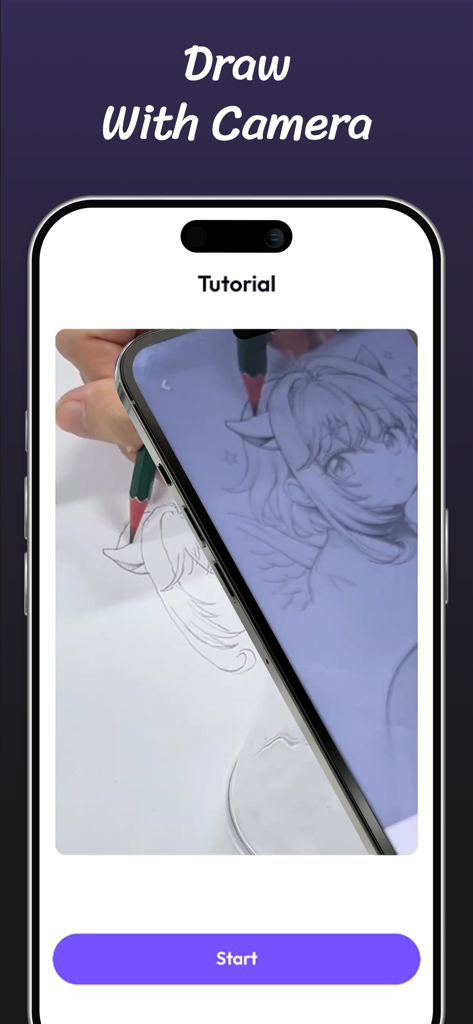
Smartphone screen showing a tutorial for tracing an anime character on paper using an AR camera projector
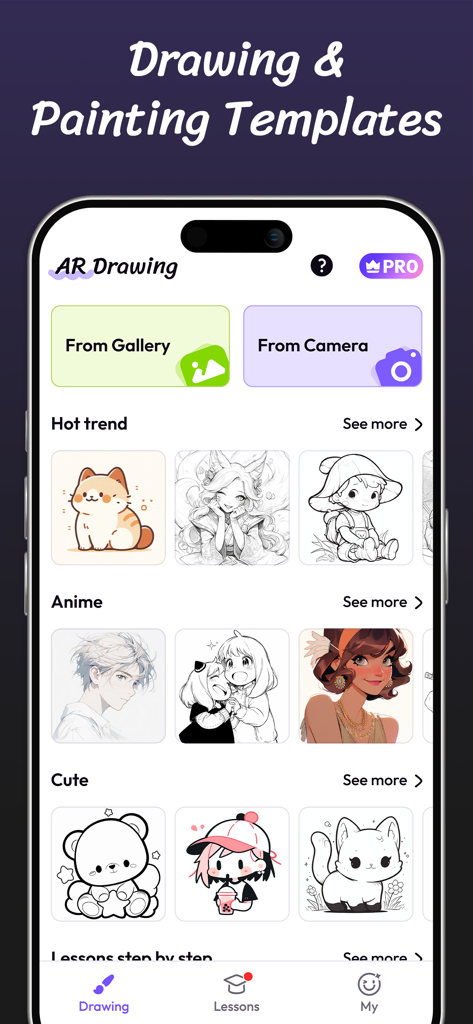
Screenshot of the AR Drawing app displaying its library of drawing and painting templates including anime and cute characters.
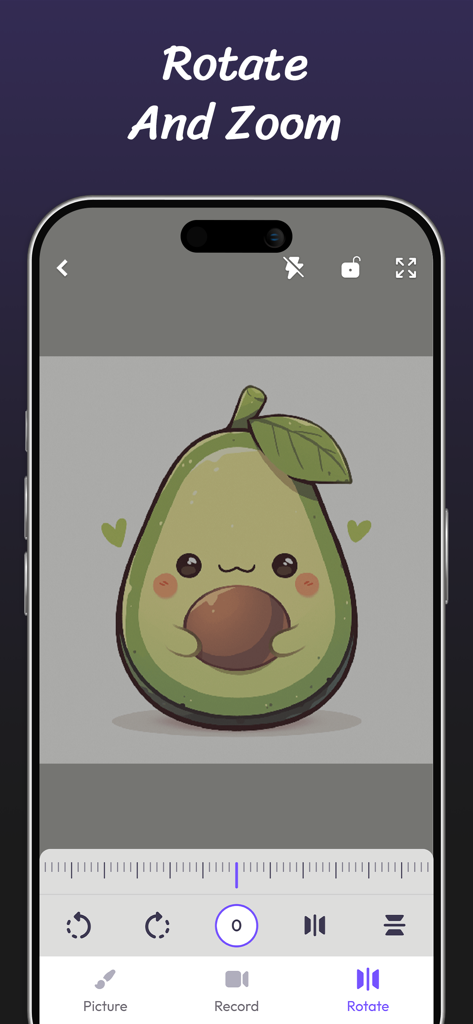
Mobile app interface of AR Drawing showing a cute avocado character with rotate and zoom editing tools.
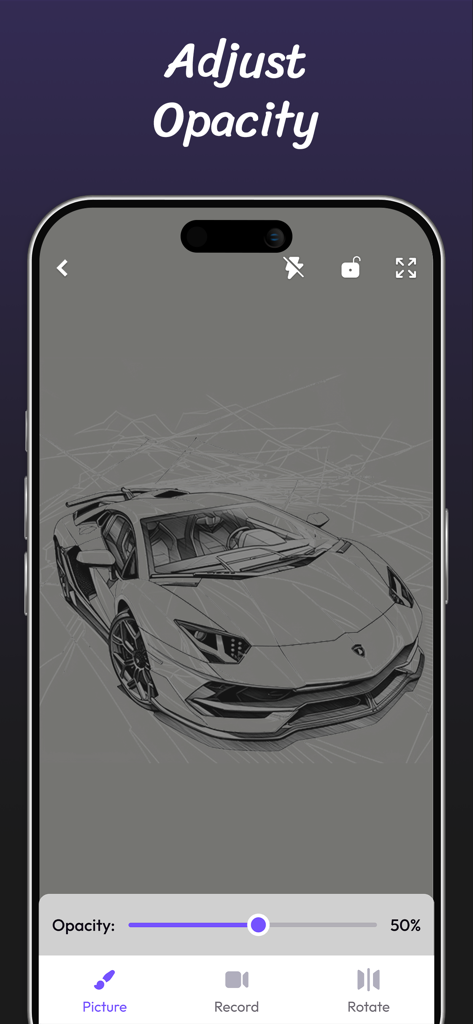
AR drawing app screen showing a car sketch with a slider to adjust transparency
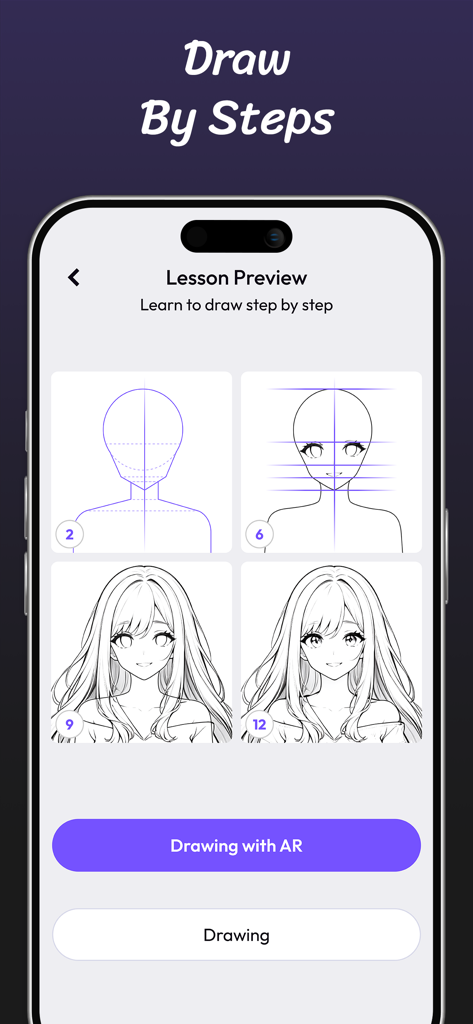
A mobile app screen showing a step-by-step anime character drawing tutorial.
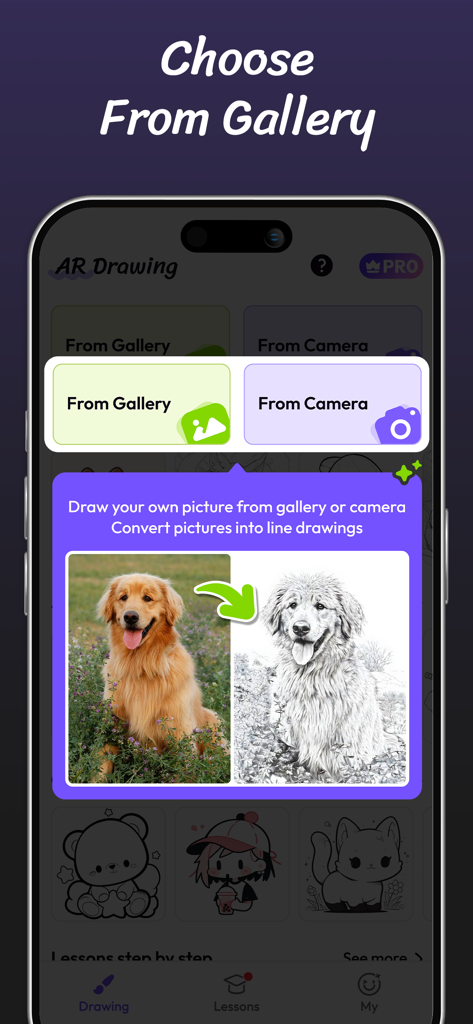
Interface of the AR Drawing app showing the feature to convert a photo of a dog from the gallery into a line drawing sketch
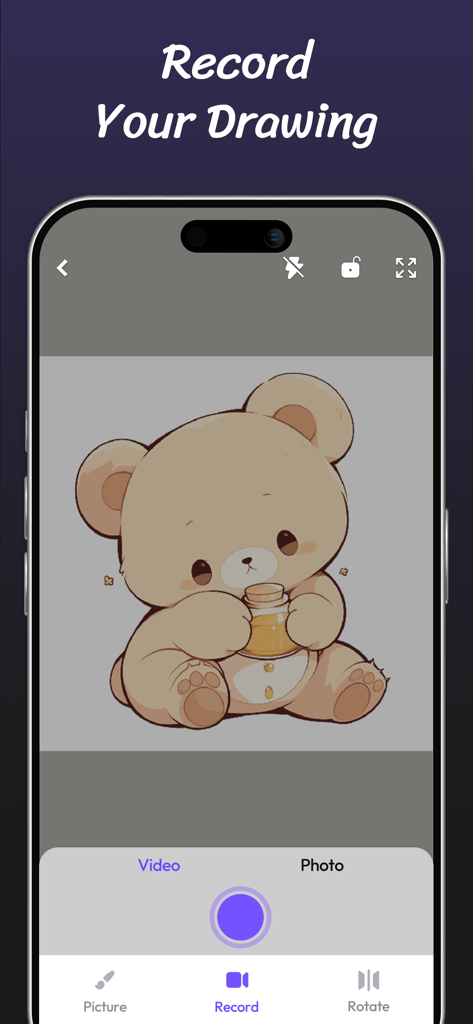
Interface of the AR Drawing app showing the video recording feature with a cute cartoon bear
Description
Download
More Like This
Apps with similar features and user experience

Camera Lucida™: AR Drawing
Big Idea Design LLC

AR Drawing Sketch App: ArtEasy
SMDA GROUP SP Z O O SP KOMANDYTOWA

PicTrace: AR Drawing & Sketch
ANDROID VIETNAM TECHNOLOGY CORPORATION
AR Draw: Sketching & Painting
EIGEN SOFTWARE LIMITED

AR Drawing How to Draw Sketch
Magomed Dzhamalov

Da Vinci Eye: AR Trace & Draw
Da Vinci Eye LLC

AR Drawing - AR Sketch
Ketanbhai Khokhani

Sketch Trace Draw, AR App
Proxglobal Investment And Technology Development Joint Stock Company

HEY CLAY®
HEY CLAY LTD
This page is not an official page of the app or its developer, but an independent editorial publication created for informational and commentary purposes. Unless expressly stated otherwise, neither the app nor its developer is affiliated with, endorsed by, sponsored by, authorized by, or otherwise officially connected with MWM, Apple, Google Play, the app publisher, or the app's developer, and nothing on this page implies that the app was developed using MWM's services. Any trademarks, logos, screenshots, and other content remain the property of their respective owners.