
This page is not an official page of the app or its developer, but an independent editorial publication created for informational and commentary purposes. Unless expressly stated otherwise, neither the app nor its developer is affiliated with, endorsed by, sponsored by, authorized by, or otherwise officially connected with MWM, Apple, Google Play, the app publisher, or the app's developer, and nothing on this page implies that the app was developed using MWM's services. Any trademarks, logos, screenshots, and other content remain the property of their respective owners.

Camera Lucida™: AR Drawing
Experience the gold standard of AR art with 12+ years of innovation. Create stunning physical art, record time-lapses, and enjoy lifetime access with one single purchase—no subscriptions, ever.
Downloads
313K+User Rating
Total Ratings
3K+Publisher
Category
Graphics & DesignLocales
1Latest Version
17.1Size
54.8 MBFirst Released
Mar 20, 2010Master Every Stroke with AR Technology
Transform your iPhone or iPad into a professional art studio. Our advanced AR tools help you achieve perfect proportions and stunning detail on any surface without a subscription.
Perfect Proportions, Every Time
Overlay any reference image directly onto your canvas, paper, or even a cookie. It is more precise than a projector and easier than a traditional light table.
One-Time Purchase, Lifetime Use
Join thousands of US artists who value ownership. Pay once and enjoy professional features like Zoom Lock and Advanced Filters with no monthly fees.
The following screenshots and description are sourced directly from the app's official store listing and are the property of the app developer.
App Store
Screenshots
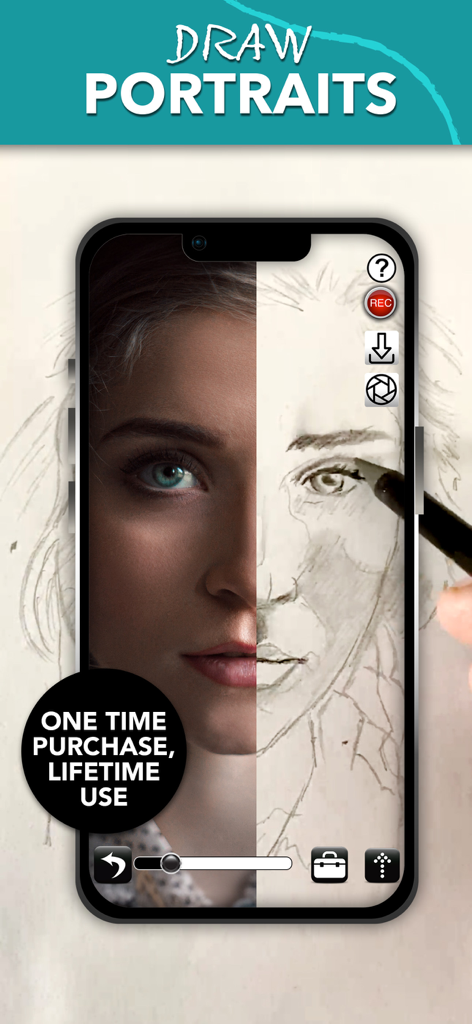
A smartphone screen showing the Camera Lucida app with a split view of a reference portrait photo and a hand drawn pencil sketch
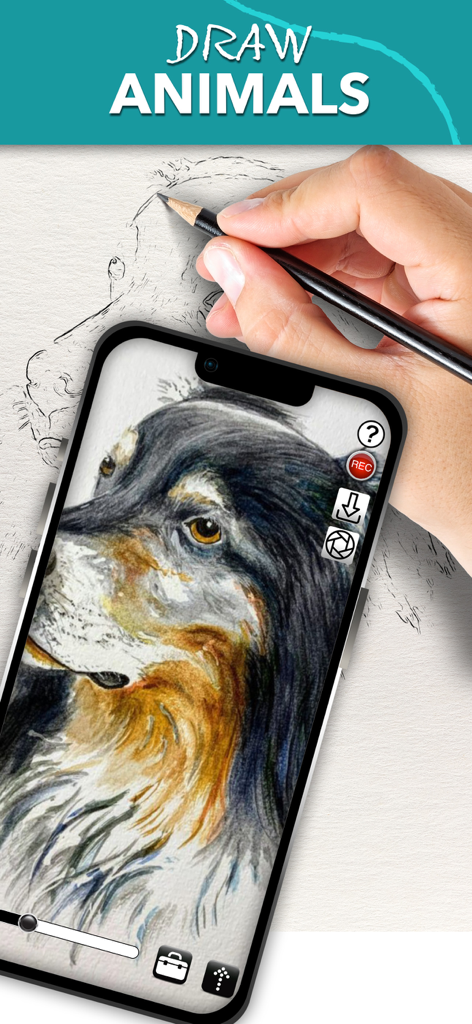
A person using the Camera Lucida app on an iPhone to draw a detailed dog portrait on paper using an AR overlay
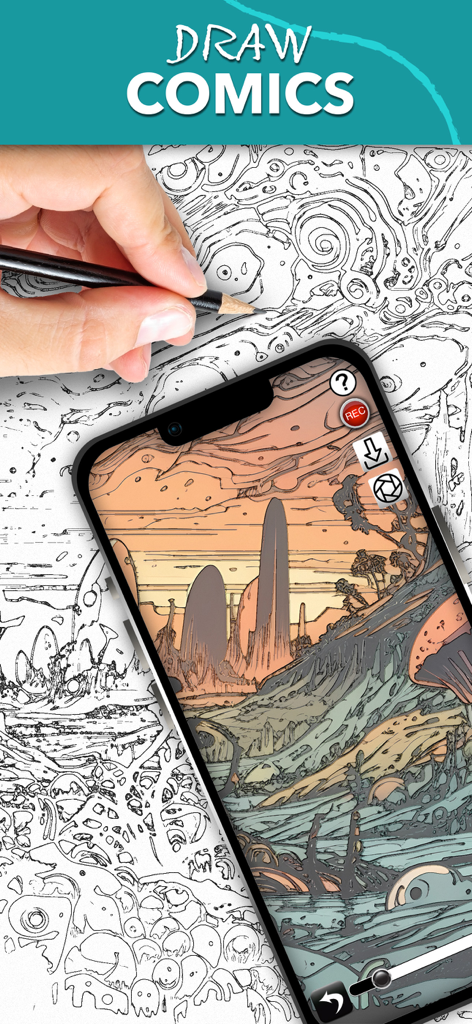
A person using the Camera Lucida app on a smartphone to sketch a complex comic landscape by following an AR overlay.
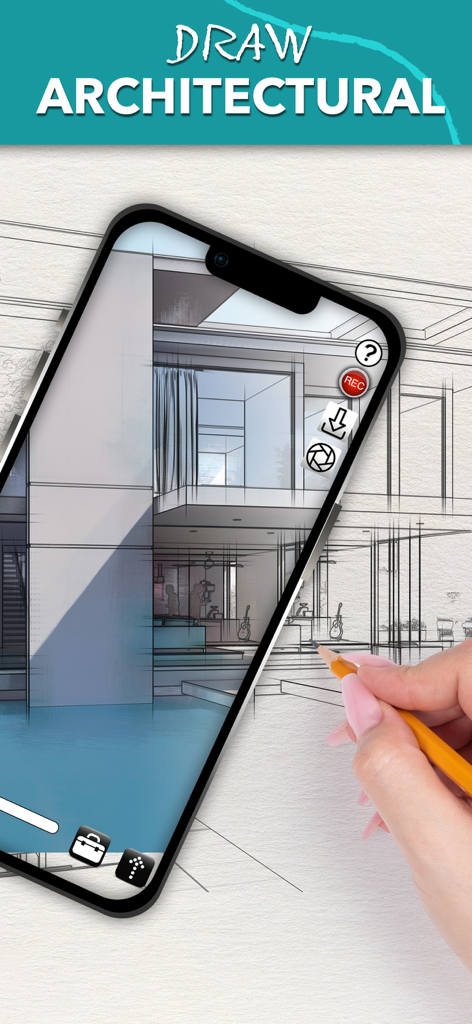
A person tracing an architectural house sketch on paper using the Camera Lucida AR drawing app on an iPhone.
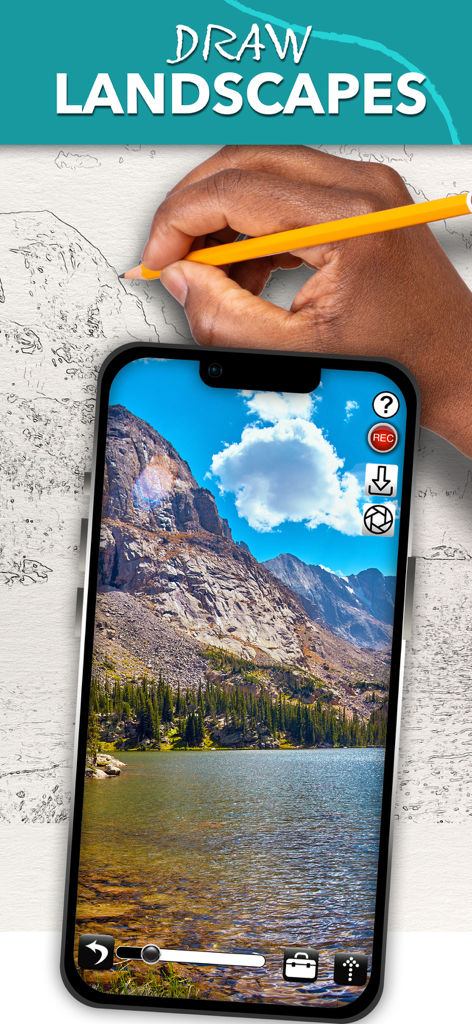
Drawing a landscape on paper using the Camera Lucida AR drawing app on a smartphone
Description
Download
More Like This
Apps with similar features and user experience

AR Drawing Paint Sketch Trace
DROIDFUN LIMITED

AR Drawing Sketch App: ArtEasy
SMDA GROUP SP Z O O SP KOMANDYTOWA

PicTrace: AR Drawing & Sketch
ANDROID VIETNAM TECHNOLOGY CORPORATION

AR Draw: Sketching & Painting
EIGEN SOFTWARE LIMITED

AR Drawing How to Draw Sketch
Magomed Dzhamalov

Da Vinci Eye: AR Trace & Draw
Da Vinci Eye LLC

AR Drawing - AR Sketch
Ketanbhai Khokhani

HEY CLAY®
HEY CLAY LTD

Sketch Trace Draw, AR App
Proxglobal Investment And Technology Development Joint Stock Company
This page is not an official page of the app or its developer, but an independent editorial publication created for informational and commentary purposes. Unless expressly stated otherwise, neither the app nor its developer is affiliated with, endorsed by, sponsored by, authorized by, or otherwise officially connected with MWM, Apple, Google Play, the app publisher, or the app's developer, and nothing on this page implies that the app was developed using MWM's services. Any trademarks, logos, screenshots, and other content remain the property of their respective owners.