
This page is not an official page of the app or its developer, but an independent editorial publication created for informational and commentary purposes. Unless expressly stated otherwise, neither the app nor its developer is affiliated with, endorsed by, sponsored by, authorized by, or otherwise officially connected with MWM, Apple, Google Play, the app publisher, or the app's developer, and nothing on this page implies that the app was developed using MWM's services. Any trademarks, logos, screenshots, and other content remain the property of their respective owners.


Da Vinci Eye: AR Trace & Draw
Join millions of artists, bakers, and creators using the world’s #1 digital Camera Lucida. Perfect your proportions, learn to draw from any photo, and record viral time-lapses with the power of Augmented Reality.
Downloads
2M+User Rating
Total Ratings
13K+Publisher
Category
Graphics & DesignLocales
4Latest Version
4.6.2Size
193.5 MBFirst Released
Jun 16, 2016Master Every Stroke with AR Precision
From professional tattoo artists to hobbyist bakers, Da Vinci Eye empowers creatives to skip the technical frustration and jump straight into the joy of creating high-quality, realistic art.
Flawless Proportions Instantly
Use AR to project any photo directly onto your canvas. Stop worrying about misaligned features and start drawing with 100% accuracy on any surface.
Built-In Content Creation
Capture stunning time-lapse videos of your drawing process automatically. Perfect for sharing your talent on TikTok and Instagram to grow your artistic brand.
Frequently Asked Questions
Everything you need to know about Da Vinci Eye: AR Trace & Draw
What is the Da Vinci Eye app?
Da Vinci Eye is an AR art projector app that helps artists trace and draw by overlaying images onto their canvas. It functions as a digital Camera Lucida, offering drawing tools, lessons, and community features.
How does the Da Vinci Eye app work?
The Da Vinci Eye app works by suspending your device above or in front of your canvas. It overlays an image onto the canvas, allowing you to see both simultaneously for tracing, drawing, and checking proportions.
Can Da Vinci Eye help me learn how to draw?
Yes, Da Vinci Eye helps users learn to draw by training the eye to recognize proportions and encouraging shading. The app provides lessons, converts photos into step-by-step drawing instructions, and offers proven techniques for efficient learning.
What are the device requirements for Da Vinci Eye's AR Mode?
To use Da Vinci Eye's AR Mode, your device requires an A10x or A11 processor or newer. This includes iPhone 8 and newer, iPad Mini 5th Generation and newer, iPad Air 2019 and newer, and iPad Pro 3rd Gen (2018 models) and newer.
What is the difference between AR Mode and Classic Mode in Da Vinci Eye?
AR mode in Da Vinci Eye anchors the projected image to a real-world object, maintaining alignment even if the canvas or phone moves. Classic mode is like a normal projector; movement disrupts alignment. AR mode is ideal for easels.
Can I use Da Vinci Eye to draw fine details?
Yes, the Da Vinci Eye app allows users to zoom in on images to capture and draw micro details accurately. This feature enhances precision for intricate artwork.
Does Da Vinci Eye offer drawing inspiration or prompts?
Yes, Da Vinci Eye features an inspiration section with user-uploaded reference photos and daily drawing prompts. Users can also upload their own content for others to draw.
Can Da Vinci Eye separate images by color value for drawing?
Yes, Da Vinci Eye can separate images into layers based on color value. This feature helps artists identify and virtually project areas for darks, mid-tones, and highlights onto their canvas.
Who is the Da Vinci Eye app designed for?
The Da Vinci Eye app is designed for a wide range of creatives, including painters, bakers, cartoonists, tattoo artists, illustrators, makeup artists, and animators. It supports all skill levels.
Does Da Vinci Eye offer video tutorials?
Yes, Da Vinci Eye provides video tutorials to assist users. These tutorials help explain the app's features and guide artists through various drawing processes.
The following screenshots and description are sourced directly from the app's official store listing and are the property of the app developer.
App Store
Screenshots
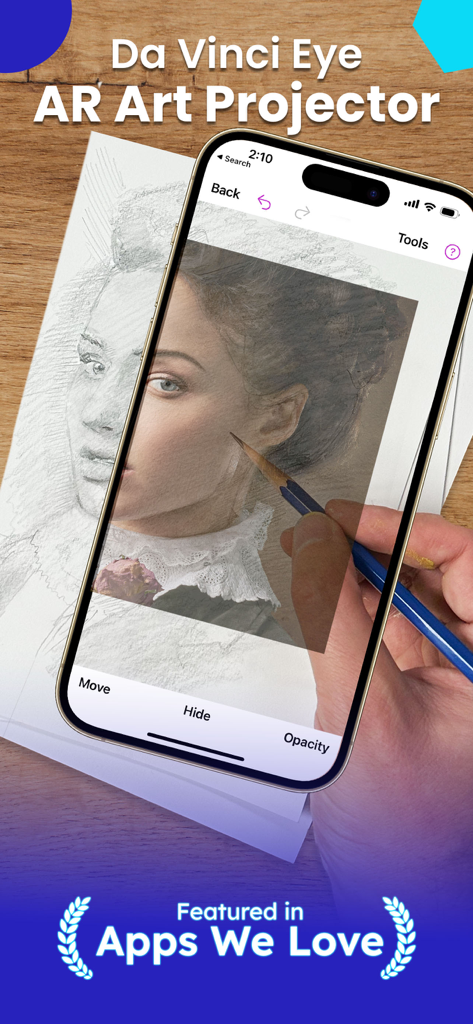
A person using the Da Vinci Eye AR app on a smartphone to project and trace a portrait onto paper with a pencil.
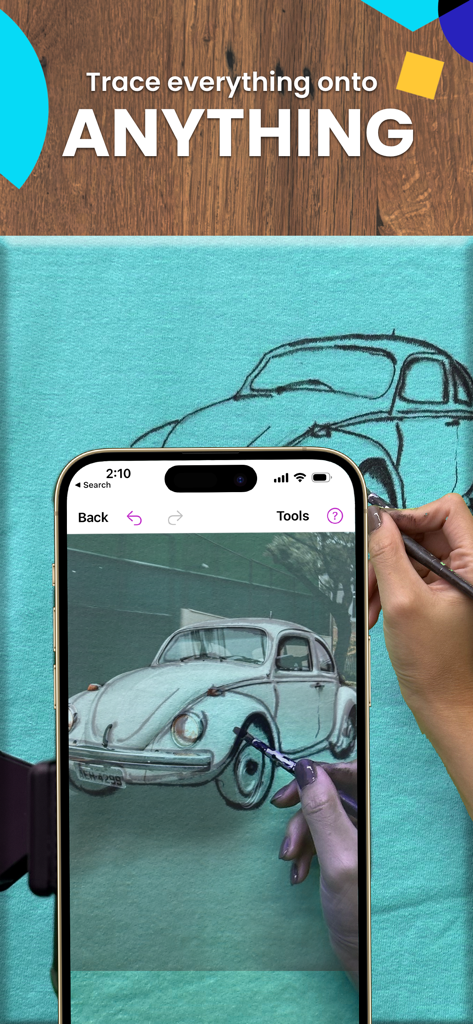
Tracing a vintage car onto a fabric canvas using the Da Vinci Eye AR drawing app
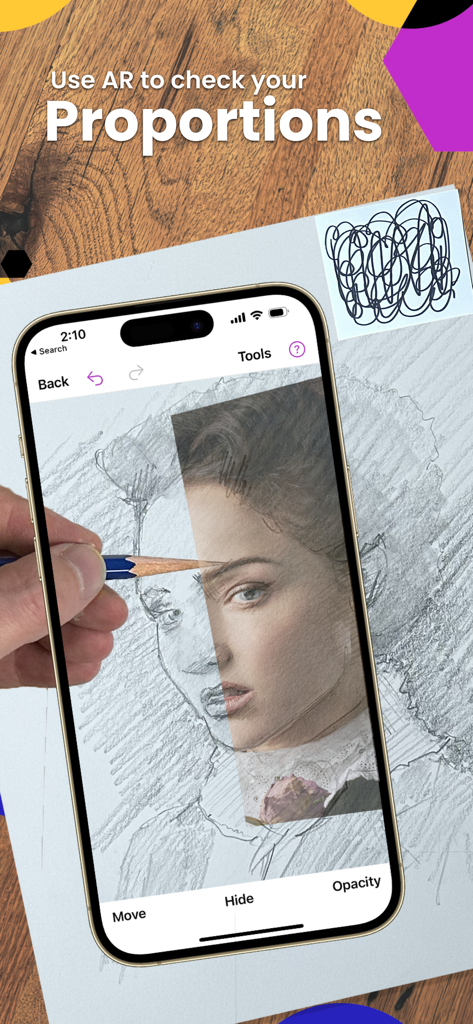
A person using the Da Vinci Eye AR app to check proportions while drawing a portrait on paper with a pencil.
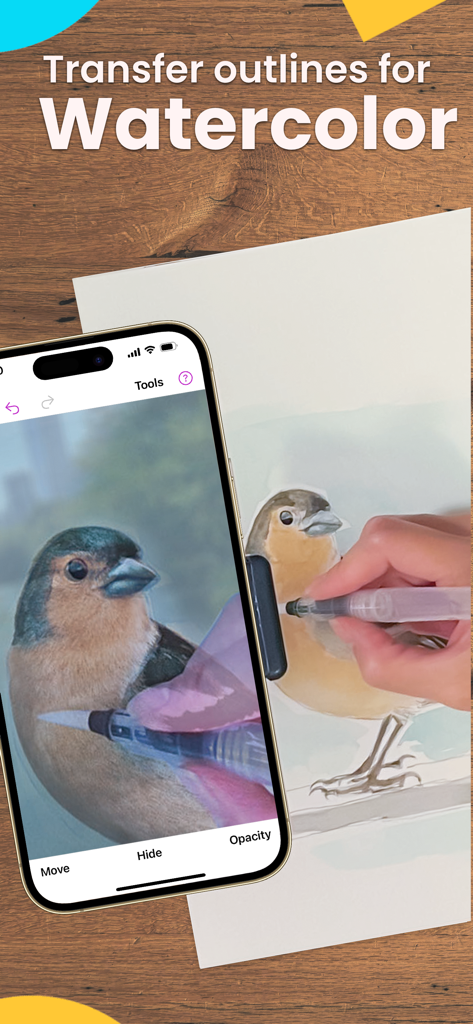
A person using an AR app to trace a bird for watercolor painting
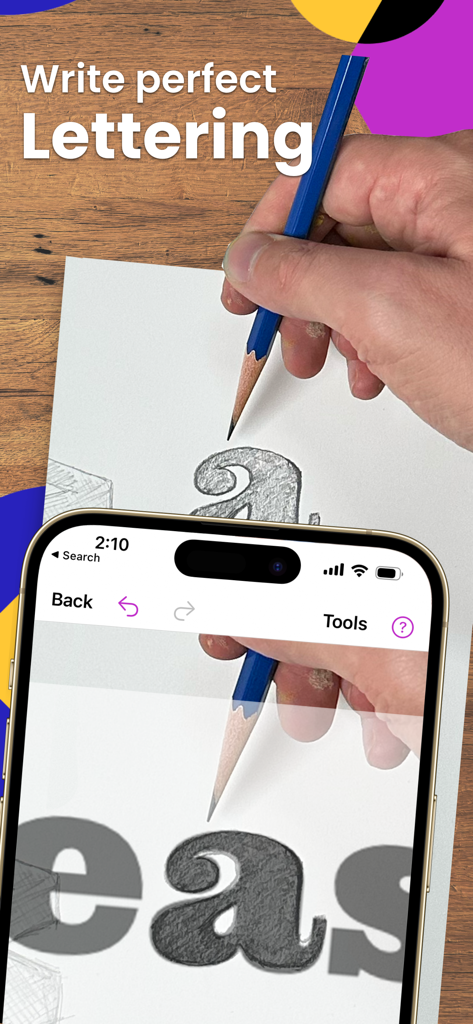
A person using the Da Vinci Eye AR app to trace perfect lettering onto paper with a pencil.
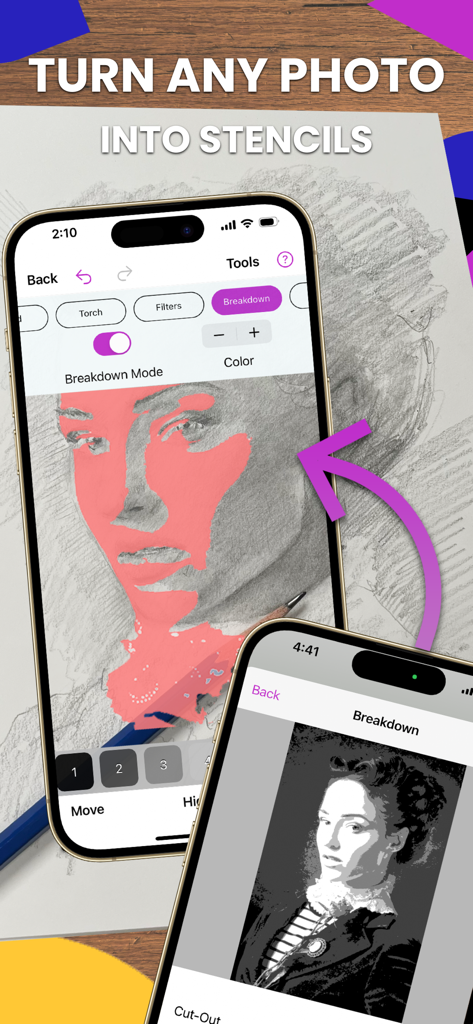
iPhone screen showing the Da Vinci Eye app's breakdown mode turning a photo into a stencil for drawing
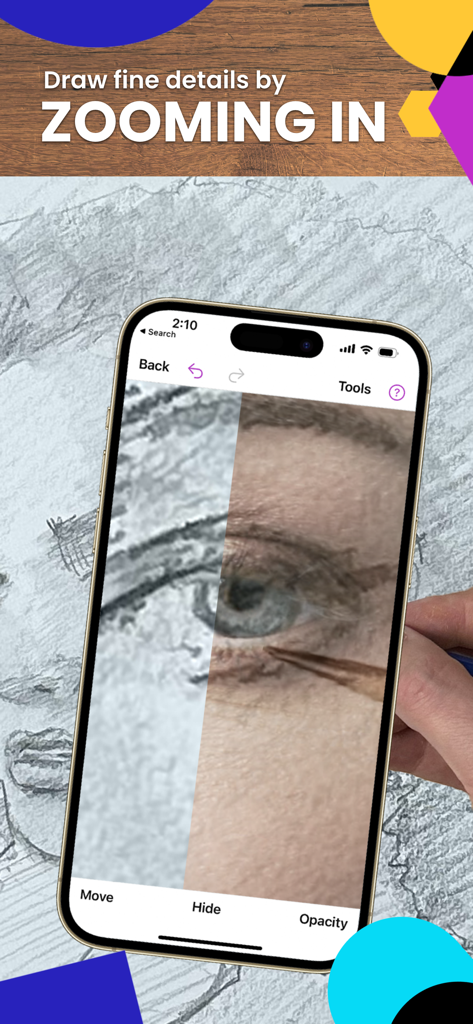
Zooming in on a drawing eye using Da Vinci Eye AR trace app
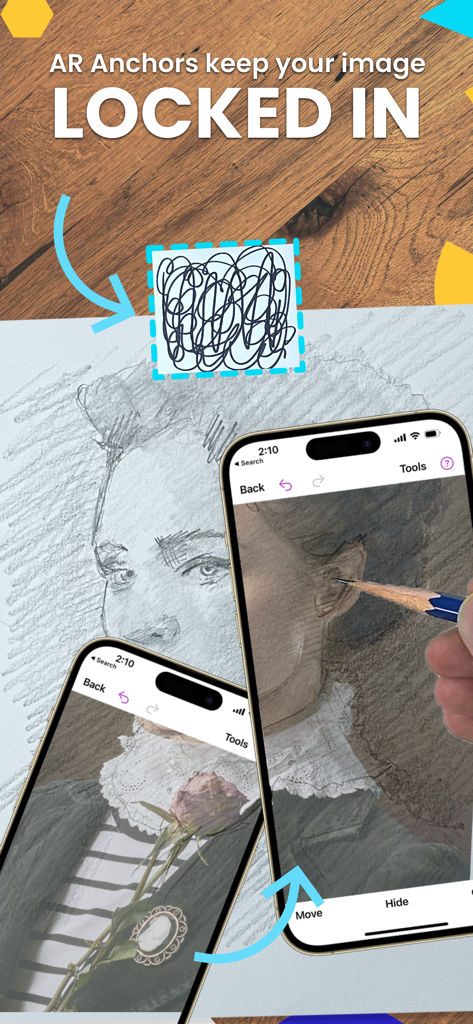
iPhone screen showing AR anchors locking a virtual portrait over a physical drawing surface for precise tracing
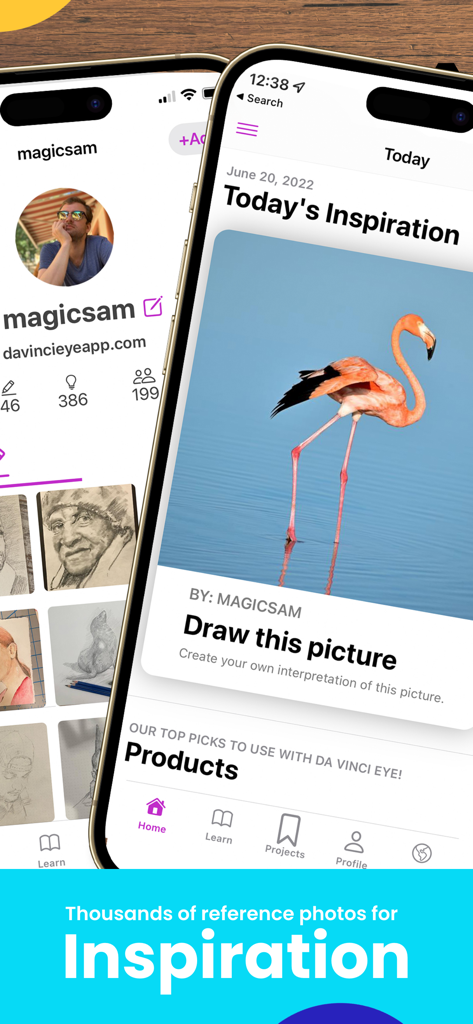
Da Vinci Eye app interface showing a flamingo reference photo for drawing inspiration
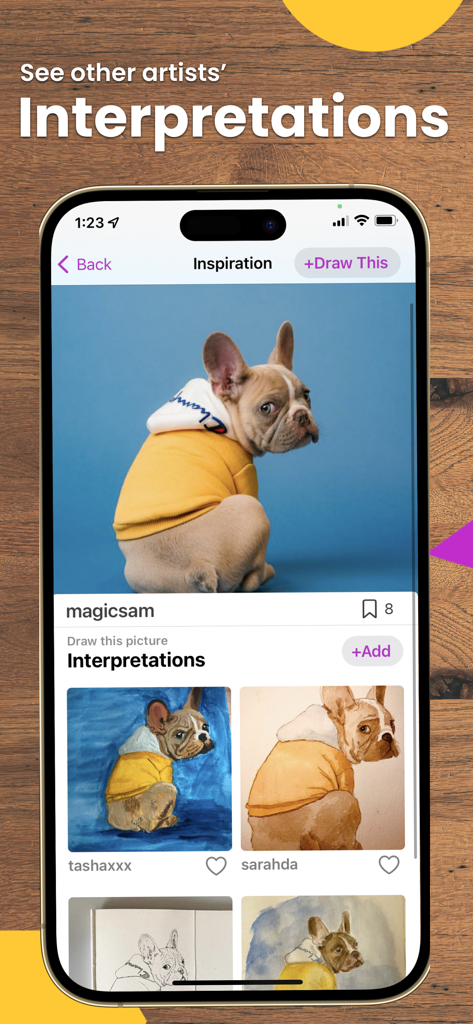
A screen from the Da Vinci Eye app displaying a photo of a dog and various user-submitted drawing interpretations.
Description
Download
More Like This
Apps with similar features and user experience

AR Drawing Paint Sketch Trace
DROIDFUN LIMITED

Camera Lucida™: AR Drawing
Big Idea Design LLC

AR Drawing Sketch App: ArtEasy
SMDA GROUP SP Z O O SP KOMANDYTOWA

PicTrace: AR Drawing & Sketch
ANDROID VIETNAM TECHNOLOGY CORPORATION

AR Draw: Sketching & Painting
EIGEN SOFTWARE LIMITED

AR Drawing How to Draw Sketch
Magomed Dzhamalov

AR Drawing - AR Sketch
Ketanbhai Khokhani

HEY CLAY®
HEY CLAY LTD

Sketch Trace Draw, AR App
Proxglobal Investment And Technology Development Joint Stock Company
This page is not an official page of the app or its developer, but an independent editorial publication created for informational and commentary purposes. Unless expressly stated otherwise, neither the app nor its developer is affiliated with, endorsed by, sponsored by, authorized by, or otherwise officially connected with MWM, Apple, Google Play, the app publisher, or the app's developer, and nothing on this page implies that the app was developed using MWM's services. Any trademarks, logos, screenshots, and other content remain the property of their respective owners.