
This page is not an official page of the app or its developer, but an independent editorial publication created for informational and commentary purposes. Unless expressly stated otherwise, neither the app nor its developer is affiliated with, endorsed by, sponsored by, authorized by, or otherwise officially connected with MWM, Apple, Google Play, the app publisher, or the app's developer, and nothing on this page implies that the app was developed using MWM's services. Any trademarks, logos, screenshots, and other content remain the property of their respective owners.
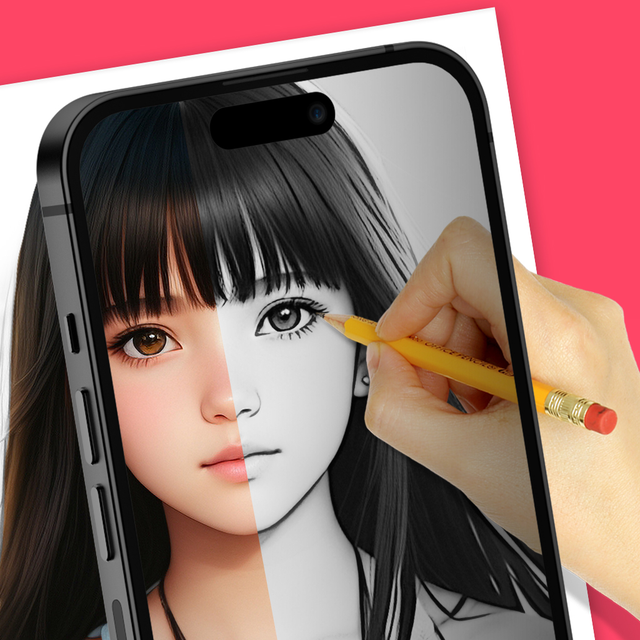

AR Drawing - AR Sketch
Stop struggling with proportions and 'blank page' anxiety. Use Augmented Reality to trace any image onto paper, creating stunning hand-drawn masterpieces for your journals, DIY projects, and social media in minutes.
Downloads
432K+User Rating
Total Ratings
3K+Publisher
Category
Graphics & DesignLocales
1Latest Version
5.0.9Size
57.9 MBFirst Released
Jun 25, 2023Unlock Your Inner Artist with AR Magic
Bridge the gap between digital inspiration and physical creation. Our AR technology projects any image onto your paper, making professional-level sketching accessible to everyone.
Seamless AR Tracing
See your chosen image float on your paper through your camera lens. Perfect your proportions and outlines instantly without the frustration of starting from scratch.
Turn Photos into Sketches
Import any image from your gallery and convert it into a traceable template. Create custom portraits, pet drawings, or personalized DIY gifts in minutes.
Frequently Asked Questions
Everything you need to know about AR Drawing - AR Sketch
What is the AR Drawing - AR Sketch app?
The AR Drawing - AR Sketch app allows users to trace over photographs or images to create sketches or drawings. It includes features like adjustable line thickness, various brush styles, and an eraser tool for creative flexibility.
How does the AR Drawing - AR Sketch app work for tracing?
To trace, users select an image, apply a filter to make it traceable, and then view it transparently on their camera screen. They place paper under the phone and draw by looking at the transparent image on the device.
Can I trace any image with AR Drawing - AR Sketch?
Yes, the AR Drawing - AR Sketch app allows users to select any image from their app or gallery and convert it into a transparent tracing image for drawing on paper.
Does AR Drawing - AR Sketch offer an in-app drawing pad?
Yes, AR Drawing - AR Sketch features an in-app Drawing Pad. This pad provides various tools including different pens, an eraser, and a color picker for digital drawing and editing directly within the app.
What premium features are included with the AR Drawing Premium Subscription?
The AR Drawing Premium Subscription provides access to all premium features, including drawing lessons, a wider selection of creative images, and an ads-free experience within the AR Drawing app.
How is the AR Drawing Premium Subscription billed?
The AR Drawing Premium Subscription is billed on both a monthly and annual basis. Payment is charged to the user's iTunes Account at the time of purchase confirmation.
Can I adjust the opacity of images in AR Drawing - AR Sketch?
Yes, users can adjust the opacity of the image within the AR Drawing - AR Sketch app. This feature helps in customizing the transparency for better tracing visibility.
How many templates are available in AR Drawing - AR Sketch?
The AR Drawing - AR Sketch app offers over 3000 templates. These templates are organized into various categories such as Cartoons, Anime, and Girls, providing a wide range of options for users.
Are there drawing lessons available in AR Drawing - AR Sketch?
Yes, AR Drawing Premium Subscription members gain access to exclusive drawing lessons. These lessons are part of the additional premium features offered through the subscription.
How do I disable auto-renewal for AR Drawing Premium Subscription?
To disable auto-renewal for the AR Drawing Premium Subscription, users must go to their Account Settings after purchase. Auto-renewal needs to be turned off at least 24 hours before the current subscription period ends.
The following screenshots and description are sourced directly from the app's official store listing and are the property of the app developer.
App Store
Screenshots
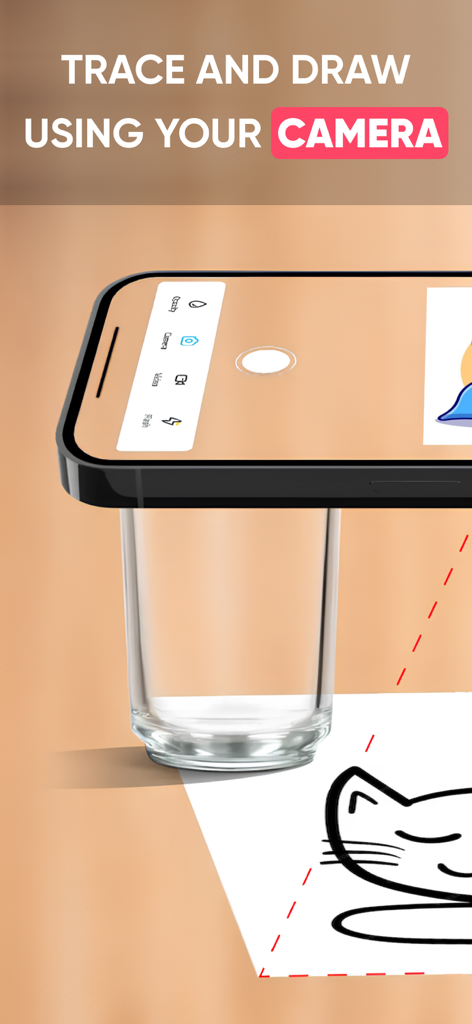
Smartphone camera used for tracing and drawing a cat sketch on paper
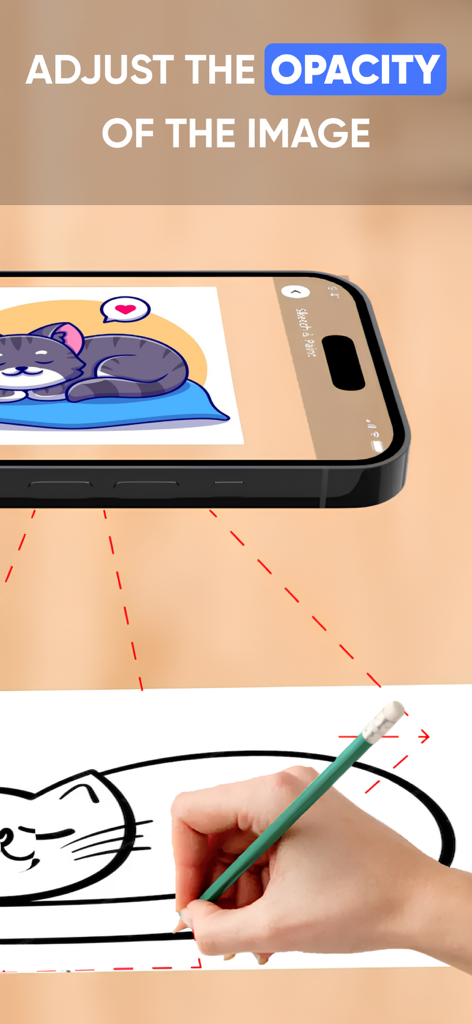
Person tracing a cat sketch onto paper using the AR Drawing app with opacity adjustment
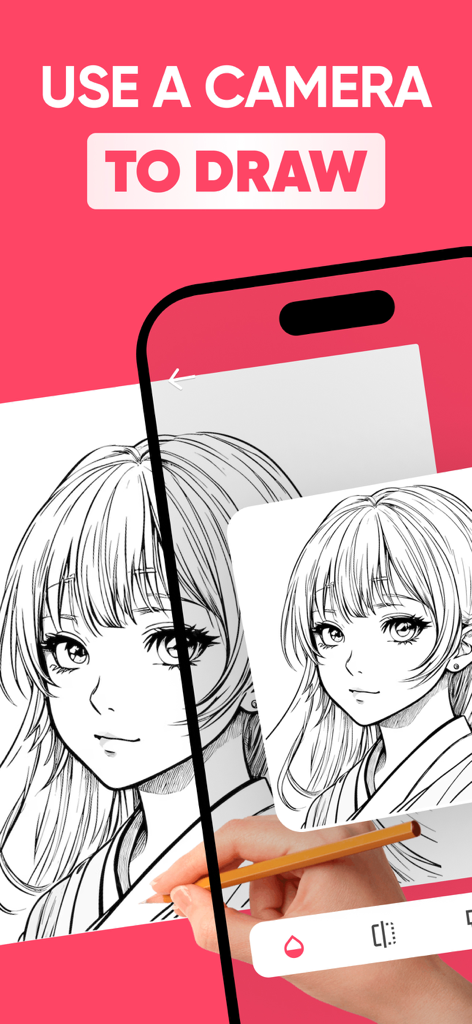
A hand sketching an anime character on paper using the AR Drawing app's camera overlay feature on a smartphone.
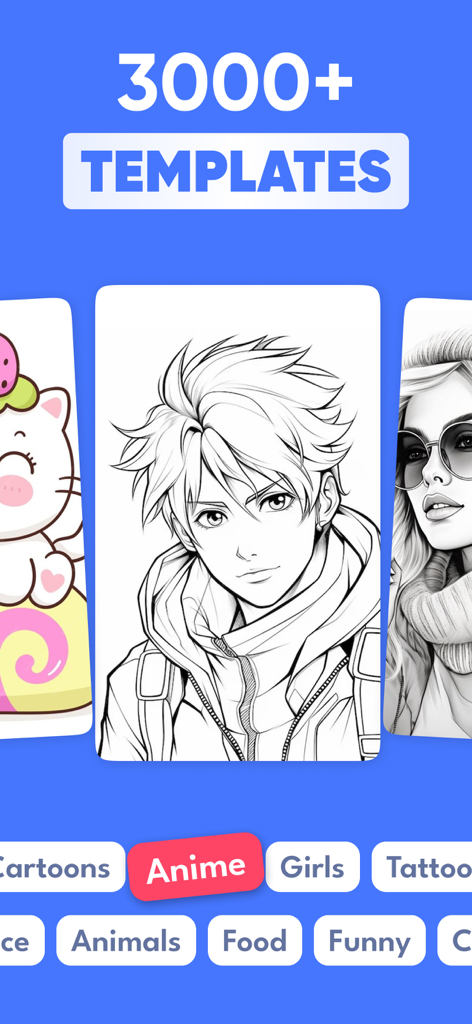
A library showcasing over 3000 drawing templates including anime and cartoon styles in the AR Drawing app interface
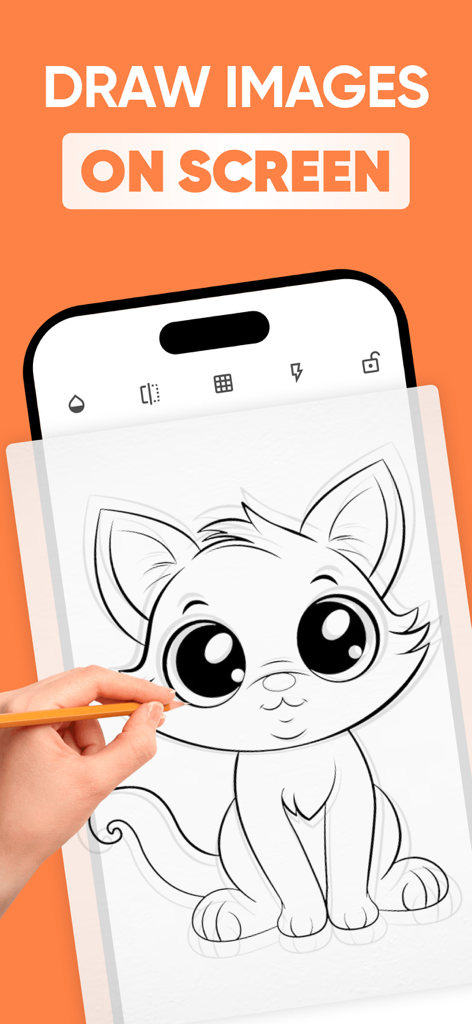
A hand tracing a kitten drawing from a smartphone screen onto paper using the AR Drawing app
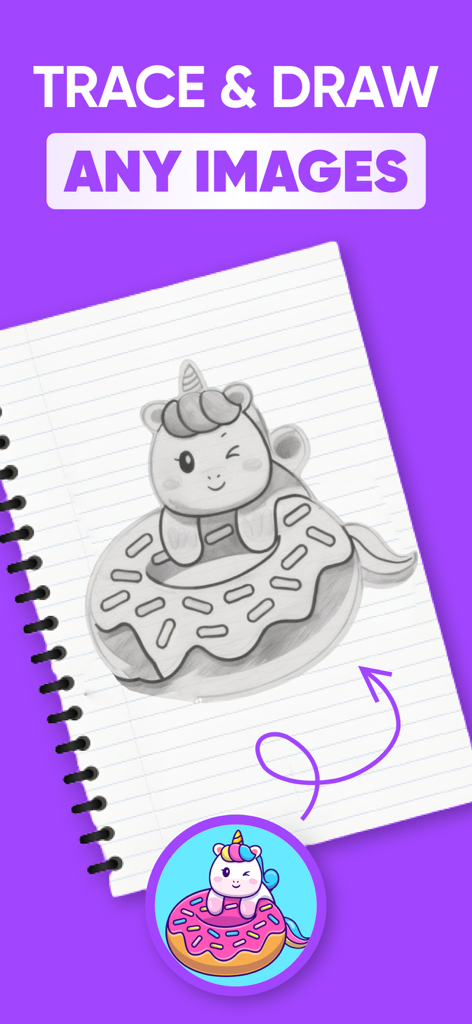
A hand drawn pencil sketch of a winking unicorn on a donut in a notebook
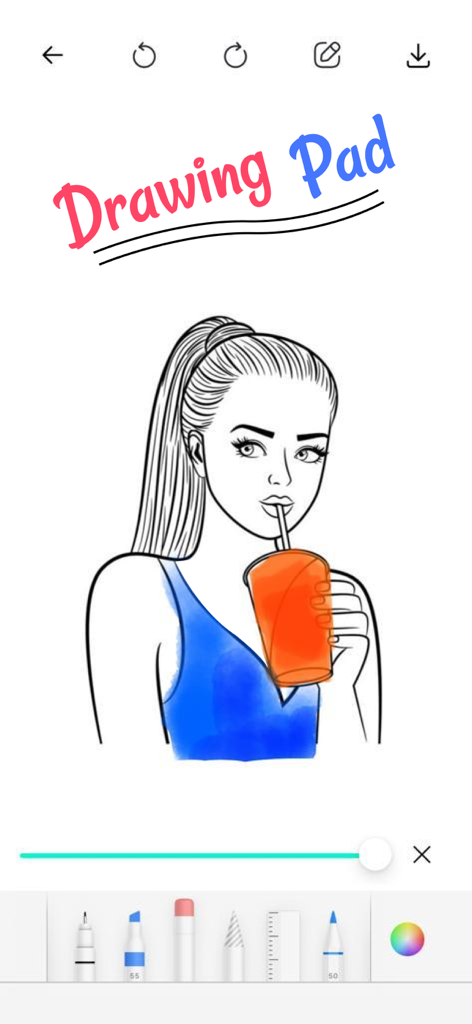
Digital drawing pad interface with a girl illustration and art tools
Description
Download
More Like This
Apps with similar features and user experience

AR Drawing Paint Sketch Trace
DROIDFUN LIMITED

Camera Lucida™: AR Drawing
Big Idea Design LLC

AR Drawing Sketch App: ArtEasy
SMDA GROUP SP Z O O SP KOMANDYTOWA

PicTrace: AR Drawing & Sketch
ANDROID VIETNAM TECHNOLOGY CORPORATION

AR Draw: Sketching & Painting
EIGEN SOFTWARE LIMITED

AR Drawing How to Draw Sketch
Magomed Dzhamalov

Da Vinci Eye: AR Trace & Draw
Da Vinci Eye LLC

HEY CLAY®
HEY CLAY LTD

Sketch Trace Draw, AR App
Proxglobal Investment And Technology Development Joint Stock Company
This page is not an official page of the app or its developer, but an independent editorial publication created for informational and commentary purposes. Unless expressly stated otherwise, neither the app nor its developer is affiliated with, endorsed by, sponsored by, authorized by, or otherwise officially connected with MWM, Apple, Google Play, the app publisher, or the app's developer, and nothing on this page implies that the app was developed using MWM's services. Any trademarks, logos, screenshots, and other content remain the property of their respective owners.