PAND-a mouse pro, keyboard ble

PAND-a mouse pro, keyboard ble


Download on App Store
Logo of PAND-a mouse pro, keyboard ble

PAND-a mouse pro, keyboard ble: Your iPhone as a High-Precision Virtual Peripheral

Transform your smartphone into a wireless mouse, keyboard, and clipboard manager. Effortlessly control your PC or Mac from the palm of your hand with seamless Bluetooth connectivity.

Download on App Store

Publisher

Nhi Hoang Bao

Category

Utilities

Downloads

400

User Rating

4.1/5

Total Ratings

0

Locales

1

Control in Your Palm

Discover the interface used by 400 users.
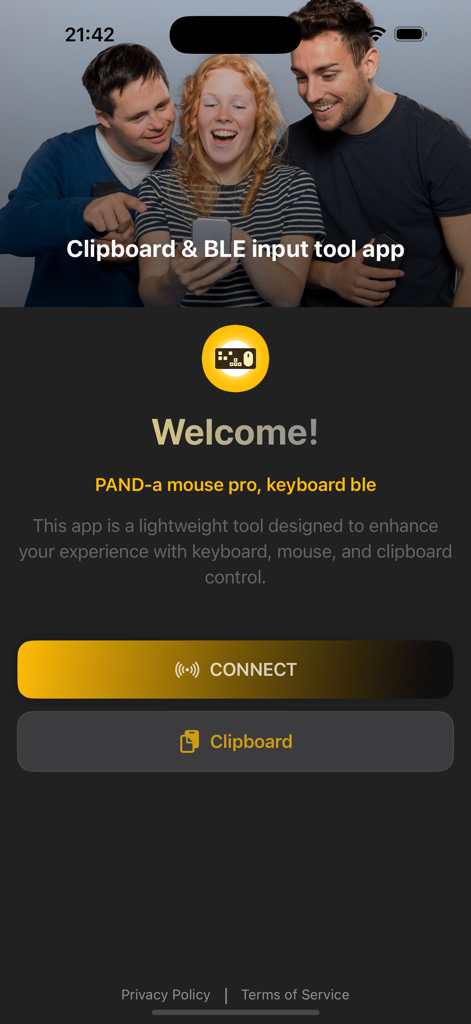
Welcome screen of the PAND-a mouse pro and keyboard BLE app featuring connect and clipboard buttons.

Welcome screen of the PAND-a mouse pro and keyboard BLE app featuring connect and clipboard buttons.

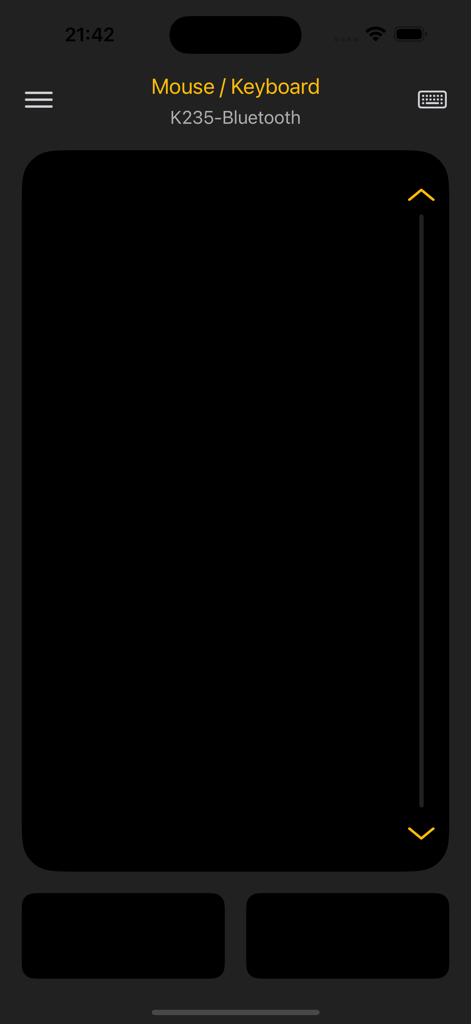
PAND-a mouse pro virtual touchpad and scroll bar interface for remote device control via Bluetooth

PAND-a mouse pro virtual touchpad and scroll bar interface for remote device control via Bluetooth

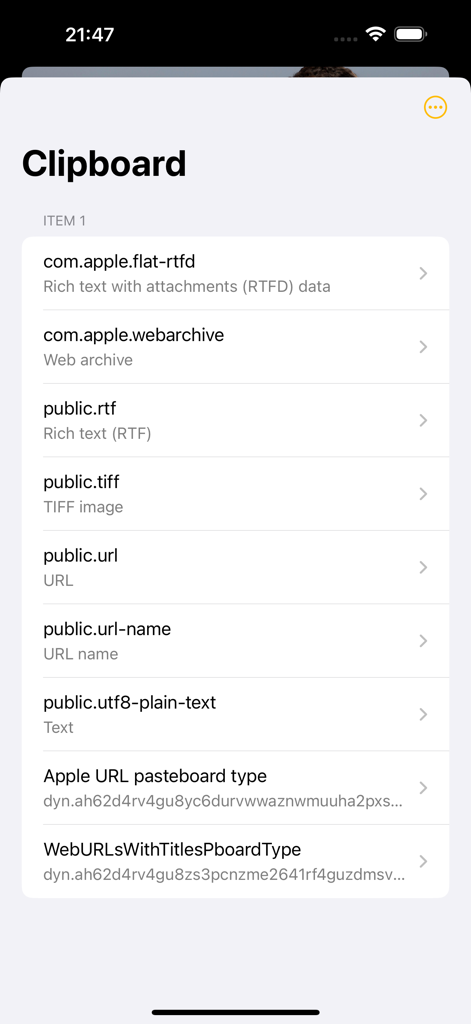
Interface of the PAND-a app showing a clipboard history with different data types like rich text, images, and URLs

Interface of the PAND-a app showing a clipboard history with different data types like rich text, images, and URLs

Total Command in Your Pocket

The tools that make this app stand out, trusted by 400 users.

🖱️

Precision Virtual Touchpad

Turn your screen into a responsive trackpad. Perfect for controlling media from the couch or navigating presentations with fluid, wireless freedom.

📋

Smart Clipboard Sync

Bridge the gap between your devices. Instantly access and copy recent system clipboard items to speed up your multi-device workflow.

📶

Seamless BLE Connectivity

Experience zero-lag control via Bluetooth Low Energy. No extra hardware or cables required—just a lightweight, instant connection for the mobile professional.

About the app

Everything you need to know about PAND-a mouse pro, keyboard ble.

Description

This app is a lightweight tool designed to enhance your experience with keyboard, mouse, and clipboard control. ◉ Seamlessly connect to compatible devices and control them using a built-in virtual keyboard and touchpad. ◉ Easily view and copy recent items from your system clipboard. SUBSCRIPTION PRICING & TERMS - Payment will be charged to your iTunes Account as soon as you confirm your purchase. - You can manage your subscriptions and turn off auto-renewal from your Account Settings after the purchase. - Subscriptions will renew automatically unless you turn off auto-renew at least 24 hours before the end of the current period. The renewal cost will be charged to your account 24 hours before the end of the current period. - When canceling a subscription, your subscription will stay active until the end of the period. Auto-renewal will be disabled, but the current subscription will not be refunded. Privacy Policy: https://hbn-app-support.helpsite.com/articles/134326-privacy-policy Term Of Use: https://hbn-app-support.helpsite.com/articles/134327-term-of-use

Latest Version

1.0.1

Size

10.9 MB

First Released

Jun 10, 2025

Transform Your iPhone Into the Ultimate Remote

Ditch the bulky peripherals. Experience seamless mouse, keyboard, and clipboard control for your PC or Mac—anytime, anywhere.

Download on App Store

App information, icons, screenshots, and descriptions displayed on this page are sourced from the Apple App Store and are the property of their respective developers. Download estimates and rankings are based on MWM's proprietary models and may not reflect actual figures. This page is provided for informational and analytical purposes only.

Believe this page infringes your intellectual property? File a dispute