
This page is not an official page of the app or its developer, but an independent editorial publication created for informational and commentary purposes. Unless expressly stated otherwise, neither the app nor its developer is affiliated with, endorsed by, sponsored by, authorized by, or otherwise officially connected with MWM, Apple, Google Play, the app publisher, or the app's developer, and nothing on this page implies that the app was developed using MWM's services. Any trademarks, logos, screenshots, and other content remain the property of their respective owners.


Password Manager iPassSafe .
Secure your passwords, documents, and sensitive data with military-grade local encryption. No trackers, no third-party libraries, and no centralized cloud risks—just total control.
Downloads
242K+User Rating
Total Ratings
3K+Publisher
Category
ProductivityLocales
17Latest Version
16.20Size
12.5 MBFirst Released
Dec 23, 2010The Vault for the Privacy-First User
Take back control of your digital life with an encrypted manager designed to eliminate centralized cloud risks and protect your data with zero third-party tracking.
True Local Encryption
Using AES-256 and PBKDF2 strengthening, your data is stored locally. No centralized servers means zero risk from massive corporate data breaches.
A Complete Digital Safe
Store more than logins. Securely organize passports, PDFs, and bank details in 24 custom categories tailored to your professional and personal life.
Frequently Asked Questions
Everything you need to know about Password Manager iPassSafe .
Does iPassSafe protect user data with encryption?
Yes, iPassSafe secures user data using industry-standard AES-256 encryption, complemented by PBKDF2 key strengthening. This robust encryption prevents unauthorized access even if backups are compromised.
Does iPassSafe collect or track user data?
No, iPassSafe does not collect or track any user data. Its privacy policy states user information remains completely private and secure, with no third-party involvement.
What types of data can iPassSafe store?
iPassSafe stores logins, credit cards, photos, bank accounts, PINs, text notes, documents, contacts, and various ID types. It also supports 24 custom categories for comprehensive data management.
Does iPassSafe support Face ID or Touch ID for access?
Yes, iPassSafe supports Face ID and Touch ID for convenient and secure access. Users enable these biometric authentication methods in the app's settings for quick entry.
How does iPassSafe handle data synchronization and backup?
iPassSafe offers four sync options: iCloud, FTP, AirDrop, and Files/Dropbox. Data encrypts before synchronization. Cloud storage is optional, and the user is responsible for managing their own backups.
Can iPassSafe automatically fill in passwords on websites and apps?
Yes, iPassSafe includes an auto-fill extension that seamlessly populates usernames and passwords directly from the QuickType bar into apps and Safari. It automatically pulls website icons.
Is a macOS version of iPassSafe available?
Yes, iPassSafe is available on the Mac App Store. This provides the same high level of security and convenience across all Apple devices, including iPhone, iPad, and Mac.
Does iPassSafe use third-party frameworks for its operations?
No, iPassSafe exclusively relies on Apple’s official frameworks. It avoids third-party libraries for analytics, minimizing potential security risks and ensuring data handling within a trusted environment.
Can users generate strong passwords within the iPassSafe app?
Yes, iPassSafe includes a built-in password generator. Users create strong, unique passwords by specifying length, avoiding ambiguous characters, and including special characters for enhanced security.
Is it possible to print data stored in iPassSafe?
Yes, iPassSafe includes an Air Print option. Users can print out their password lists or other stored data directly from the application for safekeeping.
Does iPassSafe offer dark mode support?
Yes, iPassSafe supports Dark Mode. Users can enable this feature for a comfortable viewing experience, especially in low-light conditions, maintaining accessibility and user preference.
What happens if I forget my iPassSafe password?
You will not access your data if you forget your iPassSafe password. The app does not provide password retrieval services, as all data is stored locally for security.
How does iPassSafe store data to prevent breaches?
iPassSafe stores data locally on the user's device and optionally in iCloud, utilizing Apple's secure infrastructure. It avoids centralized private clouds, mitigating common security breach risks.
The following screenshots and description are sourced directly from the app's official store listing and are the property of the app developer.
App Store
Screenshots
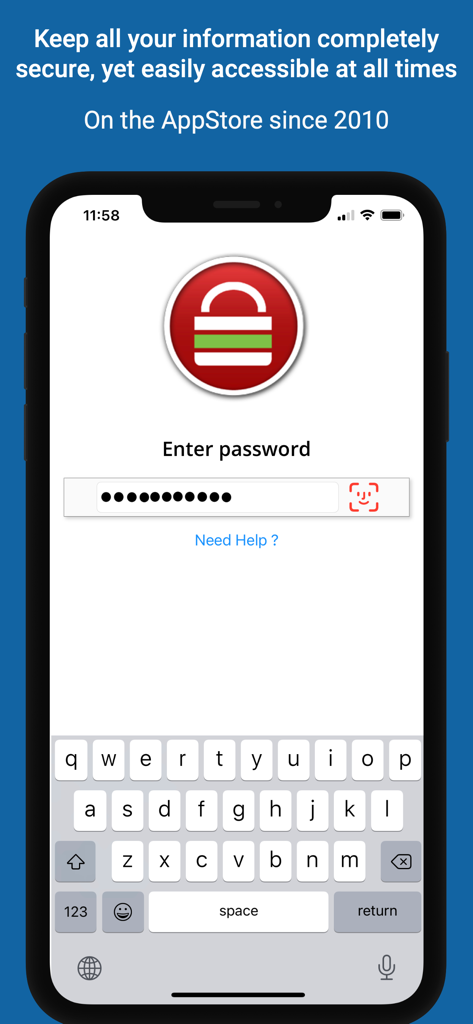
iPassSafe login interface on iPhone showing password entry and Face ID support
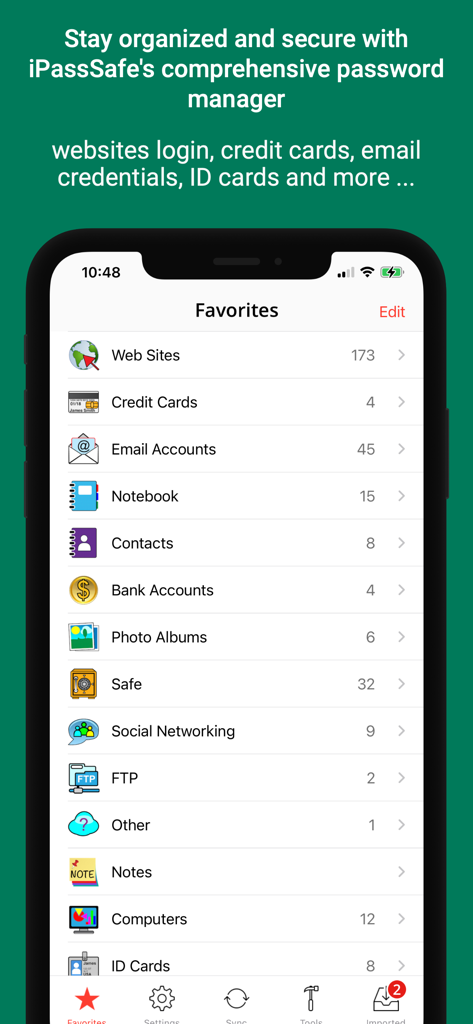
iPassSafe favorites screen showing list of secure categories for data storage
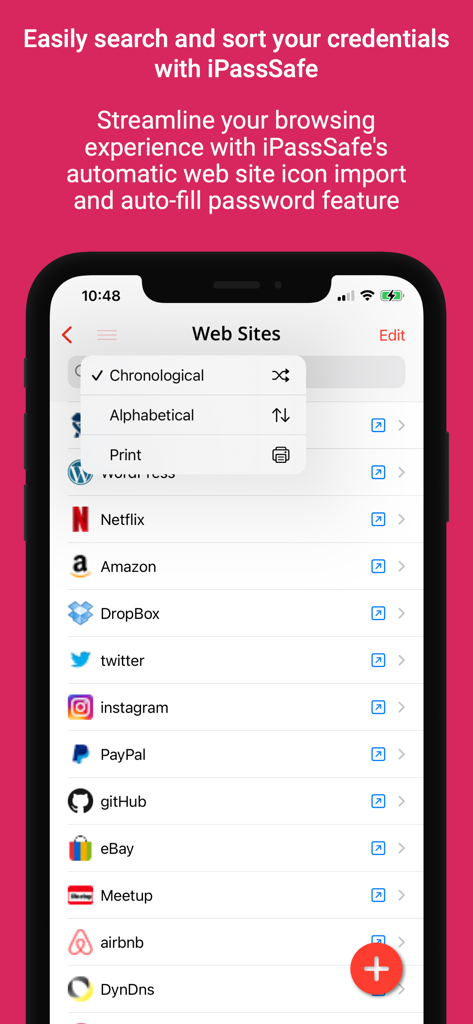
iPassSafe app interface displaying a list of stored website credentials with a sorting menu for alphabetical and chronological order
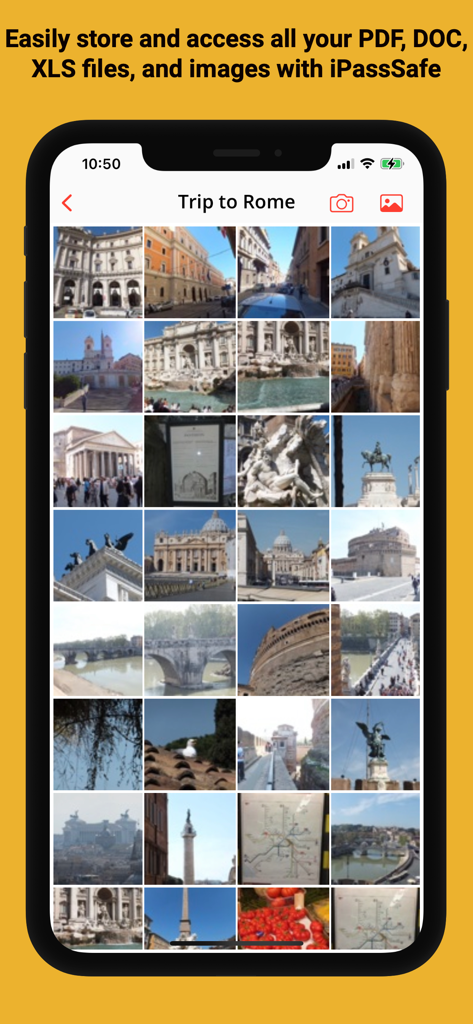
A secure photo vault within the iPassSafe app displaying an encrypted image gallery.
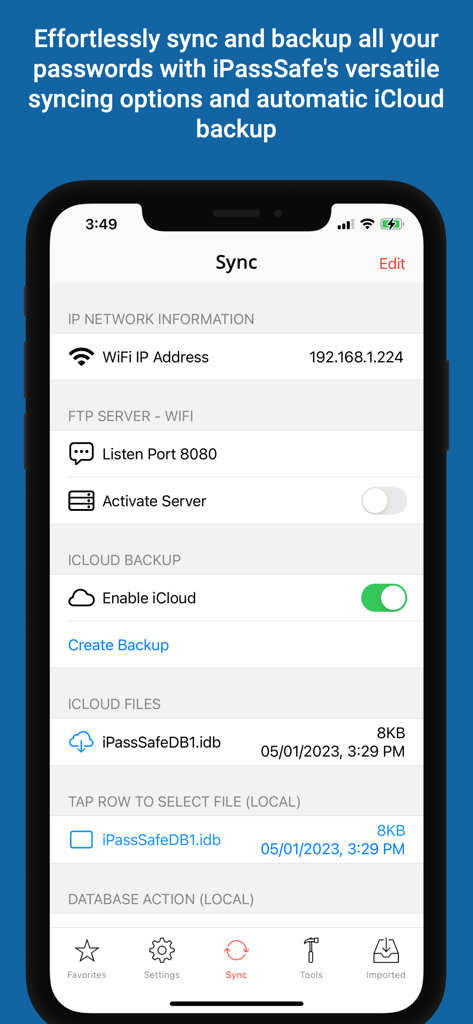
iPassSafe app interface showing sync options including iCloud backup and FTP server settings
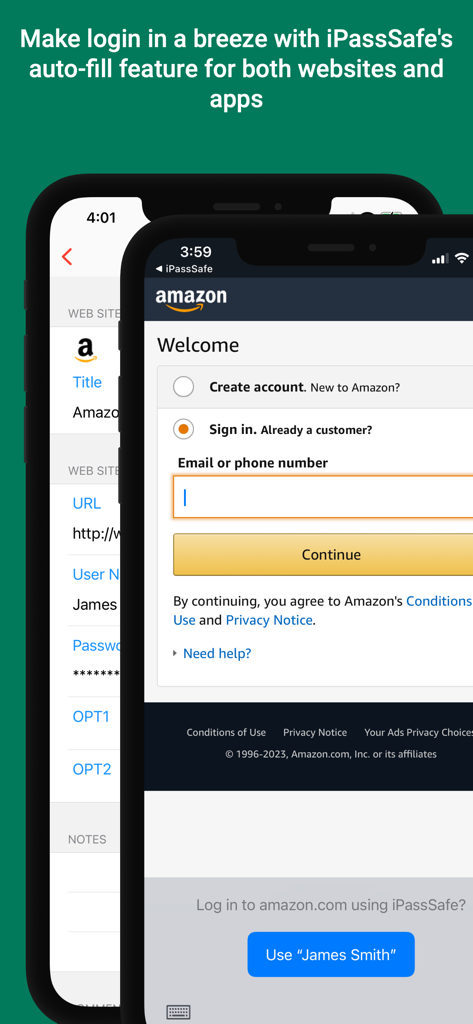
A smartphone screenshot showing iPassSafe autofilling login credentials on an Amazon sign in page.
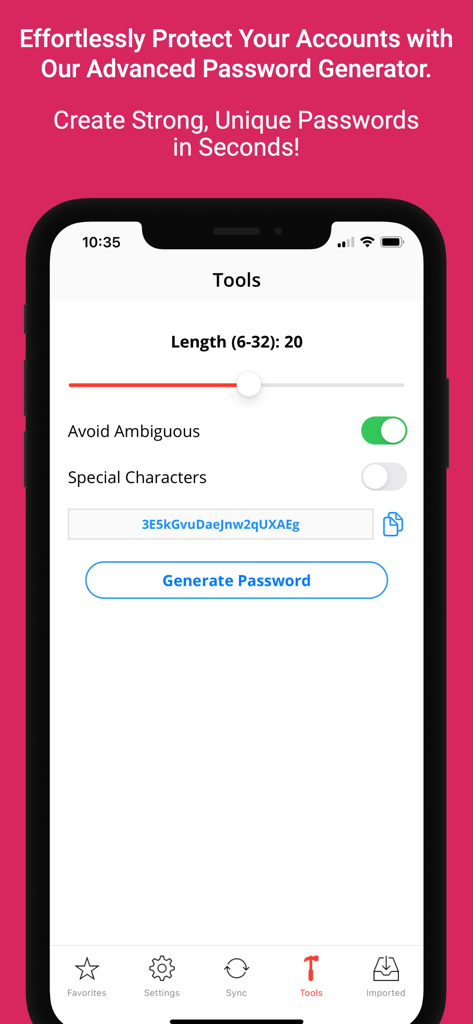
iPassSafe mobile app password generator interface with customizable security settings.
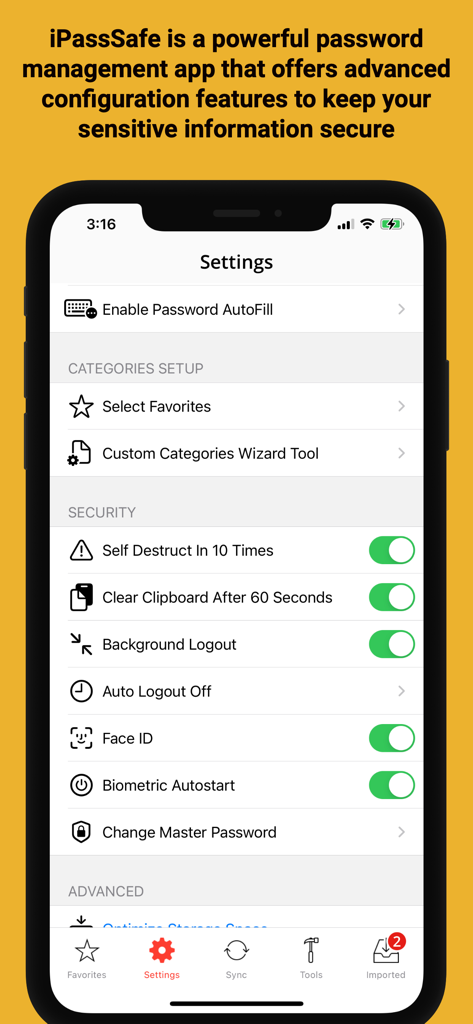
IPassSafe security settings menu showing Face ID and privacy options
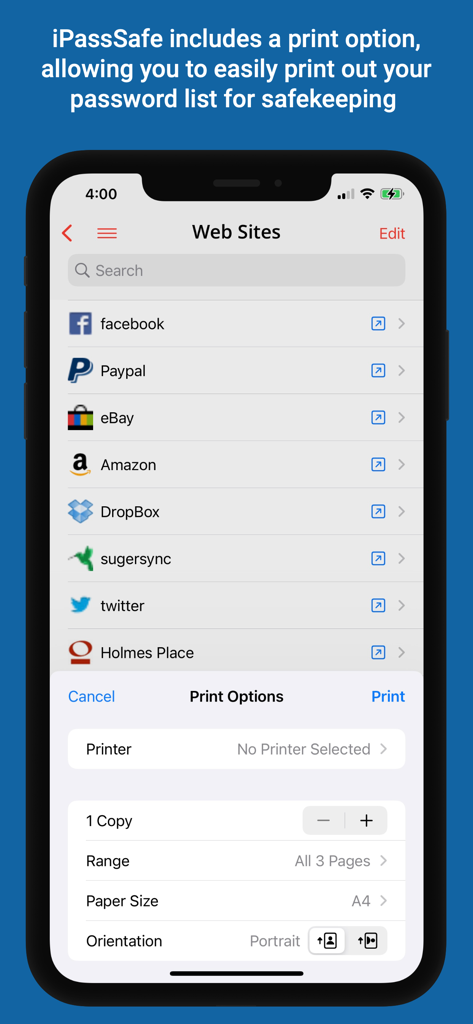
iPassSafe app showing print options for a website password list on iPhone
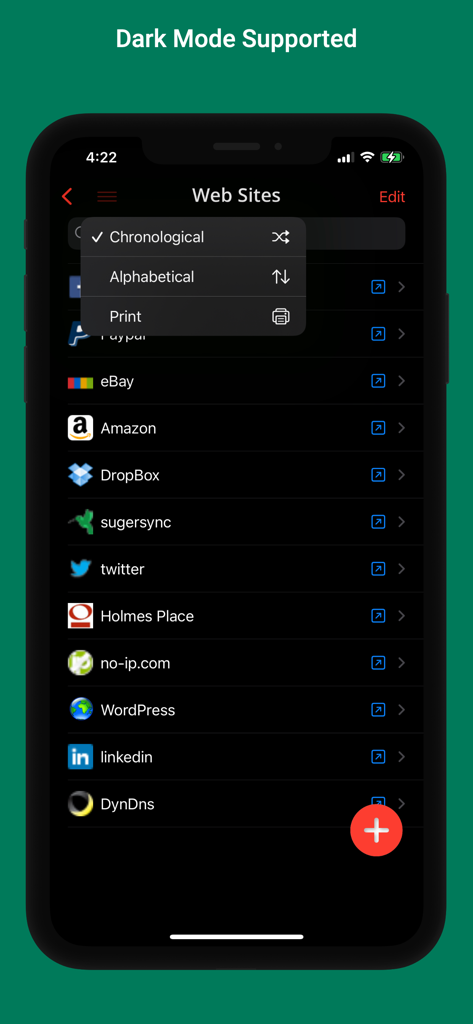
iPassSafe password manager interface in dark mode displaying a list of websites and sorting options.
Description
Download
More Like This
Top-ranked apps in the same category

ChatGPT
OpenAI OpCo, LLC

Google Gemini
Google LLC

Grok
X.AI Corporation

Gmail - Email by Google
Google LLC

千问 - 阿里最强大模型官方AI助手
Shanghai Zhixin Puhui Technology Co., Ltd.

Google Drive
Google LLC

Microsoft Authenticator
Microsoft Corporation

Google Sheets
Google LLC

Google Docs
Google LLC
This page is not an official page of the app or its developer, but an independent editorial publication created for informational and commentary purposes. Unless expressly stated otherwise, neither the app nor its developer is affiliated with, endorsed by, sponsored by, authorized by, or otherwise officially connected with MWM, Apple, Google Play, the app publisher, or the app's developer, and nothing on this page implies that the app was developed using MWM's services. Any trademarks, logos, screenshots, and other content remain the property of their respective owners.