
This page is not an official page of the app or its developer, but an independent editorial publication created for informational and commentary purposes. Unless expressly stated otherwise, neither the app nor its developer is affiliated with, endorsed by, sponsored by, authorized by, or otherwise officially connected with MWM, Apple, Google Play, the app publisher, or the app's developer, and nothing on this page implies that the app was developed using MWM's services. Any trademarks, logos, screenshots, and other content remain the property of their respective owners.

Pause - Video editor & Camera
The ultimate shortcut for TikTok and Reels creators. Capture seamless transitions with Ghost Mode and export 4K vlogs as a single, ready-to-share file without the hassle of post-edit merging.
Downloads
41K+User Rating
Total Ratings
100Publisher
Category
Photo & VideoLocales
1Latest Version
1.0.1Size
193.8 MBFirst Released
Nov 19, 2021Create Viral-Ready Content in Half the Time
Stop wasting hours merging clips in post-production. Capture, align, and edit your videos in real-time with pro-level tools designed for the modern creator.
Seamless Real-Time Editing
Record, pause, and resume to create one continuous 4K file. Skip the 'editing tax' and have your vlogs ready for TikTok and Reels the moment you finish filming.
Perfect Ghost Transitions
Use Target Mode to overlay your last frame. Effortlessly align your next shot for flawless jump cuts and outfit changes without the guesswork.
The following screenshots and description are sourced directly from the app's official store listing and are the property of the app developer.
App Store
Screenshots
Splash screen of the Pause app featuring its logo and the text Instant Video Editor and Maker
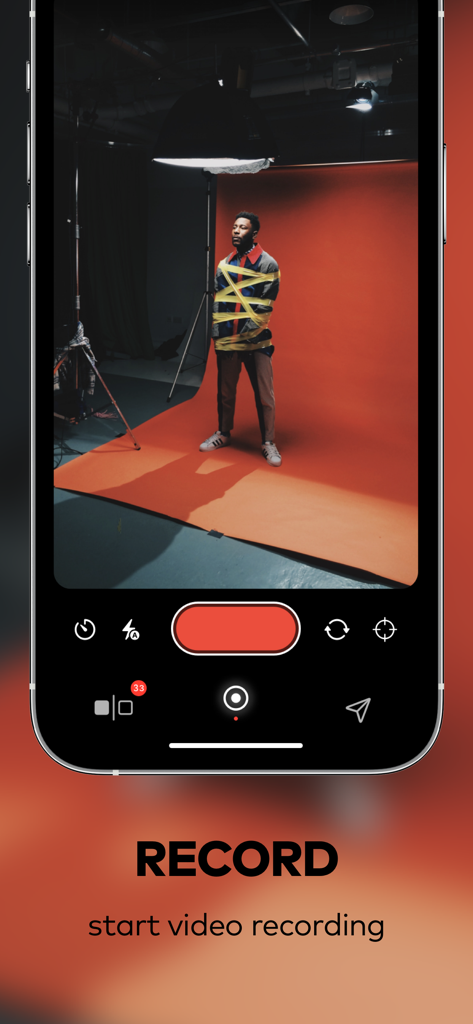
The recording interface of the Pause video editor app showing a professional video shoot in a studio.
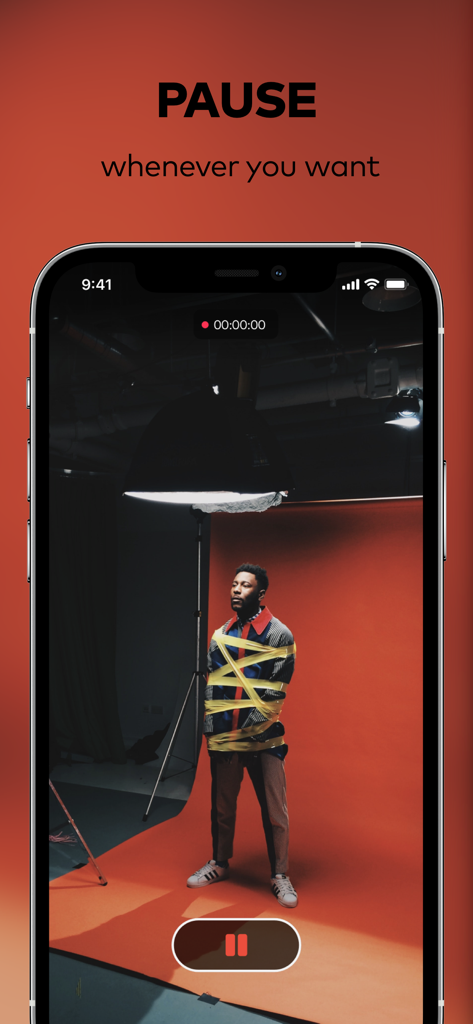
Pause app recording interface showing a video shoot with a pause button
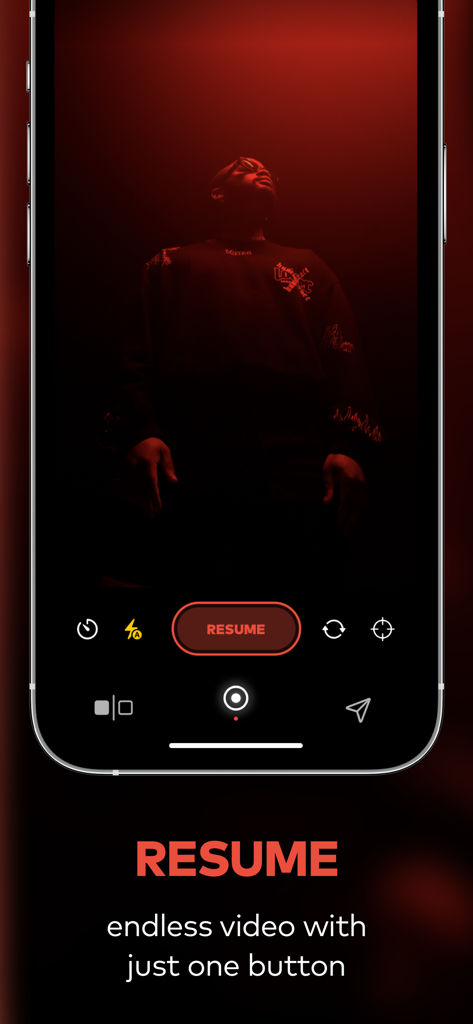
Pause video editor app interface showing the resume recording button on an iPhone screen
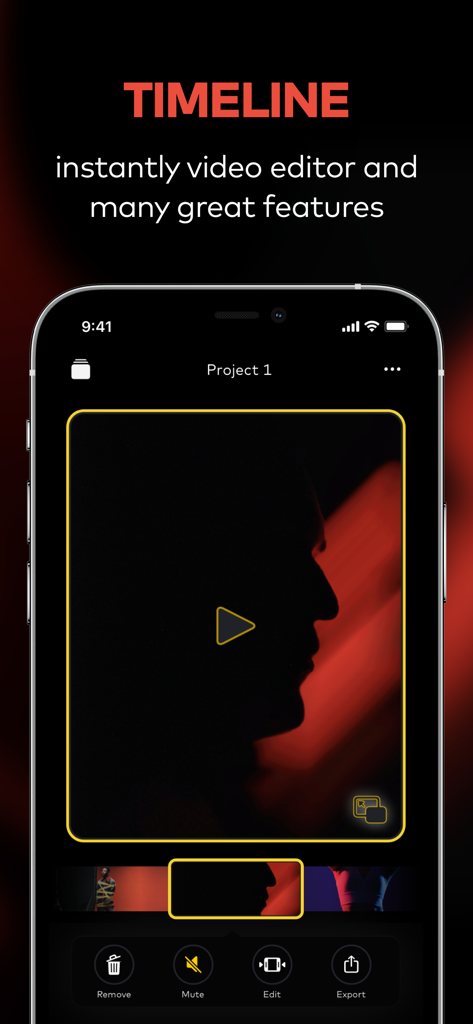
Mobile app interface of the Pause video editor showing the timeline screen with video preview and editing tools
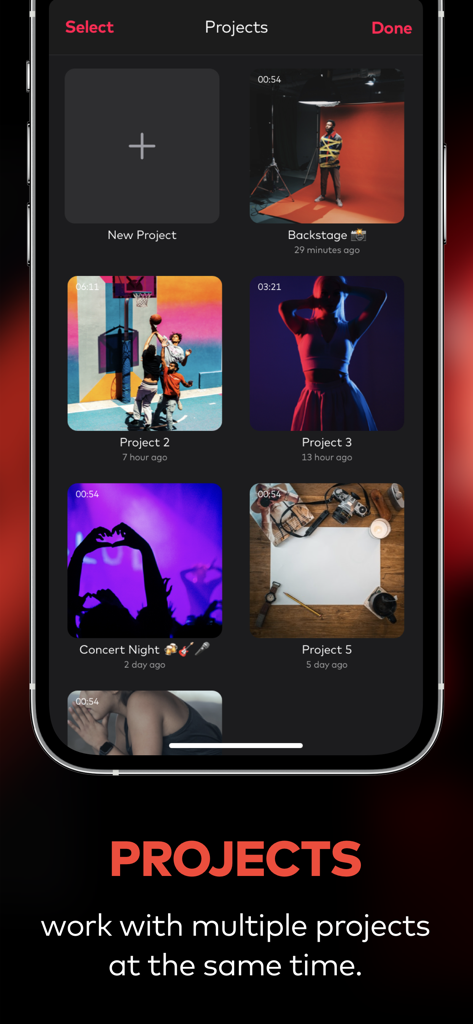
Interface of Pause video editor app showing a grid of multiple video projects
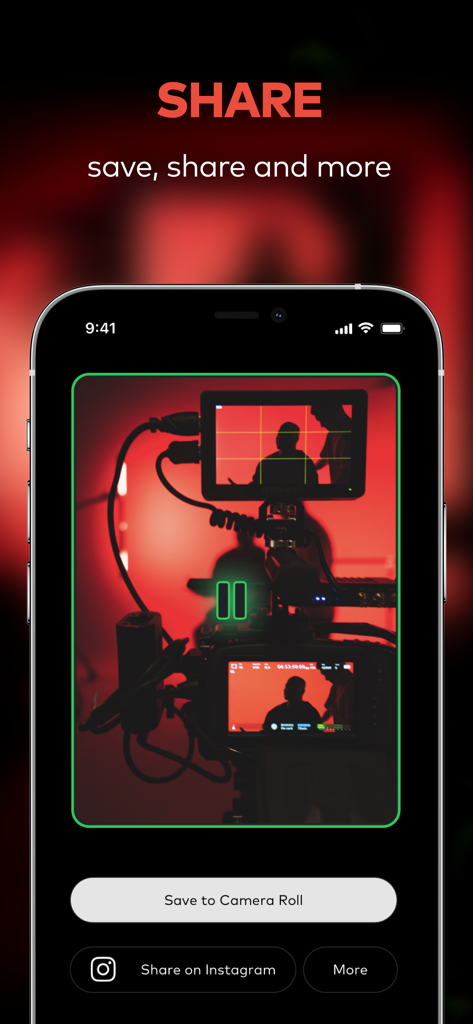
Pause video editor share screen with options to save to camera roll or share on Instagram
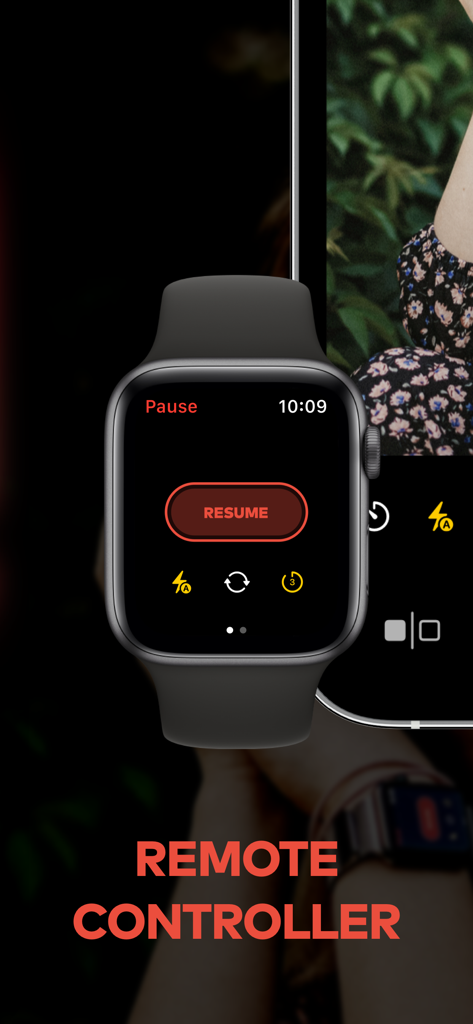
Apple Watch interface showing remote camera controls for the Pause app
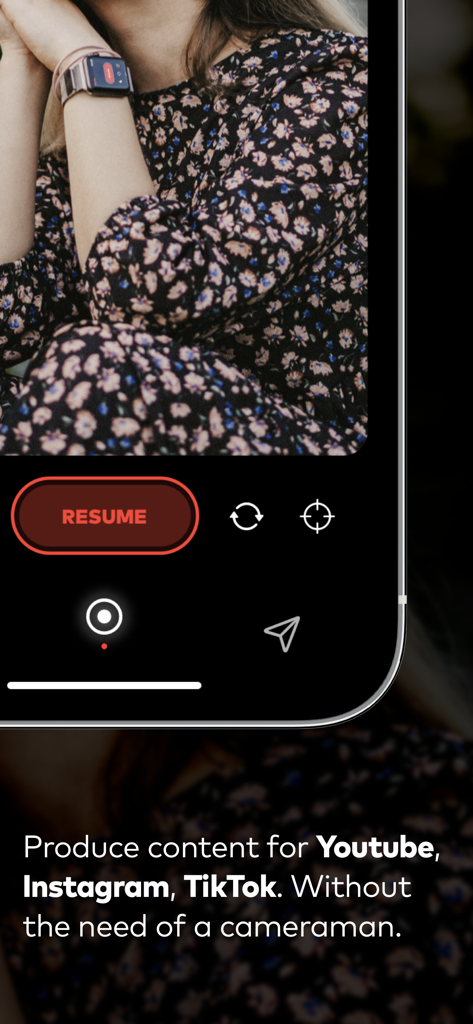
A creator using an Apple Watch to remotely control video recording on the Pause app
Description
Download
More Like This
Top-ranked apps in the same category

CapCut: Photo & Video Editor
BYTEDANCE PTE. LTD.

Instagram, Inc.

YouTube
Google LLC

Canva: AI Photo & Video Editor
Canva Pty Ltd

Snapchat
Snap, Inc.

快手
Beijing Kwai Technology Co., Ltd.

Edits: Video Editor
Instagram, Inc.

Meitu- AI Photo & Video Editor
Xiamen Meitu Technology Co., Ltd.

Google Photos: Backup & Edit
Google LLC
This page is not an official page of the app or its developer, but an independent editorial publication created for informational and commentary purposes. Unless expressly stated otherwise, neither the app nor its developer is affiliated with, endorsed by, sponsored by, authorized by, or otherwise officially connected with MWM, Apple, Google Play, the app publisher, or the app's developer, and nothing on this page implies that the app was developed using MWM's services. Any trademarks, logos, screenshots, and other content remain the property of their respective owners.