
This page is not an official page of the app or its developer, but an independent editorial publication created for informational and commentary purposes. Unless expressly stated otherwise, neither the app nor its developer is affiliated with, endorsed by, sponsored by, authorized by, or otherwise officially connected with MWM, Apple, Google Play, the app publisher, or the app's developer, and nothing on this page implies that the app was developed using MWM's services. Any trademarks, logos, screenshots, and other content remain the property of their respective owners.


PCalc
Master complex calculations with RPN mode, extensive unit conversions, and a fully customizable interface designed for professionals who demand precision.
Downloads
420K+User Rating
Total Ratings
3K+Publisher
Category
UtilitiesLocales
1Latest Version
3.14.3Size
81.2 MBFirst Released
Feb 8, 2019Engineered for Absolute Precision
PCalc is the ultimate power tool for scientists, engineers, and programmers who demand more than a basic calculator.
RPN & Multi-Line Power
Master complex equations with optional Reverse Polish Notation and a clear multi-line display for professional-grade accuracy.
Comprehensive Conversions
Instantly access a massive library of unit conversions and scientific constants, tailored for lab work and field engineering.
The following screenshots and description are sourced directly from the app's official store listing and are the property of the app developer.
App Store
Screenshots
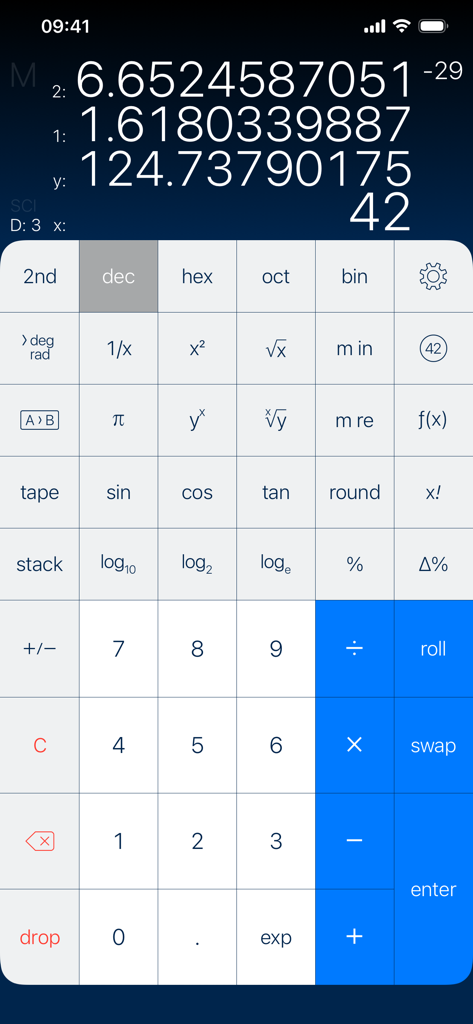
PCalc iOS app interface showing scientific calculator with RPN mode multi-line display and advanced mathematical functions
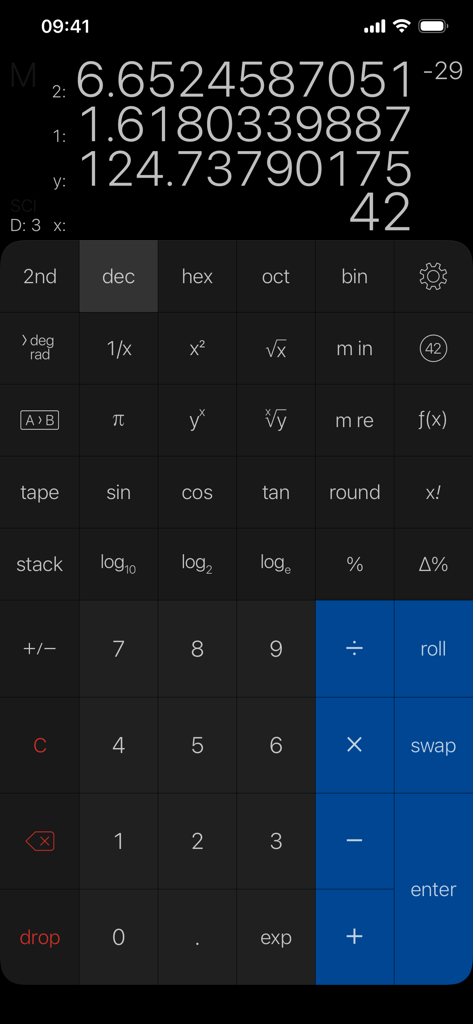
PCalc scientific calculator interface on iPhone showing RPN mode and multi-line display
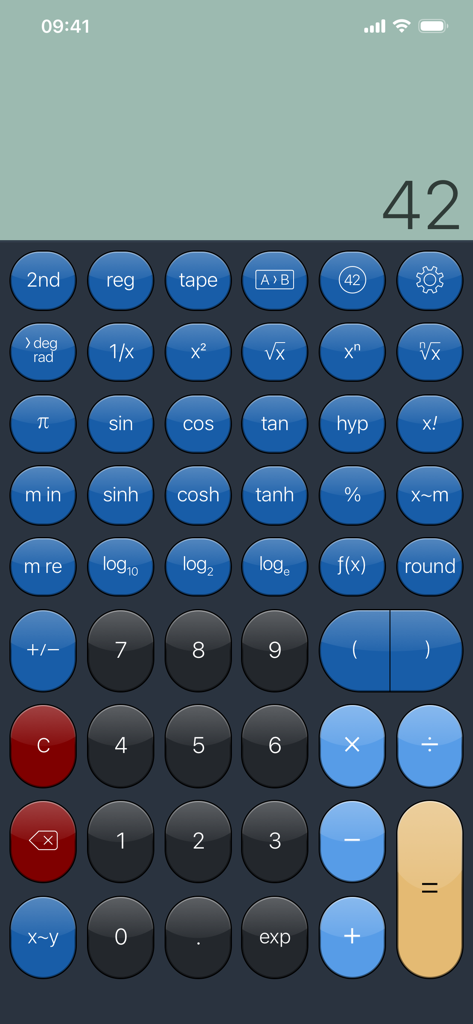
A full-screen view of the PCalc scientific calculator interface on an iPhone featuring various mathematical functions and a blue button theme.
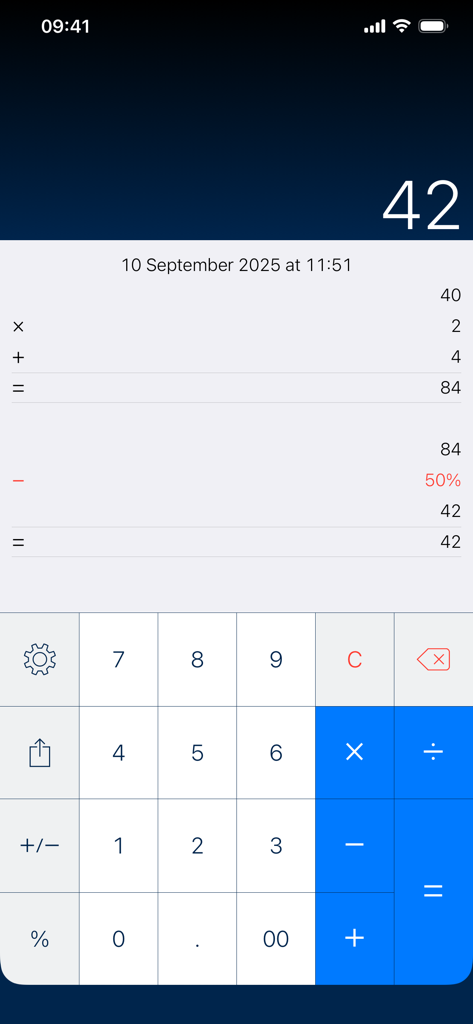
PCalc app interface displaying the paper tape feature with a history of calculations and final result
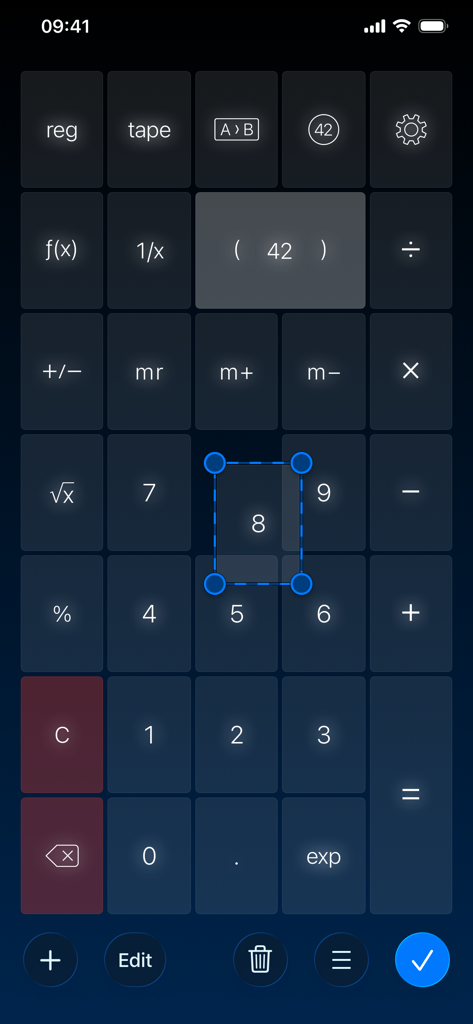
Interface of PCalc scientific calculator showing the custom button layout editor with a selected number button for resizing
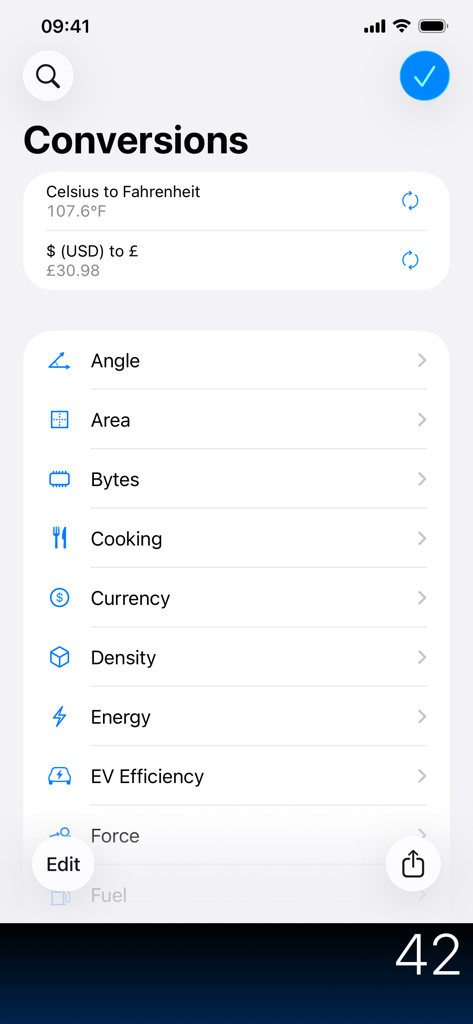
PCalc app conversions interface showing a list of unit categories like currency, area, and energy.
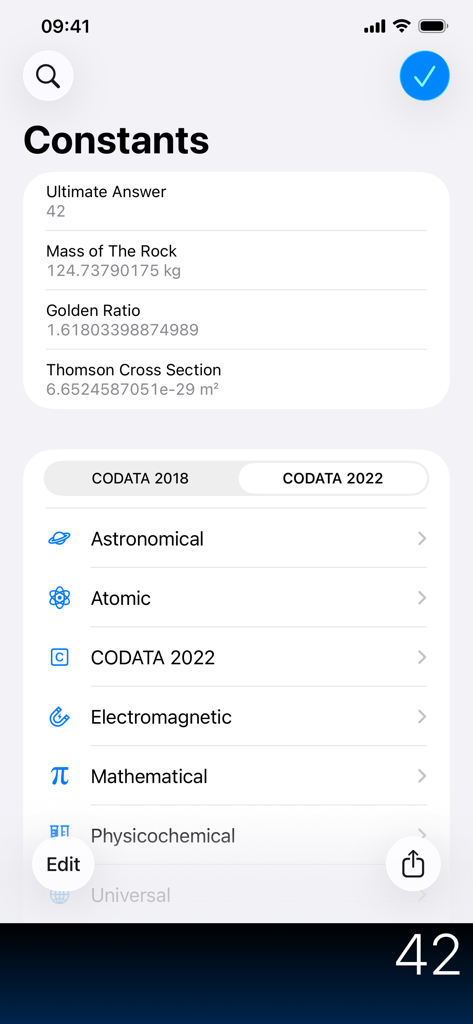
List of scientific and mathematical constants in the PCalc app.
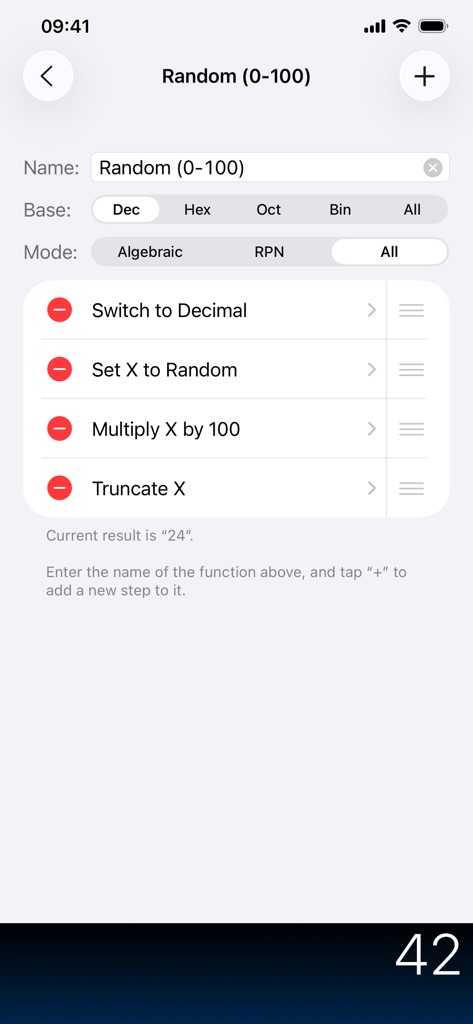
Interface for creating a custom function in PCalc with a list of calculation steps
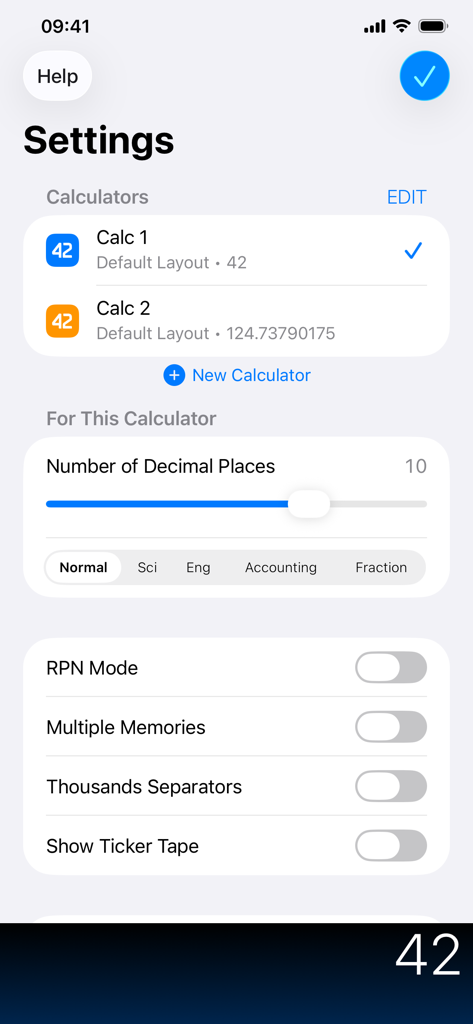
PCalc settings screen showing customization options for decimal places RPN mode and calculator layouts
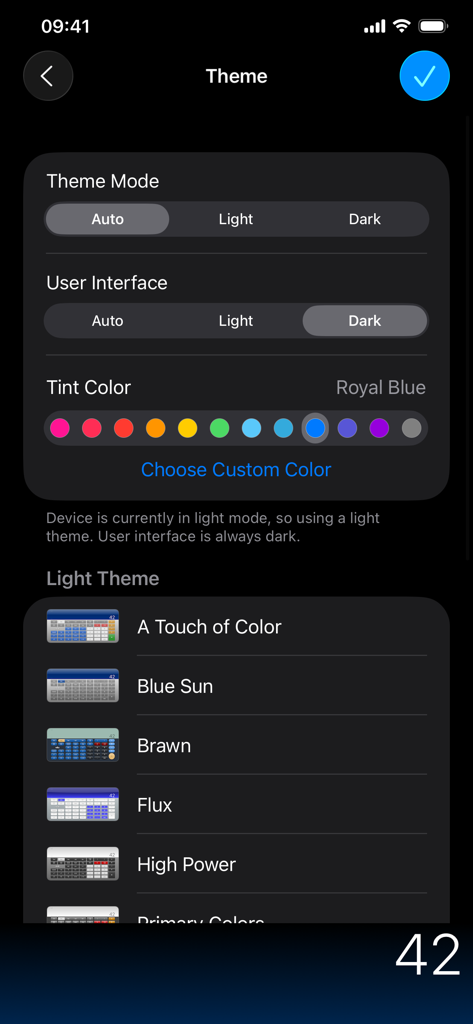
Theme settings in the PCalc app showing options for light or dark mode, tint colors, and various UI presets like Blue Sun and Brawn.
Description
Download
More Like This
Apps with similar features and user experience

Calculate84
Century Light LLC

Calculator ∞
An Truong

数字ּּ统量
振龙 张

Scientific Calculator fx-991
Dinh Phuc

Desmos Graphing Calculator
Desmos, Inc.
NCalc Scientific Calculator +
Tran Duy

HiPER Scientific Calculator
Jindrich Houska
Panecal Scientific Calculator
Noriyasu Kutsuzawa

Calculator #
An Truong
This page is not an official page of the app or its developer, but an independent editorial publication created for informational and commentary purposes. Unless expressly stated otherwise, neither the app nor its developer is affiliated with, endorsed by, sponsored by, authorized by, or otherwise officially connected with MWM, Apple, Google Play, the app publisher, or the app's developer, and nothing on this page implies that the app was developed using MWM's services. Any trademarks, logos, screenshots, and other content remain the property of their respective owners.