PDF Converter - Photo to PDF­

PDF Converter - Photo to PDF­

Download on App Store
Logo of PDF Converter - Photo to PDF­

PDF Converter - Photo to PDF: The Fastest Way to Digitize Your Workflow

Transform photos and files into high-quality PDFs 1000x faster than browser tools. Secure, professional batch conversion for busy students and freelancers.

Download on App Store

Publisher

CACAO MOBILE SP Z O O

Category

Utilities

Downloads

189K+

User Rating

4.7/5

Total Ratings

2K+

Locales

12

Efficiency in Action

Discover the interface used by 189K+ users.
Mobile screen of PDF Converter app showing options to convert files into various formats.

Mobile screen of PDF Converter app showing options to convert files into various formats.

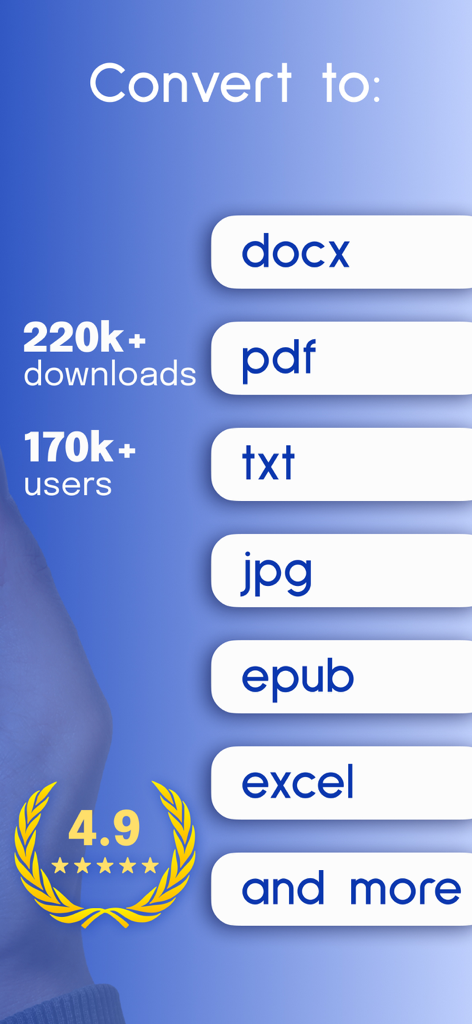
Interface of PDF Converter app showing various export formats like PDF DOCX and Excel with 4.9 rating

Interface of PDF Converter app showing various export formats like PDF DOCX and Excel with 4.9 rating

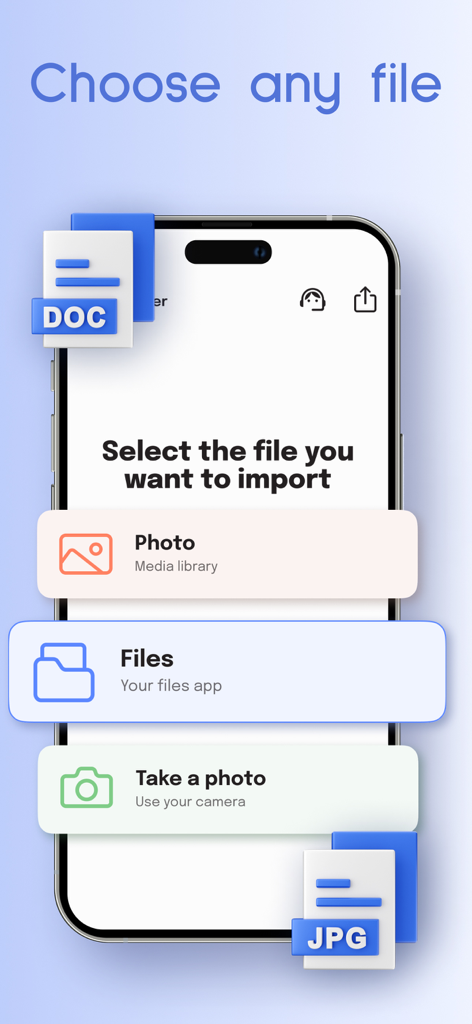
PDF converter interface showing options to import photos and files for conversion

PDF converter interface showing options to import photos and files for conversion

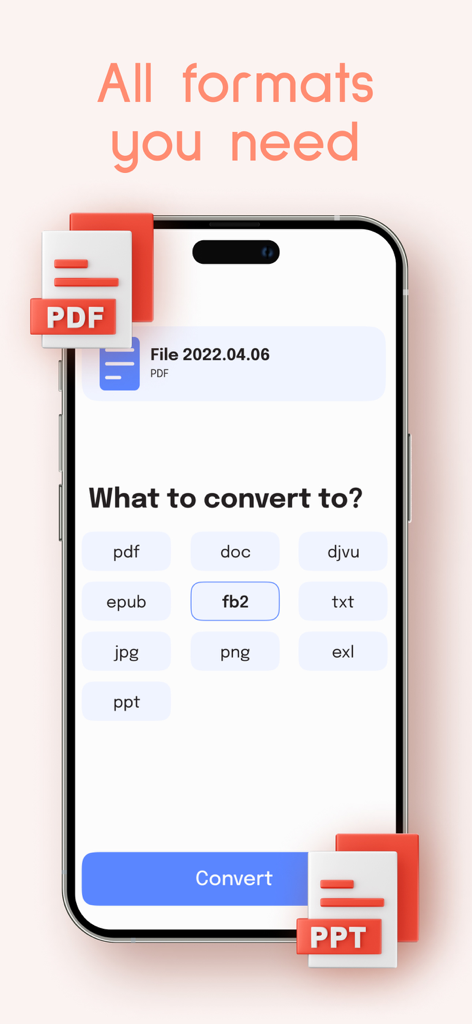
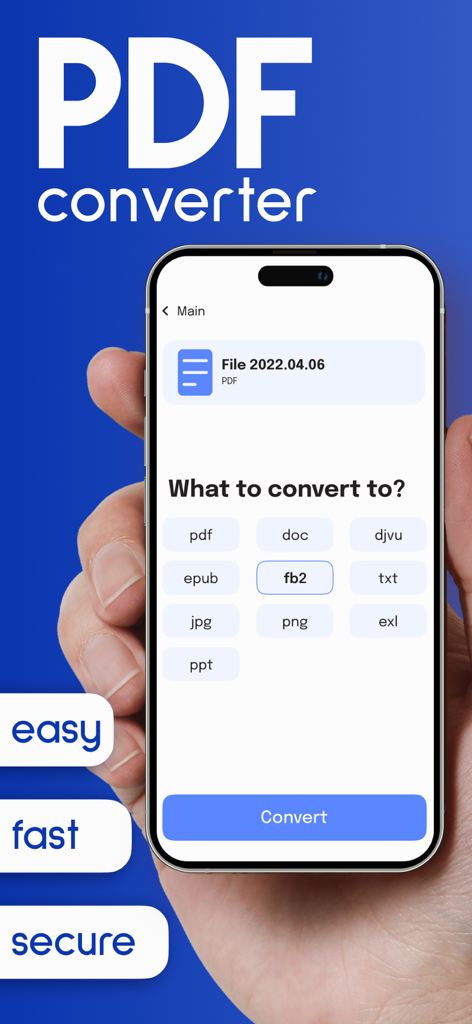
Screenshot of the PDF Converter app interface showing various file format options for conversion like PDF DOC and JPG

Screenshot of the PDF Converter app interface showing various file format options for conversion like PDF DOC and JPG

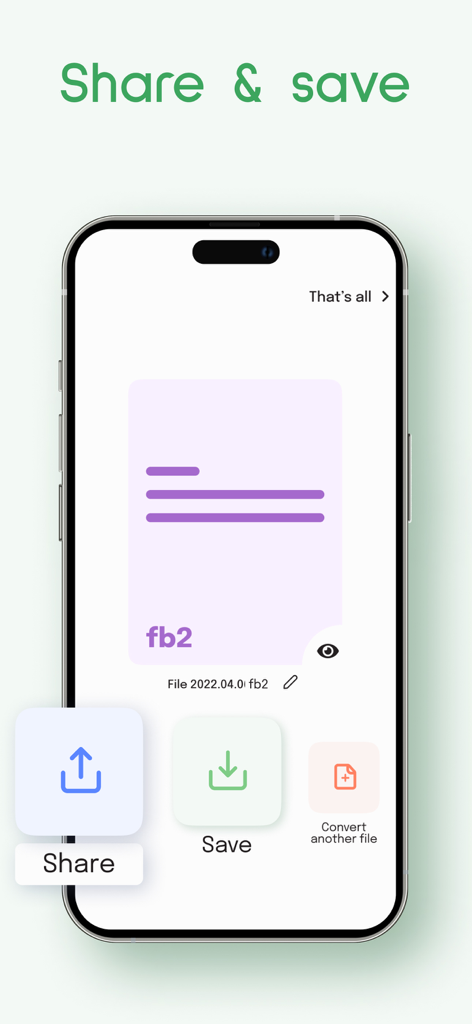
Screenshot of the PDF Converter app showing options to share or save a converted file

Screenshot of the PDF Converter app showing options to share or save a converted file

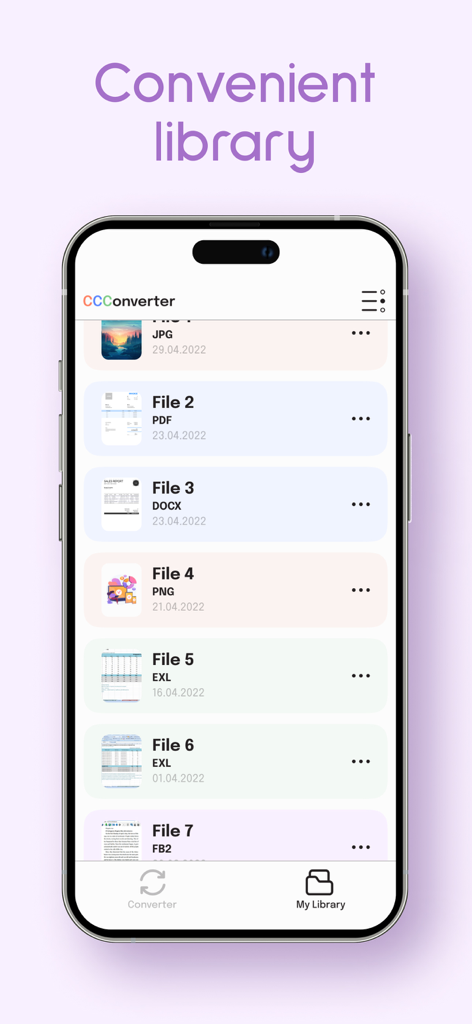
The file library screen of the PDF Converter app displaying a list of converted documents in different formats on an iPhone.

The file library screen of the PDF Converter app displaying a list of converted documents in different formats on an iPhone.

Master Your Documents in Seconds

The tools that make this app stand out, trusted by 189K+ users.

Batch Convert with Speed

Transform dozens of images into a single, professional PDF instantly. Skip the slow browser tools and hit your deadlines with ease.

🔒

Bank-Grade Privacy

Keep your sensitive contracts and private documents secure. Your data is protected with advanced encryption every step of the way.

📱

Optimized for Mobile

A seamless experience across iPhone and iPad. Organize your library and manage high-quality conversions wherever your work takes you.

About the app

Everything you need to know about PDF Converter - Photo to PDF­.

Description

You've just wasted hours on converting and formatting? PDF Converter makes it fast with advance features, like batch conversion. It saves you time and energy by converting any documents to the formats you need. Images, word documents, presentations, it doesn't matter - we can handle them all. You have deadlines, assignments, or business meetings? PDF Converter magically converts all your docs into a clean, digital file of every format, over 1000 times faster than a browser-based converter, has easy navigation and convenient library for all of your files. No more chasing lost tail! We also have cared about security of your data, all files and docs secure! Download PDF Converter, and convert all your files fast and easily...Let yourself be more productive today. PDF Converter offers an auto-renewing 7 days trial with subscription at $4.99/week to provide you with access to app features! Terms of use: https://pdfconverter.design/termsofuse Privacy policy https://pdfconverter.design/privacy

Latest Version

1.0.78

Size

159.0 MB

First Released

Sep 22, 2022

Stop Wasting Time on Document Formatting

Join over 189,000 professionals and students. Start your 7-day trial today to experience secure, lightning-fast batch conversion right from your pocket.

Download on App Store

App information, icons, screenshots, and descriptions displayed on this page are sourced from the Apple App Store and are the property of their respective developers. Download estimates and rankings are based on MWM's proprietary models and may not reflect actual figures. This page is provided for informational and analytical purposes only.

Believe this page infringes your intellectual property? File a dispute