PDF converter: Text to PDF

PDF converter: Text to PDF

Download on App Store
Logo of PDF converter: Text to PDF

PDF converter: Text to PDF: Professional Documents in Seconds

Instantly transform photos, clipboard text, and media into organized PDFs. Merge, rotate, and manage your files on the go with the ultimate mobile productivity tool.

Download on App Store

Publisher

Hunter Nelson

Category

Utilities

Downloads

15K+

User Rating

3.9/5

Total Ratings

0

Locales

1

Your Workflow, Visualized

Discover the interface used by 15K+ users.
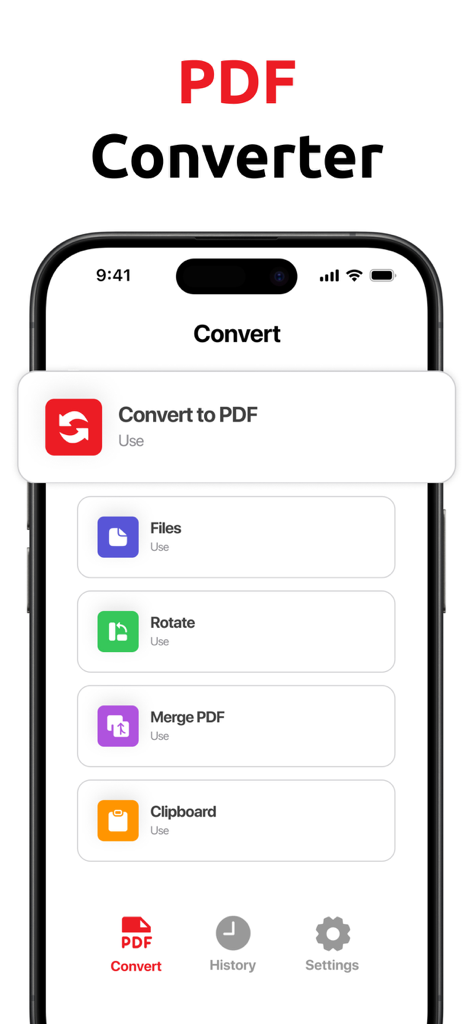
Interface of the PDF converter app featuring options for file conversion, page rotation, and document merging.

Interface of the PDF converter app featuring options for file conversion, page rotation, and document merging.

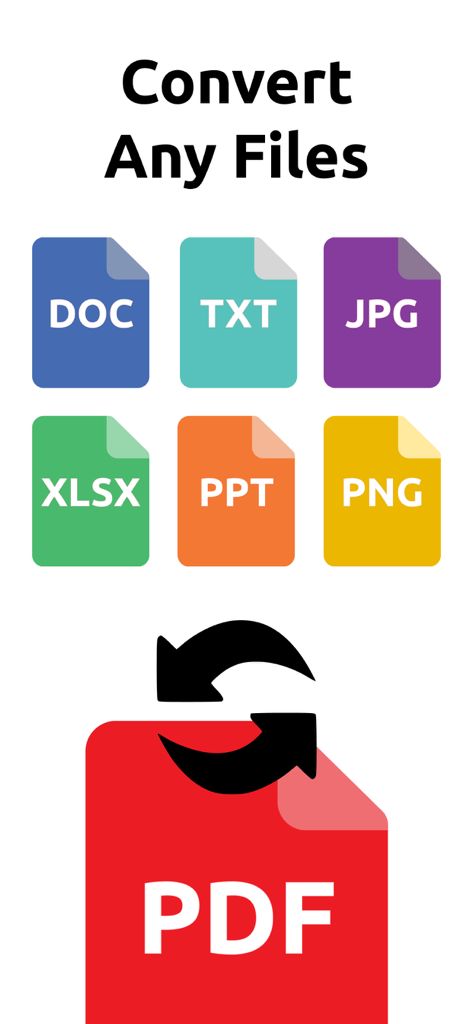
Infographic showing various file formats like DOC TXT JPG and PNG being converted into a PDF document

Infographic showing various file formats like DOC TXT JPG and PNG being converted into a PDF document

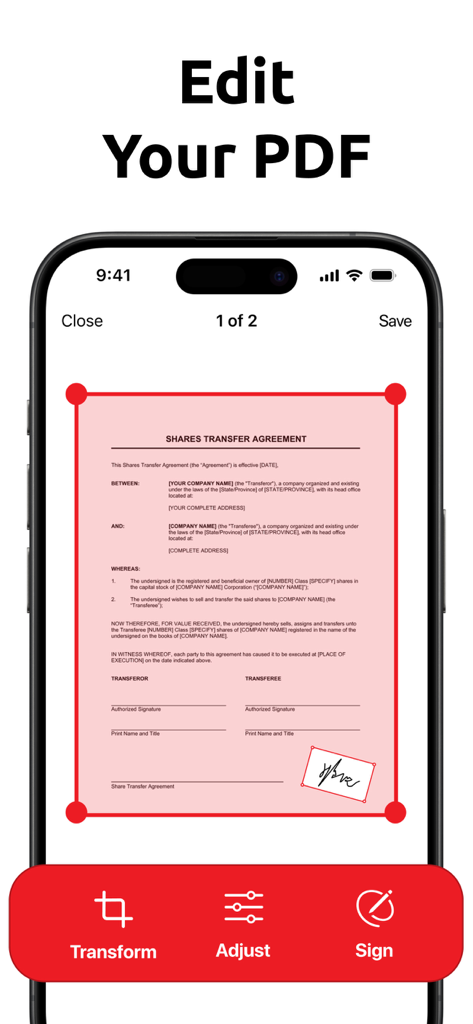
Mobile app interface for editing and signing a PDF shares transfer agreement document with transform and adjust tools

Mobile app interface for editing and signing a PDF shares transfer agreement document with transform and adjust tools

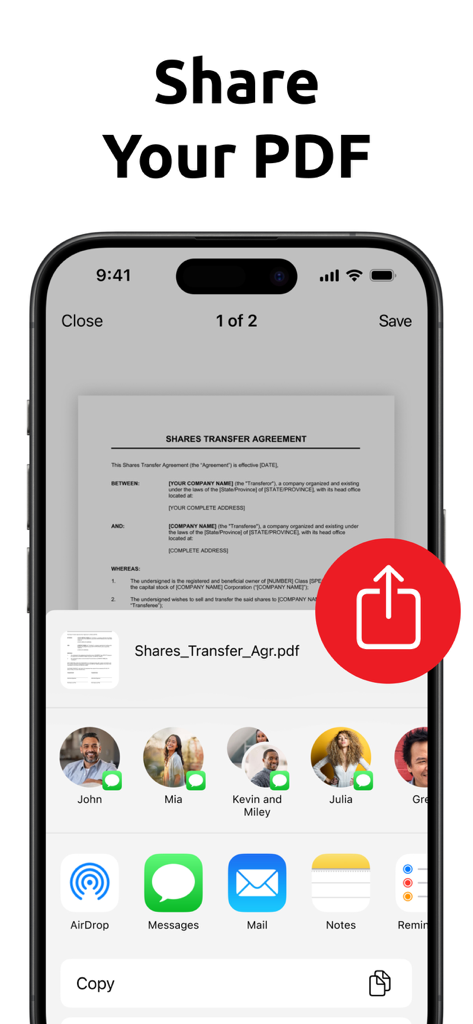
An iPhone screen showing the share menu for a PDF document titled Shares Transfer Agreement.

An iPhone screen showing the share menu for a PDF document titled Shares Transfer Agreement.

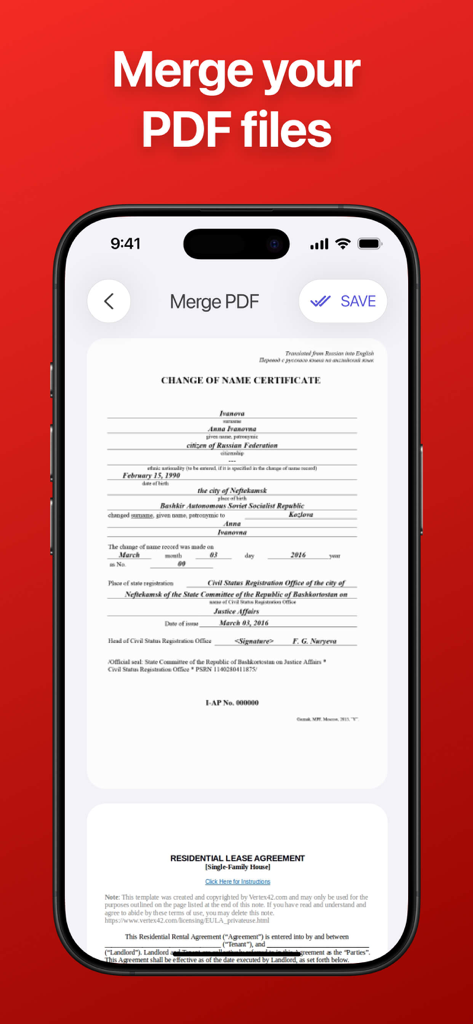
A mobile interface showing the merge PDF files feature with document previews

A mobile interface showing the merge PDF files feature with document previews

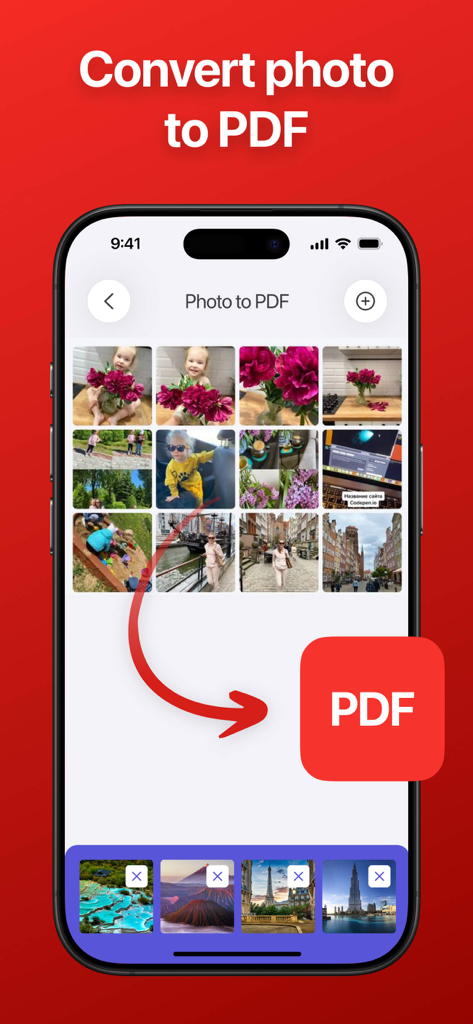
iPhone app interface showing the photo gallery selection for converting multiple images into a PDF document

iPhone app interface showing the photo gallery selection for converting multiple images into a PDF document

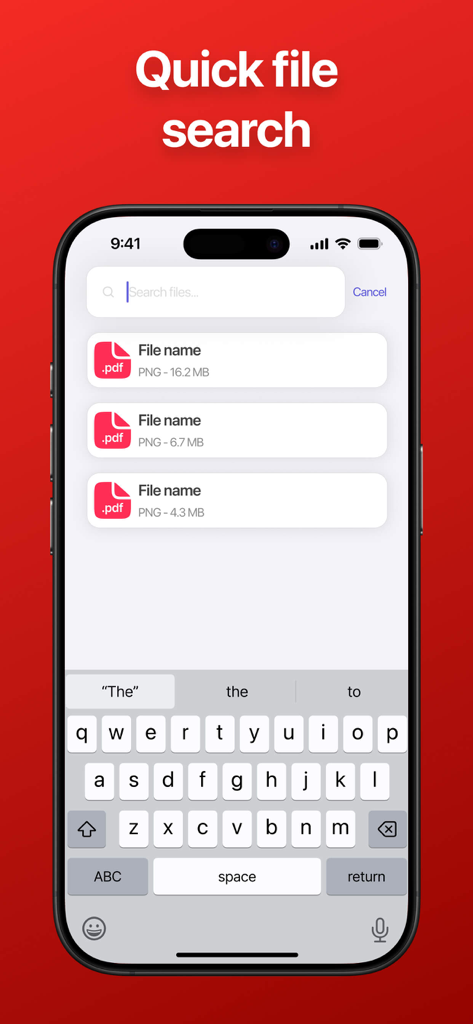
Quick file search interface in the PDF converter app showing a list of documents and a mobile keyboard on an iPhone screen.

Quick file search interface in the PDF converter app showing a list of documents and a mobile keyboard on an iPhone screen.

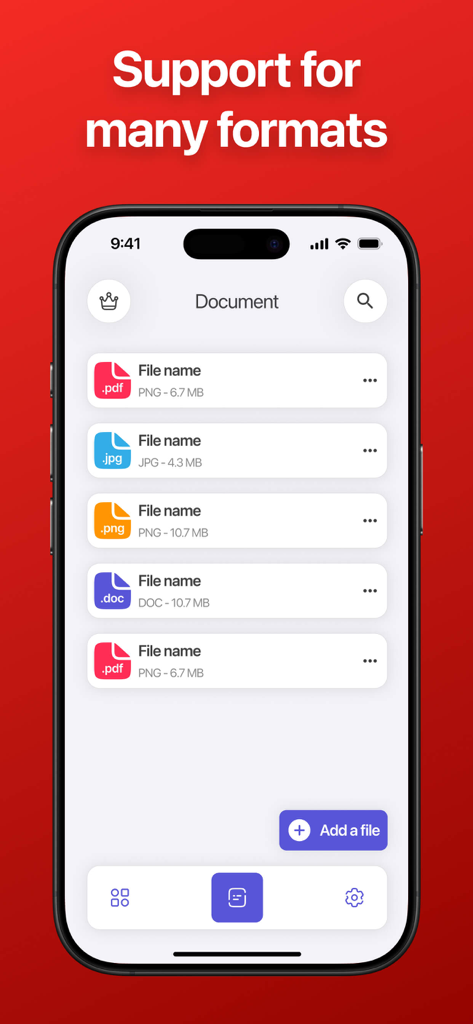
iPhone screen showing support for PDF JPG PNG and DOC file formats in the PDF converter app

iPhone screen showing support for PDF JPG PNG and DOC file formats in the PDF converter app

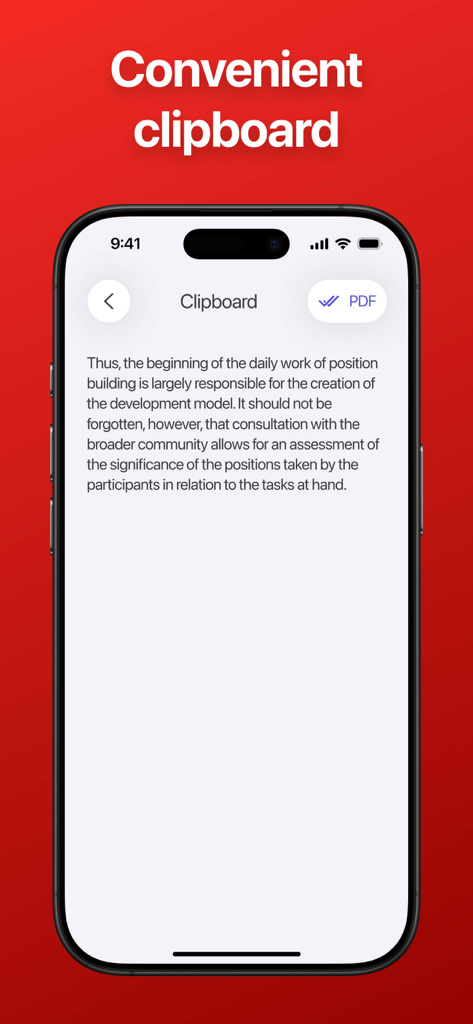
A mobile app interface showing a clipboard with text and a button to convert it into a PDF file

A mobile app interface showing a clipboard with text and a button to convert it into a PDF file

Settings screen of the PDF converter app showing menu options for support contact and privacy policy

Settings screen of the PDF converter app showing menu options for support contact and privacy policy

Transform Your Mobile Workflow

The tools that make this app stand out, trusted by 15K+ users.

📋

Instant Text Conversion

Paste text directly from your clipboard or notes to create polished, shareable PDF files with just one tap.

📸

Smart Image Merging

Combine multiple photos, receipts, or screenshots into a single organized document—perfect for field reports.

📂

Pro-Level Organization

Rotate pages and assign custom names to your files immediately, keeping your digital workspace clutter-free.

About the app

Everything you need to know about PDF converter: Text to PDF.

Description

PDF Converter is a practical document management application that allows you to open media files and photos saved on your phone and convert them to PDF format. The application offers the functions of rotating files and combining several documents into one PDF, which simplifies the organization of materials. Users can paste text from the clipboard and then convert it to a PDF document. You can assign a name to each file, which helps you effectively manage materials and quickly find the necessary documents by name. PDF Converter makes the process of working with PDF files convenient and intuitive. This application contains auto-renewable subscriptions Weekly: $4.99 Monthly: $12.99 Yearly: $39.99 Privacy Policy Link: https://docs.google.com/document/d/14SaTS2JzQhmMgg0wmJiBmb6EgmcibTKJ6PI-QSbIxWo/edit?usp=sharing Terms of Use Link: https://www.apple.com/legal/internet-services/itunes/dev/stdeula/

Latest Version

1.7.4

Size

12.6 MB

First Released

Nov 11, 2024

Ready to Professionalize Your Mobile Workflow?

Join over 15,000 users who effortlessly convert photos, notes, and clipboard text into polished PDF documents. Download now and start organizing your files in seconds.

Download on App Store

App information, icons, screenshots, and descriptions displayed on this page are sourced from the Apple App Store and are the property of their respective developers. Download estimates and rankings are based on MWM's proprietary models and may not reflect actual figures. This page is provided for informational and analytical purposes only.

Believe this page infringes your intellectual property? File a dispute