PDF Converter: Word to PDF!

PDF Converter: Word to PDF!

Download on App Store
Logo of PDF Converter: Word to PDF!

PDF Converter: Word to PDF! Your All-in-One Professional Document Hub

Instantly convert Word, Excel, and photos into high-quality PDFs. Sign, edit, and share documents on the go with the ultimate mobile office tool.

Download on App Store

Publisher

Abaid Ullah Javeed Tariq Javeed

Category

Utilities

Downloads

36K+

User Rating

4.7/5

Total Ratings

200

Locales

27

Your Pocket-Sized Office

Discover the interface used by 36K+ users.
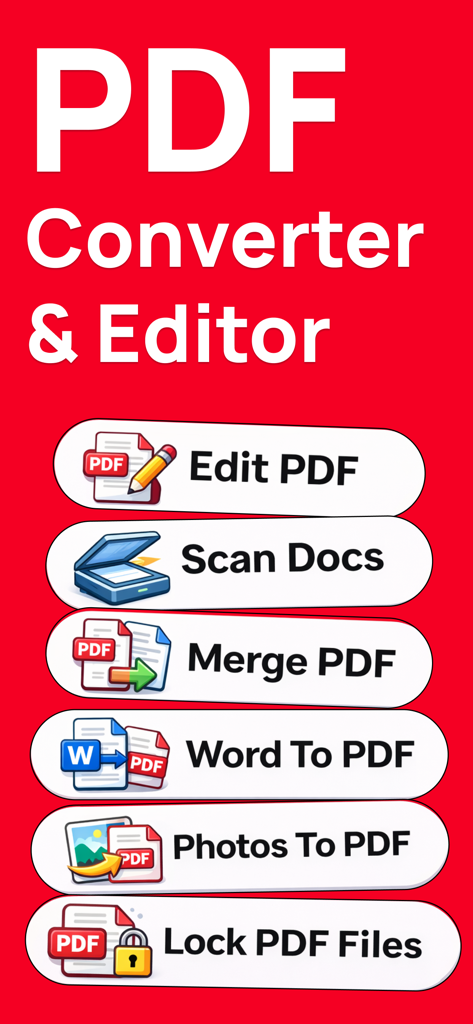
PDF converter app display showing features like edit scan merge and convert to PDF

PDF converter app display showing features like edit scan merge and convert to PDF

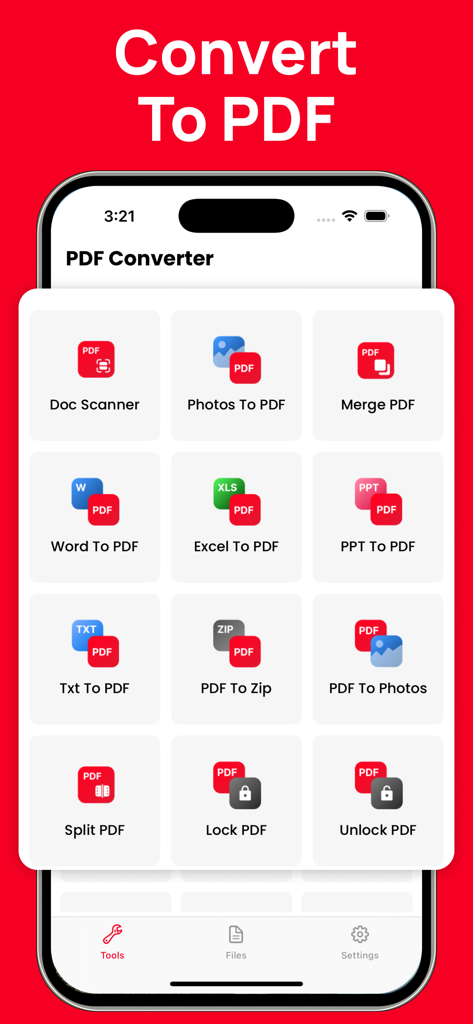
Mobile app screen showing various PDF tools including Doc Scanner Word to PDF and Merge PDF

Mobile app screen showing various PDF tools including Doc Scanner Word to PDF and Merge PDF

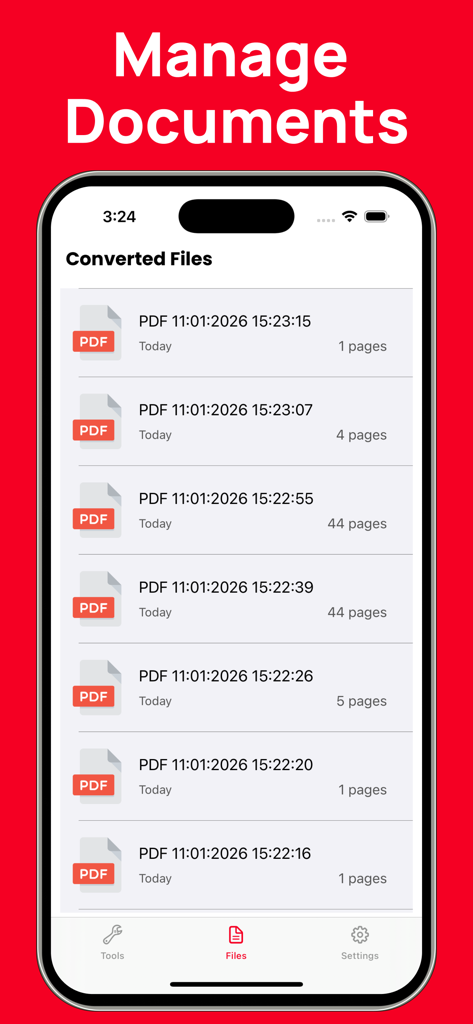
Mobile app interface displaying a list of converted PDF documents in the file manager section

Mobile app interface displaying a list of converted PDF documents in the file manager section

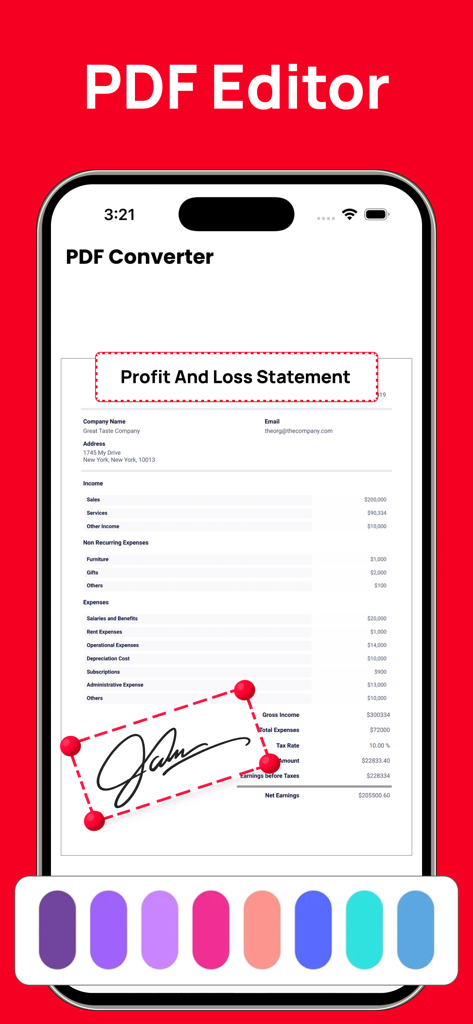
PDF editor interface showing an electronic signature being added to a profit and loss statement on an iPhone.

PDF editor interface showing an electronic signature being added to a profit and loss statement on an iPhone.

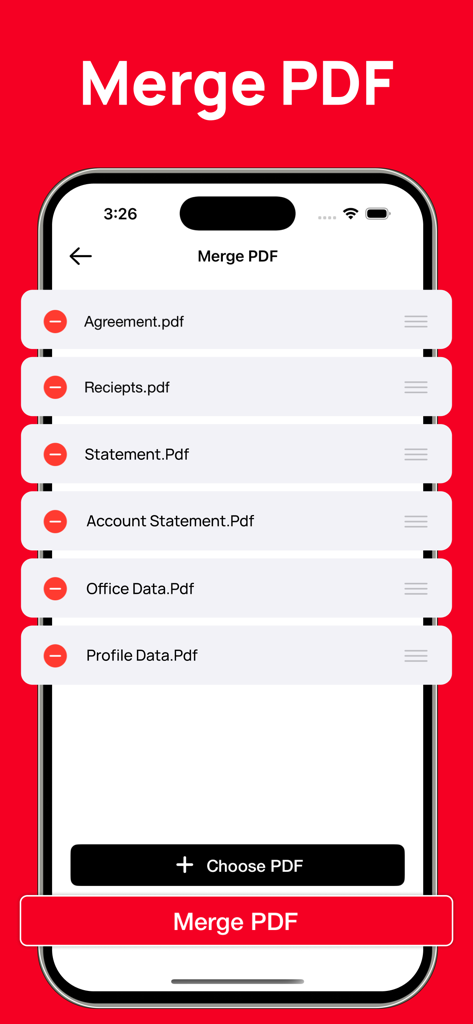
Interface showing how to merge multiple PDF files on a mobile device

Interface showing how to merge multiple PDF files on a mobile device

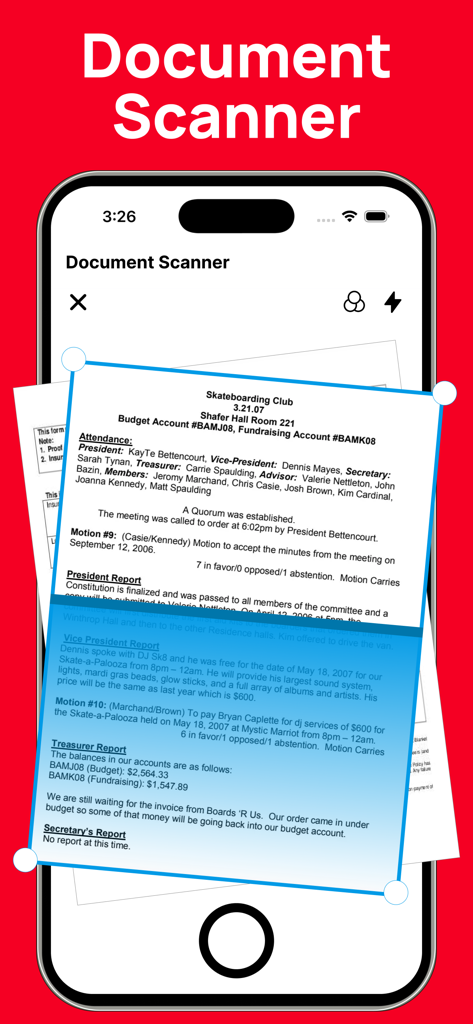
Smartphone screen showing a document scanner tool for digitizing paper files into PDF

Smartphone screen showing a document scanner tool for digitizing paper files into PDF

Master Your Documents on the Go

The tools that make this app stand out, trusted by 36K+ users.

🔄

Instant, Flawless Conversion

Convert Word, Excel, PPT, and Photos to PDF without losing layout or quality. Ensure your documents look perfect on any device every single time.

✍️

Sign & Approve in Seconds

No printer? No problem. Add your professional electronic signature to contracts, leases, and tax forms directly with your finger for instant turnaround.

📂

Complete PDF Toolbox

Merge multiple receipts, split large reports, or scan physical paperwork into digital files. Everything you need to manage your business from your pocket.

About the app

Everything you need to know about PDF Converter: Word to PDF!.

Description

PDF Converter & PDF Tools is a simple and powerful solution for creating, converting, and managing PDF documents. It makes it easy to convert files from Word, Excel, PowerPoint, images, and more into high-quality PDF format—all in one place. PDF Converter allows you to easily create professional-quality PDF files from a wide range of formats. You can convert documents such as Word (DOC, DOCX), PowerPoint (PPT, PPTX), Excel files, and images including JPG and photos into PDF with just a few taps. The app also lets you create PDFs directly from other apps, making it fast and convenient to save, share, or archive your documents. All conversions are processed with high accuracy to preserve the original layout, formatting, and content quality. With PDF Converter, you can quickly find, create, convert, scan, merge, split, edit, share, and save your PDF documents anytime, anywhere. Key Features PDF Converter - Create PDFs directly from other apps - Convert documents such as DOC, DOCX, PPT, PPTX, Word files, photos, JPG, and more into PDF - Fast and reliable conversion with high output quality PDF Editor - Open and read PDF documents easily - Edit PDFs with essential tools - Add electronic signatures to documents for quick approval and signing File Manager - Organize and manage your saved PDF files - Delete unwanted files or share documents with other devices and apps - Easy access to all your converted and saved PDFs If you have any questions, feedback, or suggestions, please contact us via our support email. We’re always happy to help. Subscription Information Payment will be charged to your iTunes account at the time of purchase confirmation. Subscriptions automatically renew unless auto-renewal is turned off at least 24 hours before the end of the current subscription period. Your account will be charged for renewal within 24 hours prior to the end of the current subscription period. The renewal cost will be the same as the original subscription price. You can manage your subscriptions and disable auto-renewal at any time by going to your Account Settings on the App Store after purchase. Privacy Policy: https://sites.google.com/view/watchfacesassist/privacy-policy Terms & Conditions: https://sites.google.com/view/watchfacesassist/terms-conditions

Latest Version

2.1

Size

16.4 MB

First Released

Sep 20, 2021

Ready to Simplify Your Workflow?

Join over 36,000 professionals and students who convert, sign, and manage documents in seconds. Get your all-in-one PDF powerhouse on iPhone and iPad today.

Download on App Store

App information, icons, screenshots, and descriptions displayed on this page are sourced from the Apple App Store and are the property of their respective developers. Download estimates and rankings are based on MWM's proprietary models and may not reflect actual figures. This page is provided for informational and analytical purposes only.

Believe this page infringes your intellectual property? File a dispute