
This page is not an official page of the app or its developer, but an independent editorial publication created for informational and commentary purposes. Unless expressly stated otherwise, neither the app nor its developer is affiliated with, endorsed by, sponsored by, authorized by, or otherwise officially connected with MWM, Apple, Google Play, the app publisher, or the app's developer, and nothing on this page implies that the app was developed using MWM's services. Any trademarks, logos, screenshots, and other content remain the property of their respective owners.
PDF Editor: Scan & Sign Doc
Turn your iPhone into a powerful mobile office. Scan contracts, add your signature, and convert photos to PDF in seconds—no printer or bulky software required.
Downloads
0User Rating
Total Ratings
0Publisher
Category
ProductivityLocales
1Latest Version
1.0Size
15.4 MBFirst Released
Mar 9, 2026The Power of a Desktop Scanner in Your Pocket
Stop hunting for a printer. Scan, sign, and send professional documents in seconds, designed specifically for the mobile professional on the move.
Smart Crystal-Clear Scanning
Automatically detect edges and enhance quality for professional-grade PDFs of contracts, receipts, and IDs with one tap.
Secure Digital Signing
Close deals instantly by adding your signature to any document directly from your iPhone. No printing or scanning required.
The following screenshots and description are sourced directly from the app's official store listing and are the property of the app developer.
App Store
Screenshots
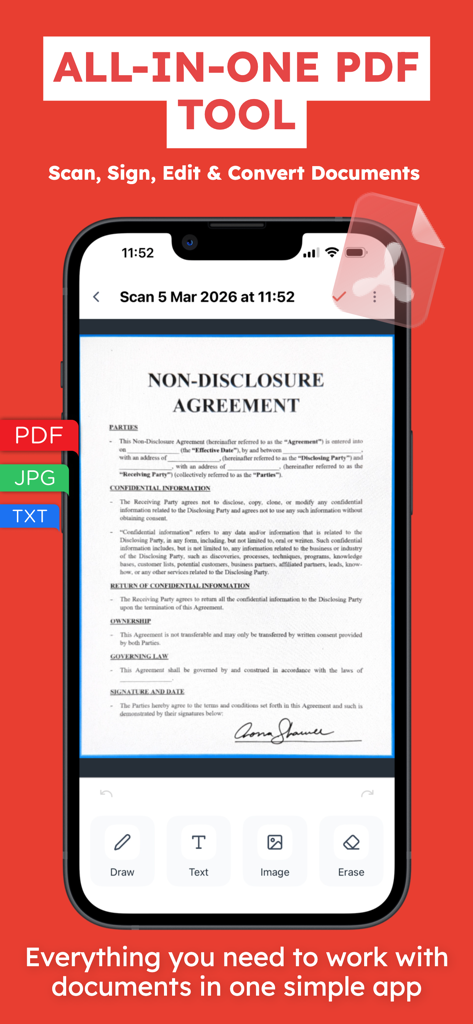
iPhone screen showing a signed non disclosure agreement document in the PDF Editor app
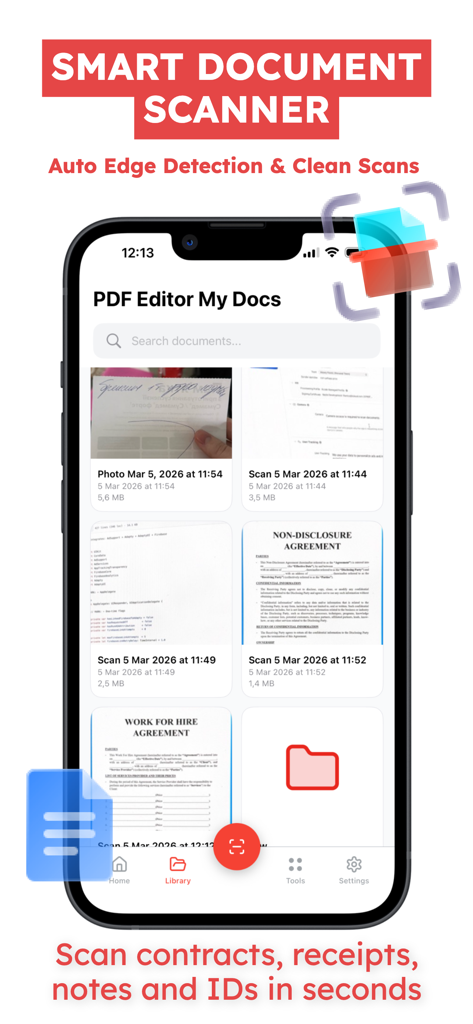
Smartphone screen displaying the library of a smart document scanner app with various scanned contracts
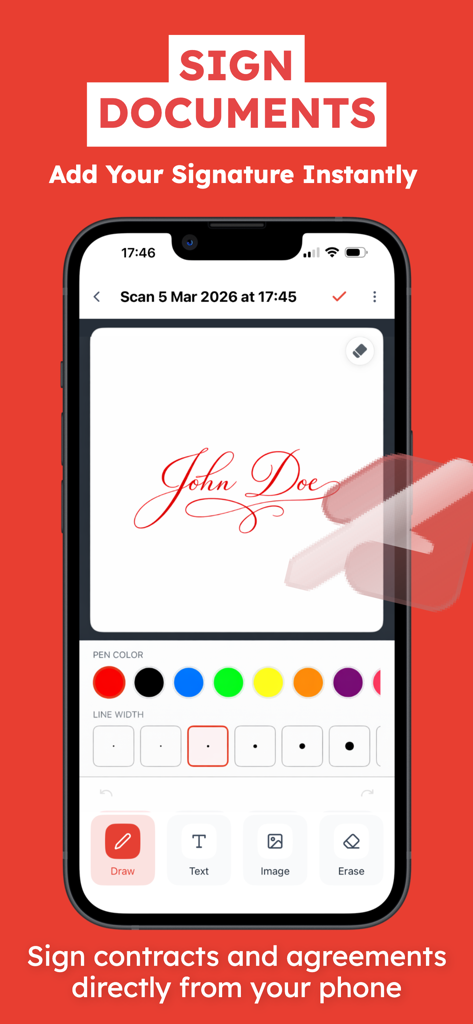
A mobile screen showing the signature feature of the PDF Editor app with pen color and line width settings.
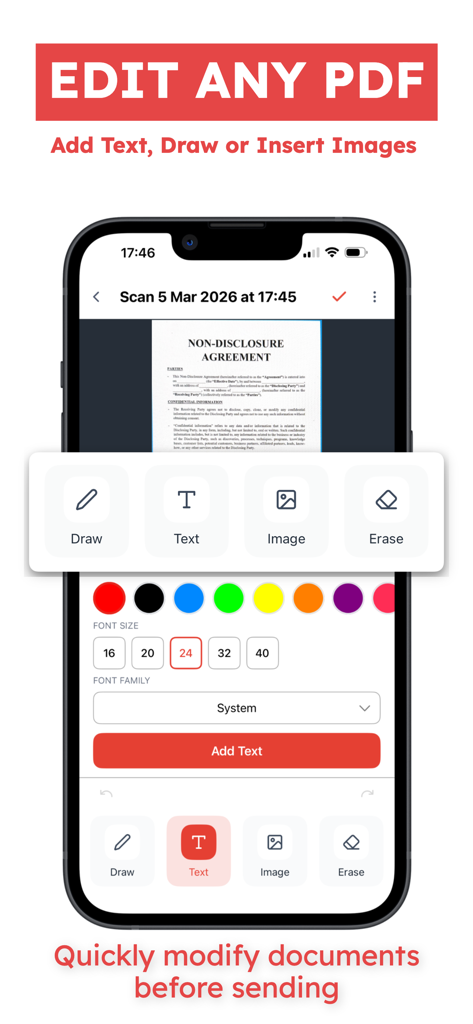
Interface of the PDF Editor app showing tools to add text, draw, and insert images into a digital document on an iPhone.
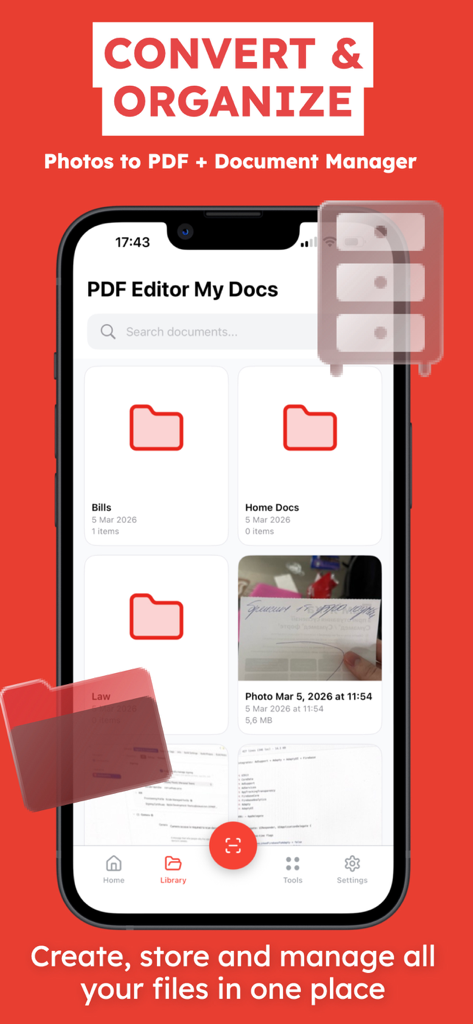
Mobile app interface showing document organization with folders for bills and home files.
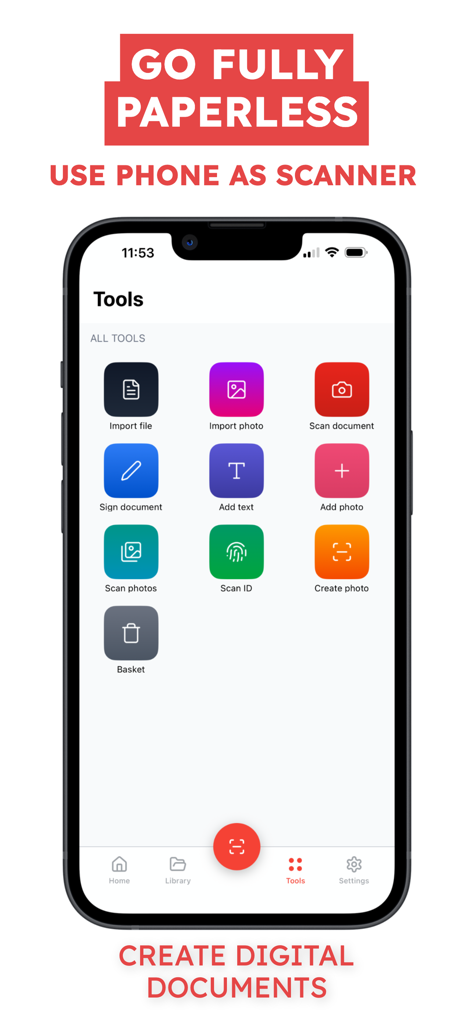
A mobile interface of the PDF Editor app showing various tools including scan document, sign document, and add text to create digital documents.
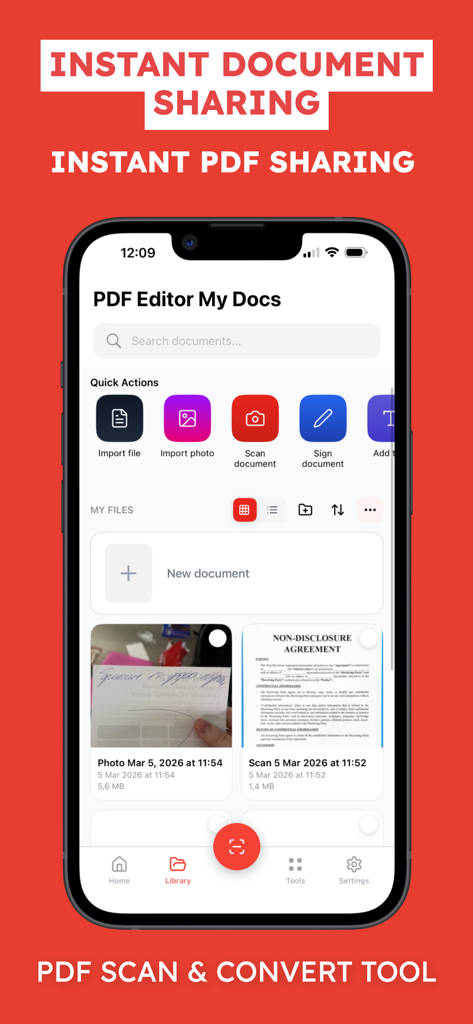
Mobile app interface for scanning signing and managing PDF documents
Description
Download
More Like This
Top-ranked apps in the same category

ChatGPT
OpenAI OpCo, LLC

Google Gemini
Google LLC

Gmail - Email by Google
Google LLC

Claude by Anthropic
Anthropic PBC

千问 - 阿里最强大模型官方AI助手
Shanghai Zhixin Puhui Technology Co., Ltd.

Grok
X.AI Corporation
Google Drive
Google LLC

Microsoft Authenticator
Microsoft Corporation
Google Sheets
Google LLC
This page is not an official page of the app or its developer, but an independent editorial publication created for informational and commentary purposes. Unless expressly stated otherwise, neither the app nor its developer is affiliated with, endorsed by, sponsored by, authorized by, or otherwise officially connected with MWM, Apple, Google Play, the app publisher, or the app's developer, and nothing on this page implies that the app was developed using MWM's services. Any trademarks, logos, screenshots, and other content remain the property of their respective owners.