PDF Editor ©

PDF Editor ©

Download on App Store
Logo of PDF Editor ©

PDF Editor ©: The All-in-One Powerhouse to Edit, Sign, and Convert Documents Anywhere

Stop waiting to get back to your desk. Effortlessly edit text, sign contracts, and compress files on the go with the ultimate professional productivity suite for your iPhone.

Publisher

Ultra Logic Limited

Category

Productivity

Downloads

85K+

User Rating

4.1/5

Total Ratings

0

Locales

33

Efficiency in Action

Discover the interface used by 85K+ users.
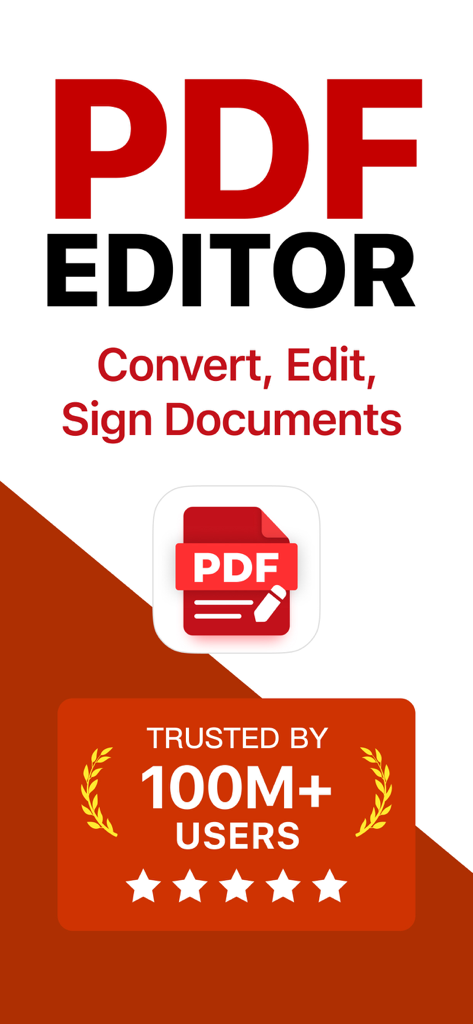
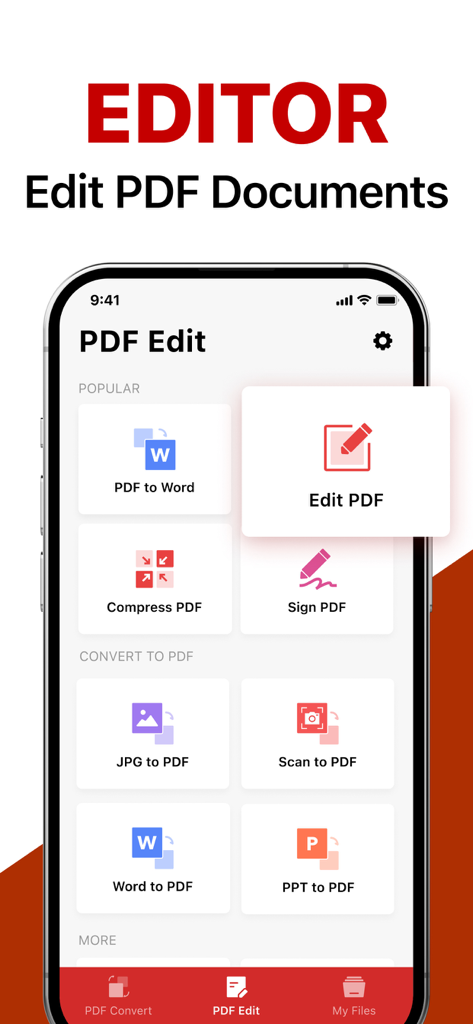
PDF Editor mobile app promotional screen showcasing features to convert edit and sign documents trusted by over 100 million users

PDF Editor mobile app promotional screen showcasing features to convert edit and sign documents trusted by over 100 million users

Main screen of the PDF Editor app showcasing document editing and conversion tools

Main screen of the PDF Editor app showcasing document editing and conversion tools

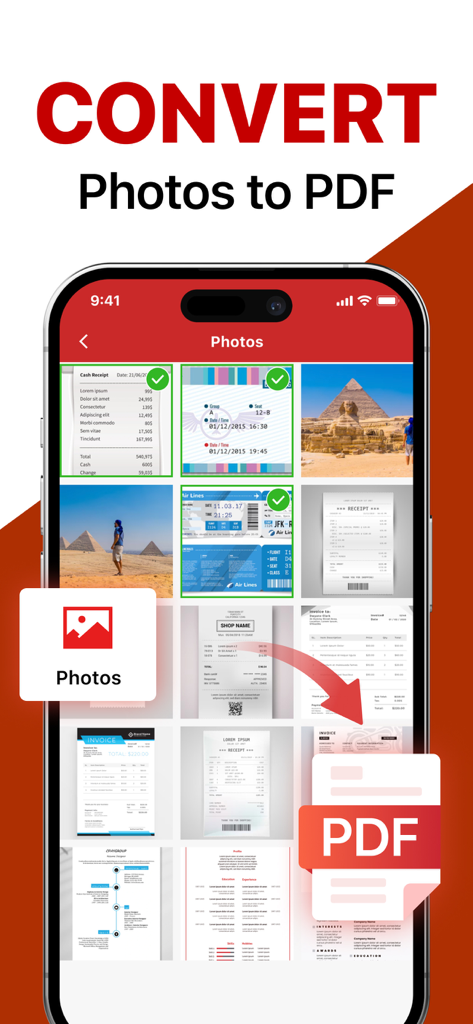
A mobile app interface showing multiple photos and documents being selected to be converted into a PDF file

A mobile app interface showing multiple photos and documents being selected to be converted into a PDF file

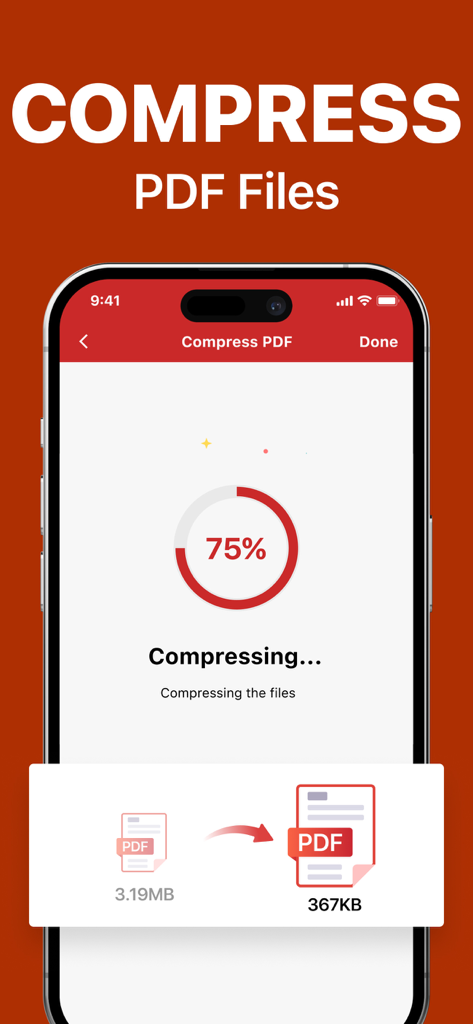
PDF Editor app interface displaying a progress indicator for compressing a file from 3.19MB to 367KB

PDF Editor app interface displaying a progress indicator for compressing a file from 3.19MB to 367KB

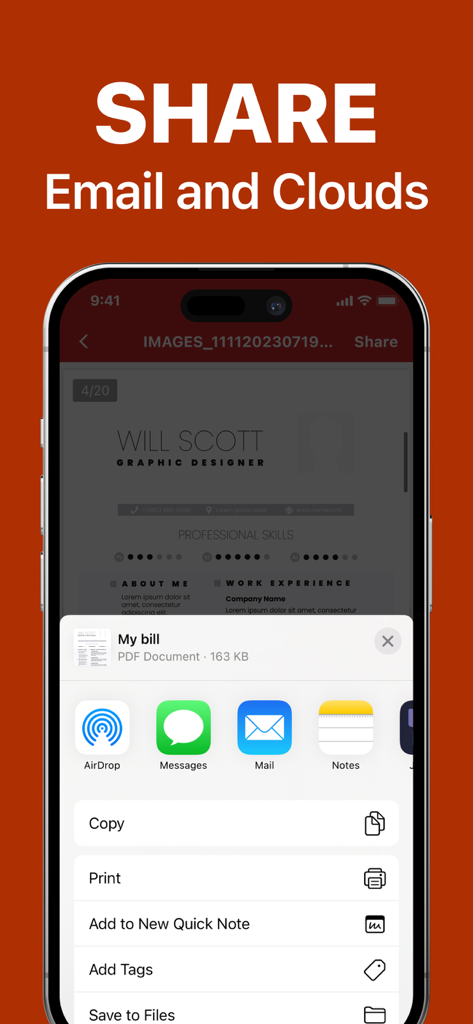
PDF Editor app interface for sharing documents via email and cloud services on an iPhone

PDF Editor app interface for sharing documents via email and cloud services on an iPhone

Your Mobile Office, Reimagined

The tools that make this app stand out, trusted by 85K+ users.

✍️

Sign Contracts in Seconds

Add professional e-signatures to any document and close deals while you are on the move. No printer or scanner required.

📝

Edit Text on the Fly

Found a typo? Fix it directly on your phone. Edit text and images with desktop-level power simplified for your mobile workflow.

📤

Convert & Share Instantly

Turn photos into clean PDFs and compress large files to bypass email size limits effortlessly, ensuring you always look professional.

About the app

Everything you need to know about PDF Editor ©.

Description

From converting photos and text documents to PDFs, to compressing PDF files for easy sharing, signing documents anytime and anywhere, effortlessly editing PDFs, and ensuring everything is automatically saved and shared as needed, Top PDF ® offers a comprehensive solution to boost productivity and simplify document management. Features 1. Versatile File Conversion Convert photos, Word documents, PowerPoint presentations, and text files into high-quality PDFs. Conversely, transform PDF documents back into editable Word files or even high-resolution JPG images. This feature is especially useful for professionals who need to maintain document quality and format consistency across various platforms. 2. Efficient PDF Compression Reduce the size of large PDF files with our efficient compression tool. Essential for users who need to meet email size limits or save storage space while maintaining the integrity of document content and layout. Compressed PDFs are easier to share and quicker to upload without compromising quality. 3. Convenient Document Signing Our e-signature feature allows you to sign documents directly within the app, significantly streamlining the process of authorizing official documents and contracts. Whether you’re a corporate executive, legal professional, or just need to sign personal documents, this feature saves you time and enhances your workflow flexibility. 4. Comprehensive PDF Editing Edit your PDF files like never before. Add or remove content directly from your smartphone or tablet. This powerful editing tool ensures you can make last-minute changes or major edits without needing access to a desktop computer. 5. Seamless Sharing and Auto-Save Functionality Easily share your documents directly from Top PDF ® with colleagues, friends, or on social media. Combined with auto-save functionality, you never have to worry about losing your latest edits or updates. Every change is saved instantly, ensuring your work is secure and up-to-date. Subscription information: After purchase confirmation, the fee will be deducted from your iTunes account. The subscription will automatically renew at least 24 hours before the end of the current period unless auto-renewal is turned off. Renewal fees depend on your subscription plan. Users can manage subscriptions and turn off auto-renewal in the account settings. Any unused portion of a free trial period (if offered) will be forfeited when purchasing a premium subscription during the free trial period. Privacy Policy:https://www.ultralogicapps.com/privacy Terms of Use: https://www.ultralogicapps.com/terms

Latest Version

1.3

Size

55.8 MB

First Released

Aug 12, 2024

Master Your Documents on the Go

Join 85,000+ professionals who have ditched the desk. Sign, edit, and compress your PDFs in seconds, wherever you are.

Download on App Store

App information, icons, screenshots, and descriptions displayed on this page are sourced from the Apple App Store and are the property of their respective developers. Download estimates and rankings are based on MWM's proprietary models and may not reflect actual figures. This page is provided for informational and analytical purposes only.

Believe this page infringes your intellectual property? File a dispute