
This page is not an official page of the app or its developer, but an independent editorial publication created for informational and commentary purposes. Unless expressly stated otherwise, neither the app nor its developer is affiliated with, endorsed by, sponsored by, authorized by, or otherwise officially connected with MWM, Apple, Google Play, the app publisher, or the app's developer, and nothing on this page implies that the app was developed using MWM's services. Any trademarks, logos, screenshots, and other content remain the property of their respective owners.

PDF Maker - Convert to PDF
The all-in-one productivity tool for your iPhone. Effortlessly convert, merge, and compress DOCX, JPG, and PPT files into high-quality PDFs to stay organized and professional on the go.
Downloads
654K+User Rating
Total Ratings
12K+Publisher
Category
ProductivityLocales
1Latest Version
2.2.0Size
98.1 MBFirst Released
May 29, 2021The Ultimate PDF Toolkit for Professionals
Bridge the gap between different file formats with a powerful mobile-first solution designed for high-speed productivity and seamless document management.
Instant Multi-Format Conversion
Transform Word docs, Excel sheets, and PowerPoint slides into professional PDFs in seconds, ensuring your work looks perfect on any device.
Advanced Merge & Compress Tools
Combine multiple files into one document or shrink large PDFs to fit email size limits without sacrificing quality or professional standards.
Frequently Asked Questions
Everything you need to know about PDF Maker - Convert to PDF
What file types can PDF Maker convert to PDF?
PDF Maker converts various file types including DOC, XLS, JPG, TXT, PPT, and SVG to PDF. It also supports DOCX, PPTX, and XLSX formats.
Can I convert photos to PDF with PDF Maker - Convert to PDF?
Yes, PDF Maker - Convert to PDF allows users to convert photos into PDF files directly on their iPhone.
Does PDF Maker support advanced PDF editing tools?
Yes, PDF Maker includes advanced PDF tools. Users can merge, split, and compress PDF files within the application.
How can I share PDF files created with PDF Maker?
PDF Maker allows users to preview, export, or share their created PDF files to other applications directly from the app.
Is PDF Maker - Convert to PDF available for iPhone users?
Yes, PDF Maker - Convert to PDF is available for iPhone users, enabling them to make PDF files on their device.
Where can I find the Privacy Policy for PDF Maker?
The Privacy Policy for PDF Maker is available at the provided URL: https://kupertinolabs.com/privacy-policy.
Does PDF Maker allow creating new PDFs from text?
Yes, PDF Maker allows users to create new PDF files by adding text. This feature is part of its PDF creation capabilities.
Can I convert Microsoft Office files like DOCX and XLSX to PDF using PDF Maker?
Yes, PDF Maker allows users to pick DOCX, PPTX, and XLSX files from their phone and convert them to PDF in seconds.
The following screenshots and description are sourced directly from the app's official store listing and are the property of the app developer.
App Store
Screenshots
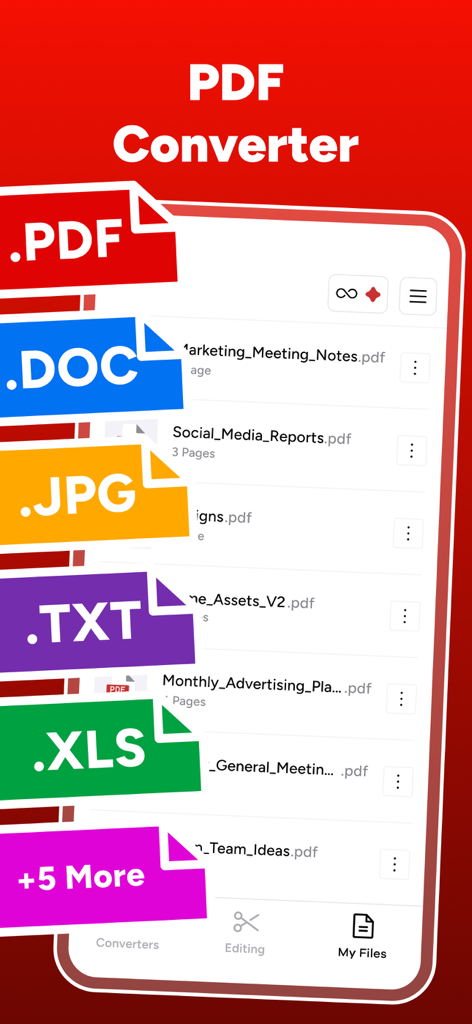
Mobile app screen showing file conversion options for DOC JPG TXT and XLS formats to PDF
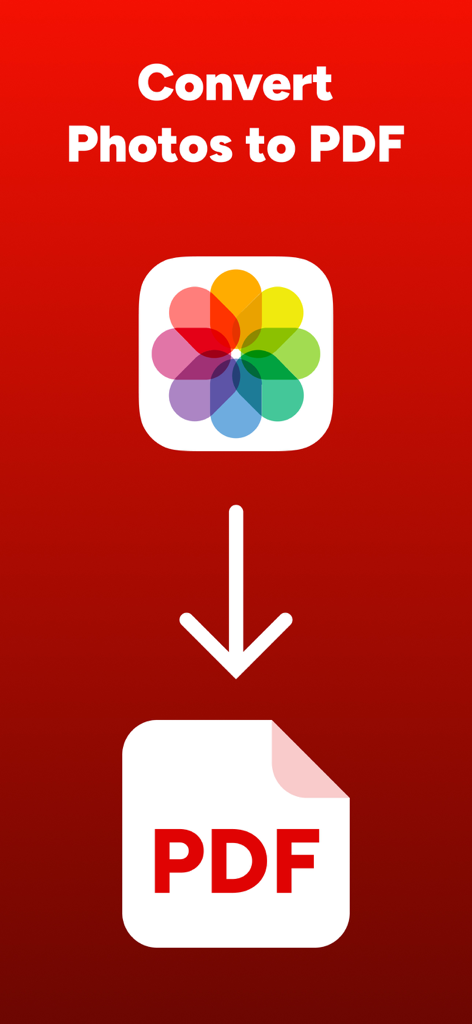
Graphic showing the conversion of a photo icon into a PDF file
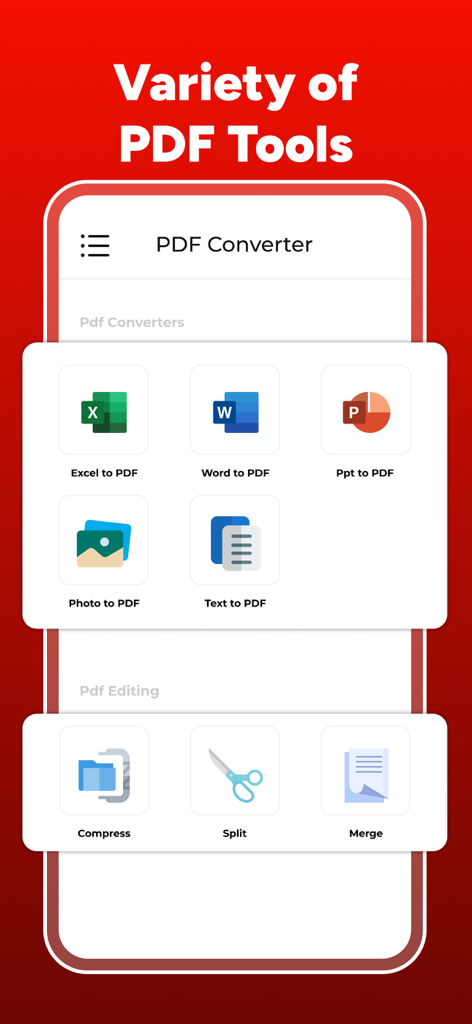
PDF Maker app interface displaying various conversion and editing tools like Word to PDF and merge
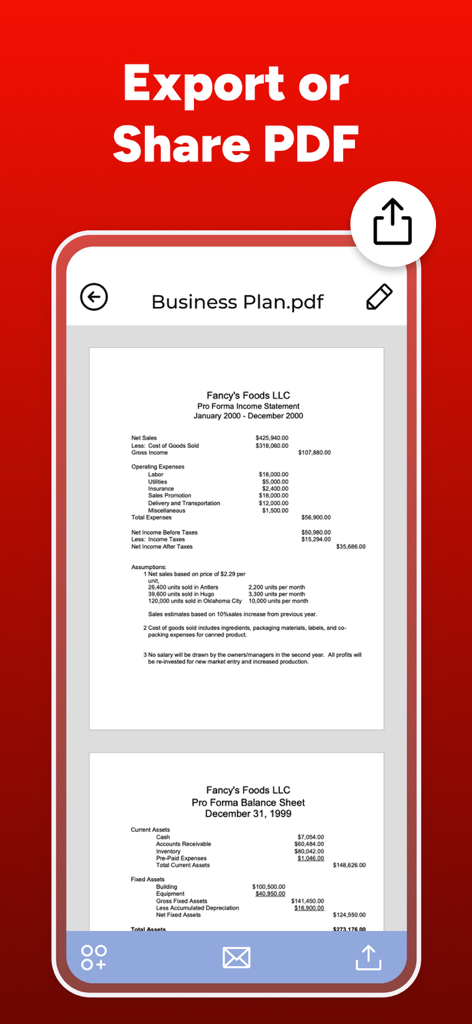
PDF Maker app interface showing a business plan document with options to export and share
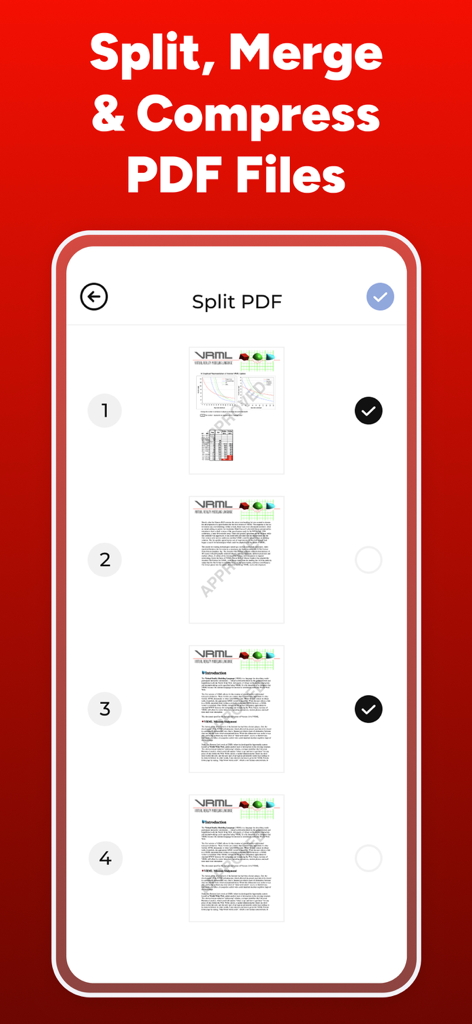
User interface of the PDF Maker app showing the split PDF feature with page selection
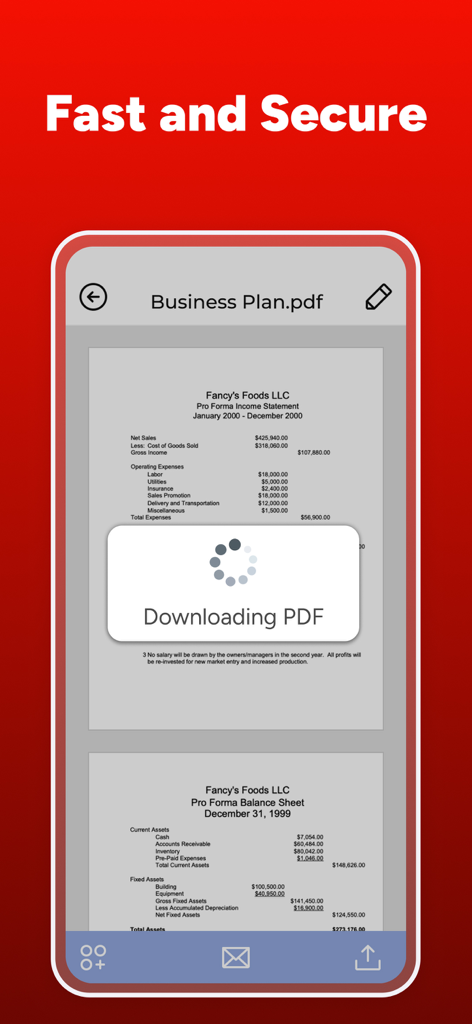
A mobile app interface showing a business plan PDF document downloading securely
Description
Download
More Like This
Apps with similar features and user experience

Converter Files & PDF Editor
Shenzhen Miguo Qudong Technology Co., Ltd

文档手机版-word文档编辑,手机office办公软件
喜存 岳

PDF Converter & PDF Creator
The Last Sunrise LLC

PDF Maker: Editor & Converter
SolveIt Inc.

PDF Editor・PDF File Converter
VISARGERD, S.L.

PDFit-AI PDF&Scanner
FAST LINE NETWORK TECHNOLOGY LIMITED

PDF Converter・Doc Scanner
Nikolai Ivanenko

PDF Editor | Files Converter
Yehor Karataiev
PDF Converter: PDF Compressor
Marten Geiger
This page is not an official page of the app or its developer, but an independent editorial publication created for informational and commentary purposes. Unless expressly stated otherwise, neither the app nor its developer is affiliated with, endorsed by, sponsored by, authorized by, or otherwise officially connected with MWM, Apple, Google Play, the app publisher, or the app's developer, and nothing on this page implies that the app was developed using MWM's services. Any trademarks, logos, screenshots, and other content remain the property of their respective owners.