
This page is not an official page of the app or its developer, but an independent editorial publication created for informational and commentary purposes. Unless expressly stated otherwise, neither the app nor its developer is affiliated with, endorsed by, sponsored by, authorized by, or otherwise officially connected with MWM, Apple, Google Play, the app publisher, or the app's developer, and nothing on this page implies that the app was developed using MWM's services. Any trademarks, logos, screenshots, and other content remain the property of their respective owners.

Converter Files & PDF Editor
The ultimate productivity tool for pros and students on the move. Effortlessly scan, edit, and convert even the largest files with desktop precision—no laptop required.
Downloads
100K+User Rating
Total Ratings
900Publisher
Category
ProductivityLocales
5Latest Version
1.2.0Size
62.7 MBFirst Released
Nov 4, 2024Professional PDF Power, Anywhere
Transform your iPhone into a high-performance document hub. Edit, convert, and manage professional files with zero friction and desktop-grade precision.
Flawless Multi-Format Conversion
Switch between Word, Excel, PPT, and PDF while keeping your layout 100% intact. We handle complex files over 100MB without garbled text.
Advanced PDF Editing & Security
Modify text, sign contracts, and merge documents on the go. Protect your privacy with professional redaction, watermarks, and secure annotations.
Frequently Asked Questions
Everything you need to know about Converter Files & PDF Editor
Can I edit text and images in PDFs using the Converter Files & PDF Editor app?
Yes, the "Converter Files & PDF Editor" app allows you to edit text within PDF documents, modify images, insert new text and images, and perform various operations like merging, splitting, and reordering pages.
What file formats does Converter Files & PDF Editor support for conversion?
The "Converter Files & PDF Editor" app converts PDF documents into formats like Word, Excel, PPT, images, and TXT. It also supports converting various other file formats into PDF while preserving original layouts.
Does Converter Files & PDF Editor support converting large files?
Yes, "Converter Files & PDF Editor" supports converting files over 100MB. It ensures stable formatting and prevents garbled text, which makes it suitable for managing complex and large document processing tasks efficiently.
How does the Mobile Scanner feature work in Converter Files & PDF Editor?
The Mobile Scanner feature in "Converter Files & PDF Editor" uses your phone’s camera to transform paper documents into high-resolution digital files. It generates PDFs or image files from items like contracts or invoices.
Can Converter Files & PDF Editor combine multiple images into one PDF?
Yes, "Converter Files & PDF Editor" allows you to quickly merge multiple images, such as photos, scans, or screenshots, into a single PDF file. This feature creates clear, readable files for easy sharing.
How does Converter Files & PDF Editor help with document management?
The "Converter Files & PDF Editor" app includes a Personal Document Manager. This feature enables you to easily manage and categorize all your files, including PDFs and images, by using labels and multiple folders.
How can I share documents using the Converter Files & PDF Editor app?
You can share documents from "Converter Files & PDF Editor" directly to email, various cloud services, or your contacts. This functionality simplifies the distribution and collaborative use of processed files.
Where can I find the Privacy Policy for Converter Files & PDF Editor?
The Privacy Policy for "Converter Files & PDF Editor" is available through the link provided in the app description: https://mgfun.cloudtofun.com/download/agreement/MgPDF-privacypolicy.html.
The following screenshots and description are sourced directly from the app's official store listing and are the property of the app developer.
App Store
Screenshots
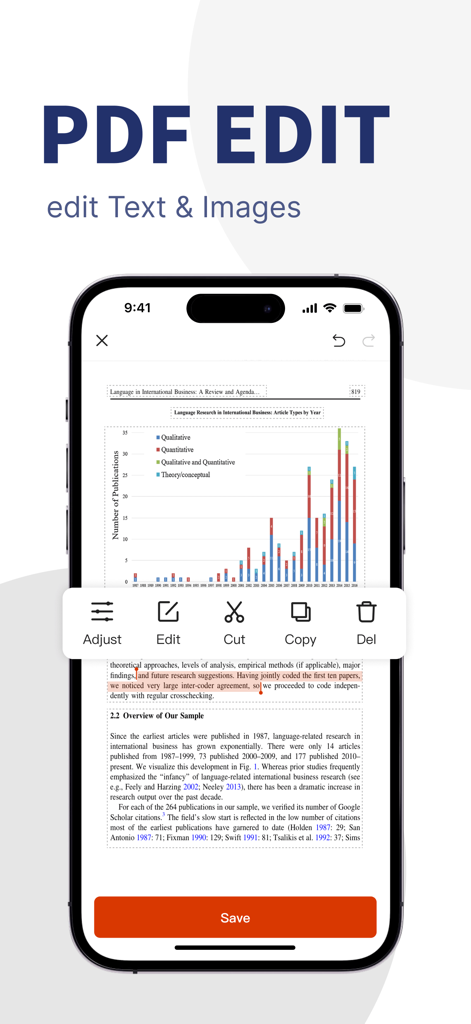
Mobile application interface showing PDF text and image editing tools
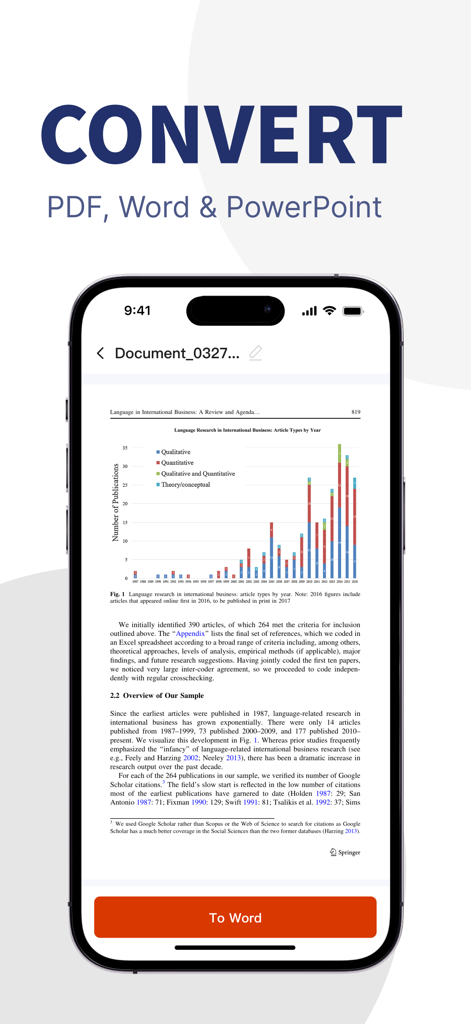
Smartphone screen showing PDF to Word conversion interface for mobile productivity
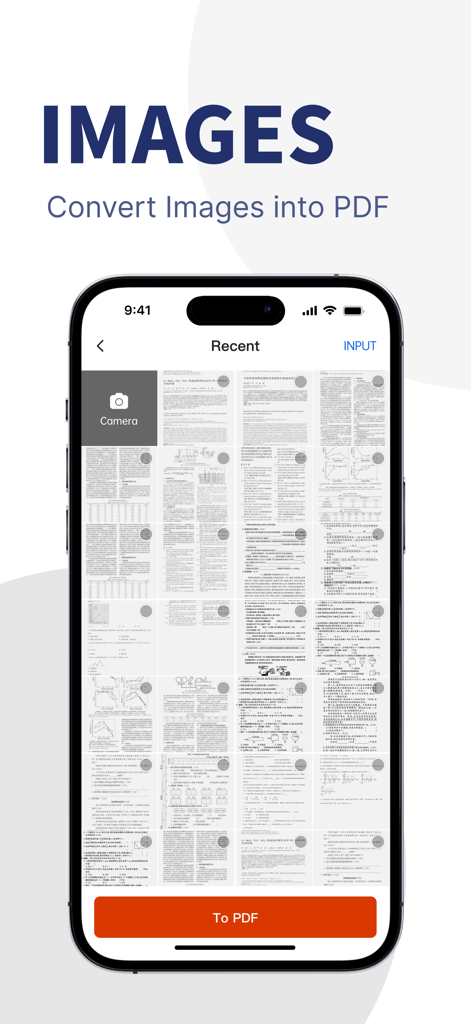
A mobile app screen showing a gallery of scanned documents and images ready to be converted into a single PDF file.
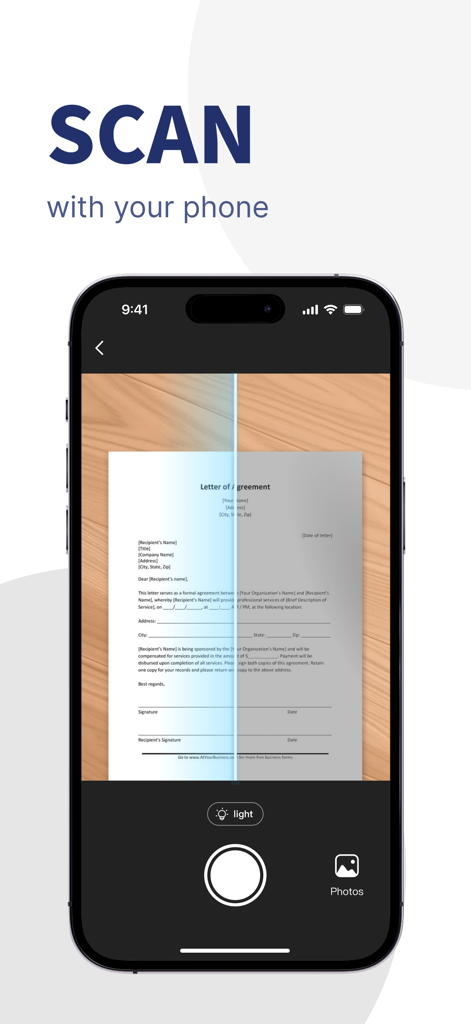
A smartphone interface scanning a paper letter of agreement to create a digital PDF document
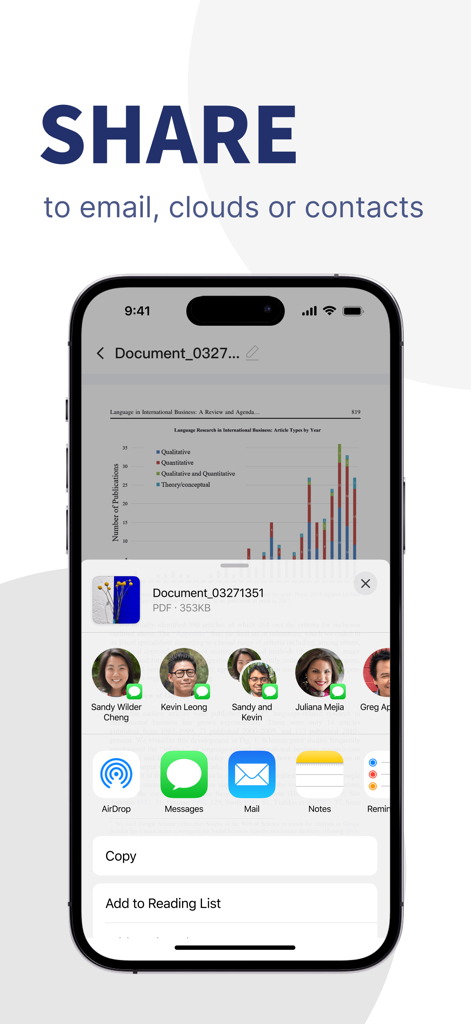
iOS interface showing the option to share a PDF document via email cloud or contacts
Description
Download
More Like This
Apps with similar features and user experience

文档手机版-word文档编辑,手机office办公软件
喜存 岳

PDF Maker - Convert to PDF
KUPERTINO BIL. YAZ. HALIL IBRAHIM KARAHAN SAFFET ARSLAN MUSTAFA AYTEN MUHAMMET YALCIN OZDEMIR K. S.

PDF Converter & PDF Creator
The Last Sunrise LLC

PDF Maker: Editor & Converter
SolveIt Inc.

PDF Editor・PDF File Converter
VISARGERD, S.L.

PDFit-AI PDF&Scanner
FAST LINE NETWORK TECHNOLOGY LIMITED

PDF Converter・Doc Scanner
Nikolai Ivanenko
PDF Editor-Converter & Viewer
SCOTT WILLIAM WALKER

PDF Editor | Files Converter
Yehor Karataiev
This page is not an official page of the app or its developer, but an independent editorial publication created for informational and commentary purposes. Unless expressly stated otherwise, neither the app nor its developer is affiliated with, endorsed by, sponsored by, authorized by, or otherwise officially connected with MWM, Apple, Google Play, the app publisher, or the app's developer, and nothing on this page implies that the app was developed using MWM's services. Any trademarks, logos, screenshots, and other content remain the property of their respective owners.