
This page is not an official page of the app or its developer, but an independent editorial publication created for informational and commentary purposes. Unless expressly stated otherwise, neither the app nor its developer is affiliated with, endorsed by, sponsored by, authorized by, or otherwise officially connected with MWM, Apple, Google Play, the app publisher, or the app's developer, and nothing on this page implies that the app was developed using MWM's services. Any trademarks, logos, screenshots, and other content remain the property of their respective owners.

PDF Editor・PDF File Converter
Effortlessly scan, sign, edit, and convert PDFs in seconds. Join over 168,000 professionals and students who have turned their iPhone into a high-performance mobile office.
Downloads
168K+User Rating
Total Ratings
100Publisher
Category
ProductivityLocales
1Latest Version
1.8.1Size
182.1 MBFirst Released
Jun 16, 2023Your All-in-One Mobile Office
Handle every document task in seconds. Scan, edit, sign, and convert with professional-grade tools designed for your busy lifestyle.
Instant Conversion & Editing
Switch between formats like JPG to PDF or edit text directly on the go. Get desktop power without the laptop.
Scan, Sign & Send
Transform paper into crisp, high-quality PDFs and add secure digital signatures to contracts in one tap.
Frequently Asked Questions
Everything you need to know about PDF Editor・PDF File Converter
How do I convert my files to PDF using the PDF Editor・PDF File Converter app?
Yes, the PDF Editor・PDF File Converter app allows you to convert files to PDF. Simply choose your file (JPG, image, Word), and the app instantly converts it. You can also convert PDFs back to Word format with ease.
Can I sign PDF documents with the PDF Editor・PDF File Converter app?
Yes, the PDF Editor・PDF File Converter app allows you to digitally sign your PDF documents. You can add your signature to any page within the document for security and authenticity.
Does PDF Editor・PDF File Converter allow me to scan paper documents into PDFs?
Yes, the PDF Editor・PDF File Converter app scans paper documents into PDFs. Simply take a photo of your document, and the app automatically converts it into a high-quality PDF.
How do I fill out PDF forms using the PDF Editor・PDF File Converter app?
Use the PDF Editor・PDF File Converter app's PDF filler feature to complete forms. You can adjust text and save your work directly within the document for quick and easy management.
Can the PDF Editor・PDF File Converter app convert images like JPG to PDF?
Yes, the PDF Editor・PDF File Converter app converts images like JPG to PDF. Upload your image or photo, and the app quickly converts it into a high-quality PDF. It also supports converting other image formats.
What editing features does the PDF Editor・PDF File Converter app offer?
The PDF Editor・PDF File Converter app allows you to edit text, fill out forms, and adjust your document’s font, size, and color. It also supports adding text, cropping, and filtering PDF content.
Can I compress large PDF files using the PDF Editor・PDF File Converter app?
Yes, the PDF Editor・PDF File Converter app includes a PDF Compressor feature. It reduces the file size of large PDFs while maintaining visual quality, making them ideal for email sharing.
Does PDF Editor・PDF File Converter allow me to organize or reorder PDF pages?
Yes, the PDF Editor・PDF File Converter app offers tools to organize PDFs. You can rotate, delete, or rearrange pages within your PDF files, and combine multiple PDFs into one document.
Can the PDF Editor・PDF File Converter app recognize and edit text within documents?
Yes, the PDF Editor・PDF File Converter app includes a feature to recognize and edit text from documents. It allows you to extract text and make modifications directly within the app.
Does the PDF Editor・PDF File Converter app have an eraser tool to remove document imperfections?
Yes, the PDF Editor・PDF File Converter app features an eraser tool. This tool allows users to remove imperfections or sensitive information from their PDF documents precisely.
Where can I find the privacy policy for the PDF Editor・PDF File Converter app?
The privacy policy for the PDF Editor・PDF File Converter app is available on its official website. You can find it at https://editor-pdf.app/privacy-policy/.
Who is the PDF Editor・PDF File Converter app designed for?
The PDF Editor・PDF File Converter app is designed for professionals, students, and anyone needing to edit, convert, or manage PDF documents quickly and easily for work, school, or personal projects.
The following screenshots and description are sourced directly from the app's official store listing and are the property of the app developer.
App Store
Screenshots
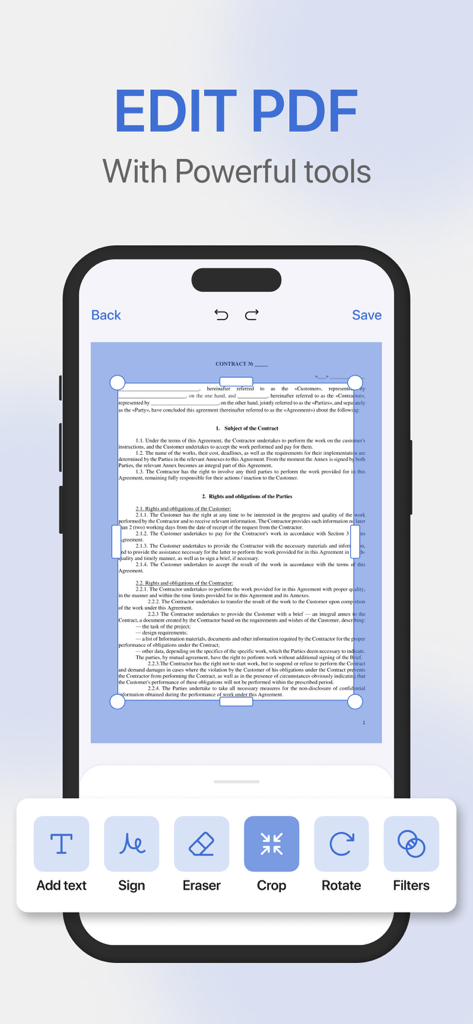
A smartphone screen displaying PDF editing tools like crop and sign for a document
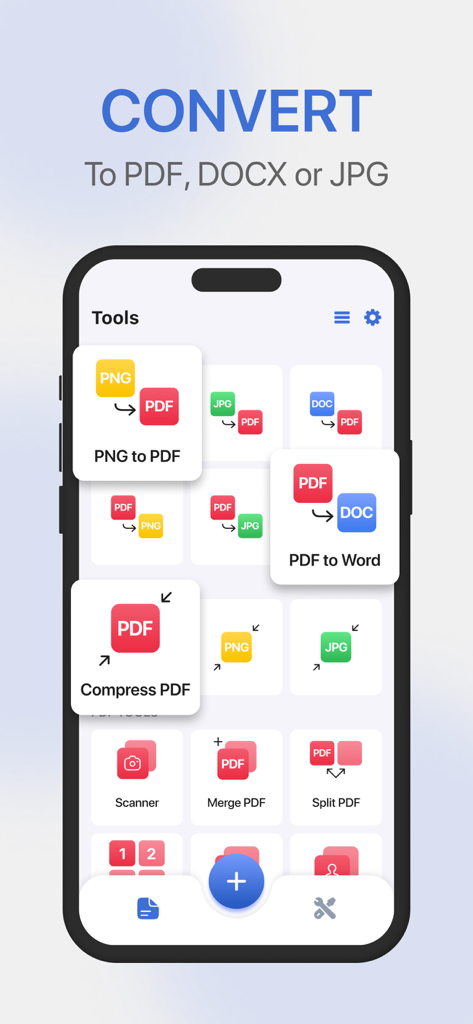
Mobile app screen showing various document conversion and editing tools for PDF and Word files
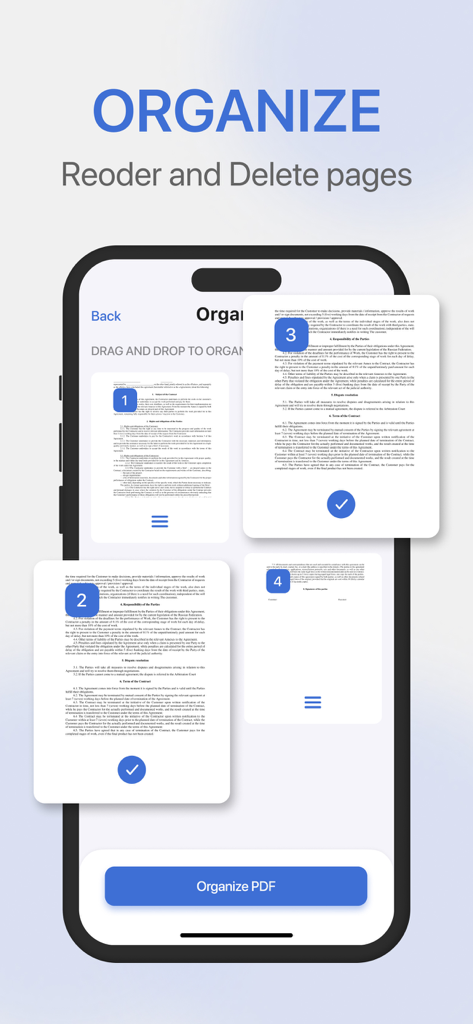
App screen showing the feature to reorder and delete PDF pages
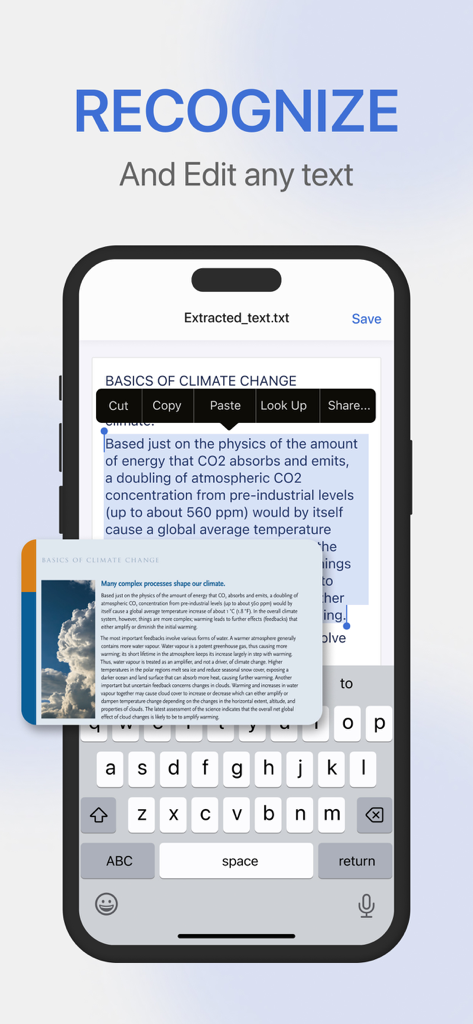
iPhone interface showing OCR text recognition and editing from a document scan in the PDF Editor app
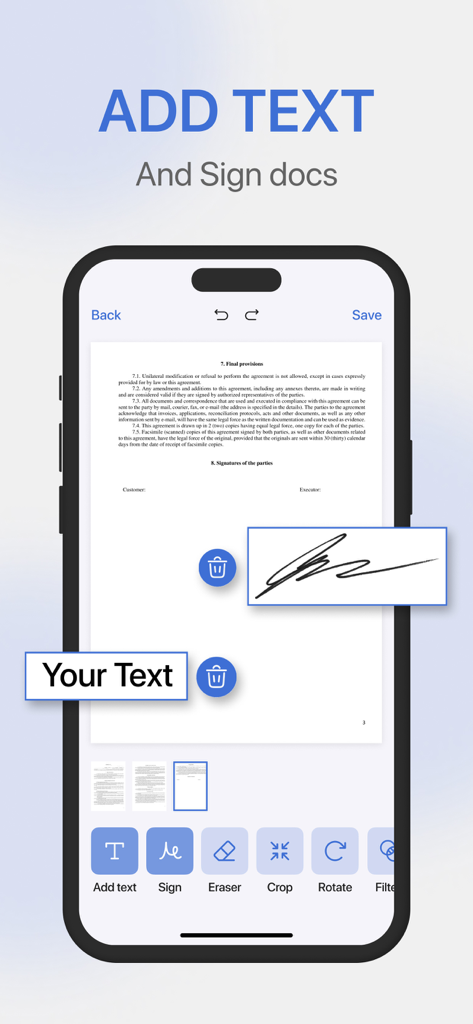
A smartphone screen showing a PDF editor app with options to add text and digital signatures to documents.
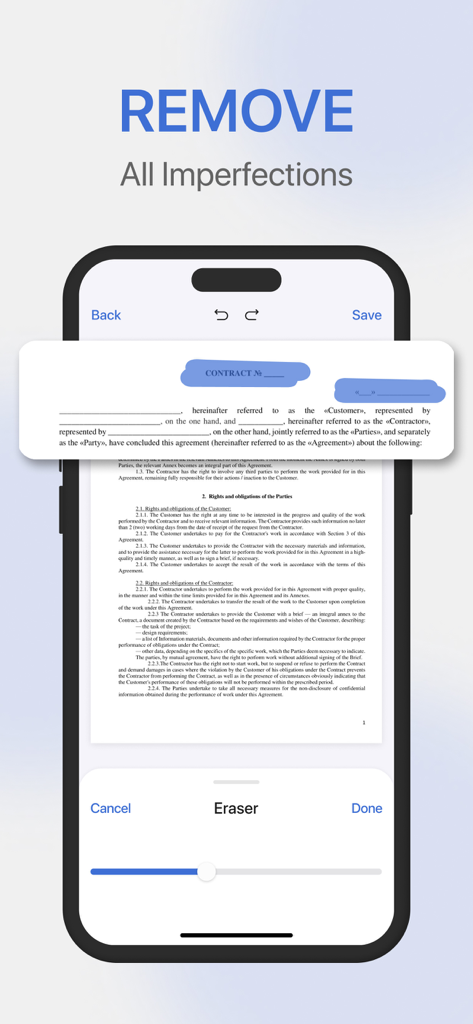
PDF Editor app showing the eraser tool removing imperfections from a contract document on an iPhone screen
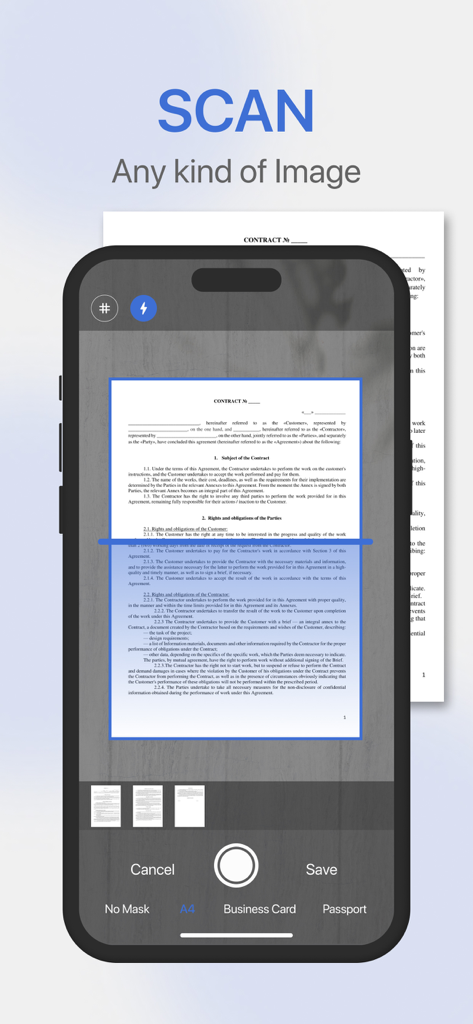
Mobile app interface showing the scan feature capturing a document with various format options like A4 and business card
Description
Download
More Like This
Apps with similar features and user experience

Converter Files & PDF Editor
Shenzhen Miguo Qudong Technology Co., Ltd

文档手机版-word文档编辑,手机office办公软件
喜存 岳

PDF Maker - Convert to PDF
KUPERTINO BIL. YAZ. HALIL IBRAHIM KARAHAN SAFFET ARSLAN MUSTAFA AYTEN MUHAMMET YALCIN OZDEMIR K. S.

PDF Converter & PDF Creator
The Last Sunrise LLC

PDF Maker: Editor & Converter
SolveIt Inc.

PDFit-AI PDF&Scanner
FAST LINE NETWORK TECHNOLOGY LIMITED

PDF Converter・Doc Scanner
Nikolai Ivanenko
PDF Editor-Converter & Viewer
SCOTT WILLIAM WALKER

PDF Editor | Files Converter
Yehor Karataiev
This page is not an official page of the app or its developer, but an independent editorial publication created for informational and commentary purposes. Unless expressly stated otherwise, neither the app nor its developer is affiliated with, endorsed by, sponsored by, authorized by, or otherwise officially connected with MWM, Apple, Google Play, the app publisher, or the app's developer, and nothing on this page implies that the app was developed using MWM's services. Any trademarks, logos, screenshots, and other content remain the property of their respective owners.